If processing fees are eating into your margins, you don’t have to absorb them alone. This guide breaks down leading credit card processors that offer automatic fee pass-through – then shows how Coastal Pay’s dual pricing and surcharging options help you stay compliant, protect profit, and get set up in minutes.
The Three Main Models for Passing Fees to Customers
✓Surcharging: A separate percentage fee added only to credit card transactions, on top of the listed price.
✓Dual Pricing: Two prices displayed at checkout – a lower cash price and a higher card price – with the terminal automatically applying the correct amount.
✓Cash Discounting: Prices are listed at the card rate; customers who pay cash or ACH receive a discount. More broadly permitted across states.
Jump to: Provider Comparison Table | Get Started with Coastal Pay | FAQ
Let’s Define What “Passing Card Fees to Customers” Really Means
Before comparing processors, it helps to understand the three primary models – because processors structure their programs differently, and the right one for your business depends on how your checkout works.
Surcharging
A surcharge is an additional fee added specifically to credit card transactions. If your item costs $100 and your surcharge is 3%, credit card customers pay $103. Cash, debit, or ACH customers pay $100. The fee is shown as a separate line item on the receipt. Important: debit and prepaid cards cannot be surcharged under Visa and Mastercard rules – compliant processors detect the card type and exclude debit automatically.
Dual Pricing
Dual pricing displays two prices simultaneously at the register or checkout: a cash price and a card price. The terminal or gateway automatically applies the correct total based on how the customer pays. No manual math. No staff intervention. This model is popular in retail and food service because the price difference is visible upfront.
Cash Discounting
Under a cash discount model, the listed price already reflects the card rate. Customers who pay with cash or ACH receive a reduction at checkout. Structurally similar to dual pricing in outcome, this model is more broadly permitted across states and is a common alternative for businesses in states with surcharge restrictions.
Service and Convenience Fees
In specific contexts – government payments, utility billing, or certain professional services – a flat convenience fee for card payments is permitted under card-brand rules. This is narrower and industry-specific compared to the three main models above.
In all cases, “automatic” means the processor’s terminal, POS system, or gateway software handles the calculation and application without staff doing manual arithmetic at every transaction.
Here’s What You Need to Know About Laws, Card Rules, and Compliance Basics
Compliance Note
State surcharging laws vary and are subject to change. This section provides general guidance only. Confirm your specific program configuration with Coastal Pay’s team and your legal counsel before going live.
State-Level Variation
Surcharging is restricted or subject to specific disclosure requirements in a number of US states. Cash discount and dual pricing programs are generally more broadly permitted across states when structured correctly – meaning the card price is displayed first and the cash option is genuinely available. If you operate in a state with surcharge restrictions, Coastal Pay’s team can walk you through compliant alternatives.
Card-Brand Rules
- Surcharges are capped – typically at 3% or your actual cost of acceptance, whichever is lower.
- Surcharges cannot be applied to debit cards or prepaid cards, ever.
- Surcharges must be disclosed to the customer before the transaction is completed.
- The surcharge must appear as a separate line item on the receipt.
- Merchants must register their surcharge program with Visa and Mastercard before implementing it.
Signage and Disclosure Requirements
Regardless of which model you use, customers must be informed of the fee before they decide to pay. This typically means point-of-sale signage, a disclosure at the online checkout screen, and a separate line on the receipt. Coastal Pay helps merchants configure compliant signage templates and receipt formats as part of the program setup process.
How Does Coastal Pay Handle Dual Pricing and Surcharging?
Coastal Pay’s dual pricing program is one of its core offerings and is designed to eliminate credit card processing fees for merchants who qualify and implement the program correctly.
Dual Pricing at the Terminal
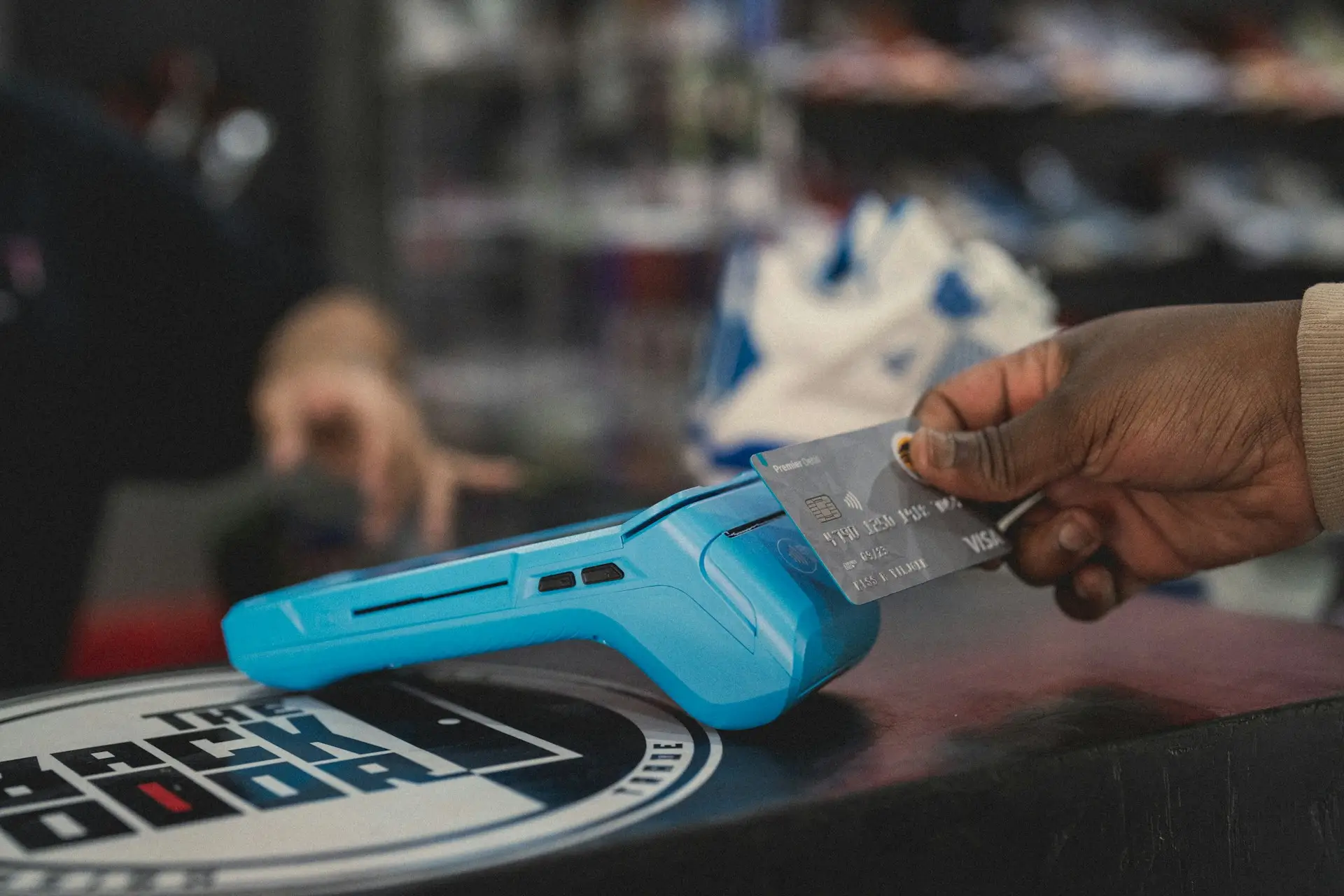
When a customer approaches the register, the terminal displays both the card price and the lower cash price. The customer’s payment method selection automatically triggers the correct total. No staff calculation, no manual adjustment. The receipt shows the price paid and, where required, the applicable fee as a separate line item.
How Dual Pricing Works at Checkout
Cash / ACH Price
$97.56
No processing fee
Card Price
$100.00
Includes card processing fee
↓
Terminal detects payment method and automatically applies the correct total. Debit cards are excluded from fee additions per card-brand rules.
Surcharging Option
For merchants in eligible states who prefer surcharging over dual pricing, Coastal Pay’s surcharging configuration adds a compliant percentage fee to credit card transactions while automatically detecting and excluding debit and prepaid cards. The fee is shown as a separate line item.
ACH as a No-Fee Alternative
Coastal Pay’s gateway supports ACH processing alongside card payments. This means merchants can offer customers a no-fee ACH payment option at checkout or on invoices – reinforcing the value of the cash/ACH price in dual pricing setups and giving B2B customers an accessible alternative to credit cards.
Supported Channels and Industries
Dual pricing and surcharging are available across retail, restaurant, e-commerce, B2B, pharmacies, hospitality, and other industries served by Coastal Pay. Program availability varies by state and card-brand rules – Coastal Pay’s team confirms eligibility during onboarding.
What Makes Coastal Pay Different from Other Fee-Recovery Providers?
Several processors offer dual pricing or surcharging programs. Here is where Coastal Pay stands apart for businesses evaluating automatic fee pass-through credit card processing.
- Instant approval and instant boarding. Most providers require days or weeks for underwriting. Coastal Pay approves eligible merchants in as little as 2 minutes, so you can configure and launch a dual pricing or surcharging program quickly rather than waiting for a lengthy review.
- 2,000+ software and POS integrations. Turning on dual pricing should not require replacing your existing POS or software stack. Coastal Pay connects to 2,000+ POS systems and software platforms – including retail, restaurant, pharmacy, and e-commerce tools – so your fee program runs through the system you already use.
- No gateway fees. The Coastal Pay Gateway eliminates gateway fees. Many processors charge separate per-transaction gateway fees that erode the savings from dual pricing. Coastal Pay removes that cost from the equation.
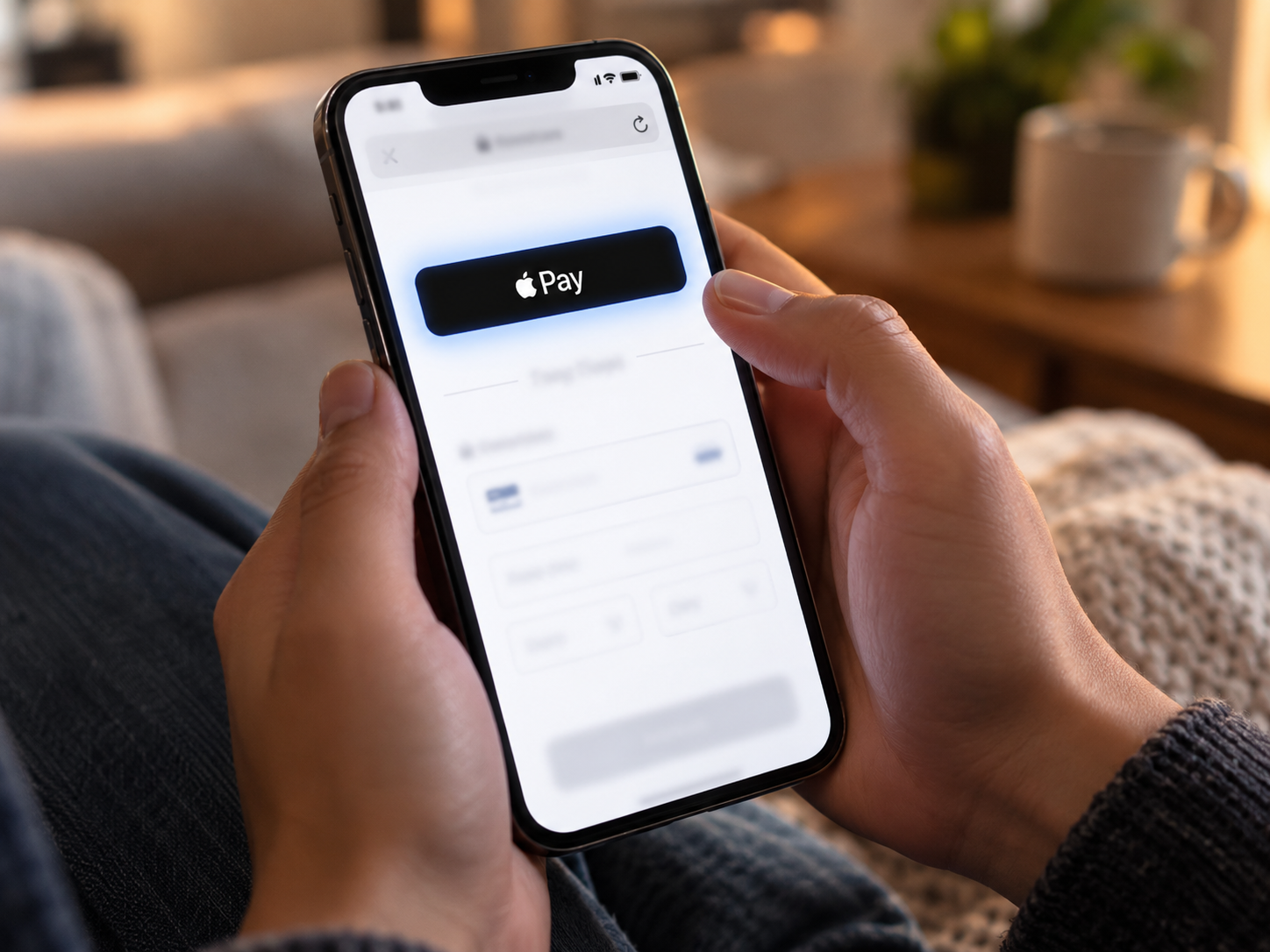
- Full payment method suite. Alongside dual pricing, Coastal Pay supports Apple Pay, Google Pay, ACH, Venmo, Klarna, Afterpay, Coinbase, PayPal, email invoicing, tap to pay, and payment links – so customers have genuine alternatives to credit cards.
- Flat-rate option available. Merchants who decide not to implement fee pass-through can use Coastal Pay’s flat-rate pricing at 2.5% + $0.15 per transaction as a straightforward alternative.
Which Other Processors Offer Automatic Fee Programs?
Here is a concise overview of the most commonly cited processors in the automatic fee pass-through category.
Stax (and CardX)
Stax offers cash discounting and surcharging through its platform. CardX, a Stax product, is a specialized surcharging solution focused on compliance management – automatically excluding debit cards, calculating eligible surcharge amounts, and providing compliant receipts. CardX targets B2B and professional services where customers tend to expect card fees. Automation is handled through Stax-integrated terminals and virtual terminals.
Payroc
Payroc markets cash discount and surcharge programs under “fee-recovery” and “zero-fee processing” branding. Their terminals are configured to automatically add a non-cash adjustment to card transactions and remove it for cash. Primarily serves small brick-and-mortar businesses through ISOs and independent agents.
Heartland (Edge Program)
Heartland’s “Edge” program is a cash discount setup where prices are listed at the card rate and cash customers receive a discount. Their terminals and POS integrations handle the automatic adjustment. Heartland is well-established in restaurants and small retail and distributes through a large network of local sales representatives.
Tidal Commerce
Tidal Commerce offers both cash discount and surcharging options with terminals that auto-apply the fee and print it as a separate line item. They also provide signage templates for compliance. Primarily serves retail, hospitality, and local service businesses.
Clearent (a Xplor Company)
Clearent supports cash discount and surcharging setups via their terminal and gateway network, typically distributed through local merchant service representatives. Can automatically apply program-wide fees and remove them for debit or cash.
Worldpay via ISOs
Worldpay itself does not heavily market consumer-visible surcharges, but many independent sales organizations on the Worldpay platform sell cash discount and zero-fee setups where the fee is automatically added to card transactions at the terminal level.
PayJunction and eBizCharge
PayJunction supports surcharging and cash discounting for professional services and B2B merchants in many states. eBizCharge focuses on compliant surcharging inside accounting and ERP systems such as QuickBooks, NetSuite, and Sage – a good option for invoice-heavy businesses already embedded in those platforms.
How Does Coastal Pay Compare to Stax, CardX, Payroc, Heartland, and Others?
| Provider |
Program Types |
Automation Level |
Integrations |
Gateway / ACH |
Best For |
| Coastal Pay |
Dual pricing, surcharging, cash discount |
Full – terminal, gateway, online |
2,000+ POS and software |
Yes – gateway + ACH, no gateway fee |
Retail, restaurant, pharmacy, B2B, e-commerce, multi-location |
| Stax / CardX |
Surcharging (CardX), cash discount (Stax) |
Full – terminal and virtual terminal |
Moderate – Stax marketplace apps |
Yes – Stax gateway |
B2B, professional services, subscription billing |
| Payroc |
Cash discount, non-cash adjustment |
Terminal-based automation |
Limited |
Basic gateway |
Small brick-and-mortar via local ISO reps |
| Heartland (Edge) |
Cash discount (Edge program) |
Terminal and POS |
Heartland-compatible POS systems |
Yes – Heartland gateway |
Restaurants, small retail, Heartland hardware users |
| Tidal Commerce |
Cash discount, surcharging |
Terminal and POS |
Limited |
Basic |
Local retail, hospitality, service businesses |
| Clearent |
Cash discount, surcharging |
Terminal and gateway |
Limited – ISO-distributed |
Yes |
Small businesses working through local reps |
| eBizCharge |
Surcharging, cash discount |
ERP / accounting software embedded |
Strong within ERP ecosystem |
Yes – inside accounting platforms |
QuickBooks, NetSuite, Sage users with invoice-heavy flows |
Coastal Pay is the clearest fit for US-based merchants who need dual pricing or surcharging to work across in-store, online, and invoice channels simultaneously – while connecting to existing software without a full system replacement. eBizCharge is a strong niche pick if you are already embedded in QuickBooks or NetSuite. CardX is worth evaluating if surcharge compliance management for B2B is your primary concern.
Talk to a Coastal Pay Specialist
Not sure which program is right for your business? Share your state, industry, and average ticket size with Coastal Pay and get a tailored recommendation for dual pricing, surcharging, or cash discounting in your specific context.
Request a Tailored Recommendation or call 888-266-1715.
How Do You Choose the Right Provider for Your Business?
The right automatic fee pass-through processor depends on four factors: your state, your industry, your average ticket size, and the mix of in-person versus online transactions.
By Business Type
- Retail and restaurant: Dual pricing is the most common fit. Customers can see both prices upfront and choose. Coastal Pay’s 2,000+ POS integrations mean your existing hardware is likely already compatible.
- Professional services and B2B: Surcharging works well here because invoice-based customers expect line-item transparency. Combining surcharging with ACH as a no-fee alternative reduces pushback significantly.
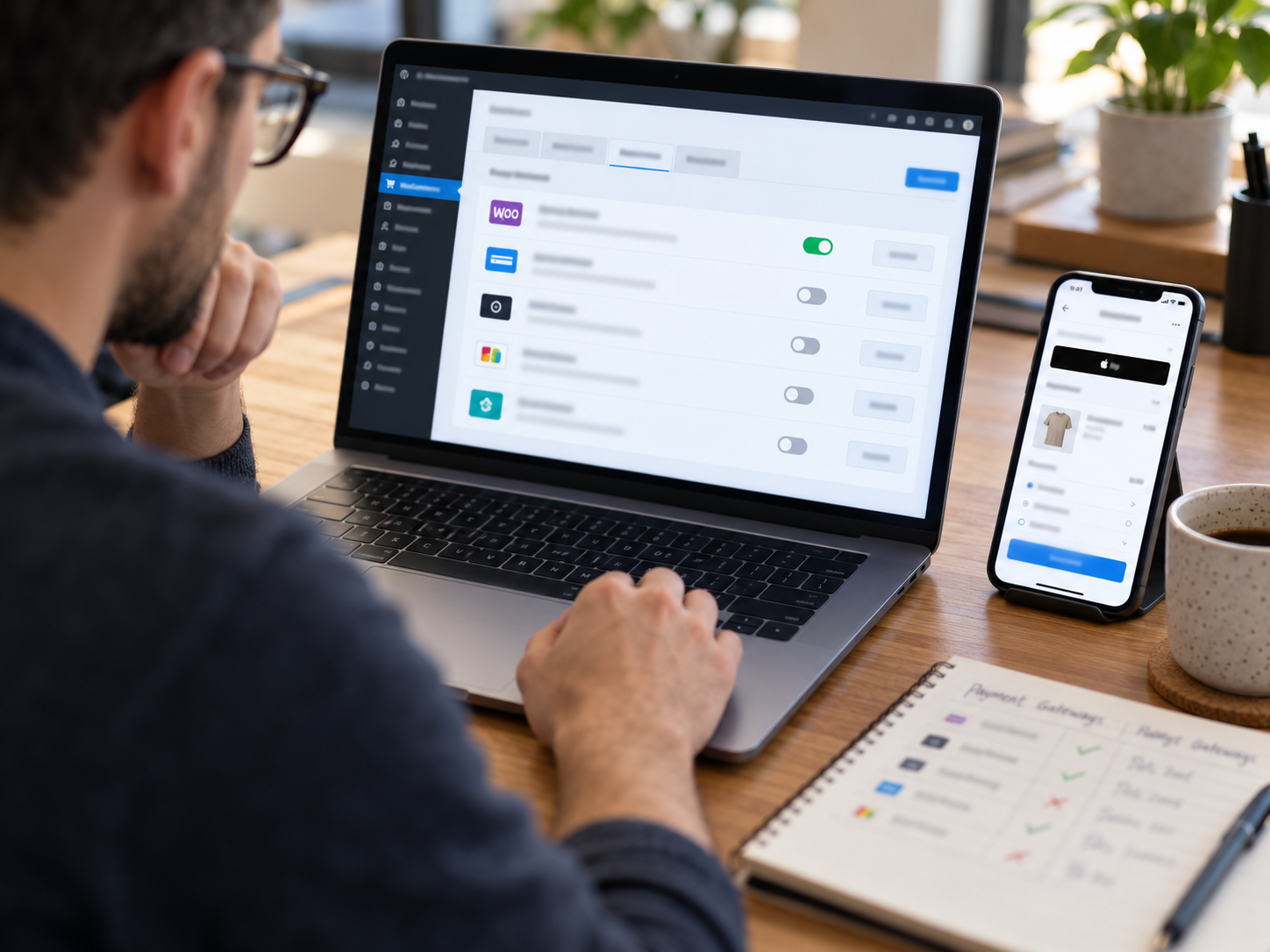
- Online and e-commerce: Dual pricing or cash discounting can be implemented at checkout with a gateway that supports it. Coastal Pay’s gateway supports this alongside ACH, buy-now-pay-later, and digital wallets.
- Invoice-heavy businesses using QuickBooks or NetSuite: eBizCharge may have a tighter ERP integration, though Coastal Pay’s API and software integrations can connect to most accounting platforms.
By Average Ticket Size
Higher average tickets amplify both savings and customer sensitivity. A 3% fee on a $30 coffee is $0.90 – barely noticed. On a $3,000 B2B order it is $90 – worth discussing with your customer base. For high-ticket transactions, offering a genuine no-fee ACH alternative typically reduces customer friction significantly.
Decision Shortcut
Bring your last processing statement to Coastal Pay. Their team will identify your card mix (credit vs. debit), estimate how much volume qualifies for fee pass-through, and recommend whether dual pricing or surcharging produces better outcomes for your specific profile – before you commit to anything.
What Steps Should You Take to Turn On Automatic Fee Pass-Through with Coastal Pay?
- Apply online and get instant approval. Visit coastalpay.com or call 888-266-1715. Most merchants are approved in 2 minutes or less through Coastal Pay’s instant boarding process.
- Choose your program with a Coastal Pay specialist. During onboarding, a specialist reviews your state, industry, and transaction mix to recommend dual pricing or surcharging and confirm eligibility.
- Select compatible hardware or confirm your existing setup. With 2,000+ POS integrations, Coastal Pay likely supports your current terminals and software. If hardware upgrades are needed, the team provides options.
- Configure your card and cash prices (or surcharge percentage). Set the spread between card and cash prices, or set your surcharge percentage within card-brand limits. Enable automatic debit card detection and configure ACH or alternative payment options for customers who prefer no-fee methods.
- Implement required signage. Coastal Pay provides signage templates and guidance for point-of-sale and online checkout disclosure requirements in your state.
- Train your team. Staff need to understand how to explain the two prices to customers and how the terminal handles it automatically. Coastal Pay’s support team provides training resources and can be reached at 888-266-1715.
- Go live and monitor. Once live, Coastal Pay’s centralized dashboard tracks transactions, fee collection, and settlement across channels so you can confirm the program is running correctly.
FAQ: Passing Credit Card Fees to Customers Automatically
What is the difference between dual pricing and surcharging?
Dual pricing displays two prices at checkout – a lower cash price and a higher card price – so customers self-select which to pay. Surcharging adds a separate fee only to credit card transactions on top of the listed price. Dual pricing is generally permitted more broadly across US states, while surcharging has additional card-brand rules and some state restrictions. Both can be automated through a compliant processor like Coastal Pay.
Can I surcharge debit card transactions?
No. Visa and Mastercard rules prohibit surcharges on debit and prepaid cards. Processors with compliant automatic fee programs – including Coastal Pay – automatically detect debit cards and exclude them from surcharges, applying only the standard price without any staff action required.
Is passing credit card fees to customers legal in all US states?
Surcharging rules vary by state, with some states imposing restrictions or disclosure requirements. Cash discount and dual pricing programs are more broadly permitted when structured correctly. Coastal Pay helps merchants configure compliant programs based on their state and industry. Always confirm your specific situation with Coastal Pay’s team and your legal counsel before going live.
How quickly can I set up dual pricing or surcharging with Coastal Pay?
Coastal Pay offers instant approval in as little as 2 minutes. Once approved, a specialist configures your dual pricing or surcharging program, connects your compatible hardware or software, and helps you implement required signage. Most merchants can be processing under a compliant automatic fee pass-through program within a few business days. Get started here.