
How to Switch From Stripe to Coastal Pay on WooCommerce Without Downtime (Complete Step-by-Step Guide)

If your WooCommerce store runs on Stripe and processes $30,000 or more per month, you are paying more than you need to. Stripe charges 2.9% + $0.30 per online transaction. Coastal Pay charges a flat 2.5% + $0.15 per transaction with $0 monthly gateway fee. At $50,000/month, that difference is $4,200/year. At $100,000/month it is $8,400/year. The switch takes 30 to 60 minutes, requires no store rebuild, no developer involvement for standard WooCommerce setups, and zero checkout downtime when done with the parallel-run method described in this guide. Everything about your WooCommerce store – your theme, products, cart, customer accounts, and SEO – remains completely unchanged.
WooCommerce Dual Pricing With Coastal Pay: Reduce Card Processing Fees to Near Zero (2026 Guide)

Of all the strategies available to reduce WooCommerce processing costs, dual pricing has the highest ceiling. While switching from Stripe to Coastal Pay saves $4,200 to $8,400/year depending on volume, implementing dual pricing on top of the rate switch can save $10,000 to $50,000+/year depending on volume and ACH adoption rate. This is not a marginal improvement – it is a cost structure transformation that changes the fundamental economics of card acceptance for a WooCommerce store. This guide covers exactly how dual pricing works on WooCommerce, why it is legal in all 50 states, how Coastal Pay deploys it at the gateway level, and what the real annual savings look like at three WooCommerce store sizes.
How to Add ACH Bank Payments to WooCommerce With Coastal Pay (B2B Cost Savings Guide 2026)

For WooCommerce stores that sell to business customers – B2B supply, wholesale, professional services, software licenses – ACH bank debit is the single highest-ROI payment method addition available. The cost difference between card processing and ACH processing at typical B2B WooCommerce order sizes is not incremental. At $2,000 per order, ACH at Coastal Pay’s flat per-item rate costs approximately $1.50. The same order by card at 2.5% + $0.15 costs $50.15. That $48.65 per-order difference adds up to real annual savings that compound with every B2B customer who adopts ACH payment. This guide covers exactly how to add ACH to your WooCommerce checkout using Coastal Pay, who benefits most, and how to encourage adoption.
WooCommerce Recurring Billing and Subscription Payments With Coastal Pay (2026 Complete Guide)

WooCommerce subscription stores have payment gateway requirements that go far beyond what a standard one-time transaction gateway provides. Card-on-file tokenization, configurable billing cycles, automated failed payment retry, card updater services, and ACH recurring billing are all critical infrastructure for a subscription WooCommerce store – because without them, involuntary churn from payment failures silently erodes MRR every month. This guide covers how Coastal Pay powers WooCommerce recurring billing at flat 2.5% + $0.15 with no separate subscription billing platform fee, and how the right dunning and card updater configuration can recover tens of thousands in annual MRR that would otherwise be lost to involuntary churn.
How to Add Klarna and Afterpay to Your WooCommerce Store With Coastal Pay (BNPL 2026 Guide)

Buy-now-pay-later options at WooCommerce checkout are one of the most well-documented average order value and conversion rate improvements available to online stores. A customer who pauses at a $180 checkout often completes the purchase when Klarna shows “4 payments of $45.” The same customer with a $350 cart who might have removed an item may keep both items when Afterpay shows “4 payments of $87.50.” The merchant receives the full amount immediately. The BNPL provider bears the customer’s non-payment risk. The merchant’s only obligation: offer the option at checkout. This guide covers how to add both Klarna and Afterpay to your WooCommerce store through Coastal Pay’s single plugin – no separate BNPL agreements, no extra monthly fees, and no developer required.
How to Reduce WooCommerce Payment Processing Fees (8 Proven Strategies With Coastal Pay)

Payment processing fees on a WooCommerce store scale directly with revenue – every dollar you earn has a percentage going to your processor. Unlike rent or payroll (which are relatively fixed), processing fees compound proportionally with growth: the more successful your store becomes, the more you pay. Reducing your WooCommerce effective processing rate is one of the highest-leverage margin improvements available because the savings apply to every future transaction, permanently. This guide covers eight specific, actionable strategies to reduce what your WooCommerce store pays in processing fees, using Coastal Pay’s flat 2.5% + $0.15 with $0 gateway fee as the benchmark for every comparison.
How to Add Apple Pay and Google Pay to Your WooCommerce Store With Coastal Pay
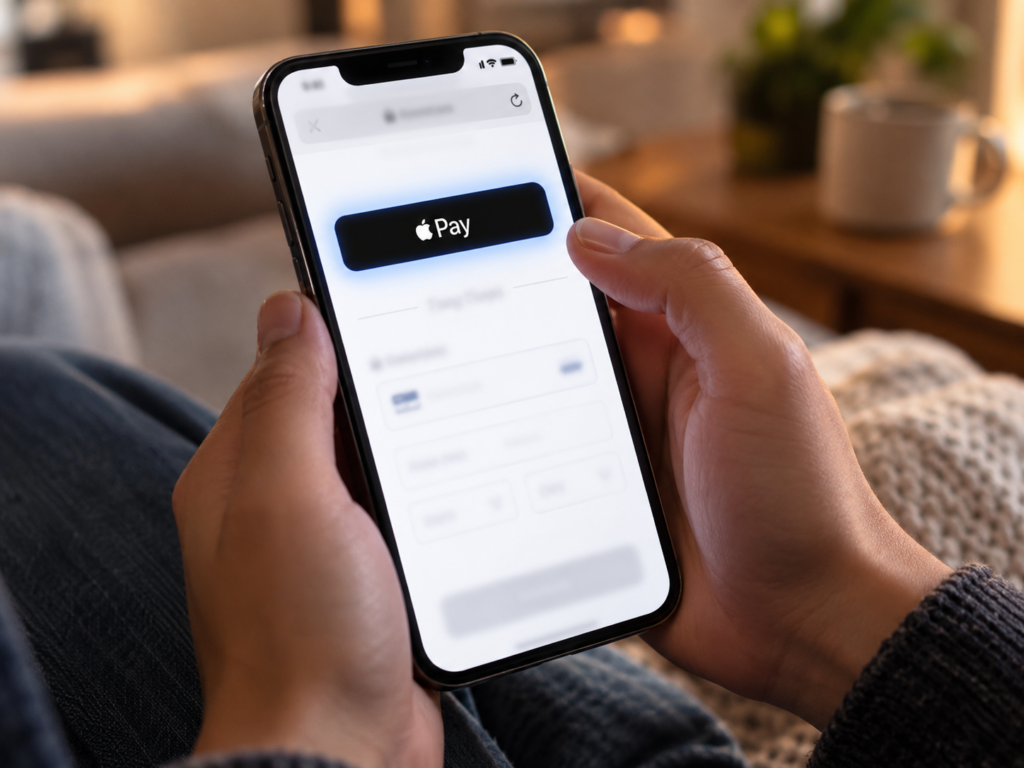
More than 60% of WooCommerce traffic arrives on mobile devices. Customers shopping on iPhones expect to see an Apple Pay button at checkout. Customers on Android devices expect Google Pay. When these options are missing, a significant percentage of mobile customers abandon rather than type a 16-digit card number, expiry date, CVV, and billing address into a phone keyboard. This guide covers exactly how to add both Apple Pay and Google Pay to your WooCommerce store using Coastal Pay’s plugin – including every technical requirement, the domain verification step that trips up most first-time setups, and why the checkout speed difference between card entry and Apple Pay is one of the most measurable mobile conversion improvements available to WooCommerce store owners.
Best WooCommerce Payment Gateways in 2026: Stripe, PayPal, Square & Coastal Pay Compared
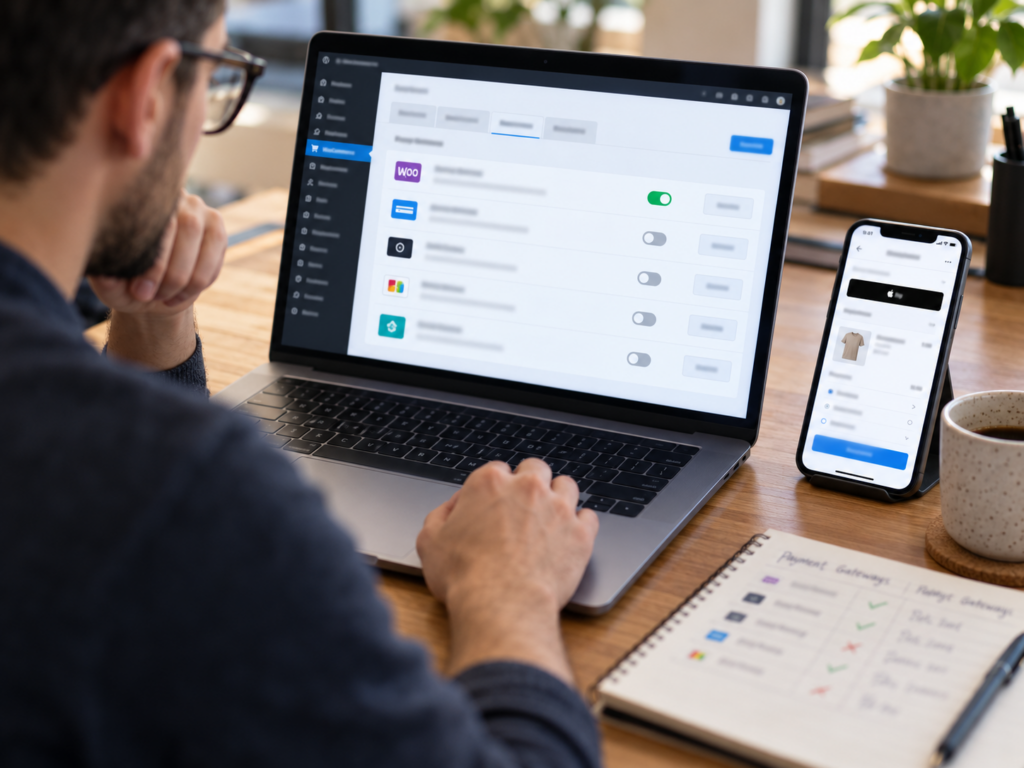
WooCommerce gives store owners genuine freedom to choose their payment gateway – unlike hosted platforms that lock you into proprietary payment systems. That freedom is only valuable if you know which gateway to choose and why. In this 2026 comparison we evaluate Stripe, PayPal, Square, and Coastal Pay across every dimension that matters for WooCommerce stores: all-in processing cost, plugin quality, Apple Pay and Google Pay support, BNPL availability, ACH, account stability, and annual cost at three realistic WooCommerce store volumes. Every number in this guide is calculated, not quoted – so you see what you would actually pay, not what a pricing page says.
How to Accept Payments Online Without a Website (6 Methods With Coastal Pay)

You do not need a website to get paid online. Whether you are a freelancer sending invoices by email, a contractor collecting deposits by text, a market vendor displaying a QR code, or a service business booking jobs over the phone, there is a payment method that works exactly for your situation – without building a website and without touching your customer’s card number directly. This guide covers six ways to collect payments online without a website using Coastal Pay, all at the same flat 2.5% + $0.15 rate with no monthly gateway fee.
How to Reduce Credit Card Processing Fees for Small Businesses (9 Proven Ways With Coastal Pay)

Credit card processing fees are one of the largest variable costs a small business pays – and unlike rent, payroll, or inventory, they scale directly with revenue. The more you earn, the more you pay. That means reducing your effective processing rate is one of the few levers that permanently improves margin on every future dollar of revenue. This guide covers nine specific, actionable ways to reduce what your small business pays in card processing fees, using Coastal Pay’s flat 2.5% + $0.15 with $0 gateway fee as the benchmark for every comparison.
