
How to Set Up Recurring Billing for Your Subscription Box Business

Recurring billing is the financial engine of any subscription box. Get it right and subscribers renew automatically, cash flow is predictable, and operations scale cleanly. Get it wrong and involuntary churn, failed payments, and reconciliation headaches drain time you could spend growing. In this guide, we show you exactly how to set up reliable recurring billing with Coastal Pay, from billing model selection to dunning management and launch.
How to Change Your Business Checking Account with Coastal Pay

Updating the bank account where you receive your Coastal Pay deposits should be quick, clear, and low-stress. This FAQ walks you through our simple three-step process to change your business checking account, what documents we need, how long it takes, and how to avoid any disruption to your daily payments.
Flat-Rate Processing at 2.5% + $0.15 Per Transaction
If you are asking which processor really offers the most competitive flat-rate pricing, start with the actual math. Coastal Pay delivers a simple 2.5% + $0.15 per transaction with no gateway fees, built on a next-generation platform that already powers over $1.6B in volume for growth-focused businesses.
How to Accept Google Pay In-Store Without Square (Retail Setup With Coastal Pay)
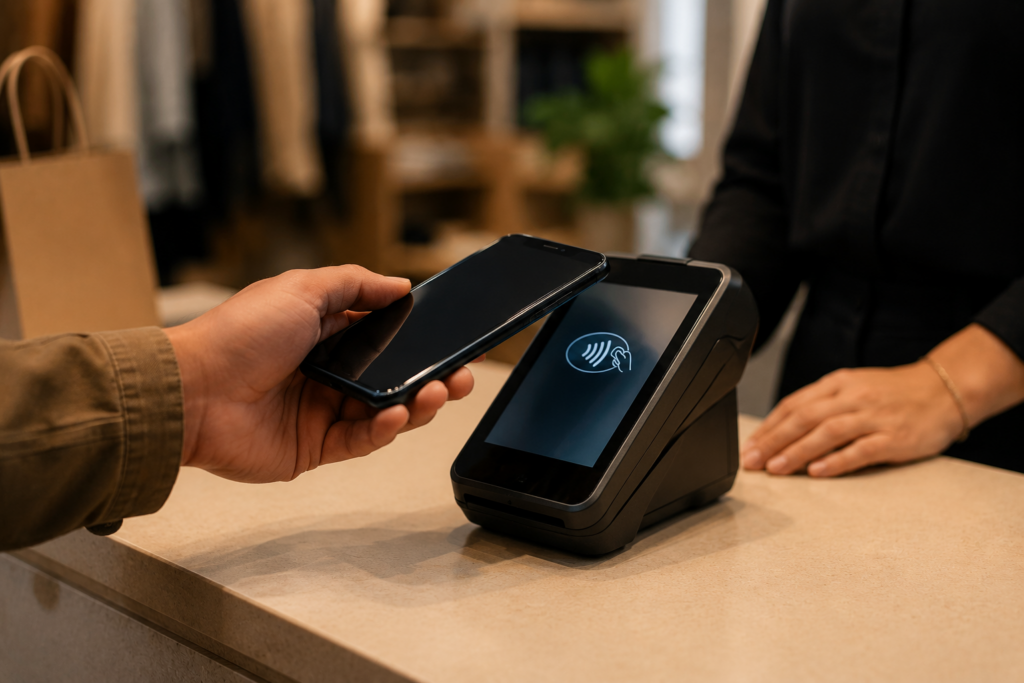
If your customers keep asking “Can I just tap with Google Pay?” at the counter, you do not have to run your whole business through Square to say yes. In this guide, we show you the exact hardware, setup steps, and costs to accept Google Pay in your physical retail store with Coastal Pay, plus how it stacks up against Square, Clover, Toast, and Stripe.
Best Secure Payment Processors for High-Volume Businesses in 2026 (Including Coastal Pay)

If you are running tens of thousands of payments a month, you cannot afford downtime, security gaps, or surprise fees. In this guide, we compare Coastal Pay with Stripe and Adyen using real metrics on volume handled, security standards, uptime, and integrations so you can pick a processor that will stay reliable as your business scales.
Top POS Systems for Passing Credit Card Fees to Customers (Dual Pricing & Surcharging)

If you are tired of watching credit card fees eat into every sale, the right POS can help you pass those costs to the customer without breaking card rules or confusing guests. In this guide, we will compare leading POS options for surcharging and dual pricing and show how Coastal Pay makes it easy to plug fee-passing into over 2,000 systems you may already use.
Get Approved in 2 Minutes and Start Taking Payments Today

If you are searching for a merchant service provider that really approves new accounts in just a few minutes, Coastal Pay was built for you. Our SignUp Link flow connects directly to underwriting, so most low-risk businesses get a decision and full merchant account boarding in about two minutes – no long forms, no weeks of waiting.
How to Take Online Payments Without Paying Separate Gateway Fees

If your statement keeps showing a “gateway fee” line every month, you are paying more than you need to just to take payments online. In this guide, we will show you how to get rid of standalone gateway charges for good and how Coastal Pay’s flat 2.5% + $0.15, no-gateway-fee model can simplify your costs while keeping your checkout fast and secure.
Get Approved to Accept Credit Cards in 2 Minutes

The fastest way to get approved to accept credit cards is to skip the week-long bank review. With Coastal Pay’s instant boarding, you can complete a simple 2-minute application, get an instant decision, and start taking in-person or online payments the same day.
Account Cancellation and Closing Your Coastal Pay Service

You should never feel stuck in a payment processing relationship. This FAQ walks you through exactly how to cancel your Coastal Pay account, what to expect with timing and fees, and how we handle your outstanding transactions so you can make changes with confidence.
