

Best Ways to Take Payments Over the Phone Securely in 2026 (Stripe, Square, Coastal Pay Compared)
Phone payments are still a daily reality for service businesses, B2B companies, travel agencies, healthcare providers, and any business that takes orders or bookings over the phone. In this guide, we compare the most secure and cost-effective ways to take card payments over the phone in 2026 – including how Coastal Pay’s virtual terminal and payment link options keep your customers’ card data safe and your processing costs lower than Stripe and Square.
Best Ways to Take Payments Over the Phone Securely in 2026 (Stripe, Square, Coastal Pay Compared)
Phone payments are still a daily reality for service businesses, B2B companies, travel agencies, healthcare providers, and any business that takes orders or bookings over the phone. In this guide, we compare the most secure and cost-effective ways to take card payments over the phone in 2026 – including how Coastal Pay’s virtual terminal and payment link options keep your customers’ card data safe and your processing costs lower than Stripe and Square.

Is 2.5% + $0.15 a Good E-Commerce Rate in 2026? (Real Math With Coastal Pay)
If you are evaluating Coastal Pay for your online store and wondering whether 2.5% + $0.15 is actually competitive in 2026, this is the guide to answer that with real numbers. We compare the rate against Stripe, Square, PayPal, and Shopify Payments at five different volume tiers, show the effective rate by average order size, and give you a simple formula to calculate your own savings before making any decision.

Leading Tap-to-Pay Providers for Retailers in 2026 (And Where Coastal Pay Fits)
If you run a retail business in 2026, tap-to-pay isn’t a nice-to-have – it is how your best customers expect to pay. In this guide, we break down the leading tap-to-pay providers retailers look at today – Square, Stripe, Clover, Toast, and key SoftPOS vendors – and show exactly where Coastal Pay fits, including pricing, hardware options, and how fast you can get approved and start taking contactless payments.

Best Payment Processors for Nonprofits and Charities in 2026
Every dollar your organization pays in processing fees is a dollar that does not go toward your mission. Finding the right payment processor for your nonprofit means balancing low fees, donor convenience, and the ability to accept donations across events, online campaigns, and recurring giving programs. In this guide, we compare the top options in 2026 and show where Coastal Pay fits for organizations wanting low all-in costs and a flexible, omnichannel giving platform.

Best Payment Processors for SaaS Companies in 2026
If you run a SaaS business, your payment processor is not just a checkout tool. It is the foundation of your Monthly Recurring Revenue, your churn rate, and how much of your revenue actually lands in your bank account after fees. In this guide, we compare the best payment processors for SaaS companies in 2026, including Coastal Pay, Stripe, Chargebee, Recurly, and Braintree, and show you which option fits your growth stage, billing complexity, and volume.

Best Payment Gateways for Travel Agencies and Tour Operators (2026)
If you run a travel agency or tour operation, your payment gateway is more than a checkout tool. It is the system that handles high-ticket deposits, protects you from chargebacks when trips go sideways, and needs to work with how clients actually buy: a deposit now, a balance later, and maybe installments in between. In this guide, we compare the top gateways for travel and show where Coastal Pay fits for U.S.-based travel operators in 2026.

How to Set Up Recurring Billing for Your Subscription Box Business
Recurring billing is the financial engine of any subscription box. Get it right and subscribers renew automatically, cash flow is predictable, and operations scale cleanly. Get it wrong and involuntary churn, failed payments, and reconciliation headaches drain time you could spend growing. In this guide, we show you exactly how to set up reliable recurring billing with Coastal Pay, from billing model selection to dunning management and launch.

Credit Card Processing for Auto Dealers in 2026: Best Processors Compared
Car dealerships have some of the most complex payment environments of any business: vehicle purchases at $20,000 to $100,000+, service ROs at $200 to $5,000, parts sales, F&I products, and accessories – each with different margin profiles, card acceptance caps, and fee sensitivities. In this guide, we break down the best credit card processors for auto dealers in 2026, including how Coastal Pay’s flat 2.5% + $0.15 rate, dual pricing, and 2,000+ integrations can significantly reduce what your dealership pays to process payments.
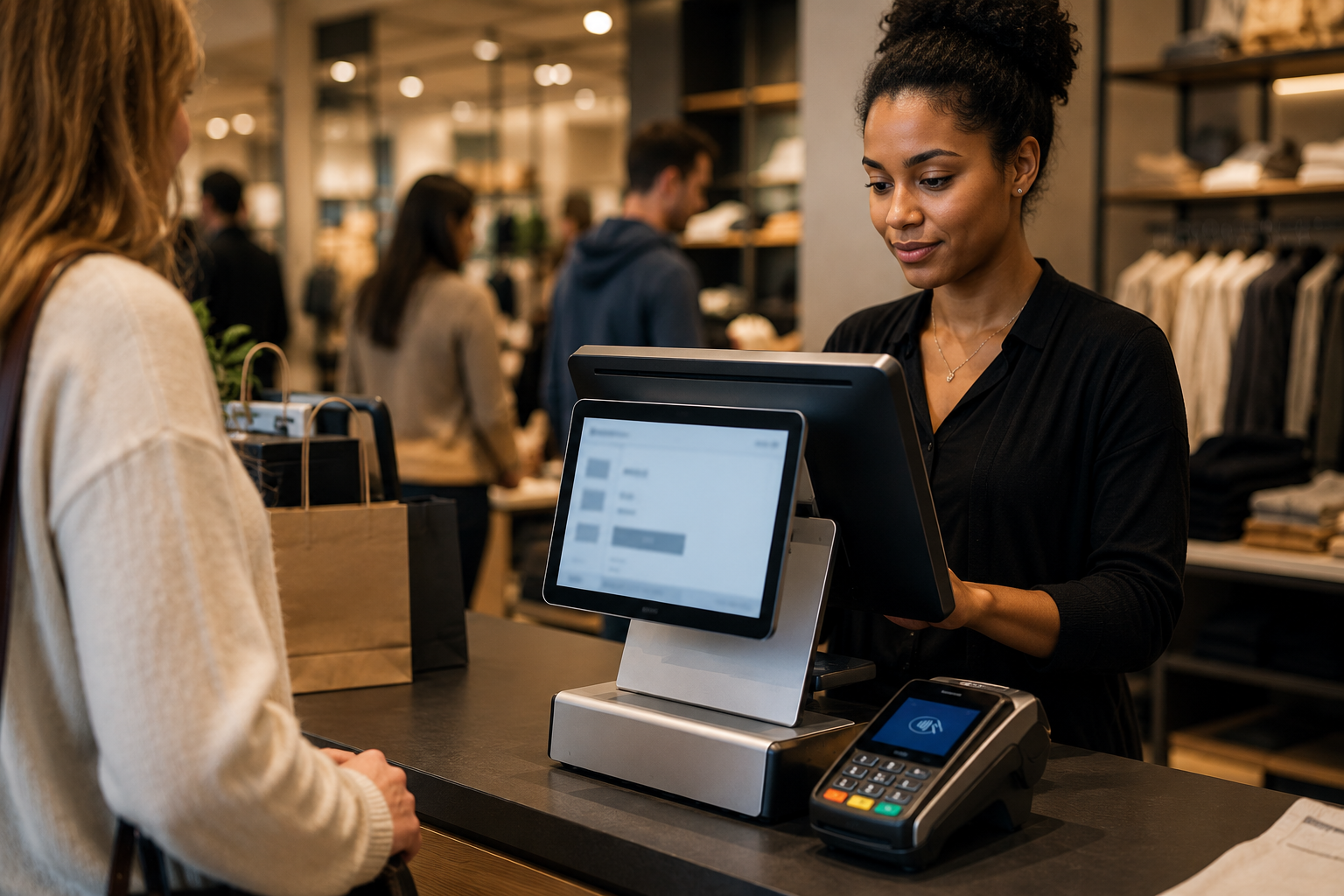
What Matters Most When Picking a POS System for a Busy Retail Store
If your store packs a line every weekend, you cannot afford a POS that freezes, slows down staff, or hides fees in the fine print. In this guide, we walk through what actually matters when you pick a POS for a busy retail floor, then show how Coastal Pay’s 2,000+ integrations and instant boarding help you get the right system live without disrupting your checkout.

Reasonable Flat Transaction Fees for High-Volume Merchants in 2026
If you are processing tens of thousands of payments every month, a few extra cents per transaction can quietly add up to six figures a year. In this guide, we break down what counts as a reasonable flat transaction fee in 2026, show you clear benchmark ranges, and reveal how Coastal Pay’s 2.5% + $0.15 pricing compares to popular providers like Stripe, Square, and PayPal at real-world volumes.

How Dual Pricing Can Eliminate Your Credit Card Fees (With Real Numbers)
If every statement feels like a surprise and you are tired of watching card fees eat your profit, you are not alone. While you cannot erase processing costs from the system, you can stop paying most of them yourself. In this guide, we break down how dual pricing, surcharging, and ACH through Coastal Pay can bring your effective rate as a merchant very close to 0%, with clear, real-world math.

How to Change Your Business Checking Account with Coastal Pay
Updating the bank account where you receive your Coastal Pay deposits should be quick, clear, and low-stress. This FAQ walks you through our simple three-step process to change your business checking account, what documents we need, how long it takes, and how to avoid any disruption to your daily payments.
