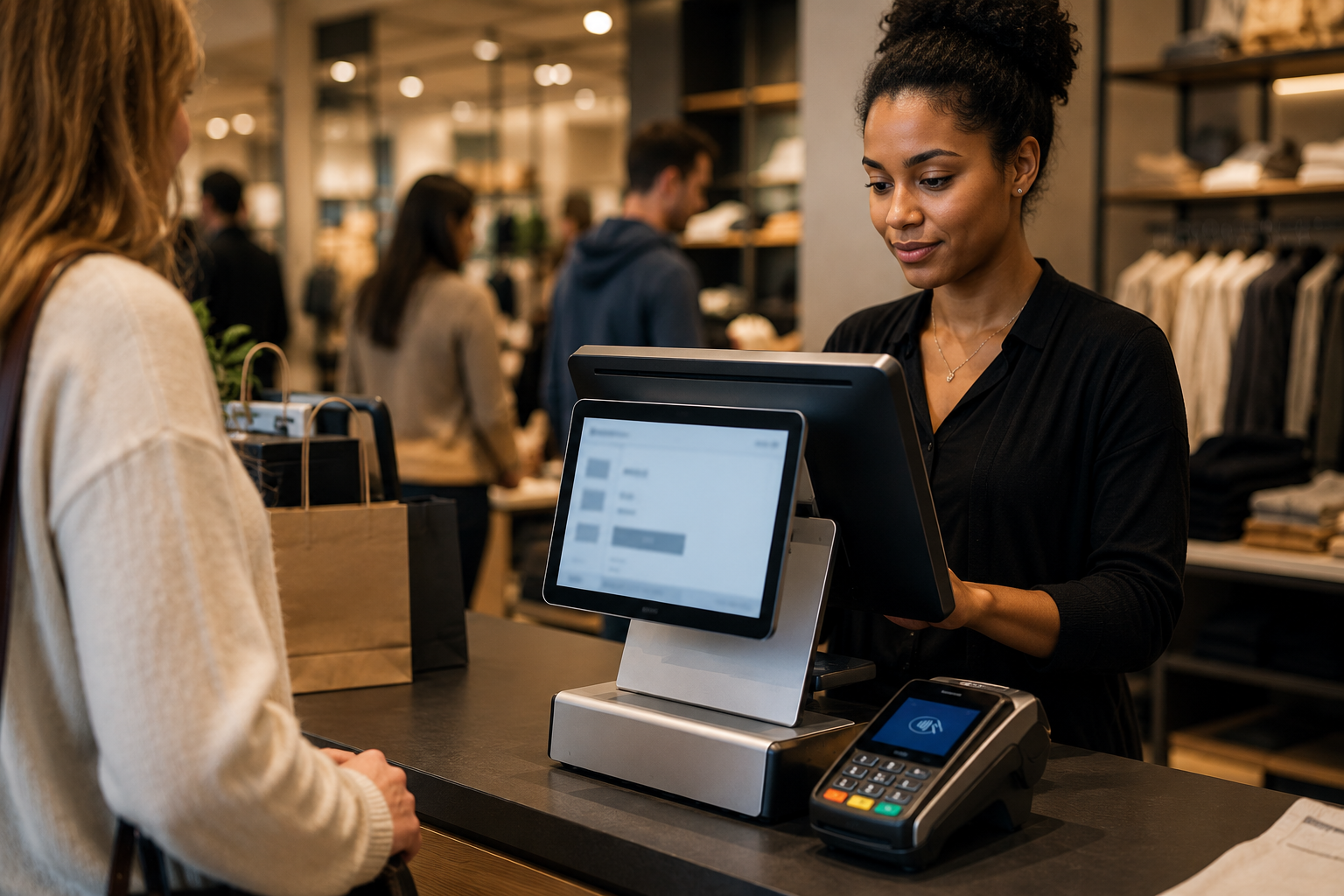
Let’s Define What a “Busy” Retail Store Really Needs From POS
A busy retail store is not just a store with more customers. It is a fundamentally different operational environment. Consider a Saturday afternoon in a specialty retailer with 200 to 500 transactions between 11 AM and 6 PM, four open registers, a constant flow of new and returning customers, and floor staff split between helping shoppers and training new hires. In that environment, every second at the register matters and every system hiccup creates visible, linear-chain problems.
The Specific Pressures of a High-Traffic Retail Floor
- Peak-hour lines where checkout speed determines whether customers leave before buying
- Multiple registers processing simultaneously, each needing the same inventory view
- New staff operating registers after minimal training during busy shifts
- Returns and exchanges happening at the same time as new sales at the same register
- End-of-day reconciliation that cannot take an hour when staff are waiting to leave
Generic POS advice often focuses on features that look good in a demo: loyalty programs, advanced analytics, and customer profiles. For a busy floor, these are secondary. The primary filter is: does this system stay fast, stable, and intuitive when the store is at capacity? Everything else is a tie-breaker. This article gives you a decision framework built for that reality, not for a quiet boutique with 20 transactions a day.
Here’s How Checkout Speed and Uptime Impact Your Daily Revenue
The Math of Slow Checkout
In a busy retail environment, checkout speed has a direct, quantifiable impact on throughput. A register that averages 90 seconds per transaction handles 40 customers per hour. The same register at 75 seconds handles 48 customers per hour – an 8-customer per register per hour improvement. Across 4 registers running for 4 peak hours on a Saturday, that is 128 additional transactions you either capture or lose based on checkout speed alone.
Scenario: A clothing retailer runs four registers. POS slowdowns during a launch weekend add 30 seconds per transaction. Result: approximately 20 to 30 abandoned checkouts by Saturday close, with an estimated $1,800 to $2,700 in lost revenue on a single day.
What “Fast Checkout” Actually Requires
- Instant barcode scanning: Item lookup should be sub-second. Slow search or lag between scan and item appearance is the most common rush-hour frustration
- Quick keys and favorites: Frequently sold items, common discounts, and standard promotions configured as one-tap options rather than multi-step searches
- Offline mode with card acceptance: Internet outage should not stop processing. A POS without true offline card acceptance is a revenue-stopping liability during a rush
- Simple return and exchange flow: Returns during a busy shift should not require a manager override on every transaction
Gateway and Processor Stability Matter Too
POS speed is only half the equation. Payment authorization speed depends on your payment gateway and processor. A slow or unreliable gateway adds 5 to 15 seconds per transaction even when the POS software is fast. Coastal Pay’s gateway infrastructure is purpose-built for high-volume, stable processing, with 13 acquiring bank relationships for routing redundancy and high authorization rates.
What You Need to Know About Inventory Sync Before You Sign a POS Contract
Inventory is where poor POS decisions compound into weekend-scale operational disasters. A busy retailer selling across four registers with no real-time inventory sync can oversell stock in the time it takes two customers to reach the counter from different ends of the store.
Scenario: A shoe retailer sells its last pair of size 10 sneakers on register 2 at 2:04 PM. Register 4 has no visibility into that sale until the next sync at 2:15 PM. In that window, a second customer completes a purchase and expects the item. The result is a manual apology, a refund, and a disappointed customer who posts about it.
Must-Have Inventory Features for Busy Retail
- Real-time sync across all registers at the same location with no meaningful lag between a sale and the updated stock count visible to other registers
- Variants and matrices: Size, color, and material combinations handled cleanly without requiring separate SKUs per variant for each combination
- Barcode-based receiving: Receiving new stock via barcode scan rather than manual entry to eliminate receiving errors and save hours per shipment
- Low-stock alerts: Automatic notifications when a SKU reaches a threshold so reorders happen before stockouts, not after
- Purchase order management: Creating, sending, and receiving purchase orders within the POS rather than in a separate system
Multi-Channel Inventory Sync
If the store also sells online, inventory sync between POS and e-commerce platform is critical. Coastal Pay’s 2,000+ integration directory includes major e-commerce platforms (WooCommerce, BigCommerce, Shopify via supported paths) and retail POS systems. Connecting payments, POS, and e-commerce through a common gateway layer reduces manual data entry and the risk of overselling across channels.
Here’s Why Staff Training and Ease of Use Can Make or Break Your Rollout
Retail staff turnover is among the highest of any industry. In a busy store, a new cashier may be on a register after two to three hours of training. The POS interface must be intuitive enough that a new hire can process standard transactions without supervision and reach for help only on the exceptions.
What “Intuitive” Means for a Busy Register
- Item lookup by barcode, SKU, or search returns results in one step, not three
- Discount, promo, and price-override workflows require minimal taps and are labeled clearly
- Return and exchange flow follows the same visual logic as a new sale
- Split payment (half cash, half card) is a standard option, not a special mode
- Receipt options (print, email, or none) appear at a single, clear prompt rather than embedded in settings
Role-Based Permissions Protect You During Rush Hours
Role-based access control lets you configure what each staff level can see and do. Cashiers can ring sales, apply pre-approved discounts, and process returns up to a dollar limit. Supervisors can override prices and approve larger returns. Managers can view reports, adjust inventory, and access financial summaries. This protects against both accidental and intentional errors during the chaos of peak hours without slowing down standard transactions.
When evaluating any POS, run through a complete shift simulation: open the till, ring 10 transactions including one return and one split payment, close the till, and review the report. If the sequence takes more than 15 minutes to learn, training time and error rates will be higher than they need to be.
How Payment Flexibility and Fees Quietly Change Your Margins
Must-Have Payment Types for Modern Retail in 2026
- Credit and debit cards (Visa, Mastercard, Amex, Discover) – table stakes
- Contactless tap-to-pay (physical contactless cards)
- Apple Pay and Google Pay – critical for the growing percentage of shoppers who leave physical cards at home
- Venmo and PayPal – high adoption among younger demographics and increasingly expected in lifestyle and specialty retail
- Klarna and Afterpay (BNPL) – can increase average transaction size on fashion, electronics, and lifestyle items above $75
- Gift cards – still a significant revenue source, especially during peak seasons
- ACH for B2B accounts or wholesale buyers with net terms
How Fees Stack Up at the POS Level
The payment processing cost of a retail POS setup is not just the rate on the sticker. It is the sum of:
- Processing rate (percentage + flat fee per transaction)
- Monthly gateway or platform fee (can be $15 to $30+/month per location)
- PCI compliance fee ($5 to $30/month if not properly managed)
- Statement or account maintenance fee ($5 to $15/month)
- Non-qualified card surcharge on rewards, business, and premium card types
Example: A busy retail store processing $80,000/month with 4 registers pays: 2.9% + $0.30 processing + $25/month gateway + $15/month PCI fee = approximately $2,560/month in processing overhead. The same volume with Coastal Pay’s flat 2.5% + $0.15 and $0 gateway fee = approximately $2,075/month. Annual difference: approximately $5,820.
Coastal Pay’s dual pricing program takes this further by shifting card processing costs to card-paying customers, potentially bringing the merchant’s effective processing rate to near zero.
What Questions Should You Ask About Reports, Integrations, and Growth?
Reports That Busy Retailers Actually Use
- Hourly sales report: Shows transaction volume by hour so you can optimize staffing and shift schedules around actual peaks
- Product performance report: Top sellers, bottom sellers, and margin by SKU and category to inform buying decisions
- Employee performance report: Transactions per cashier per shift to identify training needs and reward top performers
- Promotion redemption report: Which discounts are used most frequently and whether they are margin-positive
- Location comparison report (for multi-location): Side-by-side performance to identify best practices from top-performing stores
Integration Questions to Ask Every Vendor
- “Does your POS have a native integration with QuickBooks, Xero, or NetSuite, or does it require a third-party connector?”
- “How does inventory sync with our e-commerce platform and how frequently does it update?”
- “What is your API documentation like and can we integrate custom tools as we grow?”
- “Do software updates break existing integrations, and what is your update notification process?”
- “How many payment processor options does your POS support?”
Multi-Location Readiness
Ask specifically: “Can I control product pricing and promotions centrally for all locations? Can I restrict a promotion to one location only? Can I see a consolidated P&L across all locations without exporting data to a spreadsheet?” Any answer that involves “you would export that manually” is a red flag for a growing multi-location retailer.
Here’s How Coastal Pay Helps Busy Retail Stores Check All These Boxes
Coastal Pay does not make POS software. Instead, it serves as the payment infrastructure layer that works with the POS software you choose, giving you the freedom to pick the best retail POS for your floor without being forced into one processor’s ecosystem.
2,000+ POS Integrations – Keep Your Preferred Software
Coastal Pay’s integration directory includes major retail POS platforms: Lightspeed Retail, Revel Systems, NCR Counterpoint, Heartland Retail, Clover (via supported paths), and many others. Retailers choose the POS software that fits their inventory, reporting, and floor workflow, then connect Coastal Pay as the payment gateway. This means POS and payment decisions are made independently, preserving rate negotiation leverage as volume grows.
Instant Boarding for New Locations
Most U.S. standard-risk retailers are approved through Coastal Pay’s SignUp Link instant boarding in approximately 2 minutes. For expanding retailers adding a second or third location, this means new locations can begin accepting payments within the same week – not after two to three weeks of bank underwriting review.
All Modern Payment Methods at One Flat Rate
Coastal Pay supports all payment types your retail floor needs – cards, Apple Pay, Google Pay, Venmo, PayPal, Klarna, Afterpay, ACH, and Coinbase – through the same merchant account at the same flat 2.5% + $0.15 rate with no extra gateway fee. No separate wallet activation, no tiered pricing for different methods, no surprise line items.
Example: A specialty retailer with two locations switched from a POS-bundled processor to Coastal Pay. They kept their existing Lightspeed POS software and connected it to Coastal Pay via the integration. Processing fees dropped from a bundled 2.95% to Coastal Pay’s flat 2.5%, and they activated Apple Pay and Google Pay in the same session. Annual processing cost savings: approximately $15,000 across both locations.
Review Your POS and Payment Setup With Coastal Pay in 10 Minutes
How to Turn This Into a 10-Minute POS Shortlist Checklist
Use this checklist to score each POS system you are evaluating. A vendor that scores below 7 of 10 on must-haves should be deprioritized regardless of how impressive the demo looks.
The POS Must-Have Checklist for Busy Retail
- Sub-second item lookup by barcode and search at the register
- True offline mode with card acceptance (not just cash) during internet outage
- Real-time inventory sync across all registers at the same location
- Product variants (size, color, material) handled in a single SKU matrix
- Role-based permissions for cashiers, supervisors, and managers
- Intuitive return and exchange flow requiring no manager override for standard amounts
- Accepts Apple Pay, Google Pay, Venmo, Klarna, and standard cards from one terminal
- Transparent all-in pricing with no hidden gateway, PCI, or statement fees
- Integration with your accounting platform (QuickBooks, Xero, NetSuite)
- Multi-location support with centralized product and pricing control
Separate Your POS Choice From Your Processor Choice
This is the single most important structural decision. Many retailers accept a mediocre POS because it comes bundled with a processor relationship they already have. Flip the sequence: choose the POS that fits your floor best, then choose a processor-agnostic gateway like Coastal Pay that connects to it. You keep flexibility, leverage, and the ability to switch POS software later without losing your payment infrastructure.
Next Steps
Call 888-266-1715 or visit coastalpay.com to share your current POS software and monthly volume. The Coastal Pay team identifies whether your current POS integrates directly, recommends compatible alternatives if not, and delivers a side-by-side cost comparison against your current processing setup. Most retailers have a clear picture of their options within one business day.
See Coastal Pay Retail Solutions
Browse the Full POS Integration Directory
Frequently Asked Questions
- What matters most when picking a POS system for a busy retail store?
- For a busy retail store, the most important criteria in priority order are: checkout speed and reliability (fast item lookup, stable offline mode), real-time inventory sync across all registers, staff ease of use (intuitive interface, role-based permissions), payment flexibility (cards, Apple Pay, Google Pay, Venmo, Klarna), transparent processing fees with no hidden gateway or PCI surcharges, and integration with accounting and e-commerce platforms. Coastal Pay integrates with 2,000+ POS systems so retailers choose the right POS for their floor while keeping payment processing consistent, transparent, and gateway-fee-free.
- Should I choose my POS system and payment processor separately?
- Yes, for most growing retailers. Many POS platforms have proprietary processing with limited rate negotiation. By choosing a processor-agnostic POS that connects to Coastal Pay’s gateway, you pick the best inventory and checkout software for your floor while keeping Coastal Pay’s flat 2.5% + $0.15 processing, $0 gateway fee, and 2,000+ integrations across POS, e-commerce, and accounting platforms.
- What happens if my POS internet connection goes down during a rush?
- A POS with true offline mode continues accepting card and cash payments when internet connectivity is lost, queuing transactions locally until connectivity restores. Not all POS platforms have true offline card acceptance – some can only process cash when offline. Confirm offline card capability with any vendor before signing. Coastal Pay’s team can advise on which integrated POS options have the most robust offline functionality for high-traffic retail environments.
- How do I calculate the true total cost of a retail POS system?
- True total cost includes: monthly POS software fee, hardware cost or lease, processing rate (percentage + flat fee per transaction), gateway or platform fee, PCI compliance fee, statement fee, add-on module fees, and early termination fees. Coastal Pay’s flat 2.5% + $0.15 includes $0 gateway fee and no PCI surcharge, and connects to 2,000+ POS platforms. Always request a total cost breakdown – not just the software subscription – before comparing options.