Let’s define what credit card surcharging really is (and isn’t)
A credit card surcharge is an added fee on a credit card transaction that is not charged on other forms of payment. If a customer pays $100 for a service and you add a 3% surcharge for paying by credit card, the customer pays $103. A customer who pays with cash or a debit card pays $100.
People often confuse surcharging with three similar programs, and the differences matter legally.
- Surcharging: The fee is added on top of the listed price at checkout, on credit cards only.
- Cash discounting: The listed price is the card price, and customers who pay with cash receive a reduction. A cash discount must be structured and advertised correctly to be treated as a discount rather than a hidden surcharge.
- Dual pricing: Two prices are displayed, a cash price and a card price, so customers see both before they pay.
- Convenience fees: A fee for a specific payment channel, such as paying online or by phone, that is offered as an alternative to the standard channel. These have their own card brand rules and should not be mistaken for a general surcharge.
Coastal Pay supports both dual pricing and surcharging, but the two programs are structured differently for compliance, so it is worth choosing deliberately instead of defaulting to whichever is easier to switch on.
Here’s why legal rules around surcharging are so strict in 2026
You cannot simply add 3% to every transaction and hope your software keeps you safe. Three layers of rules apply at the same time, and they sometimes conflict.
- State consumer protection laws decide whether surcharging is allowed at all, how much you may charge and how you must disclose it.
- Card network rules set caps, require notification, and limit surcharging to credit cards.
- Your acquiring bank’s policies can be stricter than either of the above, and your merchant agreement may require approval first.
Debit and prepaid cards are generally off-limits for surcharging under network rules, which means your system has to tell the difference between card types on every transaction, not just most of them.
The risks include chargebacks, network fines passed through by your bank, forced refunds, reputational damage and regulatory scrutiny. A small mistake repeated across thousands of transactions grows quickly.
What compliance rules do you need to follow before adding a surcharge?
Work through this checklist in order. Do not configure your POS until the first three steps are done.
- Confirm state law for every state where you have a location, customers or shipping destinations.
- Confirm card brand rules for caps, notification and card types.
- Confirm acquirer approval and any registration or advance notice your bank requires.
- Configure your POS and gateway with automatic card-type detection and your approved rate.
- Prepare disclosures for signage, checkout pages, invoices and receipts.
- Define refund handling so the surcharge is treated correctly on returns.
Several requirements come up in almost every program: credit cards only, a surcharge that stays within the cap and within your actual cost of acceptance, clear notice before payment, and an itemized line on the receipt.
Do not:
- Do not surcharge debit or prepaid cards.
- Do not exceed your effective cost of accepting cards.
- Do not hide the fee in fine print or reveal it only after the customer has paid.
- Do not assume one setup covers in-person, online, phone and invoice sales.
Coastal Pay Tip: A compliant processor makes the technical side much easier, but you still own your legal compliance. Treat your processor as a partner that reduces risk, not a guarantee that removes it.
Here’s how state-by-state rules can change your surcharge plan
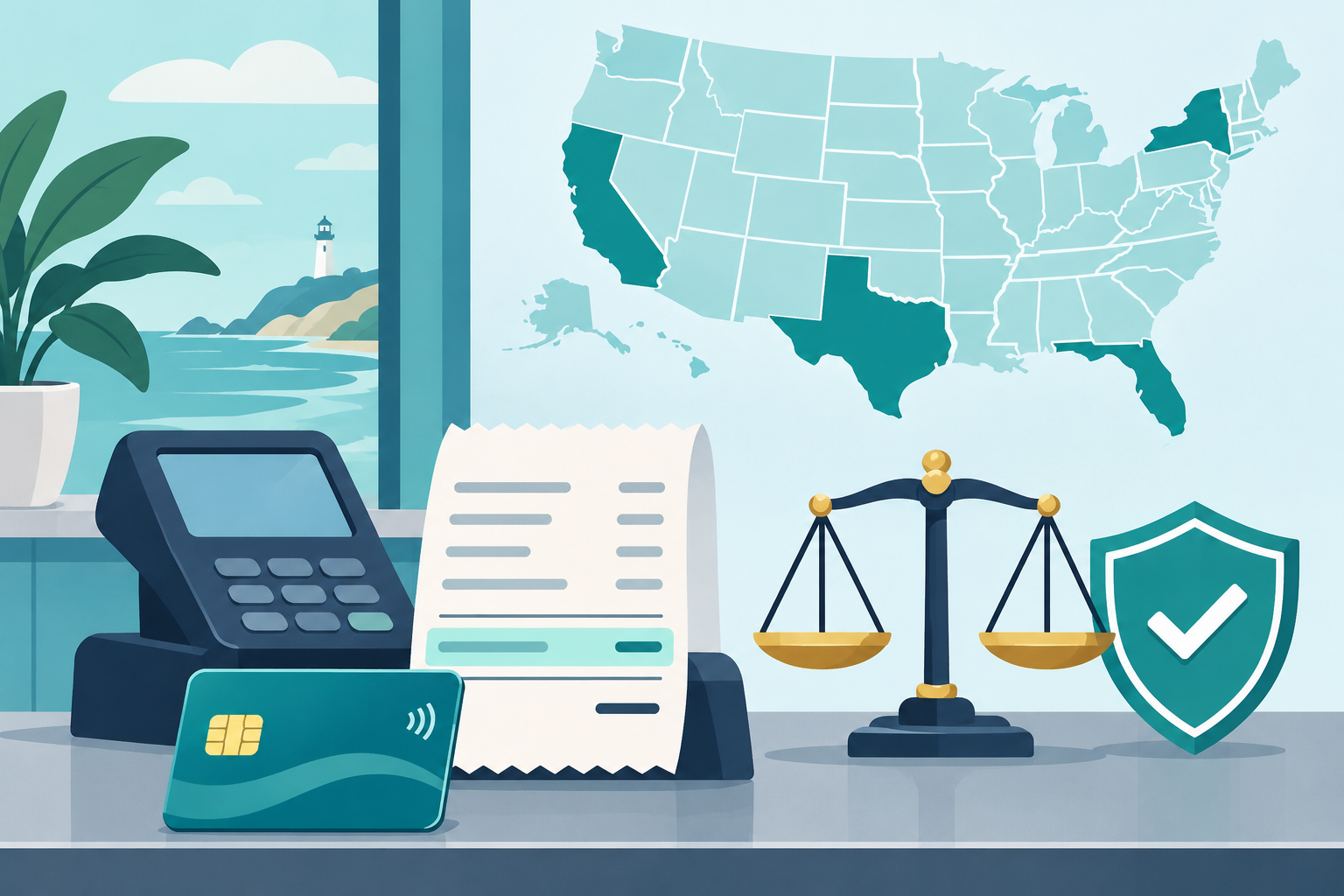
Geography changes what you are allowed to do and how you must disclose it. A practical way to think about it is in three buckets as of 2026.
| Bucket | What it means | What to do |
|---|
| Generally permitted | Surcharging is allowed with disclosure and within network caps. | Follow card brand rules and disclosure requirements. |
| Restricted or complex | Allowed with limits, lower caps or special disclosure and price display rules. California belongs here. | Get legal review and plan your pricing display carefully. |
| Not allowed or highly risky | A few states or territories restrict or prohibit credit card surcharges. | Use dual pricing or another approach after legal review. |
California deserves special attention. A state civil code provision still contains a prohibition on credit card surcharges, but a 2018 federal appeals court decision limited its enforcement for similarly situated merchants, and the California Attorney General has said it generally applies that decision. That is not a blanket assurance that every California merchant can surcharge. California’s pricing transparency law also matters. Under the state’s SB 478 guidance, a card processing fee generally does not need to be included in the advertised price if customers can avoid it by using another payment method, but if you accept only credit cards, the fee is mandatory and generally must be included.
Other states have their own caps, bans and disclosure rules, and they change. Coastal Pay maintains a state rules reference and can flag higher-risk states during onboarding. Confirm anything that affects you with your attorney.
What do Visa, Mastercard and other card brands require from you?
Card brand rules are the second layer, and they apply no matter what your state allows. In business-friendly terms:
- Caps: Visa’s U.S. maximum surcharge is 3%. Mastercard also sets its own cap and requires that the surcharge not exceed your actual cost of accepting the card. Your permissible rate may be lower than the headline cap.
- Credit cards only: Debit and prepaid cards must be excluded.
- Notice and registration: In many cases you must notify your acquirer and the card brands before you start surcharging, and the notice period matters. Confirm the current requirement with your bank.
- Disclosure: The surcharge policy must be shown before payment, and the fee must be shown separately on the receipt.
Coastal Pay handles the technical details that are easy to get wrong, including the correct transaction indicators, separate surcharge line items and the way refunds are processed. Ask your specialist to walk through how each is configured for your account.
Bookmark the official Visa and Mastercard rule pages and review them yearly. Your bank will use them in an audit.
Here’s how to choose a surcharge-capable processor or POS in 2026
Every vendor says they support surcharging. Few can explain exactly how. Use this framework to separate real compliance tools from marketing.
Must-have features
- Automatic card-type detection that excludes debit and prepaid cards without manual work.
- Configurable surcharge rates that you can set to match your approved rate and change when rules change.
- Receipt line-itemization that shows the surcharge as its own line.
- Refund logic that handles the surcharge correctly on full and partial refunds.
Channel coverage
Check in-person, e-commerce, invoicing, payment links, recurring billing and mobile separately. A tool that works at the counter may not apply the same disclosure online.
Integration breadth
If your surcharge tool does not work with your POS, accounting software or e-commerce platform, you will end up with manual workarounds, and manual workarounds create compliance gaps. Coastal Pay’s 2,000+ POS and software integrations reduce that rollout friction, so most businesses can keep the tools they already use.
Ask each vendor how they detect card types, handle special-rule states, show the surcharge on receipts and process partial refunds. Do not accept a generic yes.
Top surcharge-ready solutions (and how Coastal Pay compares)
CardX, Square, Clover and Stripe are common options. Each has a typical best fit, summarized below along with Coastal Pay. The comparison is general, so confirm current features and terms with each provider.
| Provider | Typical best fit | Compliance Automation | Integration Depth | Pricing Flexibility |
|---|
| Coastal Pay | Multi-channel businesses that want surcharging or dual pricing | Surcharge program with gateway-level control, plus a dual pricing alternative | 2,000+ integrations and API access | Surcharging, dual pricing or standard pricing, switchable without changing providers |
| CardX by Stax | Businesses focused on fee recovery | Built around surcharging | Confirm compatibility with your POS and accounting tools | Surcharge-focused model |
| Square | Small retail, restaurants and service businesses | Built-in surcharge feature that identifies eligible credit cards and excludes debit | Square ecosystem | Documented surcharge limits; availability varies by channel |
| Clover | Existing Clover POS workflows | Depends on the authorized provider’s configuration | Clover ecosystem | Depends on your provider |
| Stripe | Custom online checkout, SaaS and e-commerce | Must be engineered and validated, not assumed | Strong developer tools and API | Custom integration required |
Coastal Pay’s advantage is flexibility. If surcharging is restricted in one of your states, you can test dual pricing on the same gateway instead of switching providers.
Coastal Pay Surcharge Program Highlights
- Instant boarding, with most standard-risk businesses approved in about two minutes
- Gateway-level control over how and when the surcharge is applied
- 2,000+ POS and software integrations plus API access
- Both surcharging and dual pricing available on one platform
- A support team that can review test receipts and screenshots before you go live
Talk to a Surcharge Specialist
Here’s how to roll out a compliant surcharge step by step
- Confirm legality. Check state law, card brand rules and your bank’s approval for each state and channel.
- Choose structure and rate. Decide between surcharging and dual pricing, then set a rate within the cap and your actual cost of acceptance.
- Configure the Coastal Pay gateway and POS. Turn on card-type detection, set the rate and enable separate line items.
- Update signage and policies. Post clear notices at the door, at the register and on every online checkout page.
- Train staff. Make sure everyone can explain the fee in one sentence and knows how to handle debit cards and refunds.
Test every channel before launch
Run test transactions for card-present sales, online checkout, recurring billing, and payment links or invoices. Check that each receipt shows the surcharge as its own line, that debit cards are not charged, and that refunds reverse the fee correctly. Coastal Pay’s support team can review test receipts and screenshots to catch problems before you go live.
Monitor after launch
Track card mix, average ticket, surcharge amounts recovered and customer complaints.
Review your setup on a set schedule, and again any time a state law, card brand rule or your own systems change.
FAQ: Common surcharging mistakes businesses still make
Can I charge a fee on debit cards?
No. Surcharges apply to credit cards only. Debit and prepaid cards must be excluded, so your system needs reliable card-type detection.
Do I have to post a sign?
Yes. Card brand rules and many state laws require clear disclosure before payment, at the entrance and the point of sale for in-person sales and on the checkout page for online sales. The fee must also appear on the receipt.
Can I surcharge in California?
California is a complex state. A statute still prohibits credit card surcharges, but court rulings limited its enforcement for similarly situated merchants. Have a payments attorney approve your plan first.
Do I have to include the surcharge in my advertised price?
It depends on the state. In California, under SB 478 guidance, a card fee generally need not be included in the advertised price if customers can avoid it by using another payment method. If you accept only credit cards, the fee generally must be included.
Should I choose surcharging or dual pricing?
It depends on your state, your risk tolerance and your customers. Coastal Pay supports both and can help you choose, and switch later if you need to.
Next steps: When to talk to Coastal Pay about surcharging
Talk to Coastal Pay now if any of these describe your business:
- You operate in more than one state.
- You process a high volume of card payments.
- You use a custom POS or e-commerce platform.
- You have run a surcharge program that may not have been compliant.
Request a Surcharge Compliance Review. Coastal Pay will look at your plan, flag state risks and suggest a configuration. If surcharging is restricted in your state, Coastal Pay can also quote dual pricing as a no-credit-card-fee alternative.
Ready to design a compliant program? Schedule a Surcharge Strategy Call or call 888-266-1715.