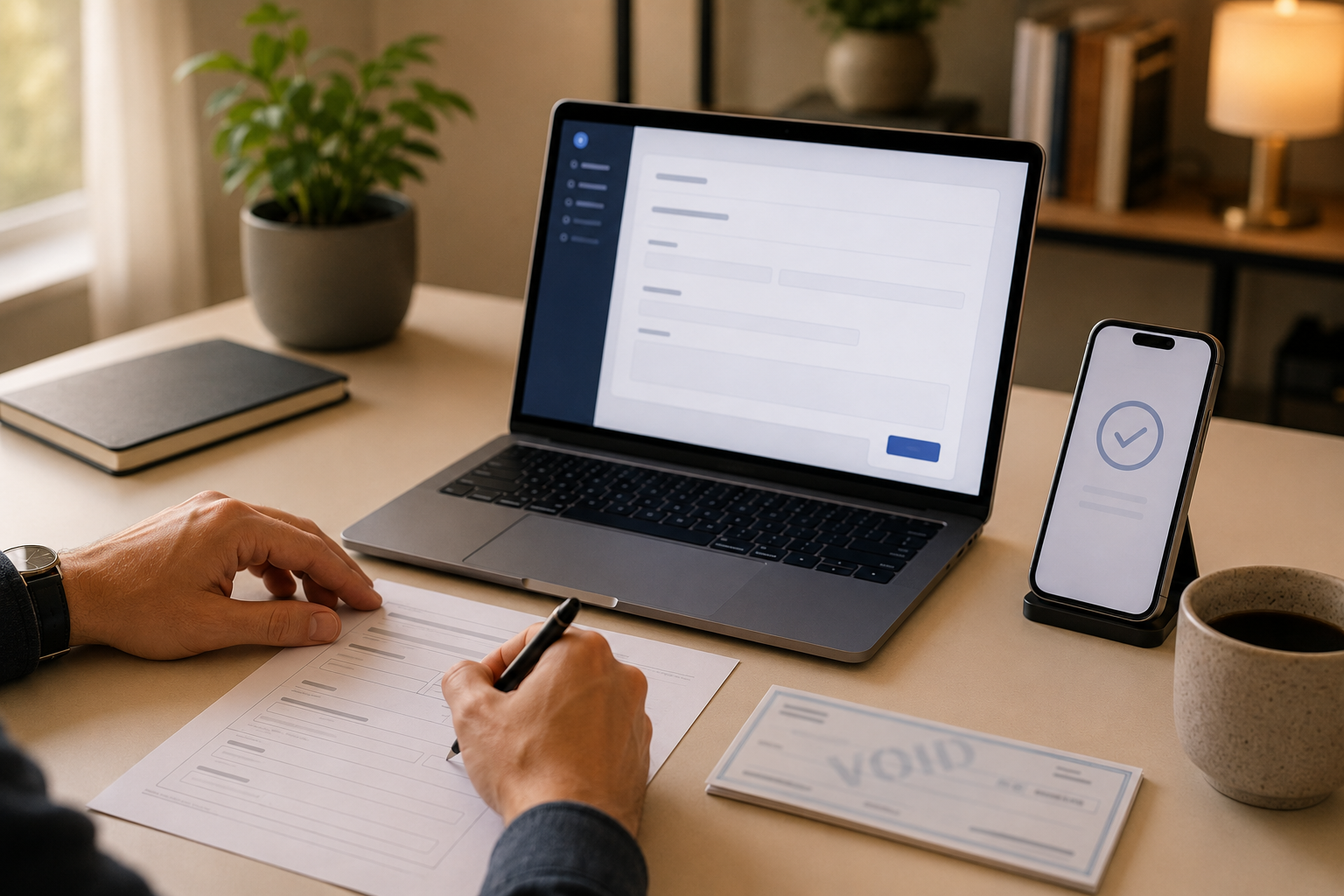




How to Change Your Business Checking Account with Coastal Pay
Updating the bank account where you receive your Coastal Pay deposits should be quick, clear, and low-stress. This FAQ walks you through our simple three-step process to change your business checking account, what documents we need, how long it takes, and how to avoid any disruption to your daily payments.
Share
How Easy Is It to Change My Business Checking Account with Coastal Pay?
Changing your business checking account with Coastal Pay is routine account maintenance, not a new merchant application. You do not need to start over, re-underwrite your account, or replace any part of your payment setup to update where your deposits land.
For most merchants, the entire process takes 1 to 3 business days from the time Coastal Pay receives complete documentation. Card processing, gateway access, and integrations continue normally throughout. Our goal is to make the change low-friction for you while meeting the bank verification requirements our acquiring bank partners require.
What Steps Do I Follow to Update My Checking Account on File?
Coastal Pay’s bank change process has three steps:
- Step 1: Submit a Helpdesk Ticket.
Log into the Coastal Pay Online Support portal and submit a Helpdesk Ticket. Select the bank change topic or describe the request as a checking account update in the subject line. Include your Merchant ID (MID) and a brief note that you are requesting a funding account change.
- Step 2: Attach your new account documentation.
Attach a voided check, official bank letter, or bank statement for the new business checking account directly to the ticket. The document must clearly show the routing number, account number, and the bank name or letterhead. Account details must match the legal business name on your Coastal Pay merchant account.
- Step 3: Complete and sign the Coastal Pay Bank Change Form.
After Coastal Pay support receives your ticket and documentation, they will email you the Bank Change Form. Complete and electronically sign the form and return it to support. Once the form is signed and documents are verified, support will confirm the changeover date in writing.
Support confirms receipt of your ticket and documentation typically within one business day and provides an estimated live date for the account change.
What Documents Do I Need to Provide to Switch Accounts?
Coastal Pay accepts any of the following as proof of the new business checking account:
- Voided check: Write “VOID” across a physical check from the new business checking account. Do not sign it. The check must show the routing number and account number.
- Official bank letter: A letter on official bank letterhead confirming the account holder name, routing number, and account number. The letter must be from the bank, not the account holder.
- Bank statement: A recent bank statement may be requested if a voided check or bank letter is unavailable. This is determined on a case-by-case basis by Coastal Pay’s support team.
The account name on all documents must match the legal business name or DBA registered on your Coastal Pay merchant account. Submit documents as clear, readable PDF files or images attached directly to your Helpdesk Ticket. Blurry or cropped documents may delay verification.
How Long Does It Take for Deposits to Start Going to My New Account?
Most bank changes are processed within 1 to 3 business days after Coastal Pay receives complete documentation and the signed Bank Change Form. During the review window, deposits may continue to land in your old account as previously scheduled.
Coastal Pay support will confirm in writing the exact date the change becomes active and which batch or business day represents the last deposit to the old account. You should receive clear communication before the cutover so there is no ambiguity about where your funds are landing.
Keep your old bank account open and active until at least one full billing cycle has passed after the changeover date. Refunds, chargeback adjustments, and any in-flight deposits from transactions processed just before the change may still route to the old account for a short period.
Will Changing My Bank Account Interrupt My Payment Processing?
No. Card processing, ACH processing, gateway access, payment links, virtual terminal, and all integrations continue normally during a bank change review. The only change is where your settlement funds are deposited. Your terminals, e-commerce checkout, and recurring billing setups remain fully operational throughout the process.
Note that refunds and chargeback adjustments initiated before or shortly after the bank change may still interact with your old account for up to 30 days after the cutover, depending on the timing of the original transaction. If you expect unusually large refunds or have active chargeback disputes during the transition, contact Coastal Pay support at 888-266-1715 before submitting your bank change request so they can advise on timing.
Are There Any Fees or Contract Changes When I Update My Checking Account?
Coastal Pay does not treat a bank change as a new merchant application. There is no separate bank change fee for standard updates. You will not be required to sign a new processing agreement or extend your contract term as a condition of updating your funding account.
If your existing agreement includes any third-party fees or specific terms from a partner bank, review those directly with Coastal Pay support. For the standard bank account update process, expect no fees and no contract changes – this is routine account maintenance.
Why Might Coastal Pay Ask for Extra Review or Information?
In most cases, the three-step process above is all that is needed. However, Coastal Pay may request additional information or take additional time in specific situations:
- High processing volume or elevated dispute rates: Additional account verification helps protect against account-takeover fraud, where a bad actor attempts to redirect settlement funds to an unauthorized account. Coastal Pay’s risk team may request a brief call or additional identity documentation.
- Ownership or legal entity changes: If the new bank account is registered under a different legal name or business entity than the original Coastal Pay merchant account, KYC (Know Your Customer) updates to the merchant profile may be required before the bank change can proceed.
- Reserve or rolling reserve accounts: If your account carries a risk reserve, those funds may remain tied to the original bank account until obligations are satisfied. Support will explain the reserve handling timeline and when funds will release to the new account.
In any of these situations, Coastal Pay support will explain exactly what is needed, why it is required, and provide a clear expected resolution timeline. There should be no black-box delays.
What Should I Do Before and After I Switch My Business Bank?
Before Submitting the Change
- Download your recent processing statements and payout reports from the Coastal Pay Gateway for your records
- Note the date of your last expected deposit to the old account based on your current payout schedule
- Prepare your new account documentation (voided check, bank letter, or statement)
- Confirm the new account is active and in good standing at your new bank
After the Change Is Active
- Keep your old bank account open and active for at least 30 days after the changeover date
- Verify the first deposit to the new account in your bank statement and confirm it matches your Coastal Pay payout report
- Update any other platforms that send or pull funds from your business checking account: payroll, marketplace payouts (Amazon, Etsy, and similar), ACH collection tools, and subscription billing platforms
- Monitor the old account for any late-arriving deposits, refunds, or chargeback adjustments for 30 to 60 days after the change
Who Do I Contact if I Need Help Changing My Checking Account?
Helpdesk Ticket (Recommended)
Submit a Helpdesk Ticket through the Coastal Pay Online Support portal. Select the bank change topic or describe the request as a checking account update. Include your Merchant ID (MID), legal business name, and a brief summary of the change in the ticket description. Attach your documentation directly to the ticket.
Phone Support
Call Coastal Pay customer service at 888-266-1715 for urgent bank change questions or if you need assistance completing the Helpdesk Ticket. Have your MID and new bank documentation ready before calling to avoid delays.
Email Support
For non-urgent inquiries, contact support@coastalpay.com with your MID, business name, and a brief description of the bank change request. The support team will route your request to the appropriate team and follow up with next steps.
What to Include in Your Request
- Merchant ID (MID)
- Legal business name as registered on your Coastal Pay account
- Brief summary: “Requesting bank account change for settlement deposits”
- New account documentation attached
Frequently Asked Questions: Bank Account Changes
- How easy should it be to switch my business checking account with my processor?
- Switching your business checking account with a payment processor should be a routine, low-friction process: a form submission, document upload, and 1 to 3 business days for verification. It should not require opening a new merchant account, re-signing a long-term processing agreement, paying a change fee, or adding extra services as a condition of the bank update. With Coastal Pay, the three-step process (Helpdesk Ticket, documentation, Bank Change Form) completes the switch without disrupting card processing, gateway access, or integrations. If a processor makes a bank change unnecessarily difficult or conditional on contract changes, that is a significant red flag.
- Can I change my business checking account if I have a reserve on my Coastal Pay account?
- Yes, but the reserve funds may remain tied to the original bank account until reserve obligations are satisfied, depending on the terms of your reserve arrangement. Contact Coastal Pay support at 888-266-1715 before submitting the change request to understand how your reserve will be handled during and after the transition.
- What if the new bank account is in a different name than my current Coastal Pay account?
- If the new bank account is registered under a different legal name or entity, Coastal Pay may require KYC (Know Your Customer) documentation updates to your merchant profile before the bank change can proceed. This is a standard compliance requirement and not unusual. Contact support at 888-266-1715 to discuss the specific documentation needed for your situation.

Flat-Rate Processing at 2.5% + $0.15 Per Transaction
If you are asking which processor really offers the most competitive flat-rate pricing, start with the actual math. Coastal Pay delivers a simple 2.5% + $0.15 per transaction with no gateway fees, built on a next-generation platform that already powers over $1.6B in volume for growth-focused businesses.

Should You Use One Provider for Hardware and Online Payments? (Single vs Separate vs Hybrid)
If you are trying to decide whether to bundle your card terminals, POS, and online payments with one provider, the truth is there is no one-size-fits-all answer. In this guide, we break down when an all-in-one setup makes life easier, when splitting hardware and payments saves you money and flexibility, and how a hybrid model with Coastal Pay lets you mix almost any POS system with a modern, scalable gateway.

Easiest Ways to Take Online Payments for Coaching Courses in 2026 (Stripe vs Course Platforms vs Calendly vs Coastal Pay)
If you run a coaching business, you do not have time to wrestle with complicated payment setups. You just need clients to click a link, pay, and get access. In this guide, we break down the simplest real-world ways to take online payments for coaching courses in 2026, compare Stripe, course platforms, Calendly, and Coastal Pay side by side, and show you a dead-simple Coastal Pay setup you can launch this week.

How to Take Payments Over the Phone Securely Without Extra Fees (With Coastal Pay)
You can’t stop card networks from charging something, but you can stop paying extra gateway and access fees just to take payments over the phone. In this guide, we show you exactly how Coastal Pay lets you key in cards or send payment links during a call, stay secure and PCI-conscious, and even use dual pricing to wipe out your processing costs.