Let’s Define What You’re Really Choosing Between
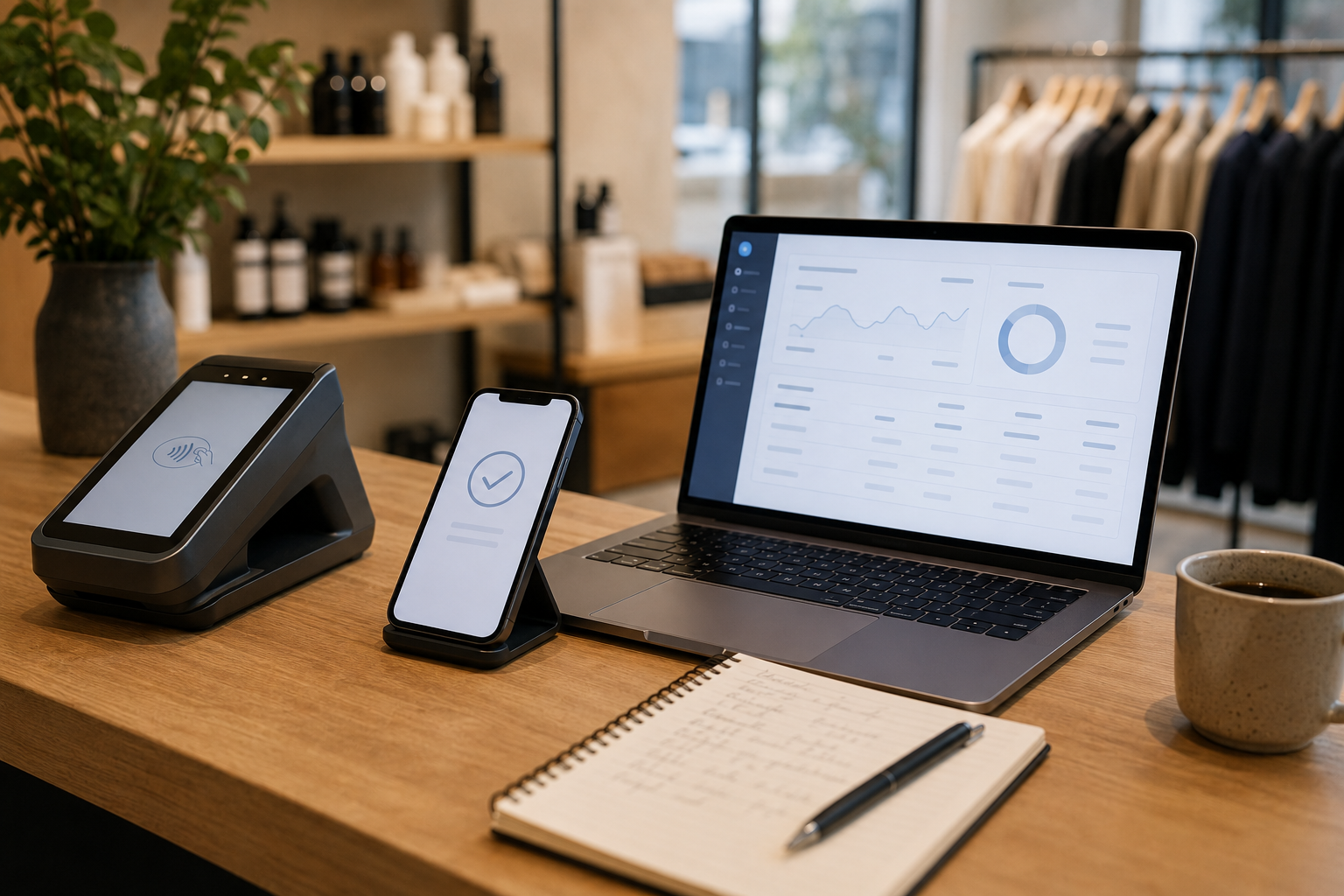
Most businesses have at least four distinct payment layers, and the question of “same provider vs separate” really means deciding how many of these layers you want one vendor to control.
The Four Layers
- Hardware and POS: Physical card terminals, card readers, receipt printers, kiosks, and the POS software running on them (Lightspeed, Toast, Clover, Square POS, Shopify POS)
- In-person processing: The merchant account and acquiring bank relationship that processes card-present transactions from your hardware
- Online gateway: The software layer that connects your website, app, or payment link to the card networks for card-not-present transactions
- Merchant account: The business account that receives settled funds, manages chargebacks, and provides the underwriting foundation for all payment acceptance
What “Processor-Agnostic Hardware” Means
Some POS hardware and terminals work exclusively with one processor (Square readers only work with Square, for example). Others are processor-agnostic: they can be certified and programmed to route transactions through different acquirers and gateways. Processor-agnostic hardware protects your ability to switch processing relationships later without replacing physical equipment. Choosing hardware with this flexibility is one of the most important decisions a growing merchant can make before signing any new payment contract.
Here’s Why Some Businesses Keep Everything With One Provider
For smaller businesses and those without dedicated payments or IT staff, an all-in-one provider has real operational advantages that offset the slightly higher blended rates.
Operational Simplicity
- One contract, one onboarding: A single agreement covers hardware, POS software, in-person processing, and online payments. No separate underwriting for each channel.
- One support number: When a terminal fails, an online payment errors, or a settlement does not match, there is one vendor responsible. No “that’s the hardware vendor’s problem, not ours” conversations.
- One monthly statement: Reconciliation is simpler when all transactions come from one relationship. Finance teams spend less time matching statements across vendors.
Unified Reporting and Inventory
For omnichannel retail and restaurants with both dine-in and online ordering, unified reporting is a genuine competitive advantage. When in-store and online sales flow through the same system, inventory updates automatically, customer records merge, and daily reconciliation takes minutes instead of hours. Splitting providers often requires middleware or manual exports to achieve the same view.
When All-in-One Makes Economic Sense
- Good fit if: Annual card volume is under approximately $2M to $3M, internal IT resources are limited, and the business does not yet have the volume to negotiate meaningfully better rates
- Good fit if: The business is launching omnichannel for the first time and values speed to market over rate optimization
- Less ideal if: Rate differences of 0.2% to 0.4% represent material annual savings (they do at scale), or if the business needs hardware to outlast the processing relationship
When Does Splitting Hardware and Payments Make More Sense?
As businesses grow, the economics and operational priorities shift. Splitting hardware from payment processing becomes increasingly attractive once volume and complexity reach certain thresholds.
Rate Negotiation and Flexibility
When a processor owns your hardware, they own your leverage. If your Clover or Square-specific terminals cannot work with another processor, your negotiating position at renewal is weak: switching means replacing hardware. With processor-agnostic terminals, you can shop processing rates every contract cycle without a hardware replacement cost. At $5M+ in annual card volume, a 0.2% rate improvement is worth $10,000/year. At $20M, it is $40,000/year. Hardware flexibility is worth real money over time.
Avoiding Vendor Lock-In
- Proprietary hardware locks you into the vendor’s pricing trajectory. If they raise rates or service quality declines, your exit cost is high.
- Open or processor-agnostic hardware lets you upgrade your gateway and processing relationship without a forklift replacement of physical equipment.
- POS software that is gateway-certified with multiple processors gives you similar flexibility on the software layer.
Specialized Capabilities by Channel
Sometimes the best online payment gateway is simply different from the best in-store POS. Complex subscription billing, marketplace payouts, or multi-currency e-commerce may need gateway features that a hardware-first vendor does not offer. Similarly, a restaurant-optimized POS with table management, kitchen display, and QSR workflows may not have the online checkout depth a hospitality brand needs for its booking site. Separating vendors lets you pick the best tool for each channel and integrate them, rather than accepting a weaker fit across both.
How Does a Hybrid Setup Actually Work in Real Life?
The hybrid model is the most common setup for growth-stage and mid-market merchants: they use open or processor-agnostic POS hardware and software for in-store operations, and a flexible gateway like Coastal Pay for both in-person processing and online channels.
Hybrid Setup: Retail Chain Example
A 10-location specialty retail chain runs Lightspeed Retail POS in-store. Lightspeed is connected to Coastal Pay as the payment gateway, so card-present transactions at the counter process through Coastal Pay’s acquiring relationships. Online, their WooCommerce store also uses the Coastal Pay gateway plugin. Phone orders go through Coastal Pay payment links. All three channels settle into the same Coastal Pay merchant account and appear in one dashboard. The retailer keeps Lightspeed’s inventory and CRM features while having full flexibility to negotiate their processing rates independently of their POS software choice.
Hybrid Setup: Restaurant Group Example
A 5-location restaurant group uses Toast POS for in-store operations and kitchen display, connected to Coastal Pay as the processing gateway. Their online ordering integration also routes through Coastal Pay. Catering invoices are sent via Coastal Pay email invoicing with ACH as a low-cost payment option for corporate clients. All revenue streams reconcile in one Coastal Pay report. The restaurant keeps Toast’s front-of-house workflow without being locked into Toast’s proprietary processing rates.
How Data Stays Unified
Even with a hybrid setup, Coastal Pay serves as the central financial settlement layer. Revenue from POS, online checkout, and payment links all flows through one merchant account, one settlement account, and one reporting dashboard. Accounting integration (QuickBooks, NetSuite, Xero) receives one clean feed from Coastal Pay rather than multiple feeds from multiple processors.
Which Setup Is Best for You Right Now?
Decision Matrix
| Business Profile | Annual Card Volume | IT / Payments Team | Recommended Model |
|---|
| New or small business, simple omnichannel | Under $1M | None / limited | Single provider (Square, Shopify) |
| Growing retail or restaurant, rate-sensitive | $1M to $5M | Limited | Hybrid (open POS + Coastal Pay gateway) |
| Multi-location, complex channels, omnichannel | $5M to $25M | Lean IT team | Hybrid (open POS + Coastal Pay gateway + API integration) |
| Enterprise, global, or highly specialized | $25M+ | Dedicated payments team | Separate (best-of-breed per channel, Coastal Pay as U.S. processor) |
Quick Decision Checklist
- Is my hardware already processor-agnostic or proprietary to one vendor?
- Would a 0.2% rate improvement on my annual volume represent a meaningful dollar saving?
- Do I have in-store and online channels that need to be reconciled together?
- Do I plan to add locations in the next 12 to 24 months?
- Is my current gateway limiting the payment methods I can offer (ACH, wallets, BNPL)?
- How long is my current contract and what are the early termination terms?
If you answered yes to three or more of these questions, a hybrid or separated model with Coastal Pay as the gateway and processor is likely worth a 30-minute review of your current setup.
Get a Free Setup Review With Coastal Pay
How Do Stripe, Square, Shopify, and Coastal Pay Compare on This Choice?
| Provider | Model | Hardware | Online Gateway | Processing Rate | Flexibility | Best For |
|---|
| Square | All-in-one | Square-proprietary only | Bundled with account | 2.6% + $0.10 in-person; 2.9% + $0.30 online | Low – hardware lock-in | Small retail, coffee shops, micro-merchants |
| Shopify Payments | All-in-one | Shopify POS hardware (proprietary) | Bundled with Shopify store | 2.5% to 2.9% + $0.10 to $0.30 (plan-dependent) | Low – Shopify ecosystem dependency | DTC brands already on Shopify |
| Stripe | Online-first | Stripe Terminal (limited POS) | Strong – developer-first API | 2.9% + $0.30 online; 2.7% + $0.05 in-person | Medium – online strong, in-person limited | SaaS, marketplaces, developer-led teams |
| Coastal Pay | Hybrid / Flexible | 2,000+ open POS integrations – keep existing hardware | Full gateway: web, links, API, ACH, wallets | Flat 2.5% + $0.15; $0 gateway fee | High – open hardware, all channels | Multi-location retail, restaurants, B2B, any omnichannel setup |
The Key Differences to Note
- Square and Shopify: Great starting points, but hardware lock-in limits future flexibility and the all-in-one rate rarely improves with volume
- Stripe: Excellent online gateway with developer tools, but in-person coverage is limited to Stripe Terminal, and building a full in-store stack often requires additional software
- Coastal Pay: The only option in this list that supports single, separated, and hybrid models because the gateway is designed to connect to existing POS hardware and software rather than requiring proprietary hardware purchase
What You Need to Know About Mixing Any POS System With Coastal Pay
Coastal Pay’s gateway is designed for flexibility. It is not a closed ecosystem that requires you to buy Coastal Pay hardware. It is an open payment infrastructure that connects to the tools you already use.
Hardware and POS Compatibility
Coastal Pay’s 2,000+ integration directory includes major retail POS platforms (Lightspeed, Revel, NCR, Heartland Retail), restaurant POS systems (Toast, Aloha, PAX), hospitality management platforms, and hundreds of vertical-specific tools across automotive, healthcare, and professional services. If your current POS software is in this directory, the integration to Coastal Pay is typically a configuration change, not a rebuild.
Payment Methods Across All Channels
Regardless of whether the transaction originates from a POS terminal, an online checkout, a payment link, or an email invoice, Coastal Pay supports:
- Credit and debit cards (Visa, Mastercard, Amex, Discover)
- Apple Pay and Google Pay
- PayPal, Venmo, Klarna, Afterpay
- ACH bank debit for high-ticket and B2B transactions
- Coinbase for crypto-accepting merchants
All of these flow through the same merchant account at the same flat 2.5% + $0.15 rate with no extra gateway subscription.
Supporting All Three Models
- Single model: Coastal Pay as the only processor and gateway across all channels, including POS, e-commerce, and payment links, with centralized reporting
- Separate model: Coastal Pay as the online gateway and processor while the merchant maintains existing in-store POS hardware under a separate operational setup, with Coastal Pay handling online settlement
- Hybrid model: Coastal Pay connected to the merchant’s open POS software for in-store processing, plus Coastal Pay handling online checkout and payment links, all in one dashboard
Dual Pricing for Omnichannel Merchants
Coastal Pay’s dual pricing program can be applied across in-store POS, online checkout, and payment links simultaneously, giving merchants a consistent approach to card fee management across all channels. Few all-in-one providers offer compliant dual pricing as part of their standard gateway offering.
What Questions Should You Ask Before You Sign a New Contract?
Contract and Hardware Questions
- “What is the contract term and what is the early termination fee if I cancel before the end of term?”
- “Do I own or lease the hardware? If I own it, is it processor-agnostic or proprietary to your system?”
- “If I decide to switch processors in two years, can I keep my terminals or do I need to replace them?”
- “Who handles PCI compliance support and is there a separate PCI non-compliance fee?”
Technical Integration Questions
- “Which POS platforms and e-commerce carts are certified with your gateway? What is your integration count?”
- “If I use a third-party POS (Lightspeed, Toast, Revel), can your gateway integrate with it directly?”
- “Do you support API access for custom integrations, and is that included at no extra charge?”
- “What happens to my integration if I upgrade my POS software to a new version?”
Pricing Questions
- “Is pricing flat-rate, interchange-plus, or tiered? Can you show me a sample statement?”
- “Is there a separate monthly gateway fee, statement fee, or platform technology fee on top of per-transaction rates?”
- “Do you support dual pricing or compliant surcharging to offset card fees, and what are the state restrictions for my markets?”
- “What happens to my rates at renewal? Are they fixed for the contract term?”
Coastal Pay’s team at 888-266-1715 answers all of these questions directly and can produce a sample statement showing total all-in cost for your specific volume and channel mix.
Here’s How to Move From a Locked-In Setup to a More Flexible One
Step 1: Audit Your Current Hardware and Software
Before any migration conversation, document what you have: terminal model numbers, POS software name and version, your current processor, and your contract end date. Bring this list to the Coastal Pay setup review. The team can tell you immediately which terminals are compatible with Coastal Pay processing and which POS software integrations are already in the 2,000+ directory.
Step 2: Start With the Online Gateway or One Location
The lowest-risk migration path is to start with your online payment channel. Add the Coastal Pay gateway to your e-commerce store or begin using Coastal Pay payment links for phone and invoice orders while your in-store processing remains with the current provider. This lets you evaluate Coastal Pay’s reporting, support quality, and settlement reliability before committing to a full in-store migration.
Alternatively, pilot at one retail location or one brand within a multi-concept group. Compare authorization rates, settlement timing, and support responsiveness against your current provider over 30 to 60 days before expanding.
Step 3: Design a Phased Rollout
- Confirm hardware compatibility or select compatible terminal models with Coastal Pay’s team
- Connect the Coastal Pay gateway to your POS software via the integration directory or API
- Migrate one location or one channel
- Run parallel processing on the old provider for 30 days as a safety net
- Expand to additional locations once the pilot is confirmed stable
- Decommission the old provider after all chargebacks from the transition period have resolved
Step 4: Book a Free Setup Review
Coastal Pay’s team can walk through your current hardware, POS software, and processing statement in approximately 20 minutes and build a side-by-side cost comparison and integration roadmap specific to your setup.
Get a Free Setup Review
Enterprise and Multi-Location Solutions
Or call: 888-266-1715
Frequently Asked Questions
- Does it make sense to use the same provider for hardware and online payments?
- It depends on your volume and flexibility needs. Under approximately $2M to $3M in annual card volume with simple omnichannel needs and limited IT resources, an all-in-one provider reduces operational overhead enough to justify a slightly higher blended rate. Above that, a hybrid setup using processor-agnostic POS hardware paired with a flexible gateway like Coastal Pay gives better rate negotiation leverage, avoids hardware lock-in, and lets you keep existing terminals while upgrading your processing relationship.
- Can I keep my current POS terminals when switching to Coastal Pay?
- In many cases yes. Coastal Pay’s team assesses whether your existing terminals are certified for Coastal Pay processing. If your hardware is processor-agnostic rather than proprietary to Square, Clover, or another closed ecosystem, it can often be reprogrammed to route through Coastal Pay without hardware replacement. Coastal Pay’s 2,000+ integration directory also includes major POS software platforms. Contact 888-266-1715 for a hardware compatibility review.
- What is the hybrid payment setup model?
- A hybrid setup uses open or processor-agnostic POS hardware and software paired with a separate payment gateway and processor. For example: a retail business using Lightspeed POS for in-store operations with Coastal Pay as the payment gateway handling both in-person card processing and online checkout. All three channels settle through Coastal Pay’s dashboard. The merchant keeps the best POS for operations without being locked into that POS vendor’s proprietary processing rates.