



Accept Apple Pay on Your Website With Coastal Pay
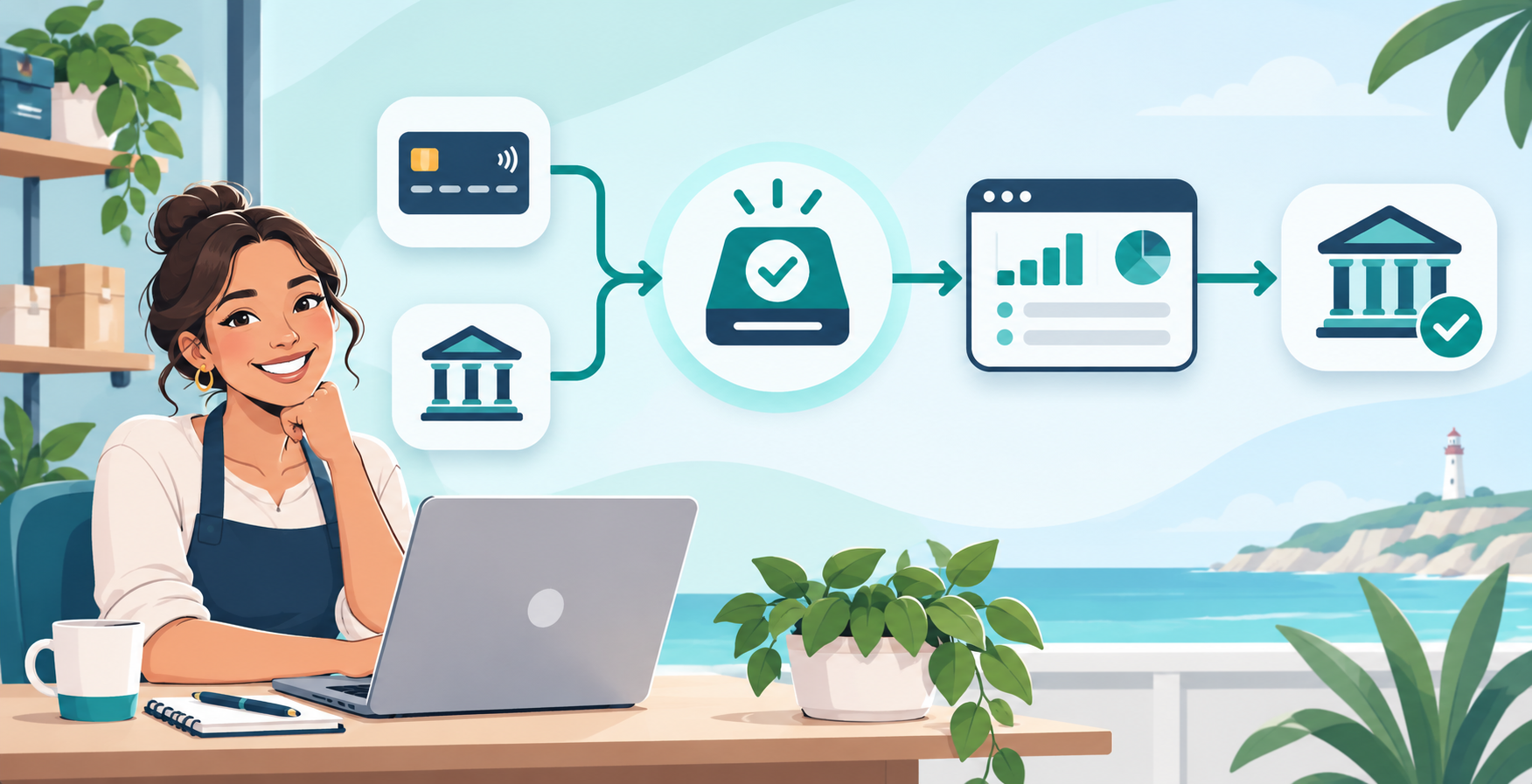
Make it easy for your customers to pay the way they want. With Coastal Pay, you can add Apple Pay to your website in just a few clicks. No separate gateway, no long approvals, and no complicated custom code required.
Share
Add Apple Pay to Your Site in Three Simple Steps
- Apply and get approved. Sign up for Coastal Pay through our instant boarding flow. Most U.S. merchants are approved in approximately 2 minutes, with the merchant account and gateway ready to use the same day.
- Connect your website or store. Use one of Coastal Pay’s 2,000+ pre-built integrations for Shopify, WooCommerce, BigCommerce, Wix, Squarespace, and more. Custom sites drop in with a single API key or hosted payment link.
- Toggle on Apple Pay. Turn Apple Pay on inside your Coastal Pay dashboard and complete domain verification with our one-file upload guide. Apple Pay buttons appear at checkout immediately.
Start Accepting Apple Pay Today
Why Fast, One-Tap Payments Help You Close More Sales
- Less friction for Apple users. One-tap payment with auto-filled shipping and stored cards eliminates the address-entry and card-typing steps that drive abandonment.
- More mobile sales. Replace slow form fields with the familiar Apple Pay button your customers already trust. Mobile-heavy stores typically see meaningful checkout completion lift after enabling Apple Pay.
- Lower decline and error rates. Tokenized payments and biometric authentication built into Apple Pay reduce false declines and failed checkouts compared to manual card entry.
- Stronger conversion on cart and checkout pages. Express Apple Pay buttons can sit on cart pages, not just final checkout, letting buyers skip several steps entirely.
Works With 2,000+ Platforms, Carts, and Custom Stacks
Whatever powers your site today, Coastal Pay plugs in. Apple Pay turns on the same way regardless of platform.
- Major e-commerce platforms: Shopify, WooCommerce, BigCommerce, Magento, OpenCart
- Website builders: Wix, Squarespace, Webflow via payment links or embedded checkout
- Custom and headless sites: Drop-in integration with Coastal Pay’s REST API and gateway docs
- POS-online hybrid: Connect Coastal Pay to your in-person POS and online store with a single account
Need to verify your specific platform? Browse the full 2,000+ integration directory or talk to a Coastal Pay specialist.
Instant Boarding, Flat Pricing, and Built-In Security
- Instant boarding. Get approved in approximately 2 minutes through Coastal Pay’s SignUp Link flow. Start taking Apple Pay the same day.
- Flat 2.5% + $0.15 per transaction. No separate gateway fee, no Apple Pay surcharge, no required software subscription. The same rate covers cards, Apple Pay, and other supported wallets.
- PCI-compliant tokenization. Every Apple Pay transaction processes through bank-grade encryption with full PCI tokenization, supported by 13 acquiring bank relationships through the Coastal Pay Gateway.
- Trusted at scale. 4,962+ active merchants, $1.6B+ processed, 27M+ transactions, registered ISO/MSP with Wells Fargo and Axiom Bank.
Trust badges: No Gateway Fees – Instant Boarding – PCI Compliant – U.S.-Based Support
Frequently Asked Questions
- What is the easiest way to start accepting Apple Pay on my website?
- Use a payment processor that supports Apple Pay natively and enable it in the dashboard. Coastal Pay supports Apple Pay, Venmo, Google Pay, PayPal, and ACH in one merchant account with instant approval in approximately 2 minutes, no separate gateway fee, and 2,000+ integrations.
- How long does it take to enable Apple Pay with Coastal Pay?
- Approximately 2 minutes for instant approval, then another 30 to 60 minutes to complete domain verification and toggle Apple Pay on in your dashboard.
- Does Coastal Pay charge an extra fee for Apple Pay?
- No. Apple Pay processes at the same flat 2.5% + $0.15 as standard cards, with no separate gateway fee, no Apple Pay surcharge, and no required software subscription.
- Do I need a developer to add Apple Pay?
- Not for most platforms. Shopify, WooCommerce, Wix, Squarespace, and BigCommerce support Coastal Pay through pre-built apps or hosted payment links with no coding. Custom sites can use the hosted payment page or the API documentation for fully embedded checkout.

Easiest Way to Accept ACH and Credit Cards in One Gateway (Using Coastal Pay)
If you are tired of juggling one system for credit cards and another for ACH, you do not need two gateways anymore. This guide shows how to accept both in one Coastal Pay Gateway, how to offer them side by side at checkout, and how Coastal Pay stacks up against Stripe and Square on price, speed and approvals.
Best Restaurant POS Systems for 2026: Square, Toast, Clover, Lightspeed vs. Coastal Pay
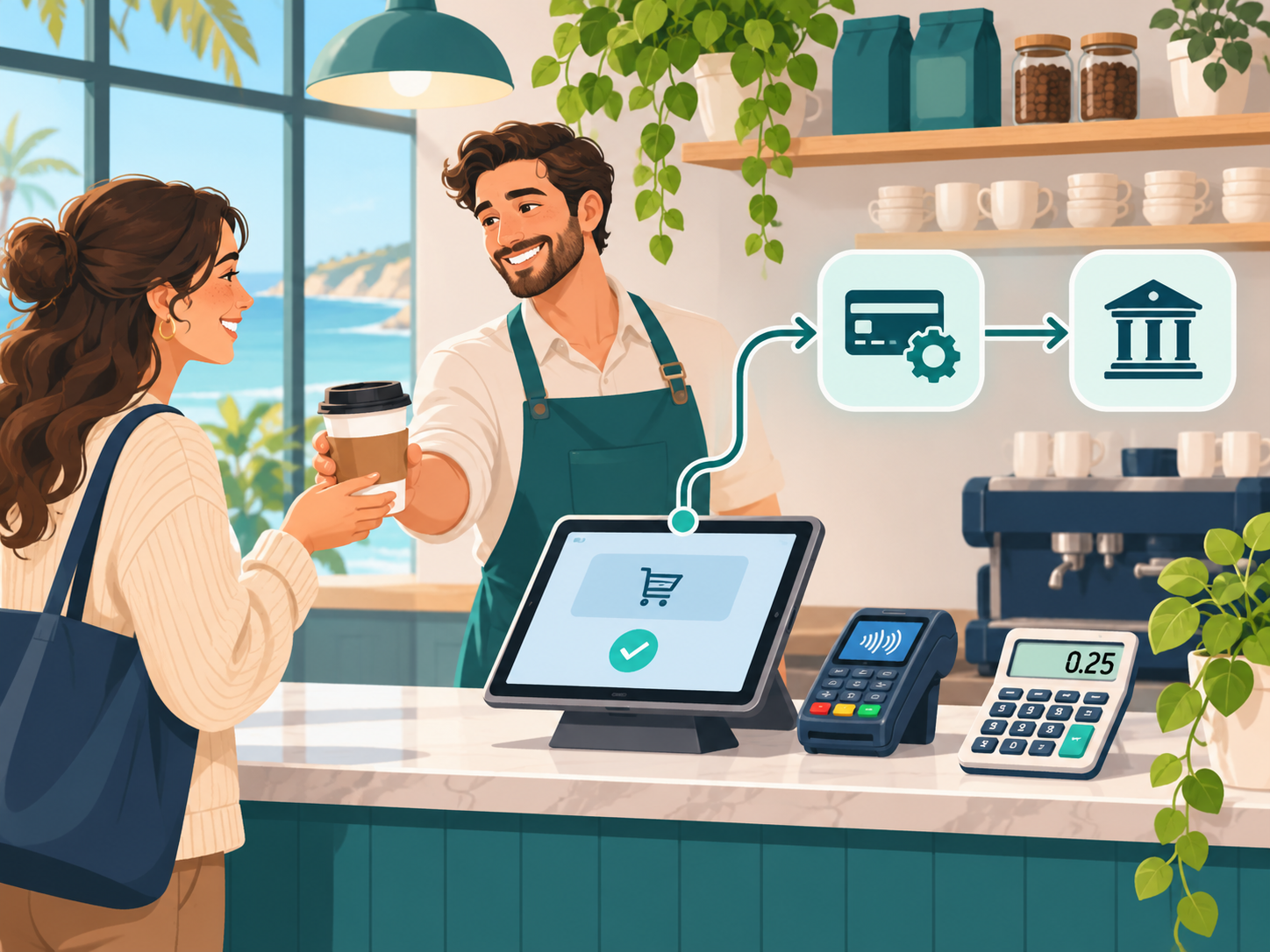
If you run a restaurant or cafe, choosing the best payment software is not just about picking Square or Toast. It is about how fees, hardware and contracts add up in real life. This guide compares Square, Toast, Clover and Lightspeed side by side and shows where Coastal Pay can plug into your POS to lower costs without disrupting service.

Which Merchant Accounts Work Best for High-Ticket Businesses? (And Where Coastal Pay Fits In)
If your average sale is measured in thousands, not tens, you cannot afford a processor that panics every time you run a big card. This guide breaks down which merchant accounts actually work for very high average ticket sizes, and shows where Coastal Pay fits compared with Stripe, Square and PayPal when you are running $1,000 to $25,000+ transactions.
How to Get Payments Approved for New Locations in Minutes (Not Days)
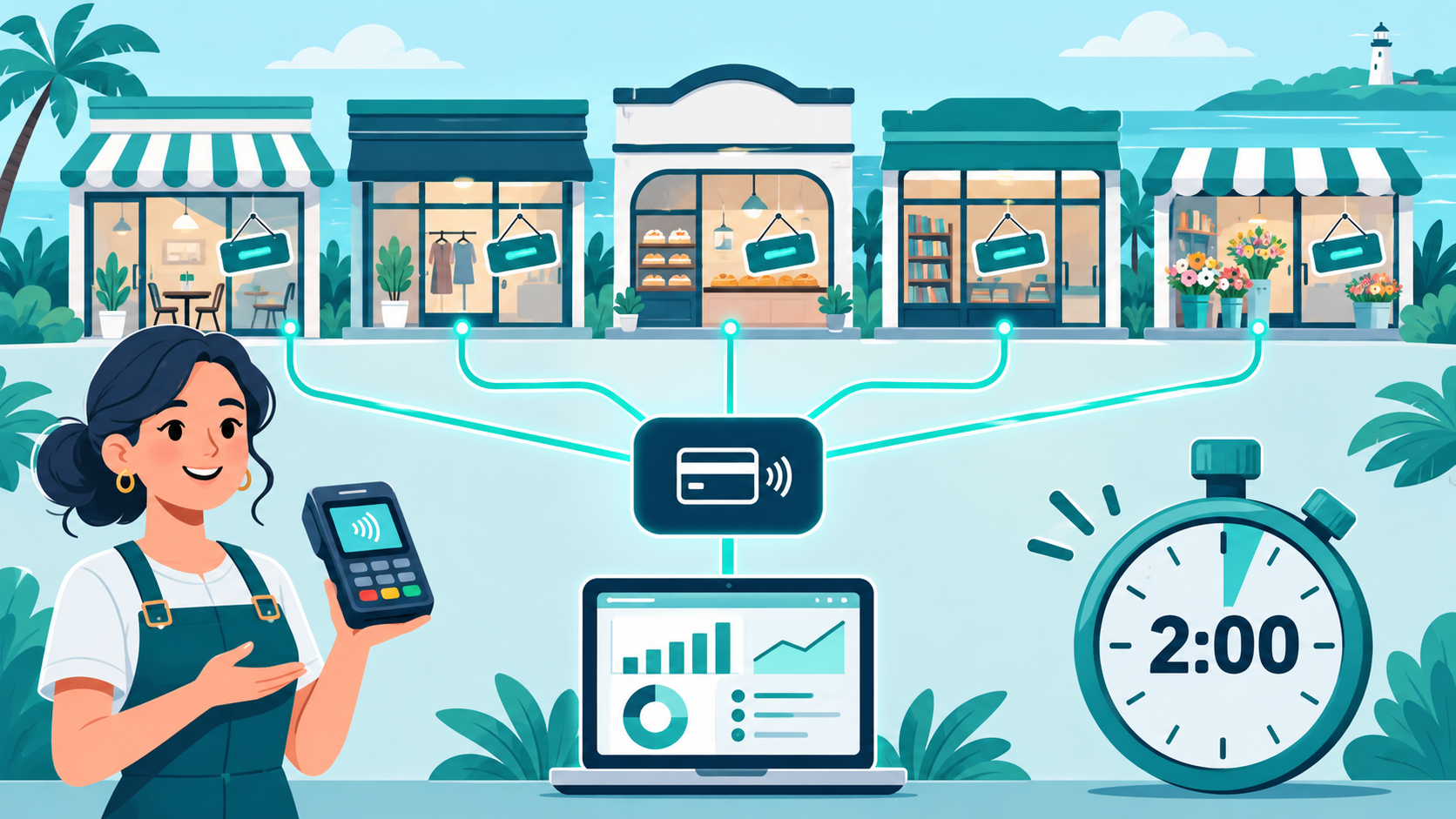
If opening a new store means waiting days for your payment provider to approve it, you are leaving money on the table. Coastal Pay helps multi-location and franchise businesses get new locations taking payments in minutes, with 2-minute instant approvals for most standard-risk businesses, centralized management and instant gateway access that keeps your expansion on schedule.