Let’s define what restaurant and cafe owners really need from payment software
Restaurants and cafes share a short list of needs:
- Speed at the counter so lines keep moving.
- Tableside payments for full-service dining.
- Tipping that is easy for guests and accurate for staff.
- Online ordering that flows into the same system.
- Reporting that shows sales, tips and fees clearly.
The common pain points are just as consistent: surprise fees, rigid contracts, slow funding and systems that do not talk to each other.
The best answer is often a combination of POS software you like and a flexible processor, not one monolithic system that controls both. That is where Coastal Pay fits.
Before you compare vendors, write down how your service actually runs. Count how many tickets you ring on your busiest hour, how many are tipped, how many come from online orders and how many guests pay at the table. Those four numbers decide which features matter and which are nice to have. A cafe that sells a few hundred small tickets a day has very different needs from a dining room that turns tables every 45 minutes.
Here’s how the major restaurant POS options work today
Rates and plans change, so confirm current pricing on each provider’s site. All four typically bundle their own payment processing with hardware and software, which is convenient but can limit your rate flexibility over time.
- Square: best for small cafes. Easy to set up, with a free software plan, contactless and chip payments, tips, online ordering and reporting. Published in-person pricing on its free plan is 2.6% + $0.15 per transaction. The trade-off is that it is a closed ecosystem.
- Toast: best for full-service dining. Built for restaurants, with table management, kitchen display systems, handheld ordering and restaurant reporting. The trade-offs are that total costs can run higher and contract terms can be longer, and card processing varies by plan and agreement.
- Clover: best for counter service. Countertop and handheld hardware, employee management, inventory features and an app marketplace. Rates vary depending on the provider selling the system, so read the contract carefully.
- Lightspeed: best for complex operations. Strong inventory and reporting, and a good fit for large menus or multiple locations. It may be more software than a small cafe needs.
Restaurant POS comparison: Square, Toast, Clover, Lightspeed and Coastal Pay| Provider | Best fit | What it is | Processing model |
|---|
| Square | Cafe or small shop | POS and payments in one ecosystem | Bundled processing, published rates |
| Toast | Full-service restaurant | Restaurant-specific POS | Varies by plan and agreement |
| Clover | Counter service | Hardware and POS platform | Varies by the provider selling it |
| Lightspeed | Complex operations | POS with inventory and reporting | Check terms |
| Coastal Pay | Restaurants that want to keep their POS | Processor and gateway with 2,000+ integrations | Flat 2.5% + $0.15, dual pricing available |
How does Coastal Pay fit with Square, Toast, Clover, and Lightspeed?
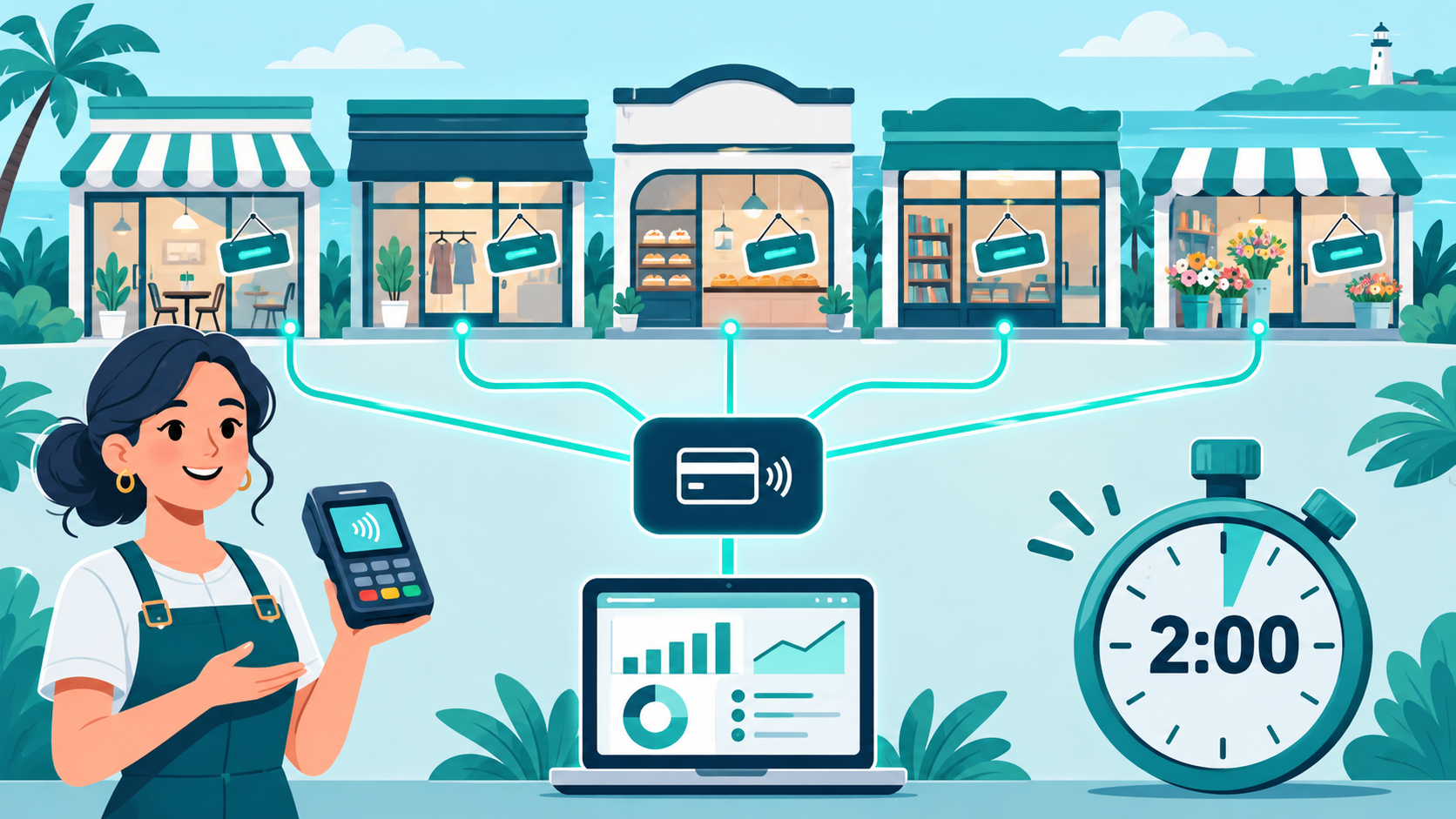
Coastal Pay is not a POS app. It is a payment gateway and processor with 2,000+ software integrations, including POS systems used by many restaurants. In many cases you can keep the POS software you like and move processing to Coastal Pay for pricing and funding that fit your business.
One caution: some POS companies require you to use their own processing. Before you plan a switch, ask whether your exact POS supports outside processors and which Coastal Pay integration applies.
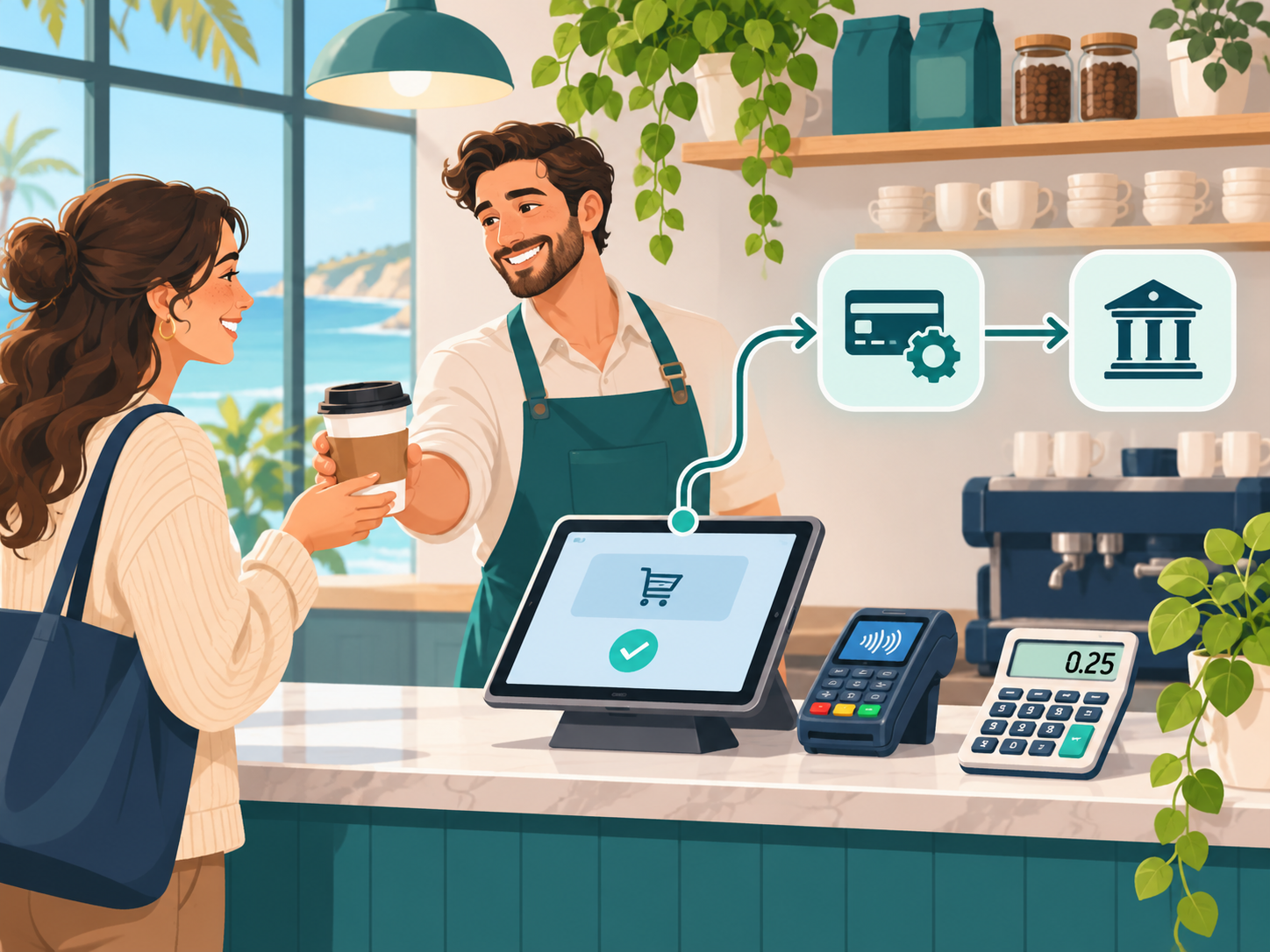
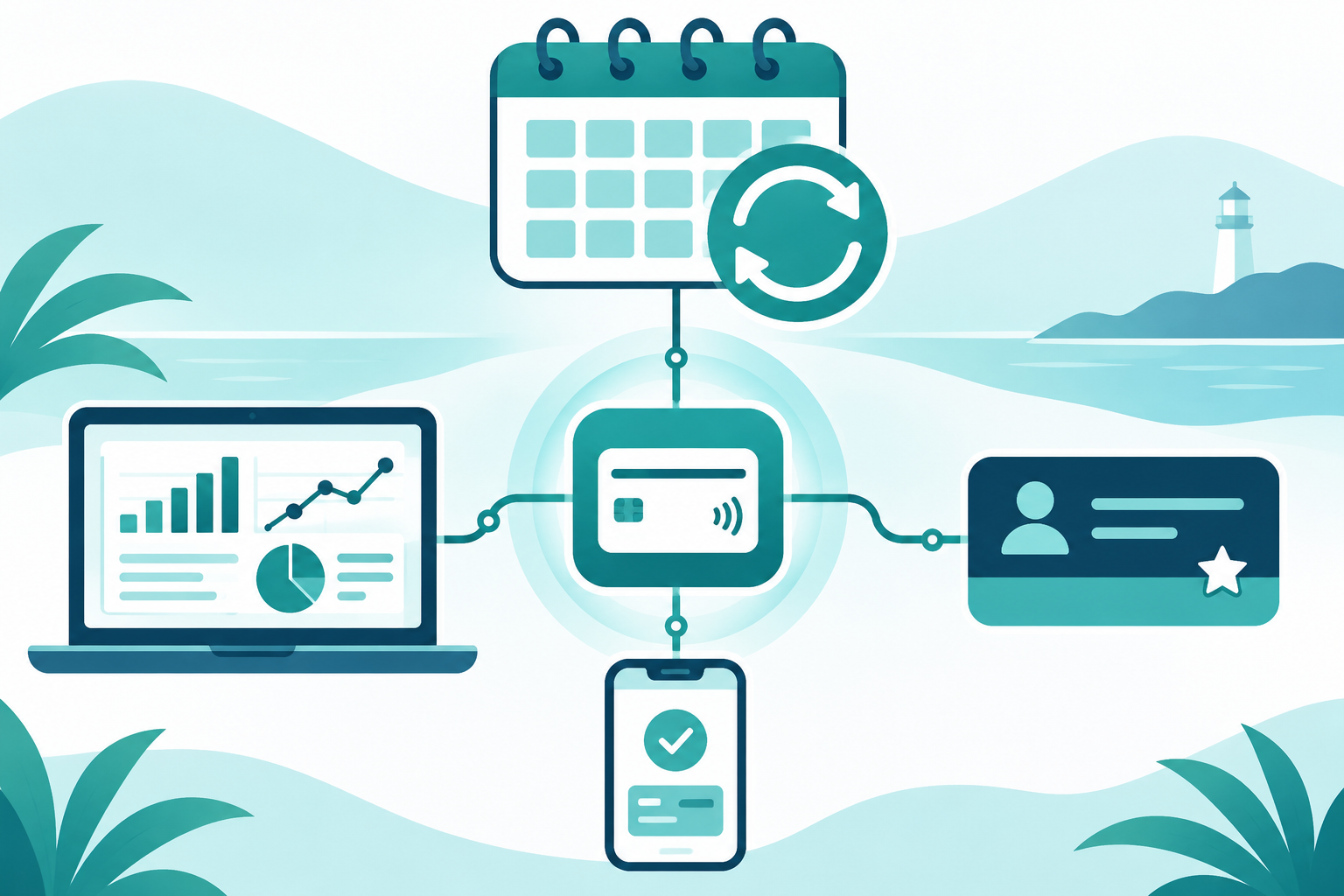
A restaurant POS or online ordering system sends payments to the Coastal Pay Gateway, which connects to an acquiring bank and deposits funds to the restaurant bank account.
Restaurant POS or online ordering
Coastal Pay
Gateway
Acquiring bank and deposit
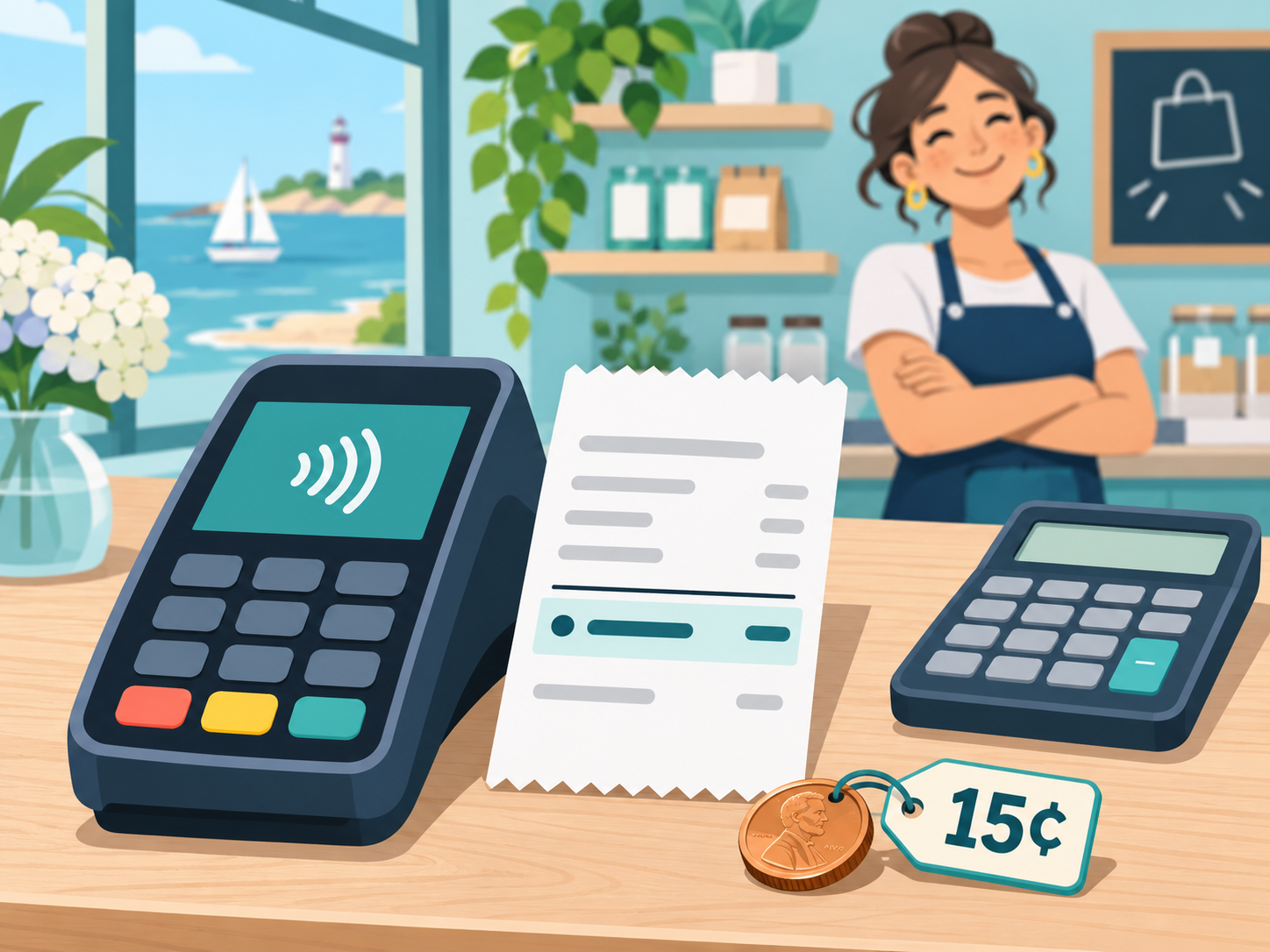
Coastal Pay offers flat 2.5% + $0.15 pricing, optional dual pricing, and alternative payment methods such as Apple Pay, Google Pay, Venmo and ACH. See if your POS is on the integration list by contacting the team.
What will you actually pay with Square, Toast, Clover, Lightspeed, and Coastal Pay?
Rates for Toast, Clover and Lightspeed vary by plan, provider and agreement, so I will not guess at them. Instead, here is the math using Square’s published in-person rate of 2.6% + $0.15 against Coastal Pay’s 2.5% + $0.15. For Toast, Clover and Lightspeed, plug in the rate from your own quote or statement using the same formula.
Monthly in-person processing cost: Square published rate vs Coastal Pay flat rate| Scenario | Card sales and transactions | Square at 2.6% + $0.15 | Coastal Pay at 2.5% + $0.15 | Difference |
|---|
| Cafe, $20 average ticket | $25,000 and 1,250 transactions | $837.50 | $812.50 | $25.00 |
| Quick-service, $16 average ticket | $40,000 and 2,500 transactions | $1,415.00 | $1,375.00 | $40.00 |
| Full-service, $50 average ticket | $75,000 and 1,500 transactions | $2,175.00 | $2,100.00 | $75.00 |
The honest takeaway is that the processing rate alone makes a modest difference. The larger savings come from the total package: software fees, hardware, contract terms, add-on fees and whether you can negotiate at all. Compare the full monthly bill, not just the rate. These examples exclude POS software and hardware costs on both sides.
Dual pricing can go further. It shows a cash price and a card price so customers see both, which can offset or reduce your card fees. It is optional and must be set up correctly to comply with card brand rules and state law. Coastal Pay can review whether it fits your restaurant.
Get your restaurant cost comparison
Here’s why integrated payments matter for busy restaurants
Cost is only part of the picture. Integrated payments connect the POS and the payment terminal, so the amount, tip and tax go from one to the other without retyping.
- Less double entry and fewer order errors during a rush.
- Faster end-of-night reconciliation because sales and payments already match.
- Cleaner tip handling for tips and tip pooling.
Restaurant workflows such as kitchen printers, kitchen display systems and table mapping usually live in the POS, so the quality of the integration matters. Ask which of these work with your setup. For groups, Coastal Pay’s centralized management gives one view across outlets, which helps with multi-location reporting.
Which payment setup makes sense for your type of restaurant?
- Coffee shops, bakeries and cafes: Square is a common starting point. Coastal Pay is worth a quote if you want your own processing relationship or a different POS. Instant approvals help new cafes open quickly.
- Fast casual and quick-service: Margins are thin and tickets are small, so a flat rate or dual pricing can make costs easier to predict.
- Full-service with servers: Toast is purpose-built for it. If you already have a POS you like, ask whether Coastal Pay supports it.
- Multi-location groups: Lightspeed or another multi-unit POS paired with centralized payment reporting can simplify finance.
Do not forget the guest experience. A payment screen that is quick, clear about tips and ready for Apple Pay and Google Pay makes guests feel looked after, and fewer awkward moments at the register mean faster turns. Online ordering and pay-by-link options can add revenue without adding staff, as long as those orders land in the same reports as everything else.
What should you ask before you sign a restaurant POS contract?
- How long is the contract, and what is the early termination fee?
- What are the PCI, batch and statement fees?
- Is the hardware leased or purchased, and what happens if I cancel?
- Who sets the processing rate, the POS company or the processor, and how often can it change?
- Can I use a different processor later without replacing the POS?
- How fast are deposits, and what is the funding schedule?
From Coastal Pay’s side, the answers are straightforward: transparent flat pricing with no gateway fee, the ability to integrate with many existing POS systems, and help with PCI compliance. Ask for the terms in writing, as you should from any provider.
Here’s how to compare your current rates to Coastal Pay in under 10 minutes
- Find your effective rate. Divide total fees on your last statement by total card sales.
- Calculate your cost per ticket. Divide total fees by the number of transactions.
- Spot the junk fees. Look for monthly minimums, statement fees, PCI fees and batch fees.
Hypothetical mini-example: You paid $1,550 in fees on $40,000 in card sales across 2,500 transactions. Your effective rate is $1,550 divided by $40,000, or 3.875%, and your cost per ticket is $0.62. The same volume at 2.5% + $0.15 is $1,375, or about 3.44%, which would be $175 less per month. Your own numbers may differ, and at small tickets the fixed $0.15 matters, so run them before you decide.
When you are ready, email a recent statement to Coastal Pay for a no-obligation savings analysis that is specific to restaurants.
Finally, remember that switching does not have to happen on a busy Friday. Many restaurants test a new processor during a slow week, confirm that tickets, tips and reports look right, then move fully once they are comfortable. Ask your Coastal Pay specialist how to phase a change around your calendar so service is never at risk.
Ready to see your true restaurant processing costs?
Coastal Pay offers flexible integrations, fast onboarding with instant approvals in about 2 minutes for most standard-risk businesses, and support for modern payment methods. You do not need to rip out your current POS to find out whether it fits, thanks to 2,000+ integrations.
Ready to compare? Get your restaurant cost comparison or call 888-266-1715.