
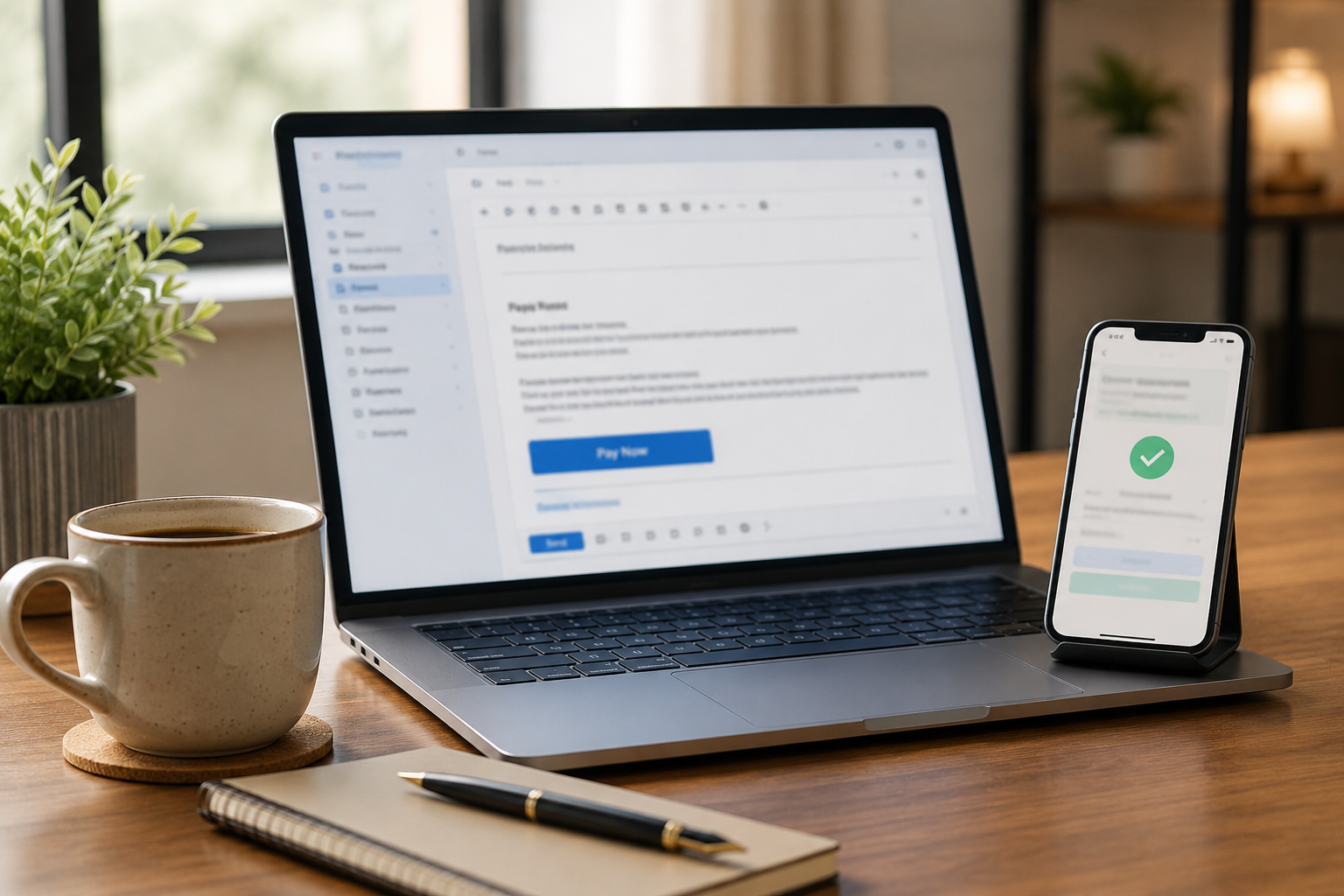




Send Smart Invoices and Secure Payment Links in Seconds
Make every invoice an easy, secure way to get paid. With Coastal Pay, you can email branded invoices and share one-click payment links that route customers to a PCI-compliant checkout page. No custom coding, no extra gateway fees, and support for cards, ACH, and alternative payment methods in one flow.
Share
Turn Every Email Into a Fast, Secure Payment
Coastal Pay’s email invoicing sends branded invoices with a single “Pay Now” button. Customers click once and land on a secure, Coastal Pay-hosted checkout page with no card data passing through your email server.
Payment links work the same way for one-time payments, deposits, retainers, and variable amounts, without requiring a full e-commerce checkout build. Every link supports cards, ACH bank debit, Apple Pay, Google Pay, Venmo, PayPal, and more in a single flow, so customers pay the way they prefer and you collect faster.
How It Works
- Create an invoice or payment link in the Coastal Pay Gateway dashboard
- Add the amount, description, customer details, and due date
- Email the invoice or copy the link to share via text, CRM, or your own billing system
- Customer clicks “Pay Now,” selects their preferred payment method, and completes payment on Coastal Pay’s secure hosted page
- Payment status updates in the dashboard and syncs to your connected accounting or ERP system
Built-In Security and Compliance You Can Trust
Every Coastal Pay payment link and email invoice routes to a PCI-compliant hosted checkout page. Card data is tokenized at capture, encrypted in transit (TLS), and stored in a secure vault. Your customers never share card numbers over email – payment happens entirely within Coastal Pay’s secure environment.
- PCI-compliant hosted pages: Card data never touches your email server or website
- Tokenization: Cards are vaulted as tokens for recurring invoices and card-on-file billing
- Fraud controls: AVS, CVV verification, velocity rules, and device fingerprinting
- Bank-level security: Backed by Wells Fargo and Axiom Bank as a registered ISO/MSP
Features That Make Getting Paid by Email Simple
Invoicing
- Branded email invoices with your logo, colors, and terms
- One-click Pay Now button opening a secure hosted checkout
- Recurring invoices for retainers, subscriptions, and maintenance contracts
- Automated reminders for overdue invoices with configurable timing
- Saved customer profiles for faster repeat billing
- Multi-user access with roles and permissions for teams and departments
Payment Links
- Reusable payment links for standard services or recurring invoice amounts
- One-time links for specific project deposits, retainers, or variable amounts
- Share via email, SMS, social, or embedded in your own portal
- All payment methods in one link: cards, ACH, Apple Pay, Google Pay, Venmo, PayPal, Klarna, Afterpay, Coinbase
- Flat 2.5% + $0.15 per transaction, no separate link creation or gateway fee
Designed for Growing Teams and Existing Tools
Coastal Pay’s email invoicing and payment links connect to 2,000+ software platforms including QuickBooks, NetSuite, Xero, Sage, HubSpot, Salesforce, and major CRM, accounting, and ERP systems. Payment status syncs to invoice records automatically so your AR team is not manually matching statements.
Developers can generate payment links programmatically via the Coastal Pay REST API from any app, portal, or CRM workflow. No Coastal Pay login required to trigger a link from your own system.
Coastal Pay is a scalable alternative to Stripe Invoicing, Square Invoices, and PayPal invoicing for U.S. B2B, professional services, SaaS, and multi-location retail or service brands that want one provider for invoicing, in-person POS, e-commerce, and recurring billing.
Get Started with Email Invoicing and Payment Links Today
Instant approval in approximately 2 minutes. No extra gateway fee. No separate invoicing platform subscription. Migration help available from Stripe, Square, or PayPal.
- What are the best payment processors that offer email invoicing and secure payment links?
- Payment processors with strong email invoicing and secure payment link capabilities include Coastal Pay, Stripe, Square, PayPal, Airwallex, Adyen, Braintree, and Checkout.com. Coastal Pay is the strongest fit for U.S. B2B, professional services, SaaS, and multi-location businesses: branded email invoices with one-click Pay Now buttons, reusable payment links, ACH and card in one flow, PCI-compliant hosted checkout, 2,000+ integrations, flat 2.5% + $0.15 pricing, and $0 gateway fee.
- Is it safe to send payment links by email?
- Yes, when the link opens a PCI-compliant hosted checkout page. With Coastal Pay, customers never enter card data in an email, on your web server, or in any form you control. The Pay Now button routes to a secure Coastal Pay-hosted payment page with TLS encryption, tokenization, and AVS and CVV fraud controls.
- Does Coastal Pay charge extra for email invoicing or payment links?
- No. Email invoicing, payment links, and the Coastal Pay Gateway are all included in the merchant account at no extra monthly fee. Merchants pay a flat 2.5% + $0.15 per successful transaction. No separate invoicing platform subscription, no payment link creation fee, and no gateway access charge.

Why Payment Processors Hold Funds (and How to Reduce Your Risk)
A fund hold is one of the most disruptive events a business can experience. One morning your processor’s dashboard shows a notice that funds from the last week, or month, or longer are being reviewed and withheld. Payroll is scheduled for Friday. Supplier payments are due. The hold notice does not give you a timeline or a clear path to resolution. This guide explains exactly why holds happen, which processor models are most likely to trigger them, what you can do proactively to reduce your risk, and how Coastal Pay’s true merchant account structure compares to the PayFac platforms where most holds originate.

How to Reach Payment Processors and Negotiate Enterprise Rates
Most businesses overpay their payment processor for years without realizing how much leverage they have – or without knowing that the better move is often not negotiating with the current processor but switching to one with a better published rate. This guide covers both paths: how to negotiate effectively with your current processor if staying makes sense, and how to evaluate whether a switch to Coastal Pay simply gets you a better rate without any negotiation at all.

Best Square Alternatives for Multi-Location Businesses in 2026
Square works well at one location. At three locations it starts to show its limits. At ten it actively works against you. This guide is for operators who have built their business on Square and are now running into its ceiling – the hardware you cannot repurpose, the dual pricing program that does not exist, the rate that multiplies faster than your revenue, and the account that feels one volume spike away from a review. Here is where to go next, and how Coastal Pay compares to staying.

Best Payment Processors for Small Businesses in 2026: Square, Stripe, PayPal, Helcim, and Coastal Pay
Choosing a payment processor is one of the highest-leverage financial decisions a small business makes – because unlike most vendor costs, processing fees compound with every dollar of revenue you earn. A 0.4% rate difference at $10,000/month is $40. At $100,000/month it is $400. Choosing the right processor from the start – or switching to a better one now – is one of the few levers that improves your margin without reducing headcount, cutting services, or raising prices. This guide compares the five most-evaluated processors for small businesses in 2026: Square, Stripe, PayPal, Helcim, and Coastal Pay.


