Payment Processors With the Most POS Integrations in 2026 (And Where Coastal Pay Fits In)
Payment Processors With the Most POS Integrations in 2026 (And Where Coastal Pay Fits In)
If you are asking which payment platforms offer the most POS integrations, you are really asking how easily payments will fit into your existing tech stack. This comparison explains how Coastal Pay's 2,000+ POS and software integrations compare with Stripe, Adyen, PayPal and Braintree, Worldpay and Square, so you can choose a processor that will not force a POS rip-and-replace next year.
Read Times:4
Share
Let’s define what really counts as a POS integration in 2026
“POS integration” means different things to different vendors, so start with clear definitions.
Traditional POS: software and hardware installed at the location, often with on-premises servers.
Cloud POS: a hosted system that runs in a browser or app and updates in real time.
Sales-sync software: tools that do not take payments themselves but receive sales data from the payment system.
Integrations also come in different forms:
Native integration: the POS vendor built the payment connection into its own product.
Certified partnership: the processor and the POS vendor tested and approved the connection together.
Custom API build: a developer connects the systems using the processor’s API.
Coastal Pay’s connections span POS, e-commerce, ERP, CRM, vertical software and terminals. This article focuses on documented, maintained connections, not one-off custom work.
Here’s why “most POS integrations” is harder to compare than it looks
It is tempting to rank providers by the biggest number on their website. That number can mislead for four reasons.
Different things get counted. One vendor counts POS brands, another counts apps, another counts terminals or commerce plugins. A marketplace with 100 apps is not the same as 100 POS integrations.
Directories are incomplete. Many providers publish only featured partners, not their whole catalog.
Region matters. Some POS connections work only in certain countries or with certain acquiring arrangements.
Depth varies. A basic payment pass-through is very different from full sync of inventory, customers and reporting.
For these reasons, no public source supports a clean global ranking by integration count. This article uses best-available public information plus Coastal Pay’s disclosed 2,000+ integrations, not an absolute ranking. Treat every headline number, including ours, as a starting point for verification.
A practical way to cut through the noise is to flip the question. Instead of asking who has the biggest list, ask whether your specific POS, at your specific version, is supported and who will stand behind the connection. A provider with a smaller catalog that covers your system well can serve you better than a huge catalog that does not.
How does Coastal Pay’s 2,000+ POS and software integrations stack up?
Coastal Pay connects with 2,000+ POS and software systems across retail, restaurant, hotel and e-commerce. The categories include:
POS systems for retail, restaurants and hospitality
E-commerce platforms and shopping carts
ERP and accounting software
CRM, booking and billing tools
Industry platforms for verticals such as hotels, pharmacies and travel
The snapshot below shows well-known POS and software brands that buyers commonly ask about, grouped by industry. It is a guide to categories, not a confirmed list of connections. Because integration status and type can change, ask Coastal Pay to confirm your exact system and version.
POS integration snapshot by industry (confirm your exact system with Coastal Pay)
Industry
Brands buyers commonly ask about
Typical integration type
Status
Restaurants
Toast, Clover, Aloha, Micros
Native, gateway or middleware
Confirm with Coastal Pay
Retail
Lightspeed, Clover, Shopify POS, Square POS, NCR
Native, gateway or middleware
Confirm with Coastal Pay
Hotels and travel
Opera, Cloudbeds, Mews
Property management system connection
Confirm with Coastal Pay
E-commerce
Shopify, WooCommerce, BigCommerce, Magento
Gateway plugin or API
Confirm with Coastal Pay
Accounting and ERP
QuickBooks, NetSuite, Xero, SAP
Sync or middleware
Confirm with Coastal Pay
CRM and billing
Salesforce, HubSpot, Zoho
API or middleware
Confirm with Coastal Pay
For IT teams, the advantages are practical: API access, existing connectors, and vendor-agnostic flexibility so a future change of POS does not mean a change of processor. See the full list of 2,000+ software integrations on the Coastal Pay Integrations page.
Which major payment platforms have broad POS ecosystems today?
Each platform below takes a different approach. The details come from public information and may change, so confirm current terms with each provider.
POS strategy and integration model: Coastal Pay, Stripe, Adyen, PayPal and Braintree, Worldpay and Square
Provider
POS strategy
Example POS partners
Integration model
Coastal Pay
Vendor-agnostic, third-party POS connectivity
Disclosed 2,000+ POS and software systems
Existing connectors plus API
Stripe
Developer-first with a partner ecosystem
Shopify, Lightspeed, Oracle Xstore and others
Terminal partners plus custom API builds
Adyen
Unified in-store and online for enterprise
Oracle Retail, Microsoft Dynamics 365, SAP Commerce, Cegid
Partner network and platform integrations
PayPal and Braintree
Online-to-in-store, with embedded online payments
Varies by product
PayPal POS options and Braintree APIs are separate offerings
Stripe: online-first and developer-led teams that want flexibility.
Adyen: large retailers and multinational merchants.
PayPal and Braintree: businesses that want a familiar wallet and online-first payments.
Worldpay: established merchants with existing acquiring and terminal environments.
Square: small and midsize businesses that want one ready-made system. Square emphasizes its own POS hardware, while Coastal Pay and Worldpay lean toward third-party POS connections.
Coastal Pay’s differentiator is breadth across 2,000+ systems plus tailored support, rather than a closed POS ecosystem.
What should you look for when you compare POS integration lists?
Depth: Is it payments only, or full sync of sales, inventory and customers?
Exact version and deployment: Does it support your POS version, and is it on-premises or cloud?
Support and ownership: Who fixes problems, and what are the support hours or service levels?
Certification and release cadence: Is the connection certified, and how often is it updated?
Data flow: How are tokens, reconciliation, inventory sync and multi-location reporting handled?
Coastal Pay addresses these with existing connectors, API access and implementation support. Ask about sandbox access for your project so your team can test before launch.
Do not overlook the cost of change. Swapping a POS later is one of the more disruptive projects a merchant can take on, and a processor that is tied to one POS can turn that project into a double migration. Choosing a vendor-agnostic gateway up front keeps your options open as your locations, channels and software evolve.
How do you decide which platform is the best fit for your tech stack?
Match the platform to your situation:
If you have one retail location and want the simplest all-in-one setup, a vertically integrated POS and payments stack may be easier.
If you have multiple locations or franchises on different systems, consider a vendor-agnostic processor such as Coastal Pay.
If you run a restaurant or hotel with specialized software, confirm that your exact system is supported before anything else.
If you sell in store and online, look for one gateway that handles both.
If your developers need custom workflows, check API documentation quality, webhook support and testing environments.
Shortlist Coastal Pay when you want to keep your existing POS, plan to add locations or channels, or want to avoid being tied to one vendor’s hardware.
For IT and developer teams, the quality of documentation is often the deciding factor. Look for clear API references, webhook support for payment events, a sandbox that mirrors production, and a named contact for integration questions. These details predict how smooth your rollout will be better than any directory count.
What questions should you ask a provider about POS integrations?
Which POS vendors and exact versions do you support today?
Is the integration native, certified or middleware?
Who owns support when something breaks, you or the POS vendor?
What is on the roadmap for the next 12 months?
What are the contract terms, and what does it cost to leave?
What happens if I change my POS or add locations?
Are card tokens portable if I switch processors?
Do you support in-store, online and invoice payments in one system?
Can I see consolidated reporting across locations?
Do you offer sandbox access and API documentation?
Coastal Pay’s approach is to answer these directly and in writing, and to confirm your specific POS before you commit. Ask the team for a short checklist version of these questions to use with any vendor.
Here’s how to validate Coastal Pay for your current POS and future roadmap
You can confirm compatibility quickly. Gather this information first:
Your POS name and version
Deployment model, cloud or on-premises
Your current processor setup and terminals
The other systems you want connected, such as e-commerce, ERP or CRM
Then check the Coastal Pay Integrations page, or send the list to the team for an integration check. Developers can review the API links and gateway docs to plan custom work.
If you are ready, instant approvals take about 2 minutes for most standard-risk businesses.
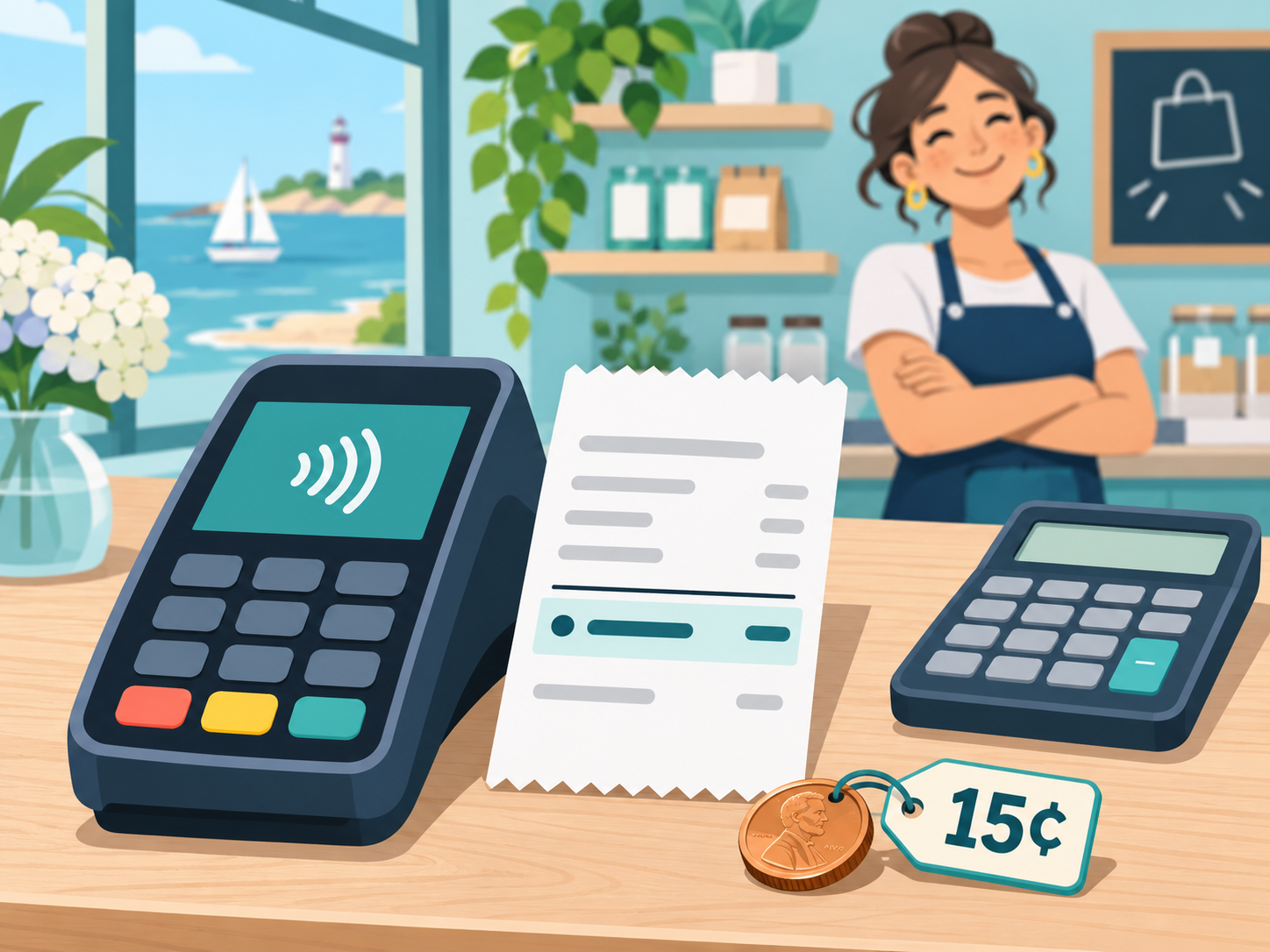
Stop guessing what you will really pay to run cards. With Coastal Pay, card transactions run at a clear 2.5% + $0.15 per transaction, with no gateway fee, no tiers and no surprise markups, backed by a next-generation gateway, 2,000+ integrations and instant approvals.
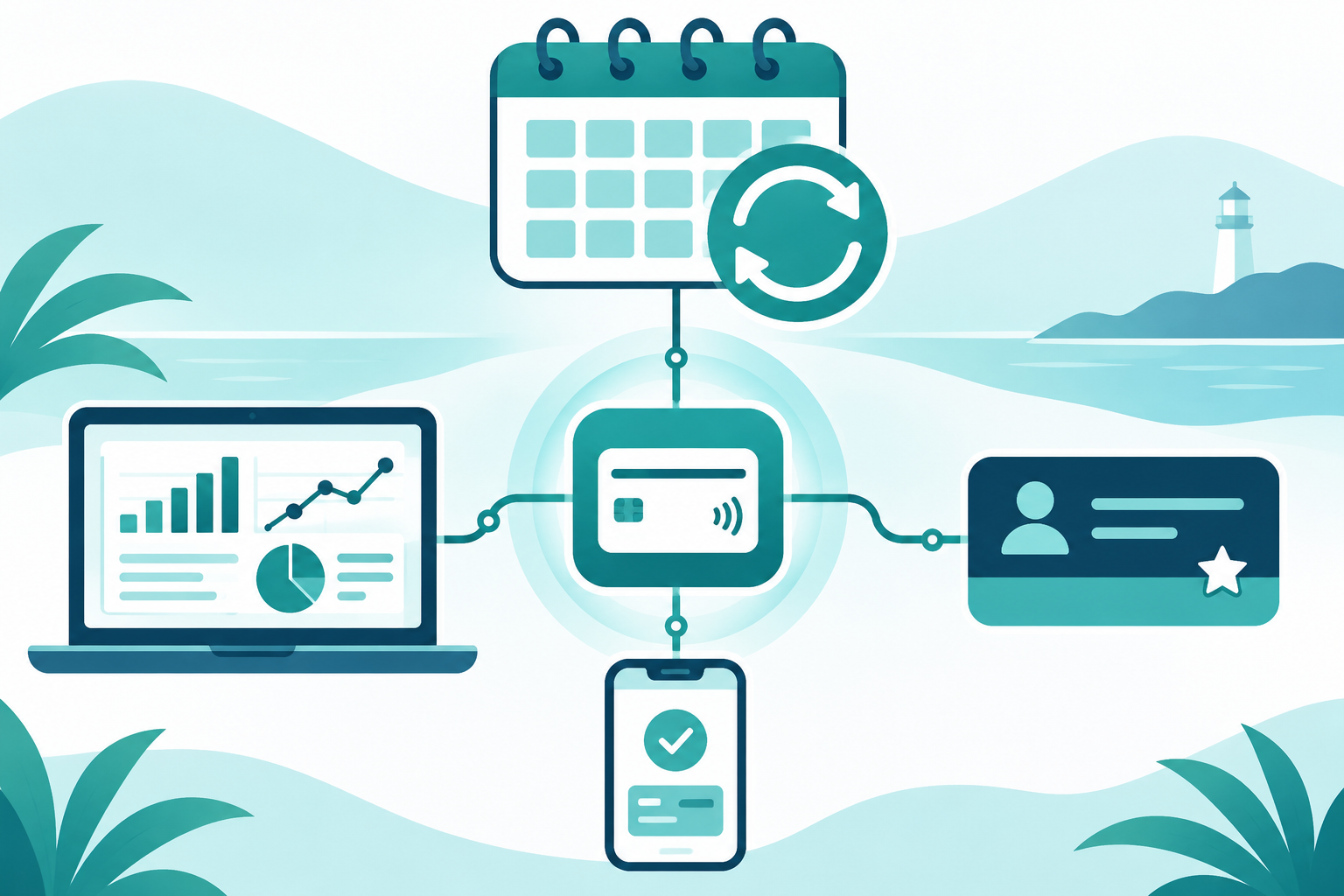
Manage subscriptions and recurring billing without piecing together five different tools. Coastal Pay powers reliable recurring payments for SaaS, memberships and service businesses, combining a payment gateway, cards, ACH and alternative payments, and 2,000+ integrations in one place.
Stop stitching together payment reports from five different platforms. Coastal Pay gives you a centralized payment reporting dashboard for every card, ACH and alternative payment across your locations and channels, so finance and operations teams see the full picture in one place.
If you are searching for a payment platform that supports ACH and Coinbase together, you are really asking one thing: who can give me bank transfers and Coinbase in a single, simple setup? This 2026 guide compares Coinbase Business, Stripe, BitPay and Coastal Pay, then shows how Coastal Pay offers both methods through one gateway and one integration.