Easiest Way to Accept ACH and Credit Cards in One Gateway (Using Coastal Pay)
Easiest Way to Accept ACH and Credit Cards in One Gateway (Using Coastal Pay)
If you are tired of juggling one system for credit cards and another for ACH, you do not need two gateways anymore. This guide shows how to accept both in one Coastal Pay Gateway, how to offer them side by side at checkout, and how Coastal Pay stacks up against Stripe and Square on price, speed and approvals.
Read Times:47
Share
Let’s define what it really means to use one gateway for ACH and cards
A payment gateway is the secure bridge between your customer, the card networks and bank systems, and your bank account. It collects payment details, sends them for approval and reports the result back to you.
Cards and ACH are different payment types:
Credit and debit cards run through card networks and are common for online checkout, retail and quick purchases.
ACH bank debits pull money directly from a customer’s bank account and are common for invoices, memberships and recurring billing.
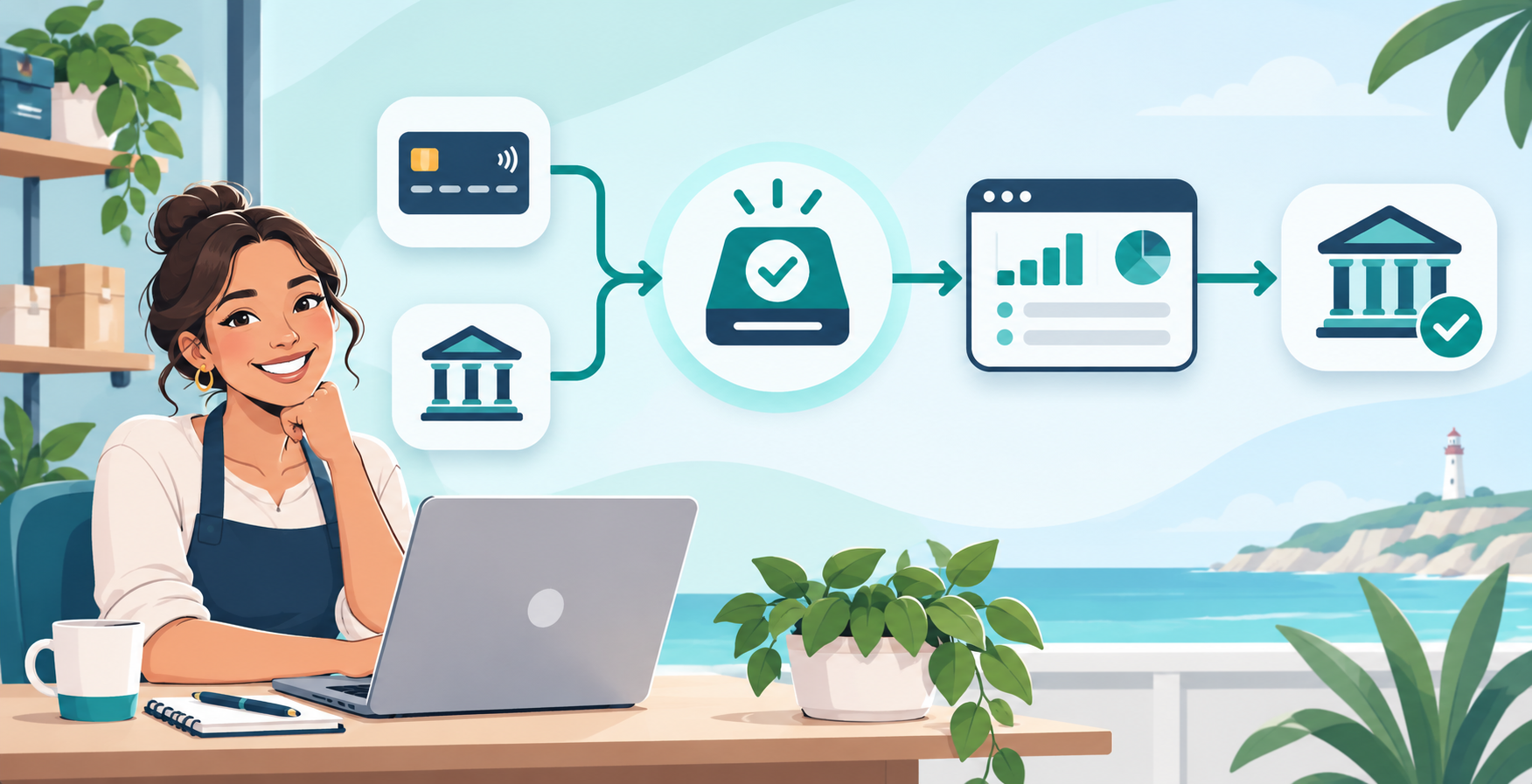
With Coastal Pay, both route through a single login, one reporting dashboard and one API. You do not need two providers or two sets of credentials. Settlement timing differs between ACH and cards, but everything still appears in one place.
Here’s why putting ACH and card payments in one place makes life easier
One customer record and one transaction history means less reconciliation and fewer accounting headaches.
Lower cost on the right payments. ACH can cost less than cards on large invoices and recurring payments, so offering it can protect your margin.
Less IT work. One gateway integration, one set of API keys and one set of notifications to maintain.
Simpler operations. Unified reporting, one place to manage returns and chargebacks, and one system to train staff on.
Room to grow. Centralized analytics and multi-location views support growing businesses.
It also helps to think about which of your customers will use which method. Consumers buying a single item online usually prefer a card. Businesses paying a large invoice, or members on a monthly plan, often prefer a bank payment because it avoids card limits and expiry dates. If you serve both groups, offering both methods in one place means you never turn away a sale because of how someone wants to pay.
What do you actually need to get set up?
Gather these before you apply:
A legal business entity and EIN
An active business checking account
Basic owner information
A voided check or bank letter, which may be requested for ACH
Enabling cards alone is faster than also activating ACH, because ACH can involve additional underwriting and bank verification. Coastal Pay offers instant approvals for most standard-risk businesses, and if ACH needs extra review, your specialist will tell you what is outstanding and how long it should take. The team can handle card and ACH setup under one application instead of two.
Cards versus ACH at a glance
Credit card and ACH payment differences for small businesses
Topic
Credit and debit cards
ACH bank debits
Best for
Online checkout, retail, quick purchases
Invoices, memberships, recurring and large payments
Typical settlement
Faster
A few business days
Typical cost
Percentage plus a fixed fee
Often lower on large amounts
Failure mode
Declines and chargebacks
Returns, such as insufficient funds
Here’s how to turn on ACH and card processing in your Coastal Pay Gateway
The exact screen names can differ by account, so your specialist will confirm where each setting lives. In general, the process follows these steps:
Apply and ask for both methods. Say on the application that you want card processing and ACH.
Log in to the Coastal Pay Gateway once your account is approved.
Review your payment methods. Check which methods are active on your account. If ACH is not yet on, ask the team to enable it through a quick call or a helpdesk ticket.
Complete any ACH requirements. This can include accepting ACH terms and verifying your bank account.
Confirm both are active. You should see card and ACH available when you build a payment page, invoice or payment link.
If you get stuck, call 888-266-1715 or submit a helpdesk ticket, and the support team can complete missing pieces with you.
How to offer ACH and cards side by side at checkout
Once both methods are active, you can show them wherever you collect payment:
Payment pages and payment links: offer both Credit/Debit Card and Bank (ACH) so customers choose each time.
Email invoices: let customers pay by card or bank from the same invoice.
Recurring billing: allow a customer to save a card or a bank account for repeat payments.
Virtual terminal: let staff choose card or ACH when taking payments by phone.
Consider nudging customers toward ACH on large invoices, since it can lower your cost, while still allowing cards for customers who prefer them. Add short copy next to each option, such as “Card: instant confirmation” and “Bank (ACH): may take a few business days to settle.” Check with your specialist which defaults and templates are available for your account.
Write down your rules before you launch. For example, decide which invoice size you will encourage customers to pay by ACH, how long you will wait before following up on a returned payment, and who on your team handles refunds. Putting these rules in writing makes training easier and keeps customers hearing the same answer from everyone.
How does Coastal Pay compare to Stripe and Square for ACH plus cards?
All three can accept cards, and Stripe supports ACH Direct Debit in the US. The comparison below is general, so confirm current terms with each provider.
ACH and credit card gateway comparison: Coastal Pay, Stripe and Square
Feature
Coastal Pay
Stripe
Square
ACH availability
Yes, in the same gateway as cards
Yes, ACH Direct Debit in the US
Confirm that its ACH functionality fits your workflow
ACH pricing
Quoted for your business
Percentage-based with a cap, confirm current rate
Confirm current rate
Card pricing style
Flat 2.5% + $0.15, no gateway fee
Standard published rate, enterprise pricing available
Standard published rates
Instant approvals
About 2 minutes for most standard-risk businesses
Fast self-serve for standard accounts
Fast self-serve
Support model
Direct phone line and helpdesk
Self-serve plus enterprise tiers
Support tiers vary
Integrations
2,000+ plus API
Extensive developer ecosystem
Square ecosystem and app marketplace
Stripe and Square are strong for simple starter setups, but costs and limits can become a factor for advanced ACH use cases such as large B2B payments. Coastal Pay’s strengths are instant boarding, no gateway fee and ACH support for B2B and high-ticket merchants. Fees vary by industry and volume, so ask for a custom Coastal Pay quote.
What common setup questions come up with ACH and cards in one gateway?
How long does funding take for cards versus ACH?
Cards typically settle faster than ACH, and ACH usually takes a few business days. Your reports show the status of each payment, and your specialist can confirm the exact schedule for your account.
How do ACH returns work?
An ACH payment can be returned, for example for insufficient funds or a closed account. Returns show up in your reports, and you can contact the customer to retry or collect another way.
What if a customer disputes a payment?
Card disputes follow the chargeback process, and ACH disputes follow bank return rules. Keep clear authorization records for both.
Where can I see my fees?
Your gateway reporting and monthly statements show activity and fees for each method. Ask your specialist where per-transaction and monthly summaries appear for your account.
How do refunds work?
Card and ACH refunds follow different timelines, and ACH refunds usually take longer to reach the customer. Tell customers what to expect.
For edge cases, call 888-266-1715, submit a helpdesk ticket or email support@coastalpay.com.
If you plan to connect the gateway to your own software, share your setup with the Coastal Pay team early. The API links and gateway docs are available to developers, and the team can recommend the right connection from the 2,000+ supported software integrations so that cards and ACH flow into your accounting system without manual re-entry.
Keep an eye on your numbers in the first month. Compare how many customers choose ACH versus cards, how many ACH payments are returned, and how your average settlement time compares with what you expected. If most customers still choose cards, consider moving ACH higher on your invoices or explaining the savings. If returns are higher than expected, tighten your verification and follow-up steps. A few weeks of data is usually enough to tune your setup.
Here’s your quick checklist to go live in under a day
Apply and ask for card and ACH together.
Activate your account and finish any ACH verification.
Configure your payment page, invoice template and virtual terminal.
Test one low-dollar card payment and one low-dollar ACH payment.
Verify the payment page preview, the email invoice template and your settlement reports.
Involve finance to confirm how card and ACH data flow into your bookkeeping.
Launch and monitor your first settlements and any returns.
Ready to use one gateway for both?Get Approved in 2 Minutes or call 888-266-1715 to complete setup with a payments specialist.
If you run a restaurant or cafe, choosing the best payment software is not just about picking Square or Toast. It is about how fees, hardware and contracts add up in real life. This guide compares Square, Toast, Clover and Lightspeed side by side and shows where Coastal Pay can plug into your POS to lower costs without disrupting service.
If your average sale is measured in thousands, not tens, you cannot afford a processor that panics every time you run a big card. This guide breaks down which merchant accounts actually work for very high average ticket sizes, and shows where Coastal Pay fits compared with Stripe, Square and PayPal when you are running $1,000 to $25,000+ transactions.
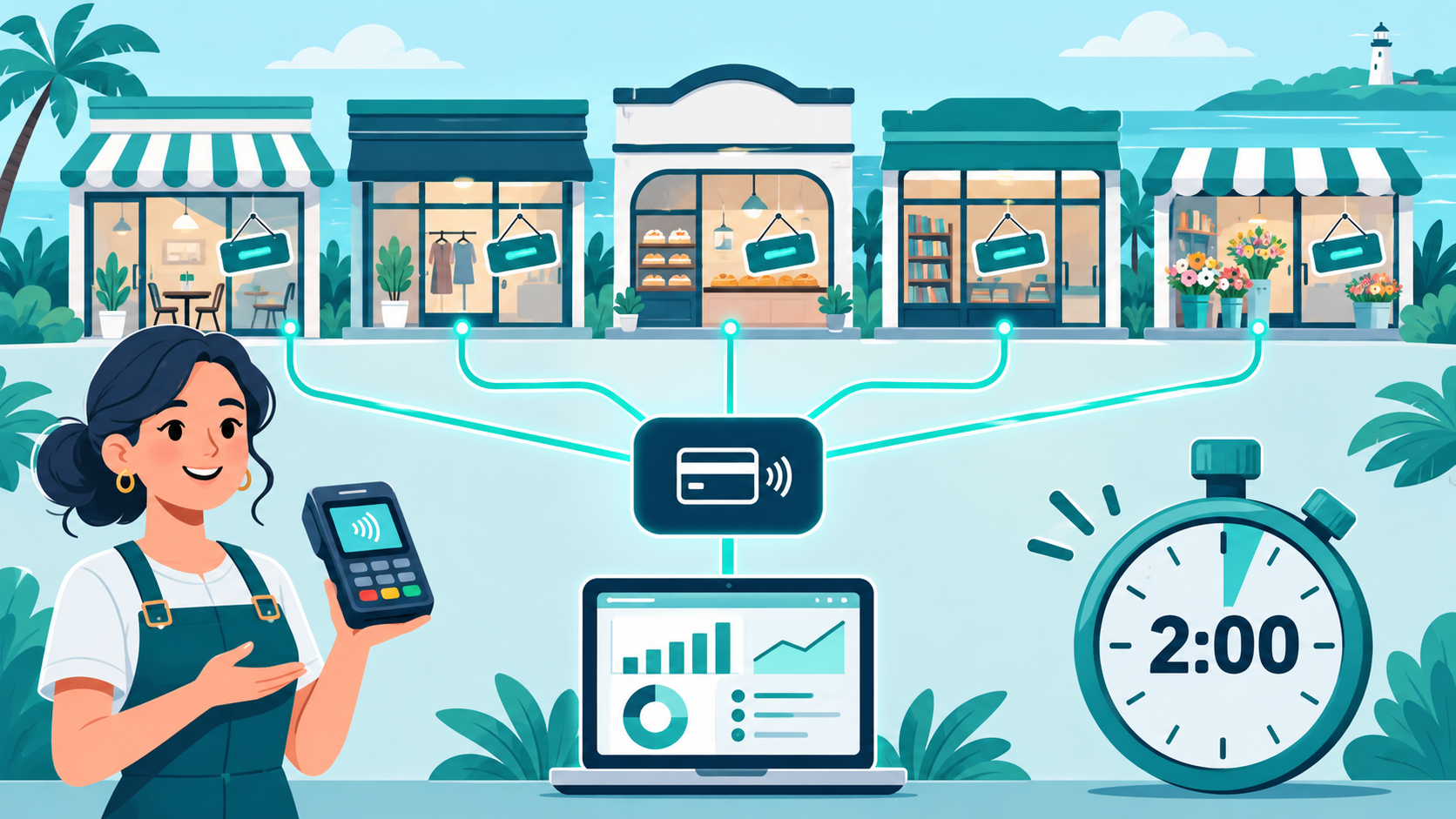
If opening a new store means waiting days for your payment provider to approve it, you are leaving money on the table. Coastal Pay helps multi-location and franchise businesses get new locations taking payments in minutes, with 2-minute instant approvals for most standard-risk businesses, centralized management and instant gateway access that keeps your expansion on schedule.
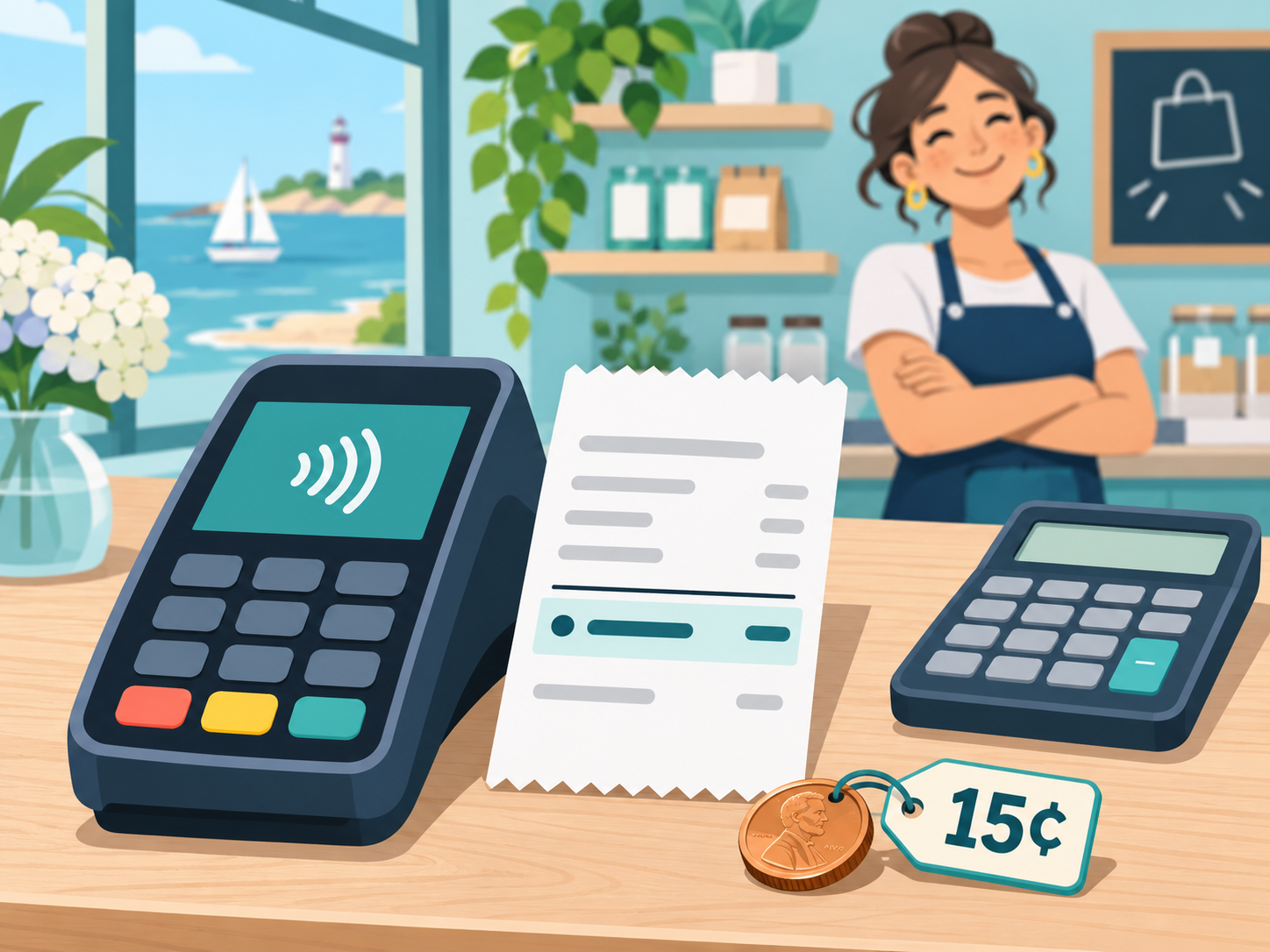
Stop guessing what you will really pay to run cards. With Coastal Pay, card transactions run at a clear 2.5% + $0.15 per transaction, with no gateway fee, no tiers and no surprise markups, backed by a next-generation gateway, 2,000+ integrations and instant approvals.