Let’s define what “eliminating” card fees really means for a retail shop
Networks and banks still charge fees on every card sale. What changes is who bears the cost. There are three outcomes a retailer can aim for:
- Reduce fees: lower the cost with better pricing, such as interchange-plus or a flat rate.
- Shift fees to customers: pass the cost on through a surcharge on eligible credit cards.
- Offset fees with pricing: show a cash price and a card price so the card price covers the cost of acceptance.
The goal is not to avoid the fees, which you cannot do. It is to protect profit while keeping checkout simple and fair. A store that recovers its card costs through pricing keeps more of every sale, even though the networks are still being paid.
Here’s how card fees work today (and why your bill keeps creeping up)
Your statement combines several pieces:
- Interchange: the fee paid to the card-issuing bank, and the largest part.
- Assessments: small fees charged by the card networks.
- Processor markup: what your processor adds on top.
- Gateway fees: charges for online or integrated payment software.
- PCI and monthly fees: compliance, statement and minimum fees.
Illustrative $50 apparel sale (example rates, not a quote): interchange of 1.80% is $0.90, assessments of 0.14% are $0.07, a processor markup of 0.25% plus $0.10 is about $0.23, and a gateway charge of $0.10 brings the total to about $1.30, or roughly 2.6% of the sale.
Bills creep up when rates reset, rewards cards carry higher interchange, or small fees get added over time. Coastal Pay offers interchange-plus pricing, a flat 2.5% + $0.15 option and dual pricing, so you can reduce or offset these costs depending on what fits your store.
How can a dual pricing program wipe out processing fees in a store?
Dual pricing means two prices are clearly posted: a cash price and a card price. The card price includes the cost of accepting cards. Customers who pay cash pay the lower price, and customers who pay by card pay the posted card price, so the processing cost is covered by the sale itself.
A sample receipt shows a cash price of 100 dollars and a card price of 103 dollars for the same item, with the fee included in the card price.
Pay with cash
$100.00
Cash price
Pay with card
$103.00
Card price, cost of acceptance included
In this illustration, a $100 item is posted at $100.00 for cash and $103.00 for card. The card price is $3.00 higher, which is intended to cover the cost of card acceptance on that sale. Your actual percentage depends on your program setup and the rules that apply to you.
The system should calculate both prices automatically, so cashiers never adjust anything by hand. Ask your Coastal Pay specialist how this is configured at your POS or terminal and what your staff will see on screen.
Here’s how dual pricing compares to cash discounting, surcharging, and ACH
Retail card fee strategies compared: dual pricing, cash discounting, surcharging and ACH| Approach | How it works | Best fit | Watch for |
|---|
| Dual pricing | Displays a cash price and a card price | Everyday in-store retail | Clear signs, receipts and card-price display |
| Cash discounting | The listed price is the card price, and cash payers receive a discount | Stores that prefer discount wording | Must be structured and advertised correctly |
| Surcharging | Adds a fee on eligible credit cards at checkout | Retailers in states that allow it | Credit cards only, caps, notice rules, state limits |
| ACH | Direct bank payment | Large tickets, special orders, repeat customers | Slower settlement, returns, less common in store |
Dual pricing and cash discounting are close cousins that differ mainly in presentation. Surcharging is a fee added at checkout and has its own rules, including that debit and prepaid cards generally cannot be surcharged. ACH suits larger or B2B-style tickets, and Coastal Pay supports ACH in the same gateway as cards. For everyday retail sales, dual pricing is usually the main lever.
What you need to know about staying legal and keeping customers happy
Legal Note: This is general information, not legal advice. Rules vary by state, card brand and sales channel, and some states have special statutes or court history around card fees. Confirm your program with your processor and a qualified attorney before launch.
- Follow card network rules on how prices must be displayed and disclosed.
- Post clear signage at the entrance, the register and on receipts.
- Handle debit cards correctly, according to your program’s structure and the rules that apply.
Sample sign language: “We offer two prices. The lower price is for cash, and the card price includes the cost of accepting cards.” Ask Coastal Pay to help you review wording for your entrance, counters and receipts.
For staff, give cashiers a one-sentence explanation: “The lower price is for cash, and the card price covers our card fees. Which would you like to use?” A calm, consistent answer prevents most pushback. Coastal Pay can also help you update your configuration when rules change.
Here’s how Coastal Pay sets up dual pricing for retail step by step
- Quick quote: share your monthly card volume, average ticket, POS and industry.
- Statement review: send a recent statement so savings can be modeled with and without dual pricing.
- Choose a configuration: keep your existing POS, use a standalone terminal or connect through the integrated gateway.
- Signage and receipts: confirm that screens, receipts and signs show the cash price and card price clearly.
- Test and launch: run test sales for cash, credit and debit, review the receipts, train staff and go live.
Coastal Pay connects with 2,000+ POS and software integrations, so many retailers can keep the software they already use. Ask which terminals and POS systems support dual pricing and how they display both prices. Dual pricing can sit alongside a flat-rate or interchange-plus model behind the scenes, so you can compare options on your own statement.
Request a Dual Pricing Savings Review
When does ACH and alternative payments make sense in a retail environment?
ACH is realistic in a store for special orders, repairs, memberships, B2B customers and large invoices. The Coastal Pay Gateway accepts cards and ACH together, so everything appears in one dashboard. Apple Pay, Google Pay and other wallets can still be accepted; ask how they are priced within a dual pricing structure for your account.
ACH can be cheaper per transaction, but for everyday retail sales, dual pricing is usually the primary lever. Use ACH to protect margin on bigger tickets and dual pricing to protect margin on the rest.
What results can you expect when you switch to Coastal Pay’s dual pricing?
Here is simple math with hypothetical stores. It assumes a 2.8% effective rate on card volume. Your results will depend on your card mix, your customers’ choices and your program setup.
Hypothetical annual card fee impact with dual pricing| Store | Monthly card volume | Annual fees at 2.8% | If 100% is offset | If 50% is offset |
|---|
| Boutique clothing shop | $60,000 | $20,160 | About $20,160 kept | About $10,080 kept |
| Convenience store | $120,000 | $40,320 | About $40,320 kept | About $20,160 kept |
In the best case, a store’s net cost drops from around 2.8% toward near zero. In a more cautious case, where some customers shift to cash or only part of the cost is recovered, the savings are lower but still meaningful. Dual pricing does not guarantee zero cost, because customer behavior and rules matter.
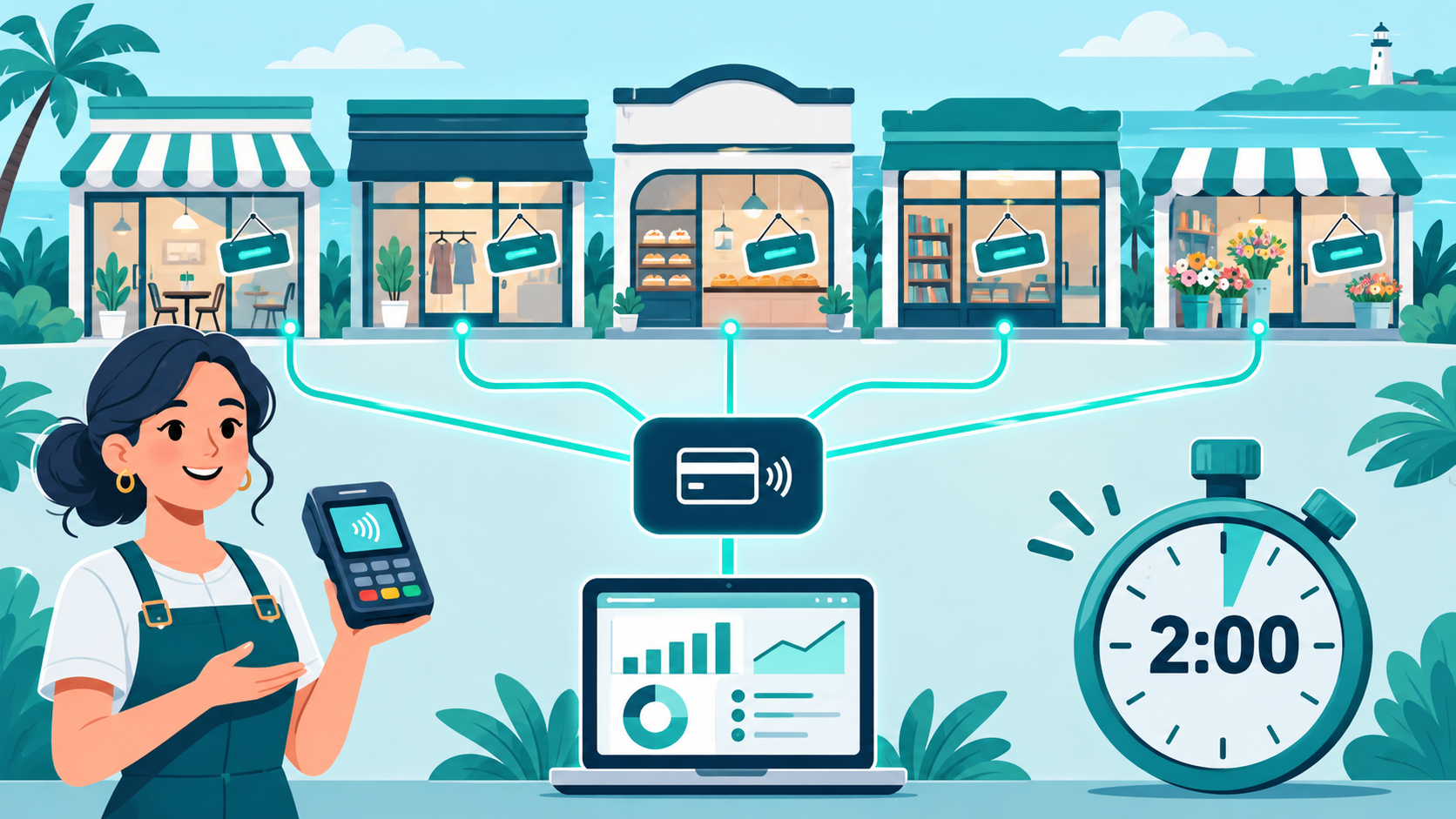
Secondary gains include more predictable costs and the ability to reinvest savings in inventory or staff. Coastal Pay has processed more than $2.4 billion across 37 million transactions for over 6,000 customers, and approves most standard-risk businesses in about 2 minutes.
Hypothetical before and after: A boutique processes $60,000 a month in cards and pays about $1,680 in fees. After a compliant dual pricing program, most of that cost is covered by the card price, and the owner uses the savings to restock best sellers. This is an illustration, not a real customer.
Want your own numbers? Send a recent statement for a free dual pricing savings review.
One more point worth planning for is customer mix. Stores with many regulars who already pay cash tend to see the card price chosen less often, while tourist-heavy or high-ticket shops see it chosen more. Neither pattern is a problem, but it changes how much of your fee bill is recovered, which is why a statement-based review is more reliable than a rule of thumb. Track your cash-to-card ratio for the first two months after launch and revisit the numbers with your specialist.
Next steps: Get your dual pricing program live in days, not months
To get started, have these details ready:
- Average monthly card volume
- Your current POS
- Your average ticket
- Your industry
With instant boarding, you can start taking payments quickly, and your dual pricing configuration can be set up as part of onboarding. Send a recent statement so Coastal Pay can model exact savings with and without dual pricing.
Ready to stop absorbing card fees? Request a Dual Pricing Savings Review or call 888-266-1715.