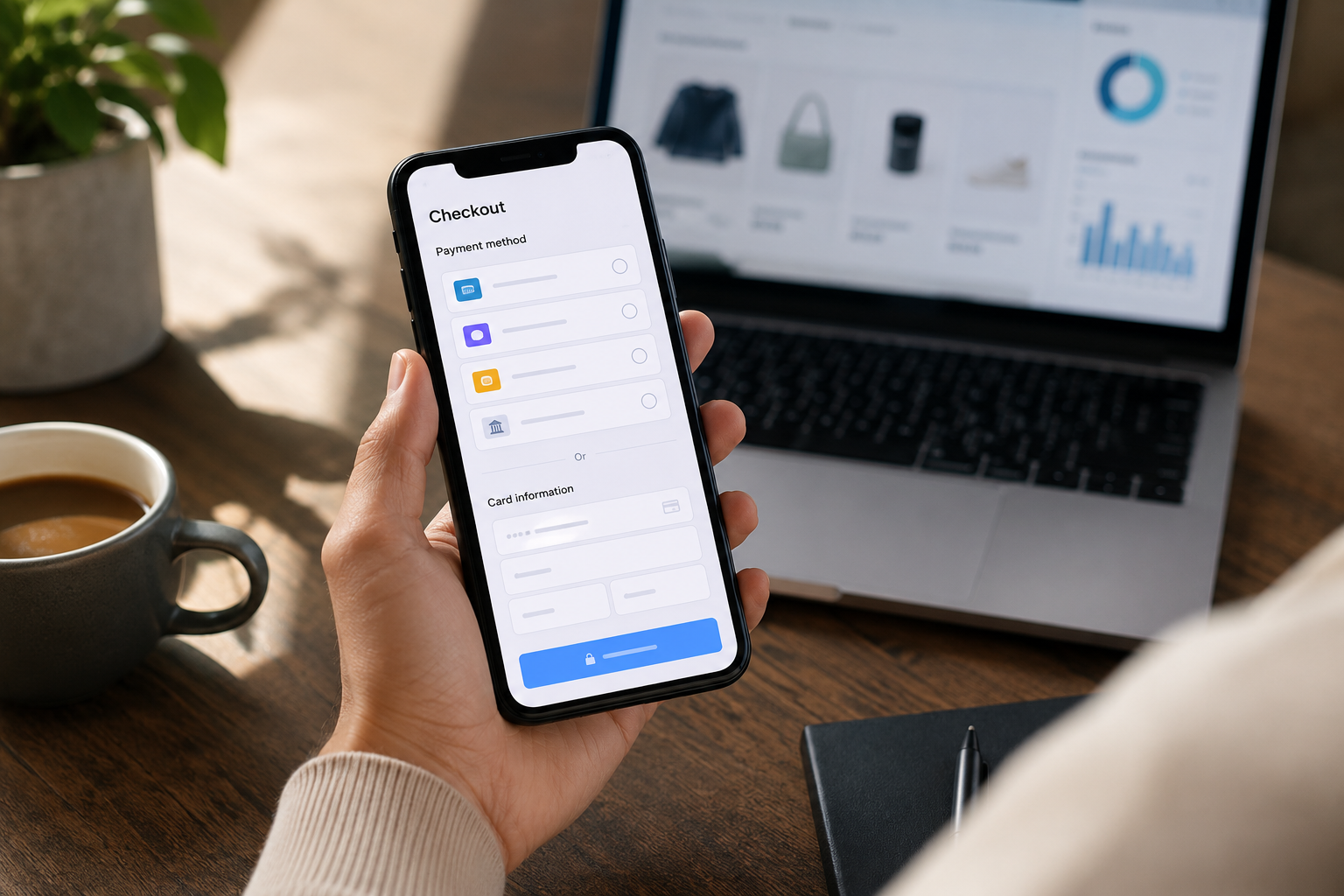
Let’s Define What Really Moves Your Checkout Conversion Rate
Checkout conversion rate is the percentage of shoppers who reach the payment step and complete a purchase. For most e-commerce stores, this number is the most sensitive metric on the site – small improvements here compound directly into revenue without requiring more traffic.
Where Shoppers Drop Off at Payment
- Missing preferred payment method: If a customer wants to pay with Apple Pay or Klarna and neither is available, the friction of entering card details can push abandonment above 30%
- Confusing or slow forms: Long card entry forms with poor mobile UX frustrate shoppers, especially on phones
- High decline rates: Poor gateway routing increases false declines, sending valid buyers away as failed transactions
- Extra redirects: Sending shoppers to a third-party page and back breaks trust and momentum
- Missing trust signals: No recognizable card logos or security indicators at checkout increases anxiety for first-time buyers
Payment Methods as a Conversion Lever
Payment methods are the last step before revenue. The right mix removes friction for your highest-intent shoppers. Coastal Pay provides a single gateway that unifies all high-impact methods in one hosted checkout, one integration, and one reporting dashboard, rather than requiring merchants to stitch together multiple providers.
Here’s How to Decide Which Payment Options Your Store Actually Needs
Before turning on every possible method, run this four-part filter to prioritize.
The 4-Part Filter
- Platform: Shopify, WooCommerce, BigCommerce, Magento, or custom cart? Your plugin options and integration complexity vary by platform. Coastal Pay’s 2,000+ integration directory covers all major platforms with certified plugins or API.
- Main markets: U.S.-only or international? U.S.-focused stores prioritize cards, wallets, and BNPL. International stores add local payment methods for top non-U.S. markets.
- Mobile vs desktop share: Mobile-first stores see the largest conversion lift from wallets (Apple Pay, Google Pay) because they eliminate mobile form entry. If your mobile share is above 60%, wallets are your top priority.
- Average order value (AOV): Low AOV (under $75) prioritizes cards and wallets. Mid-AOV ($75 to $500) adds BNPL. High AOV ($500+) adds ACH to reduce processing cost and capture B2B buyers.
How to Apply the Filter
Answer these four questions before adding any new payment method. If the method does not improve at least two dimensions (reduces friction for your traffic type, fits your AOV, works on your platform, matches your markets), deprioritize it. Coastal Pay’s flat rate across all methods means you are not penalized for enabling ACH or Venmo alongside cards – the same 2.5% + $0.15 applies regardless.
What Core Card Payments Do You Need in 2026 to Avoid Drop-Offs?
Cards remain the foundation of every e-commerce checkout. Removing any of the major U.S. brands creates immediate drop-off risk.
The Non-Negotiable Four
- Visa: The most widely held card in the U.S. Not accepting Visa is not an option for any serious e-commerce store.
- Mastercard: Required alongside Visa; the two together cover the vast majority of U.S. card volume.
- American Express: Higher-income consumer segment and corporate card users. Declining Amex declines a meaningful premium-spending cohort.
- Discover: Smaller share than the others but still meaningful in the U.S. and included in standard processing without incremental cost.
Why Cards Also Power Everything Else
Apple Pay, Google Pay, and most BNPL products are card rails under the hood. When you accept Visa and Mastercard, you are simultaneously enabling every wallet that uses those networks. Getting cards right – with good routing, tokenization, and false-decline prevention – is the base that makes all other methods work correctly.
Coastal Pay Card Processing
Coastal Pay processes all four major card brands at a flat 2.5% + $0.15 per successful transaction with no separate gateway fee. Approval routing across Coastal Pay’s 13 acquiring bank relationships reduces false declines. Instant boarding means most low-risk e-commerce merchants are processing within the same day they apply.
Here’s Why Digital Wallets Now Drive a Big Share of Mobile Checkouts
Digital wallets have moved from “nice to have” to table stakes for any store with significant mobile traffic. The core reason: wallets compress checkout from 15+ manual form fields to a single biometric tap.
How Each Wallet Contributes
- Apple Pay: Safari on iPhone, iPad, and Mac with Touch ID or Face ID. The single highest-impact wallet for iOS-heavy stores. A checkout with an Apple Pay express button at the top of the page typically sees significantly fewer form abandonment events for iOS users than a card-only checkout.
- Google Pay: Chrome and Android browsers. Critical for Android users and Google Chrome desktop shoppers. Shows automatically for stored Google account payment credentials.
- PayPal: Trust driver for first-time buyers and international shoppers. Many consumers complete PayPal checkout without creating a guest account, making it a low-friction option beyond the registered PayPal user base.
- Venmo: High engagement among U.S. buyers aged 18 to 40. Social purchase history and brand familiarity make Venmo a conversion driver for lifestyle, DTC, and social-commerce brands.
One Coastal Pay Setup for All Wallets
Coastal Pay’s alternative payment methods include Apple Pay, Google Pay, PayPal, and Venmo, all through the same merchant account at the same flat rate. No separate PayPal merchant account, no separate Apple Developer certificate management beyond the domain verification step, no extra fees per wallet.
Get Apple Pay, Google Pay, PayPal, and Venmo with one Coastal Pay setup.
Get Started in 2 Minutes
How Can Buy Now, Pay Later Lift Both Conversion and Average Order Value?
BNPL options split a purchase into installments, typically 4 payments over 6 weeks or longer terms for higher amounts. The effect is reducing the psychological impact of the total price at checkout.
When BNPL Makes the Most Difference
- Cart values above $75 to $100, where splitting reduces the psychological impact of the total price
- Aspirational or discretionary purchases where budget hesitation is a real barrier
- First-time buyers who trust the BNPL brand but are uncertain about the merchant
- Seasonal high-spend periods where shoppers are stretching budgets
Which Providers to Consider
- Klarna: Strong brand recognition, multiple payment structures (Pay in 4, Pay in 30, financing), large established user base
- Afterpay: Popular with younger buyers and DTC lifestyle brands; clean Pay in 4 structure
- PayPal Pay in 4: Available to PayPal users without a separate BNPL account, reducing friction for existing PayPal users
How to Implement Without Cluttering Checkout
Choose one or two BNPL providers that match your audience rather than enabling all of them. Place “Pay in 4 with Klarna” or “Pay with Afterpay” messaging on product pages and the cart page, not just at checkout – reducing sticker shock before the payment step is where BNPL messaging has the most impact. Coastal Pay connects to Klarna and Afterpay within the same alternative payment methods suite.
Let’s Talk About ACH, Bank Payments, and When Lower Fees Matter More Than Speed
ACH is not the highest-conversion method for impulse or low-ticket consumer purchases. But in specific situations, it is the right answer – and the cost difference makes it worth understanding.
Where ACH Improves Checkout Economics
- High-ticket orders ($500+): At 2.5%, a $2,000 order costs $50 in card processing. ACH costs $0.50 to $1.50 regardless of amount. The math makes ACH the right default for high-AOV purchases.
- B2B and trade buyers: Business customers with AP teams prefer bank-transfer payment flows and may request ACH specifically for large orders.
- Subscriptions and recurring billing: ACH reduces involuntary churn from expired cards and removes percentage fees from predictable recurring revenue.
- Repeat buyers: Customers who have purchased before and are comfortable linking a bank account benefit from ACH’s lower friction and your lower cost.
ACH Settlement vs Card Settlement
Cards settle in 1 to 2 business days. Standard ACH settles in 2 to 5 business days. Same-day ACH is available at a small additional fee. For most e-commerce use cases, standard ACH timing is acceptable – the cost savings typically justify the slight delay in settlement.
Adding ACH Through Coastal Pay
ACH is bundled in the same Coastal Pay merchant account as cards and wallets at a low flat per-item rate. No separate ACH platform subscription. Offer it as an option on high-ticket product pages or during checkout for orders above your chosen threshold with no additional gateway setup.
What About Venmo, Coinbase, and Other Alternative Payments?
Venmo: Worth Adding for the Right Audience
Venmo is a PayPal product with a distinct social identity. For DTC brands targeting buyers aged 18 to 40, Venmo recognition at checkout signals that the brand is current and payment-flexible. Venmo on web triggers the Venmo app on mobile or a Venmo-branded payment flow on desktop. It does not require the customer to set up a new account – Venmo users pay with their existing balance or connected bank account.
Coastal Pay includes Venmo in its alternative payment methods alongside Apple Pay, Google Pay, PayPal, Klarna, Afterpay, ACH, and Coinbase. Toggle it on in the dashboard without rebuilding checkout.
Coinbase and Crypto: Niche but Real
Crypto payments via Coinbase Commerce appeal to a specific, tech-savvy, early-adopter buyer segment. The actual checkout conversion for most stores is low relative to cards and wallets, and accounting treatment for crypto requires care. Add Coinbase if your customers are actively requesting it or your brand is in adjacent spaces (tech, gaming, NFT, digital goods). Otherwise, deprioritize it and revisit when customer demand justifies the implementation.
Avoiding Checkout Clutter
Adding every available option can actually hurt conversion by creating decision fatigue. The rule: show 3 to 5 prominent methods, collapse anything else. Coastal Pay’s Alternative Payment Methods hub lets you toggle methods on or off without code changes, so you can test which combinations perform best for your audience.
Here’s How to Lay Out Your Checkout Page So More Shoppers Finish Paying
Having the right payment methods is half the job. How they are displayed completes it.
Recommended Checkout Layout
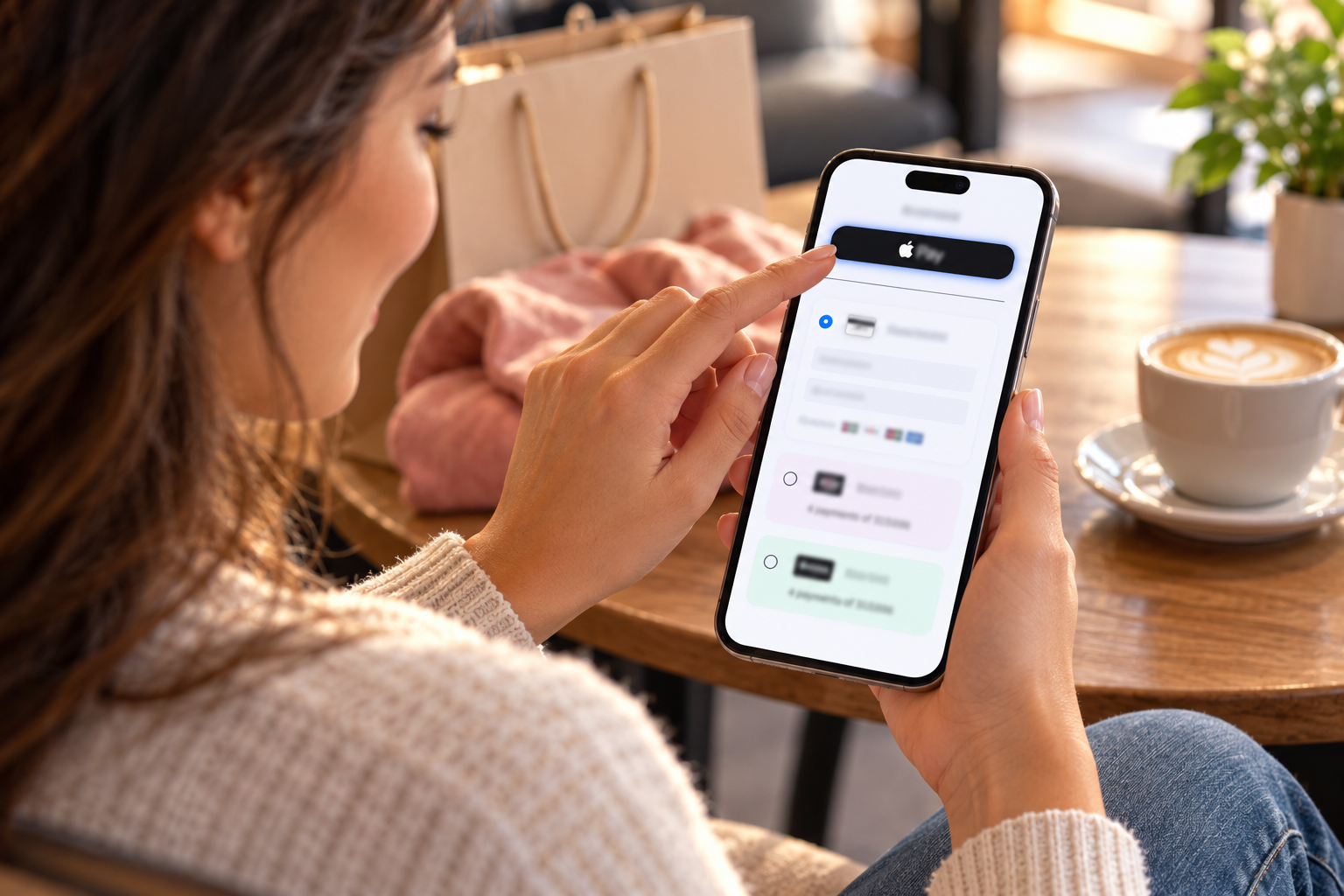
- Express checkout buttons at the top of the page (before the address form): Apple Pay, Google Pay, and PayPal. Label them “Express Checkout” or “Pay Instantly.” Customers who use a wallet typically skip filling out address and card fields, reducing checkout time to two taps.
- Card entry form as the standard middle section: Card number, expiry, CVV, billing ZIP. This is where all non-wallet customers complete payment. Keep the form as short as possible – use address auto-complete, autofill-compatible field names, and large touch-friendly inputs on mobile.
- BNPL as a visible secondary option: Show Klarna or Afterpay under the card form with a brief message like “Split into 4 payments from $X/week.” Not a primary button – a clear option that does not dominate the layout.
- Other methods collapsed: ACH, Venmo, Coinbase, and any less common methods in an expandable “More payment options” area. Shoppers who want these will look for them; most shoppers should not see them prominently.
Device-Aware Wallet Display
Apple Pay appears only on Safari/iOS and Mac with Touch ID. Google Pay appears on Chrome and Android. A checkout built with Coastal Pay’s gateway detects the customer’s device and browser automatically, showing the relevant wallet button only where it works. A customer on Chrome/Android does not see an Apple Pay button that will not function for them.
Trust Signals That Hold Fence-Sitters
- Display Visa, Mastercard, Amex, Discover logos at the bottom of the payment section
- Include a “Secure checkout” message with a lock icon near the payment area
- Show card-brand logos for wallets (the Apple Pay and Google Pay logos carry instant recognition)
- Keep SSL active and visible in the browser bar throughout checkout
Before vs After a Coastal Pay Integration
Before: Cards via one processor, PayPal via separate account, wallets not enabled, no BNPL, separate monthly gateway fee, three reconciliation reports.
After: Cards, Apple Pay, Google Pay, PayPal, Venmo, Klarna, Afterpay, ACH via one Coastal Pay merchant account at one flat rate, one dashboard, one settlement.
What’s a Smart Starter Setup by Store Type in the U.S. Right Now?
| Store Profile | Priority Stack | Nice to Have | Skip (for Now) |
|---|
| New or small store (under $10K/month) | Cards + Apple Pay + Google Pay + PayPal | Venmo | BNPL, ACH, Coinbase |
| Growing DTC brand ($10K to $100K/month) | Cards + Apple Pay + Google Pay + PayPal + one BNPL (Klarna or Afterpay) + Venmo | ACH for high-ticket SKUs | Multiple BNPL, Coinbase unless audience demands it |
| High-AOV or B2B store ($500+ AOV or B2B buyers) | Cards + Apple Pay + Google Pay + PayPal + ACH | BNPL for lower-ticket items in range, Venmo | Coinbase unless tech audience |
| International focus (U.S. + top non-U.S. markets) | Cards + Apple Pay + Google Pay + PayPal + BNPL + ACH + local payment methods for top 2 to 3 markets | Venmo for U.S. buyers | Crypto unless specific audience |
All of These Are Achievable Through One Coastal Pay Integration
The “Good” stack for a new store and the “Best” stack for an international brand use the same Coastal Pay merchant account. You start with the core methods on day one and expand by toggling on additional methods in the dashboard as your store and customer base grow. No replatforming, no new vendor contracts, no additional gateway fees.
Next Steps: Turn On High-Impact Payment Methods With One Coastal Pay Integration
The core idea: you do not need every method. You need a stack tuned to your buyers, presented cleanly in checkout, and managed from one dashboard.
Your Action Plan
- Apply your 4-part filter (platform, markets, mobile share, AOV) to decide which methods to prioritize first
- Get approved with Coastal Pay in approximately 2 minutes through the SignUp Link instant boarding flow
- Enable your priority methods in the Coastal Pay Gateway dashboard – cards, wallets, ACH, BNPL – in the same session
- Connect to your e-commerce platform via plugin (WooCommerce, BigCommerce, Magento) or API
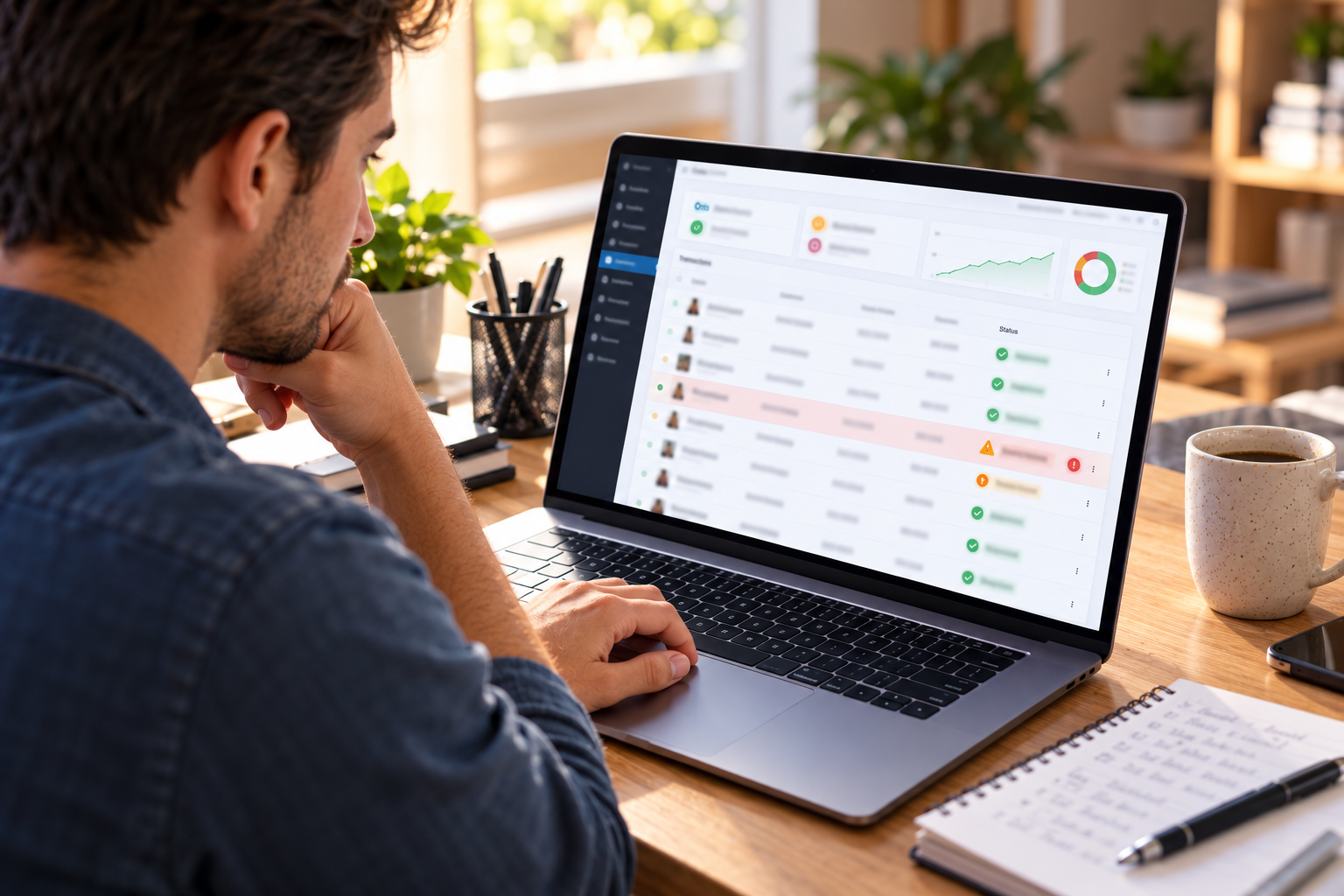
- Track conversion before and after by payment method using the Coastal Pay dashboard reporting
Explore Coastal Pay’s alternative payment methods, Apple Pay, and e-commerce solutions for platform-specific setup guidance.
Get Started in 2 Minutes – Cards, Wallets, ACH, and BNPL
Or call: 888-266-1715
Frequently Asked Questions
- What payment methods should I offer to increase my e-commerce sales checkout rate?
- For most U.S. e-commerce stores in 2026: (1) Core cards – Visa, Mastercard, Amex, Discover. (2) Digital wallets – Apple Pay (iOS/Safari), Google Pay (Android/Chrome), PayPal (trust boost for new customers). (3) BNPL – Klarna or Afterpay for carts above $75 to $100. (4) Venmo for younger buyers. (5) ACH for high-ticket, B2B, or subscription products. Coastal Pay enables all of these through a single merchant account at a flat 2.5% + $0.15 rate with no extra gateway fee.
- Do digital wallets really improve e-commerce checkout conversion?
- Yes, especially on mobile. Apple Pay and Google Pay reduce checkout from 15+ form fields to one biometric tap. The impact is most significant for mobile-first stores and first-time buyers. Coastal Pay supports Apple Pay, Google Pay, PayPal, and Venmo through a single merchant account at no extra fee.
- When should I add Buy Now Pay Later to my e-commerce checkout?
- BNPL has the most impact when average cart value is above $75 to $100, customers are price-sensitive or purchase high-ticket items, and you want to increase average order value. Place BNPL messaging on product pages – not just checkout – to reduce sticker shock before the payment step. Coastal Pay connects to Klarna and Afterpay within the same alternative payment methods suite.
- How many payment methods should I show at checkout without hurting conversion?
- Show 3 to 5 prominent options. Wallet express buttons at the top (Apple Pay, Google Pay, PayPal) for compatible devices, card entry form as standard, BNPL or other methods in a secondary section. Collapse anything beyond 5 options behind “More payment methods.” Use device detection to show Apple Pay only on Safari/iOS and Google Pay only on Chrome/Android.