How to Switch from Square, Stripe, or PayPal to Coastal Pay for Tap-to-Pay and Crypto
How to Switch from Square, Stripe, or PayPal to Coastal Pay for Tap-to-Pay and Crypto
If your current processor cannot give you tap to pay and crypto in one place, it is time to upgrade, not rebuild. This step-by-step guide shows how to move from Square, Stripe or PayPal to Coastal Pay so you can turn on tap to pay, add Coinbase crypto payments, and keep your business running without downtime.
Read Times:4
Share
Let’s define what you actually want to change in your payment setup
Most merchants who switch are not unhappy with one thing. They are tired of a bundle of small frustrations:
No tap to pay on a phone, or it only works with one app.
No crypto option, or one that is limited to a single coin.
Fees that creep up once you add up every line on the statement.
Rigid contracts, hardware lock-in or difficult support.
Coastal Pay’s goal is to be one gateway that adds tap to pay, Apple Pay and Google Pay, ACH, and Coinbase crypto payments without replacing your whole tech stack. It also lists PayPal, Venmo, Klarna and Afterpay among its alternative payment methods.
The plan in this guide is a staged upgrade. You run Coastal Pay alongside your old processor before you cut over fully. In most cases you keep the same bank account, business entity, and website or POS. Only the processor and gateway change.
Here’s how tap-to-pay and crypto work together with Coastal Pay
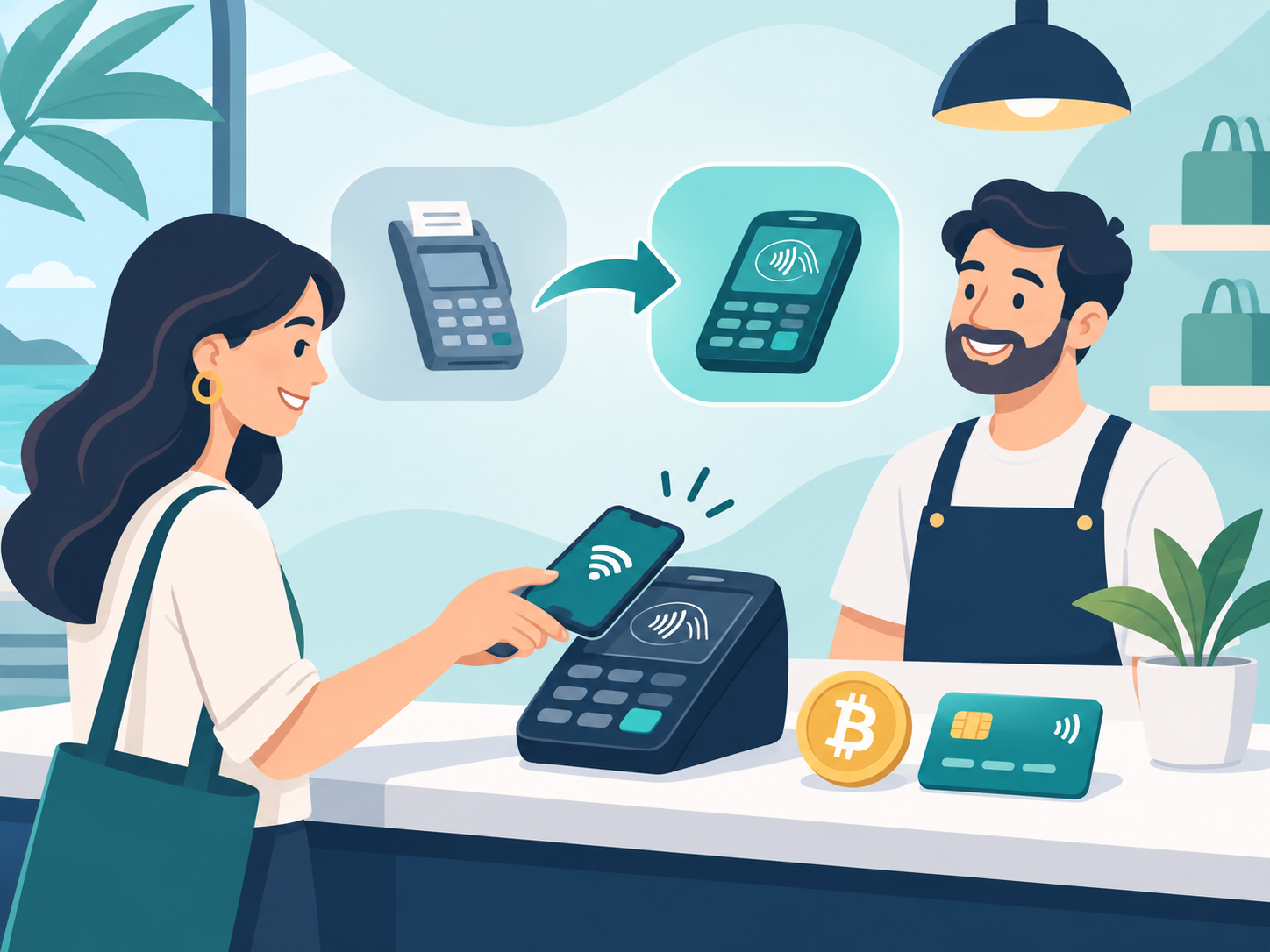
Tap to pay. Contactless payments let customers pay by tapping a card, phone or wallet such as Apple Pay or Google Pay. Coastal Pay lists Tap To Pay among its products. Ask your specialist which devices and apps support it for your account and how it connects to your existing in-store flow.
Crypto. Coastal Pay supports crypto payments through Coinbase. In simple terms, the customer pays with a supported cryptocurrency, the payment is handled through Coinbase, and you receive dollars, with an option to hold crypto if you prefer. Confirm supported coins, conversion options and payout timing before you launch.
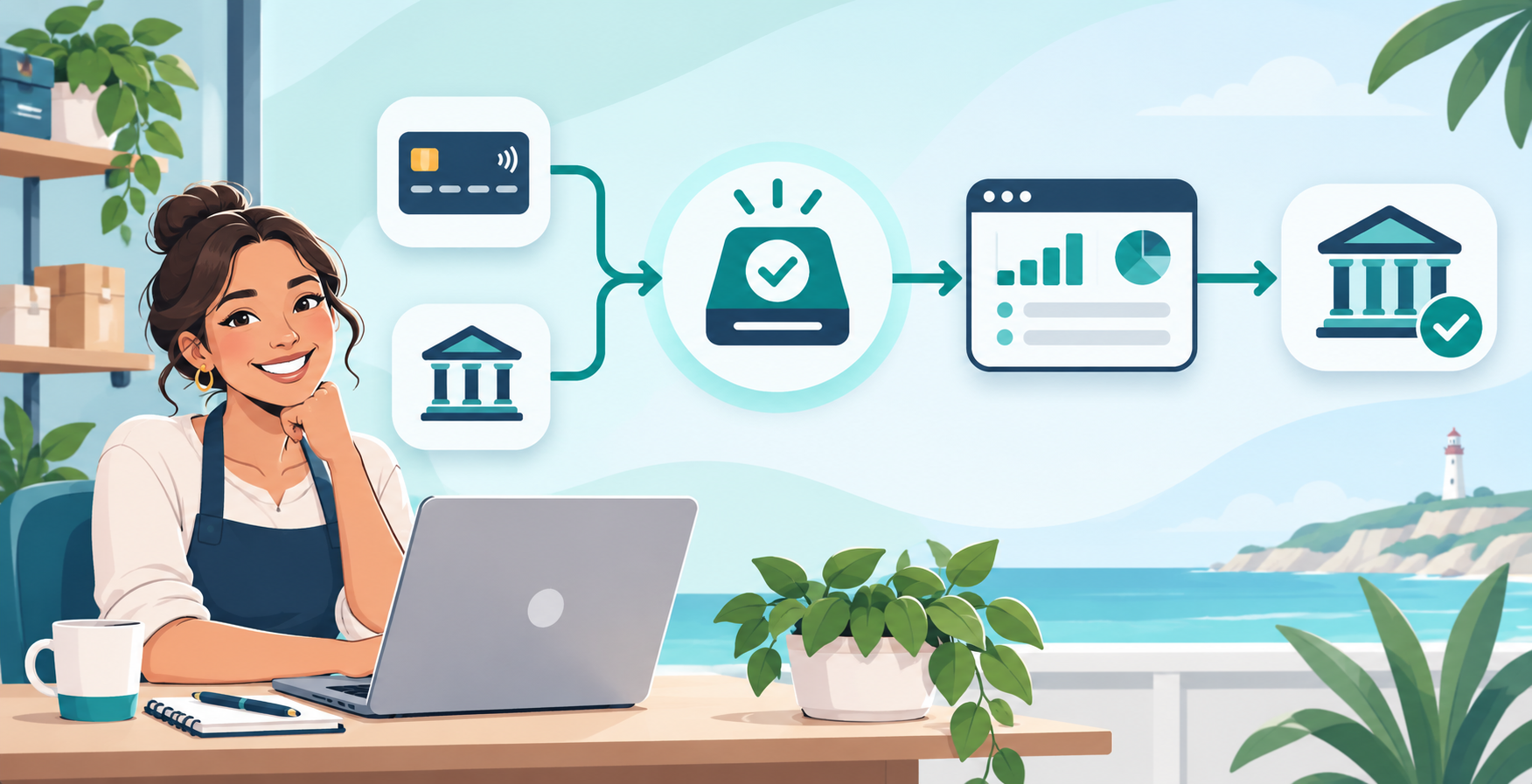
The best part is the back end. Cards, ACH, wallets and crypto are designed to be managed in one Coastal Pay dashboard with unified reporting. Coastal Pay Inc. is a registered ISO/MSP with Wells Fargo and Axiom Bank, N.A., and uses a PCI-compliant gateway. Ask how disputes and refunds work for crypto, since they differ from card chargebacks.
What should you check in your current Square, Stripe, or PayPal account first?
Before you change anything, audit what you have. Surprises usually come from contracts, hardware and hidden dependencies.
Contract and terms: look in your account agreement or dashboard settings for cancellation terms, any early termination fees and equipment obligations. Terms vary by provider and plan, so read yours.
Hardware: note any readers, stands or terminals you own or lease.
Connected systems: list your website checkout, POS, subscriptions, invoices, payment links, buttons and accounting tools.
Statements: pull the last 3 to 6 months so you can calculate your true effective rate.
Pay special attention to stored cards. Card data is tokenized, and tokens generally cannot be copied directly from one processor to another. That affects subscriptions and card-on-file customers. Ask both providers about secure migration options, or plan to invite customers to re-enter their details through a secure link.
Quick calculation: divide total fees by total card volume on each statement. That percentage is your effective rate, and it is the number to compare against Coastal Pay’s flat 2.5% + $0.15 option or a dual pricing program.
Here’s how to move from Square to Coastal Pay step by step
For Square Users: Square tends to bundle hardware, software and processing, so plan for the hardware side.
Apply first. Start Coastal Pay’s Get Approved in 2 Minutes flow. Have your EIN, bank account, average ticket and monthly volume handy.
Plan in-store payments. Ask which tap to pay options and POS integrations replace your Square Reader or Square Stand, and whether your current hardware can be reused.
Connect online sales. Coastal Pay connects with 2,000+ software and POS platforms. Ask whether your shopping cart or booking tool is supported, or whether the API is needed.
Run live tests with small transactions.
Cut over in stages. Move new in-person and online sales to Coastal Pay, and keep Square for historical reporting until you are sure everything is settled.
Handle invoices and subscriptions. Let open Square invoices finish, then send new invoices through Coastal Pay email invoicing or recurring billing.
Here’s how to move from Stripe to Coastal Pay step by step
For Stripe Users: Stripe is often wired deeply into code, so the work is mostly in your integration.
Open your account and ask to enable both card processing and crypto during onboarding.
Replace the integration. Swap Stripe’s payment components for Coastal Pay’s gateway integrations or API. That means updating keys, webhooks and test versus live modes. Ask the team for the current developer documentation.
Billing users: export your customer list, recreate your subscription plans in Coastal Pay and invite customers to update their saved payment details through a secure link.
Apps and websites: Coastal Pay’s API access and 2,000+ integrations can reduce rebuild effort, but check your specific stack first.
Phase the cutover. Send new subscriptions and one-time payments through Coastal Pay first, then migrate legacy subscriptions gradually.
Here’s how to move from PayPal to Coastal Pay step by step
For PayPal Users: The biggest risk is losing buyers who prefer to pay with PayPal, so keep that option available where you can.
Keep familiar options. Coastal Pay lists PayPal and Venmo among alternative payment methods next to cards, ACH, wallets and crypto. Confirm how they are set up on your account.
Replace buttons. Swap “Buy Now” and “Donate” buttons for payment links, hosted checkout pages or shopping cart integrations.
In person. If you use PayPal Here or Zettle, move to tap to pay or a POS integration with existing or new hardware.
Invoices and marketplaces. Use email invoicing and payment links in place of PayPal invoices, and check any marketplace flows with your specialist.
Close slowly. Keep the PayPal account open for a 30 to 60 day overlap so late disputes and refunds can be handled, then downgrade or close it.
What does the switch-over day look like?
A calm cutover is a boring one. A sample week might look like this:
Monday: test transactions on every payment type.
Tuesday: train staff and update signs and links.
Wednesday: soft launch, with both processors running and one clear rule for which to use.
Thursday and Friday: move all new payments to Coastal Pay and review settlements.
Run both processors in parallel for one to two days. On switch-over day, test tap to pay, card dip or swipe, crypto, a refund, and how settlements appear in your Coastal Pay gateway. Tell staff the simple message: more ways to pay and a smoother checkout. If you have VIP customers, a short heads-up email helps.
What does Coastal Pay cost vs. your current provider?
Square vs Stripe vs PayPal vs Coastal Pay: tap to pay, crypto and pricing at a glance
Provider
Tap to pay
Crypto
Pricing approach
Square
Offered on compatible devices
Bitcoin for eligible sellers, check current terms
Published rates, compare your effective rate
Stripe
Offered on compatible devices
Stablecoin options, check current terms
Published rates plus per-transaction fees
PayPal
Offered on compatible devices
May require a separate integration
Published rates, compare your effective rate
Coastal Pay
Tap To Pay product, confirm devices
Coinbase-powered, confirm coins and payouts
Flat 2.5% + $0.15 option, dual pricing, no gateway fee
Competitor features and pricing change often, so confirm current details on each provider’s site. Use your own statements for the real comparison.
Coastal Pay offers a flat 2.5% + $0.15 per transaction option, and there is no gateway fee on the Coastal Pay Gateway, which can replace third-party gateway charges some merchants pay today. For many businesses, the bigger lever is dual pricing, which shows a cash price and a card price so that card costs are offset. Rules vary by state and card network, so confirm your setup with your specialist.
A simple rule of thumb: at $50,000 a month in card volume, every 0.1% in your effective rate is $50 a month. Plug your 3 to 6 month statement history into that math to see what a different rate would mean.
Here’s how to get approved in 2 minutes and start tap-to-pay and crypto
Coastal Pay offers instant approvals where eligible, and many standard-risk businesses are approved and boarded in about 2 minutes. You submit basic business information, receive a decision, and your account is created. Higher-risk or complex businesses may need additional review.
After your first login, ask your specialist to walk you through these items:
Confirm your bank account for deposits.
Turn on tap to pay.
Enable Coinbase crypto payments.
Choose which alternative methods to activate, such as Apple Pay, Google Pay, ACH, PayPal, Klarna or Afterpay.
Your first 24 to 48 hours:
Run $1 to $5 test transactions on each payment type.
Confirm the deposits reach your bank.
Train staff on the tap to pay app or POS.
Send your first crypto payment link as a test.
Switch to tap to pay and crypto today.Get Approved in 2 Minutes, or book a quick consult for complex integrations or high-volume migrations. Call 888-266-1715.
Looking for API docs for a modern, developer-friendly payment gateway? The Coastal Pay Gateway accepts credit card and ACH payments in one place, supports alternative payment methods such as Apple Pay, Google Pay, Venmo, Coinbase, PayPal, Klarna and Afterpay, and connects to your systems through API access.
When a payment API is hard to work with, launch dates slip, bugs sneak into checkout, and support tickets pile up. In this guide, we walk through a practical way to judge whether a payment API is genuinely easy for developers, using concrete tests, a reusable scorecard and a side-by-side look at Stripe, Adyen, PayPal and Coastal Pay on real developer experience signals.
If you run a retail store, your card processing bill probably feels like a tax on every sale. The good news is that a well-designed dual pricing program can shift most of those fees off your margin while keeping checkout simple and compliant. This guide shows how Coastal Pay helps retailers put dual pricing, ACH and modern payment tools to work so card costs stop eating your profit.
If you are tired of juggling one system for credit cards and another for ACH, you do not need two gateways anymore. This guide shows how to accept both in one Coastal Pay Gateway, how to offer them side by side at checkout, and how Coastal Pay stacks up against Stripe and Square on price, speed and approvals.