




Get a Dual Pricing POS Installed This Week
Need a new POS that supports dual pricing installed this week? Coastal Pay combines instant merchant approvals, dual-pricing programs that can eliminate credit card processing fees, and 2,000+ POS integrations so you can be up and taking payments in days, not weeks
Share
Fast Setup So You Can Start Saving on Fees in Days
Same-week dual pricing POS setup is not just a promise – it is how Coastal Pay is built. Most merchants are approved in approximately 2 minutes through our instant boarding process. Submit your paperwork today, receive approval today or tomorrow, and have your POS configured and ready to take dual-priced payments before the week is out.- Already have iPads or Android tablets? We can configure a cloud-based POS remotely so you are live faster.
- Need new hardware? Overnight shipping is available for qualifying orders.
- White-glove support included: Our team helps with menu or product builds, dual pricing configuration, and compliant receipt and signage setup so you do not have to figure it out alone.
Why Dual Pricing With Coastal Pay Works Better
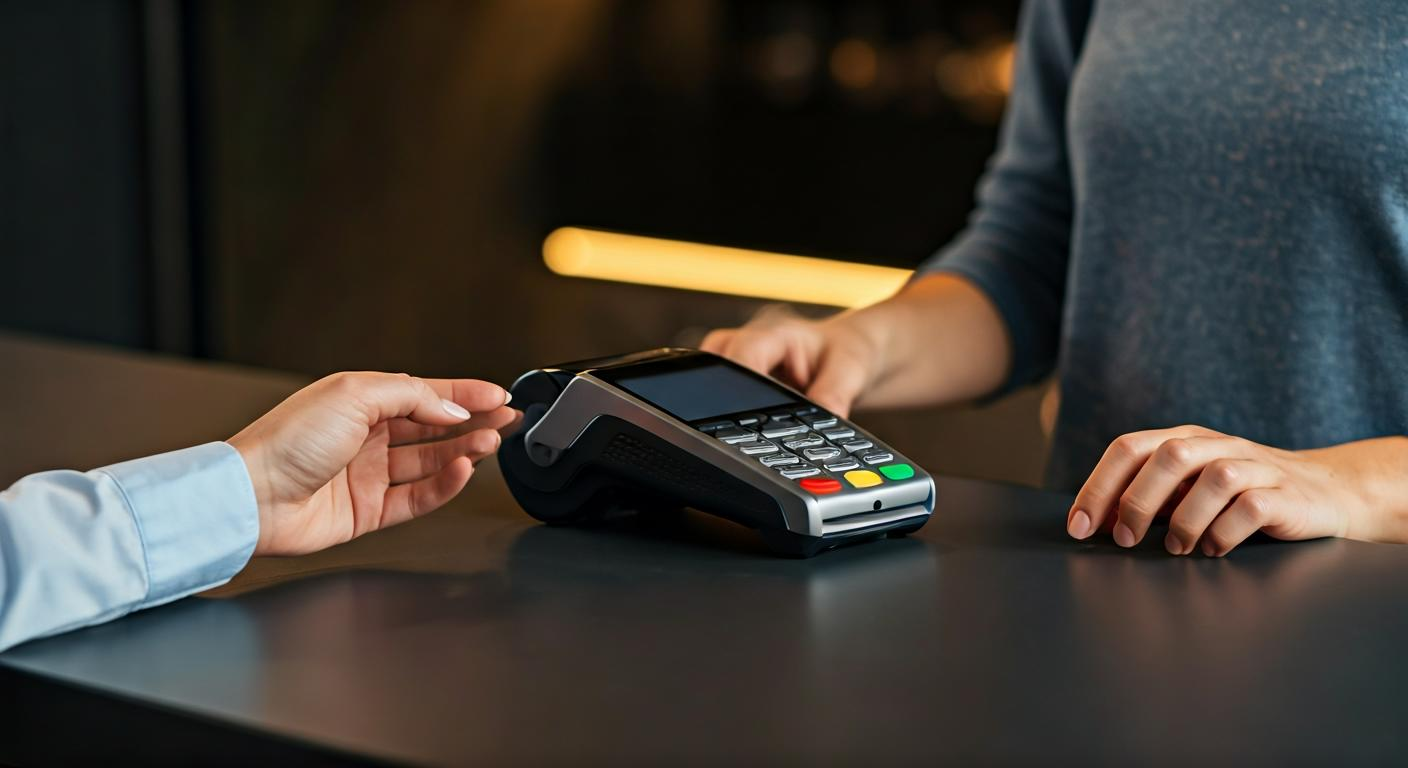
Stop absorbing card fees while staying fully compliant. Coastal Pay’s dual pricing program lets you display a cash price and a card price side by side at checkout. Customers choose how they want to pay – there is no confusing surcharge line or surprise at the register.- Always compliant: Our dual pricing setup is aligned with current Visa and Mastercard rules and updated for state-specific requirements.
- Receipt and signage templates included: You get the exact wording you need to stay on the right side of card brand rules – no guesswork.
- Works everywhere: In-store terminals, online checkout, and mobile card readers all support dual pricing through the Coastal Pay Gateway.
Works With 2,000+ POS Systems or a New All-In-One Setup
Coastal Pay’s dual pricing merchant services are compatible with over 2,000 POS systems. Whether you already have a setup or need a new one, we have a path to get you live this week.- Restaurants: Table management, ticket printing, and dual-priced menu items built in
- Retail: Inventory-connected POS with dual pricing at the register and online
- Salons and service businesses: Appointment software integrations with card and cash price display
- E-Commerce: Dual pricing support through the Coastal Pay Gateway for online checkouts
How Installation Works From Today Through Go-Live
Here is your same-week path from first call to first dual-priced transaction:- Step 1 – Apply Today (2 minutes)Complete the instant online application at coastalpay.com or call 888-266-1715. Submit required documents: voided check, EIN, government ID, and basic business info.
- Step 2 – Get Approved (Same Day or Next Business Day)Most merchants are approved through Coastal Pay’s instant boarding in approximately 2 minutes. A specialist contacts you to confirm your POS type, number of stations, and dual pricing setup preferences.
- Step 3 – Configure Your Dual Pricing POSOur team sets up dual pricing rules in your POS back office, builds or imports your menu or product list, and activates compliant receipt language and signage templates.
- Step 4 – Hardware Ships or Remote Install BeginsIf you need new terminals, overnight shipping is available. If you are using existing tablets, remote setup starts immediately after approval.
- Step 5 – Go Live and Stop Absorbing Card FeesYour dual pricing POS is live. Customers see cash and card prices clearly at checkout. You keep more of every sale from day one.
Need a Dual Pricing POS Installed This Week? Let’s Talk Today.
Tell us five things – your business type, number of stations, existing hardware, state, and budget – and we will give you a tailored same-week installation plan with transparent pricing before you commit. No obligation. No surprises.
Categories
Latest Blogs

How to Switch From Stripe to Coastal Pay on WooCommerce Without Downtime (Complete Step-by-Step Guide)
If your WooCommerce store runs on Stripe and processes $30,000 or more per month, you are paying more than you need to. Stripe charges 2.9% + $0.30 per online transaction. Coastal Pay charges a flat 2.5% + $0.15 per transaction with $0 monthly gateway fee. At $50,000/month, that difference is $4,200/year. At $100,000/month it is $8,400/year. The switch takes 30 to 60 minutes, requires no store rebuild, no developer involvement for standard WooCommerce setups, and zero checkout downtime when done with the parallel-run method described in this guide. Everything about your WooCommerce store – your theme, products, cart, customer accounts, and SEO – remains completely unchanged.
WooCommerce Dual Pricing With Coastal Pay: Reduce Card Processing Fees to Near Zero (2026 Guide)
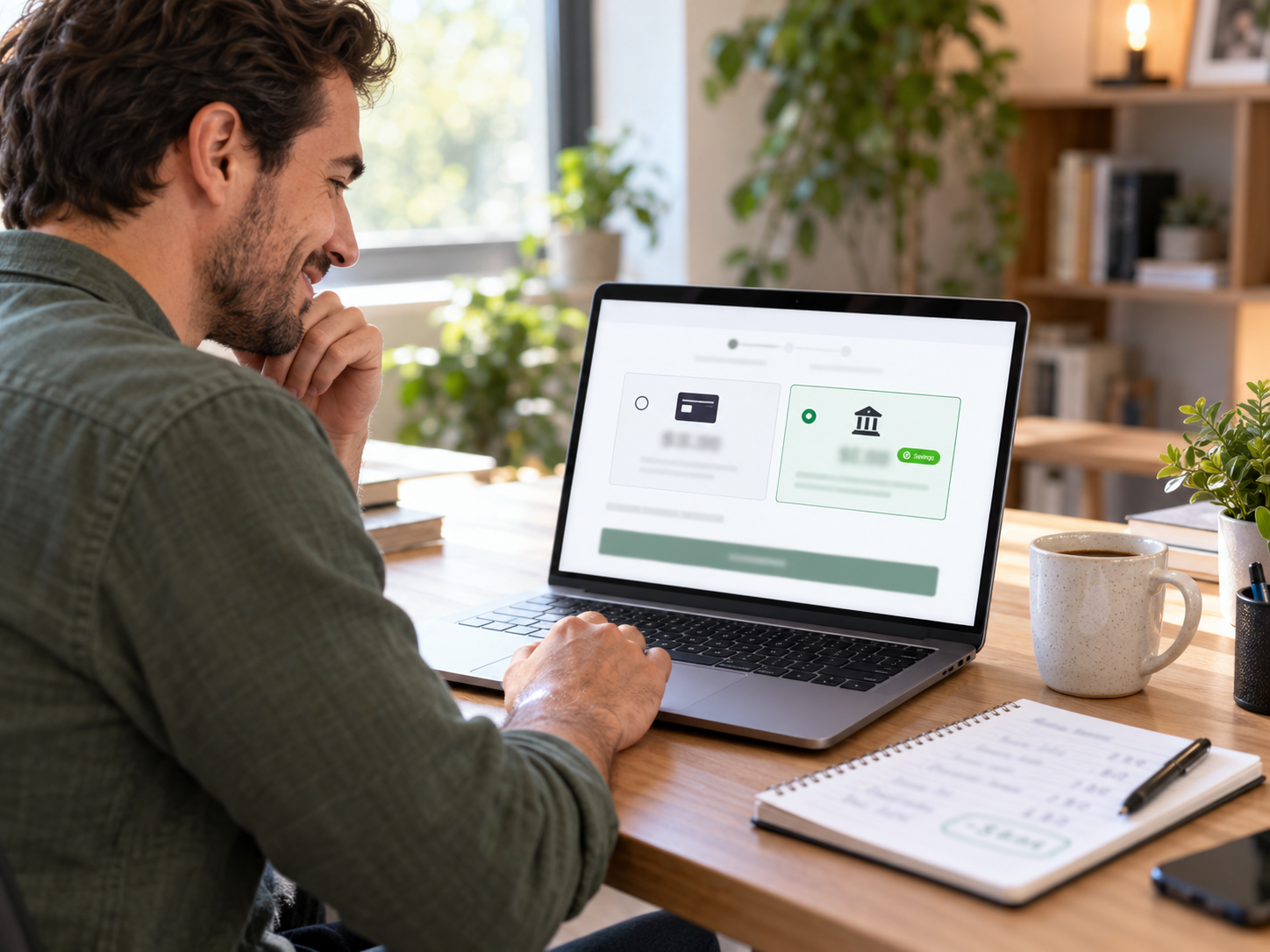
Of all the strategies available to reduce WooCommerce processing costs, dual pricing has the highest ceiling. While switching from Stripe to Coastal Pay saves $4,200 to $8,400/year depending on volume, implementing dual pricing on top of the rate switch can save $10,000 to $50,000+/year depending on volume and ACH adoption rate. This is not a marginal improvement – it is a cost structure transformation that changes the fundamental economics of card acceptance for a WooCommerce store. This guide covers exactly how dual pricing works on WooCommerce, why it is legal in all 50 states, how Coastal Pay deploys it at the gateway level, and what the real annual savings look like at three WooCommerce store sizes.

How to Add ACH Bank Payments to WooCommerce With Coastal Pay (B2B Cost Savings Guide 2026)
For WooCommerce stores that sell to business customers – B2B supply, wholesale, professional services, software licenses – ACH bank debit is the single highest-ROI payment method addition available. The cost difference between card processing and ACH processing at typical B2B WooCommerce order sizes is not incremental. At $2,000 per order, ACH at Coastal Pay’s flat per-item rate costs approximately $1.50. The same order by card at 2.5% + $0.15 costs $50.15. That $48.65 per-order difference adds up to real annual savings that compound with every B2B customer who adopts ACH payment. This guide covers exactly how to add ACH to your WooCommerce checkout using Coastal Pay, who benefits most, and how to encourage adoption.

WooCommerce Recurring Billing and Subscription Payments With Coastal Pay (2026 Complete Guide)
WooCommerce subscription stores have payment gateway requirements that go far beyond what a standard one-time transaction gateway provides. Card-on-file tokenization, configurable billing cycles, automated failed payment retry, card updater services, and ACH recurring billing are all critical infrastructure for a subscription WooCommerce store – because without them, involuntary churn from payment failures silently erodes MRR every month. This guide covers how Coastal Pay powers WooCommerce recurring billing at flat 2.5% + $0.15 with no separate subscription billing platform fee, and how the right dunning and card updater configuration can recover tens of thousands in annual MRR that would otherwise be lost to involuntary churn.


