Let’s Define How WooCommerce Dual Pricing Works Mechanically
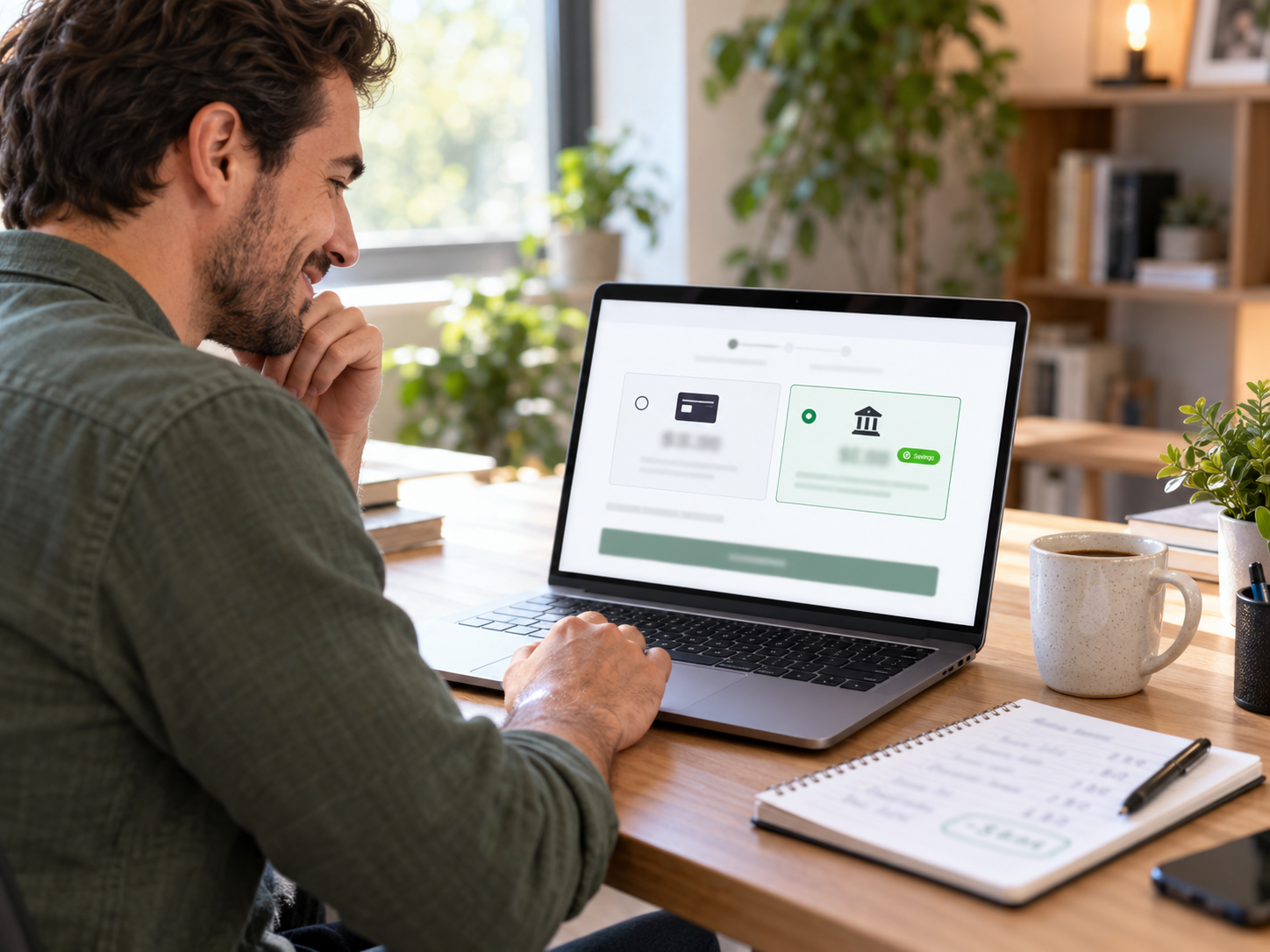
Dual pricing on WooCommerce means your checkout displays two prices simultaneously before the customer selects a payment method: a card price (the standard price, which includes the processing cost differential built into the price) and a lower ACH or bank transfer price. The customer chooses based on their preferred payment method, knowing both prices before committing. This is different from surcharging (which adds a fee on top of a stated price after the customer selects card) and fundamentally different from price increases (which raise prices for everyone).
The Dual Pricing Mechanic at WooCommerce Checkout
A WooCommerce store sells a product. The standard product price is $100. With dual pricing enabled:
- The WooCommerce cart and product pages show the card price: $100
- At checkout payment selection, two prices appear simultaneously: “Card: $100 | Bank transfer (ACH): $97.50”
- Customer selects card: pays $100. The $2.50 differential between the card and ACH prices represents the 2.5% processing cost that was built into the card price. Merchant’s effective card processing cost: $100 – ($100 x 2.5%) – $0.15 per transaction = approximately $0 effective cost (the price differential covers the processing fee)
- Customer selects ACH: pays $97.50. Merchant processes via ACH at approximately $1.50 flat. Merchant’s total cost: $97.50 received – $1.50 ACH fee = $96 net. vs. card option receiving $97.50 (after the $2.50 processing cost was offset). The ACH option is slightly less revenue for the merchant but dramatically less processing cost.
Why Dual Pricing Is Legal in All 50 States When Surcharging Is Not
The legal distinction between dual pricing and surcharging comes down to when and how the pricing information is disclosed:
- Dual pricing (legal in all 50 states): Two prices are displayed before any payment selection is made. The customer is choosing between two transparently priced options. No single price is being changed or increased – two prices have always existed and the customer is selecting which one applies to their purchase. Courts and regulators in all states have consistently found this to be acceptable price differentiation.
- Surcharging (restricted in CT, MA, OK; requires card network registration everywhere else): A single price is displayed. After the customer selects card as their payment method, a percentage fee is added to the total. The final amount differs from the price advertised. Connecticut, Massachusetts, and Oklahoma explicitly prohibit this practice. Card networks require registration before implementation. Three states limit merchant ability to implement it even with registration.
Coastal Pay’s dual pricing program for WooCommerce uses the dual pricing model – presenting both prices simultaneously before payment selection – which is legal in all 50 states and requires no card network registration.
Here’s the Annual Savings Math for WooCommerce Dual Pricing
The savings from WooCommerce dual pricing depend on three variables: monthly processing volume, average order value, and ACH adoption rate. The tables below show savings across a range of WooCommerce store profiles.
WooCommerce Store at $40,000/Month (800 Orders, $50 AOV)
Assuming 25%, 35%, and 50% ACH adoption rates:
| ACH Adoption Rate | Card Volume | ACH Volume | Monthly Processing Cost | vs Card-Only Monthly Cost | Annual Savings |
|---|
| 0% (card only) | $40,000 | $0 | $1,000 + $120 = $1,120 | – | – |
| 25% ACH | $30,000 card | $10,000 ACH | $750+$90 card + $30 ACH = $870 | Save $250/mo | $3,000/year |
| 35% ACH | $26,000 card | $14,000 ACH | $650+$78 card + $42 ACH = $770 | Save $350/mo | $4,200/year |
| 50% ACH | $20,000 card | $20,000 ACH | $500+$60 card + $60 ACH = $620 | Save $500/mo | $6,000/year |
WooCommerce Store at $80,000/Month (1,000 Orders, $80 AOV – Fashion/Lifestyle)
| ACH Adoption Rate | Monthly Processing Cost | Annual Savings vs Card-Only |
|---|
| 0% (card only) | $2,000 + $150 = $2,150/mo | – |
| 30% ACH | $1,400+$105 card + $45 ACH = $1,550/mo | $7,200/year |
| 40% ACH | $1,200+$90 card + $60 ACH = $1,350/mo | $9,600/year |
WooCommerce Store at $150,000/Month (2,000 Orders, $75 AOV)
| ACH Adoption Rate | Monthly Processing Cost | Annual Savings vs Card-Only |
|---|
| 0% (card only) | $3,750 + $300 = $4,050/mo | – |
| 30% ACH | $2,625+$210 card + $90 ACH = $2,925/mo | $13,500/year |
| 40% ACH | $2,250+$180 card + $120 ACH = $2,550/mo | $18,000/year |
A $150,000/month WooCommerce store that implements Coastal Pay’s dual pricing at 40% ACH adoption saves $18,000/year in processing costs – more than the annual payroll cost of a part-time employee, recovered from one payment configuration change. Combined with the rate savings from switching from Stripe to Coastal Pay ($12,600/year at that volume), total annual savings reach $30,600/year.
How to Configure Dual Pricing on WooCommerce With Coastal Pay
Step 1: Confirm Dual Pricing Activation on Your Account
Call 888-266-1715 and request dual pricing activation on your Coastal Pay WooCommerce account. The support team confirms your account configuration, discusses the dual pricing differential percentage (typically the processing rate – 2.5% – which defines the price gap between the card and ACH options), and initiates the gateway-level dual pricing configuration.
Step 2: Confirm ACH Is Enabled
Dual pricing requires ACH to be enabled as a payment method in your Coastal Pay WooCommerce plugin – because dual pricing presents the ACH option as the lower-priced alternative. Confirm ACH is enabled in your plugin settings (WooCommerce – Settings – Payments – Coastal Pay – ACH toggle enabled).
Step 3: Coastal Pay Configures the Dual Price Display at Gateway Level
Unlike product-level price changes (which would require updating every WooCommerce product price individually), Coastal Pay’s dual pricing deploys at the gateway level. The processing cost differential is applied to the total at checkout, not to individual product prices. The WooCommerce product catalog remains unchanged. The dual pricing display appears at the payment selection step of the WooCommerce checkout – showing the cart total as the card price and the card total minus the differential as the ACH price.
Step 4: Add Compliant Disclosure Language to WooCommerce Checkout
Coastal Pay provides standard dual pricing disclosure text for the WooCommerce checkout page. This text explains that a lower price is available for bank transfer payment and that the card price is the standard price. Add this disclosure to your WooCommerce checkout page using your theme’s checkout customization or a WooCommerce hook. The disclosure protects the merchant legally and improves customer transparency.
Step 5: Test Both Payment Paths at WooCommerce Checkout
In test mode: add a product to your WooCommerce cart and proceed to checkout. Confirm the payment section shows the card price and the ACH price simultaneously. Select card and confirm the card price is charged. Select ACH and confirm the ACH price is charged with the correct lower amount. Confirm both order types create WooCommerce orders correctly with the respective amounts.
Step 6: Monitor ACH Adoption Rate Post-Launch
After going live with dual pricing, track ACH adoption rate in your WooCommerce payment method reporting for the first 60 days. If ACH adoption is below 15%, consider:
- Increasing the visibility of the ACH savings indicator at checkout – a more prominent “Save 2.5%” badge near the ACH option
- Adding dual pricing messaging to product pages and the WooCommerce cart: “Pay by bank transfer and save 2.5%”
- Sending an email to existing WooCommerce customers announcing the ACH savings option
Most WooCommerce stores achieve 20% to 40% ACH adoption within 90 days of implementing dual pricing with active promotion. Stores that implement dual pricing silently (no promotional communication) typically see 10% to 20% natural ACH adoption from customers who notice and prefer the savings at checkout.
Explore Coastal Pay’s dual pricing program, WooCommerce integration, and ACH for WooCommerce checkout.
Configure Dual Pricing on Your WooCommerce Store
Call to activate dual pricing: 888-266-1715