Let’s Define What “Integrates With My Current POS” Really Means
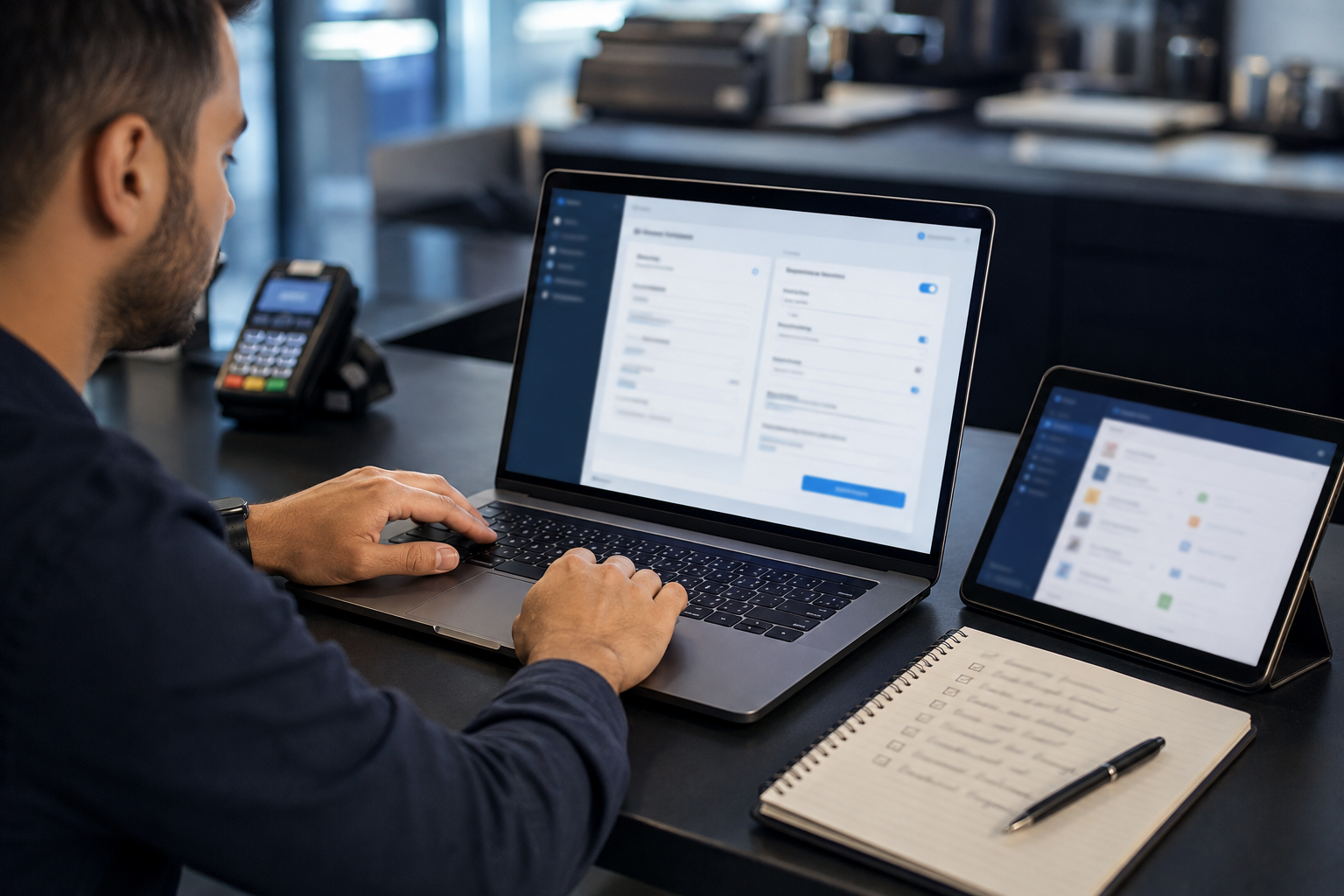
When a payment processor says it integrates with your POS, that phrase can mean very different things. Understanding the types of integration available helps you ask the right questions and evaluate what you are actually getting.
The Three Types of POS-Processor Integration
- Native POS integration: The payment processor is built into the POS software itself. Every sale in the POS automatically routes to the processor. Settlement data posts back to the POS automatically. Tipping, splits, and reporting all happen inside the POS. This is the deepest integration and the most seamless for staff. Coastal Pay achieves native integration with many POS platforms through its integration directory.
- Gateway-level integration: The POS software accepts credentials from a third-party payment gateway (like the Coastal Pay Gateway) and routes transactions through that gateway while keeping all POS functionality intact. Slightly less seamless than native but operationally equivalent for most businesses. This is the most common integration path for Coastal Pay with processor-agnostic POS platforms.
- Semi-integrated terminal: A standalone NFC terminal sits beside the POS. The cashier rings up the sale in the POS, then enters or transfers the amount to the terminal for card processing. Data syncs back to the POS via end-of-day import or reconciliation. Less seamless but functional for POS platforms without gateway integration options.
What True Integration Delivers for Your Business
A fully integrated setup means:
- No double-entry – the POS amount flows directly to the terminal or gateway
- Automatic receipt printing from the POS on card approval
- Tips added at the terminal post back to the POS server record
- Daily batch settlement matches the POS daily sales report automatically
- Centralized reporting across locations in one dashboard
- Reduced PCI scope – card data never touches the POS computer or network in a compliant setup
Coastal Pay’s gateway is designed to deliver this integration layer across 2,000+ software systems, including major retail, restaurant, hospitality, and service POS platforms, without requiring merchants to change their POS software or hardware when compatible.
Here’s How to Check if Your POS Is Locked to a Single Processor
Before investing time in a processor evaluation, confirm whether your POS actually allows you to switch. This takes 5 to 10 minutes and determines which integration path is available to you.
Check 1: Review Your POS Contract Language
Pull your original POS agreement or current terms of service and search for phrases like “payment processing provided exclusively by,” “integrated payments through,” “processing partner,” or “exclusive payment relationship.” If these phrases appear, your POS may require you to use their affiliated processor for integrated payments. Note that some POS platforms allow integrated payments only through their system but still allow a standalone terminal beside the POS – this is worth clarifying.
Check 2: Look at Your Merchant Processing Statement
Your monthly card processing statement is branded by the processor. If it shows Square, Clover Capital (Fiserv), Shopify Payments, or Toast Payments, your processing is currently tied to that POS ecosystem. If it shows a third-party processor name that is separate from your POS vendor, your POS is likely already open to processor choice.
Check 3: Explore Your POS Admin Settings
Log into your POS back office and look for sections labeled “Payment Processors,” “Gateway Settings,” “Integrations,” or “Payments.” If you can enter third-party gateway API credentials or select from a list of gateway providers, your POS is processor-agnostic. If this section is absent or shows only the POS vendor’s own payment option, it is likely closed to external processors.
Three POS Openness Models and How Coastal Pay Fits Each
| POS Model | Description | Coastal Pay Integration Path |
|---|
| Open / processor-agnostic | Accepts credentials from any certified gateway. Examples: Lightspeed Retail, Revel, NCR Counterpoint, many enterprise POS platforms. | Direct gateway integration via Coastal Pay integration directory. Full native or gateway-level integration available. |
| Preferred processor list | Works with a defined list of approved processors. Some restaurant and hospitality POS platforms fall here. Integration available within the approved list. | Contact Coastal Pay at 888-266-1715 to confirm whether Coastal Pay is on the approved list for your specific POS version. |
| Closed / proprietary | Hardware and software locked to one processing relationship. Examples: Square POS, Shopify POS hardware, some Clover configurations. | Semi-integrated terminal beside the POS, or Coastal Pay payment links used in parallel for specific transaction types while the POS handles others. |
Does Coastal Pay Work With My POS?
Coastal Pay integrates with over 2,000 POS and software systems across retail, restaurant, hospitality, and service verticals. This is not a list of loosely-affiliated partners – it is Coastal Pay’s active integration directory of systems that connect to the Coastal Pay Gateway through certified, tested integration paths.
The Three-Outcome Framework for Your POS
- Outcome 1 – Direct plug-and-play: Your POS is in the Coastal Pay integration directory with a native or gateway integration. Setup requires entering Coastal Pay gateway credentials in your POS admin settings and running a test transaction. Timeline: same day to 1 business day in most cases.
- Outcome 2 – Gateway/API route: Your POS supports third-party gateways but requires a custom API connection or semi-integration. Coastal Pay’s team configures the connection using the Coastal Pay REST API. Timeline: 1 to 5 business days depending on the integration complexity.
- Outcome 3 – Alternative hardware approach: Your POS is in a closed ecosystem. A semi-integrated Coastal Pay terminal sits beside your POS for card acceptance, while your POS handles inventory and order management. Slightly less seamless but operationally functional and allows access to Coastal Pay’s flat 2.5% + $0.15 rate and alternative payment methods.
How to Check Your POS Right Now
Two options, both take under 5 minutes:
- Visit coastalpay.com/software-integrations and use the search function to find your POS name
- Call 888-266-1715 and provide your POS brand and version number. The team confirms your integration path in the same call.
Coastal Pay integrates with 2,000+ POS and software systems across retail, restaurant, hospitality, and service verticals. Most processor-agnostic POS platforms can connect without changing hardware or POS software.
Get Approved in 2 Minutes
Here’s How Integrations Work for Popular POS Categories
Tablet-Based Retail POS (iPad, Android)
Cloud-based tablet POS platforms like Lightspeed Retail, Revel Systems, and similar tools are designed for processor flexibility. They accept gateway credentials from the admin portal and route transactions through the connected gateway. Integration path with Coastal Pay: Gateway credential entry in POS admin settings. Coastal Pay configures the gateway on its end. Test transaction confirms the connection. Supports tipping, item-level reporting, split payments, and receipt printing within the POS.
Dual pricing and surcharging: Applied at the gateway and terminal level, working transparently within the POS checkout flow.
Multi-location: Each location connects to the same Coastal Pay gateway account with per-location reporting in the Coastal Pay dashboard.
Restaurant POS (Full-Service and Quick-Service)
Restaurant POS systems require tip flows, course management, table management, and kitchen display integration. Integration paths vary by vendor. Some restaurant POS platforms maintain a preferred processor list. Integration path with Coastal Pay: Gateway or semi-integrated terminal setup depending on the specific restaurant POS platform. Contact 888-266-1715 for compatibility confirmation on your specific restaurant POS version. Tip handling and split payment functionality are maintained in the POS; Coastal Pay processes the final charge.
Alternative payment methods: Apple Pay, Google Pay, and contactless tap-to-pay supported on connected NFC terminals within the restaurant POS flow.
Enterprise and Legacy POS (NCR, Aloha, Micros)
Enterprise retail and restaurant POS systems often support semi-integrated or full gateway integrations with a broader range of processors than consumer-facing systems. Many enterprise operators use a semi-integrated terminal connected to a primary gateway. Integration path with Coastal Pay: Gateway API or semi-integrated terminal setup. Enterprise merchants should contact 888-266-1715 with their specific POS platform and version for a technical integration review. Centralized multi-location reporting across the enterprise is available in the Coastal Pay dashboard.
Hotel PMS (Property Management Systems)
Hotel PMS integration for Coastal Pay supports the full hospitality payment workflow: pre-authorization holds at check-in, folio charge accumulation during stay, checkout billing, and payment link integration for corporate invoice billing. PMS compatibility varies by vendor. Contact 888-266-1715 for compatibility confirmation. Visit coastalpay.com/software-integrations for the current hospitality integration directory.
E-Commerce Plus In-Store (Omnichannel)
For merchants who need both in-store POS and e-commerce checkout, Coastal Pay’s gateway connects to WooCommerce, BigCommerce, Magento, and many custom cart platforms alongside POS platforms. All channels settle into the same Coastal Pay merchant account with unified reporting – no second payment processor for the online channel.
What Should You Look for in a POS-Friendly Payment Processor?
Not all payment processors that claim POS compatibility deliver the same integration quality or cost structure. Use this checklist when evaluating any processor for your existing POS.
Integration Quality Checklist
- Real-time sync: Does transaction data post from the processor back to your POS in real time, or is it a nightly batch import? Real-time is essential for live inventory deduction and accurate daily reporting.
- Tip and split handling: For restaurants and service businesses, does tip addition and split payment happen inside the POS and post to the processor, or does the cashier have to manage this manually?
- Gateway certification: Has the processor been formally certified by the POS vendor for the specific integration, or is it a workaround that may break on the next POS software update?
- Multi-location support: Can all locations be managed under one processor account with per-location reporting, or does each location require a separate merchant account?
- Alternative payment methods: Does the integration support Apple Pay, Google Pay, and contactless NFC alongside chip and swipe, or only standard card types?
Cost and Contract Checklist
- What is the flat or effective rate for all payment types on this POS integration?
- Is there a monthly gateway fee separate from the processing rate?
- What is the contract term and early termination fee?
- Does the rate apply consistently to Apple Pay, Google Pay, ACH, and all alternative methods, or are some methods priced higher?
How Coastal Pay Meets These Criteria
Rate: Flat 2.5% + $0.15 per transaction across all payment methods. Gateway fee: $0/month. Contract: Standard terms without excessive early termination fees. Multi-location: One merchant account, centralized dashboard, per-location reporting. Alternative methods: Apple Pay, Google Pay, Venmo, PayPal, Klarna, Afterpay, ACH, and Coinbase all included at the same rate. API: REST API with documentation at coastalpay.com/api-links for custom integrations. Developer support available at 888-266-1715.
Here’s How to Set Up Coastal Pay With Your Current POS in a Few Steps
Step 1: Confirm Your POS Integration Path
Call Coastal Pay at 888-266-1715 or search coastalpay.com/software-integrations. Have your POS platform name and version ready. The team confirms your integration path (native, gateway, semi-integrated) and estimates setup time in the same conversation. This step takes 10 to 15 minutes and eliminates surprises during actual implementation.
Step 2: Complete the Coastal Pay Application
Navigate to coastalpay.com and click Get Started. Complete the instant boarding form with your business name, EIN or SSN, and business bank account details. Most standard-risk U.S. businesses receive approval in approximately 2 minutes. Upon approval, your Coastal Pay merchant account and gateway are created immediately.
Step 3: Configure the Gateway Connection
For native or gateway integrations: Coastal Pay provides gateway credentials (API key, merchant ID, terminal ID). You or your POS vendor enters these credentials in the POS gateway settings section. Coastal Pay’s team confirms the credentials are active and the gateway is ready to receive transactions.
For semi-integrated terminal setups: Coastal Pay programs a compatible NFC terminal for your merchant account. The terminal arrives pre-configured or is reprogrammed on-site. No POS software changes required.
Step 4: Test and Go Live
Process a test transaction of $1.00 using a live card. Confirm the transaction appears in both the POS transaction history and the Coastal Pay Gateway dashboard. Confirm receipt printing, tip handling, and batch settlement behave as expected. Go live on the same day for most plug-and-play integrations.
Step 5: Enable Alternative Payment Methods and Dual Pricing
After going live on cards, enable Apple Pay, Google Pay, and any BNPL options in the Coastal Pay Gateway dashboard. If you want to implement dual pricing or surcharging, contact 888-266-1715 to configure the program and receive compliant signage templates.
Step 6: Verify Multi-Location Setup and Reporting
For businesses with multiple locations, confirm that each location has its own terminal or POS gateway connection under the same Coastal Pay merchant account. Verify that per-location reporting is visible in the Coastal Pay dashboard. Set up accounting integrations (QuickBooks, Xero) if applicable for automatic settlement reconciliation.
Coastal Pay support at 888-266-1715 and via Helpdesk ticket handles setup, testing, and go-live assistance. Developer documentation is available at coastalpay.com/api-links for IT teams handling custom API integrations.
What if My POS Doesn’t Appear on the Coastal Pay Integration List?
If your POS is not showing in the Coastal Pay integration directory, that does not necessarily mean integration is impossible. It may mean the integration is in progress, not yet documented in the public directory, or available through an alternative path.
Step 1: Contact Coastal Pay with Your POS Details
Call 888-266-1715 or submit a Helpdesk ticket at coastalpay.com with your POS platform name, version number, and a description of the integration you need (gateway connection, semi-integrated terminal, or custom API). The team checks for in-progress integrations, undocumented connection paths, and any third-party middleware options that may bridge your POS to Coastal Pay.
Fallback Option 1: Semi-Integrated Terminal
A semi-integrated NFC terminal from Coastal Pay sits beside your POS. Your staff rings up the sale in your POS, enters the total on the terminal, and processes the card separately. End-of-day totals from the Coastal Pay terminal are reconciled against the POS daily report. This is less seamless than native integration but gives you immediate access to Coastal Pay’s flat 2.5% + $0.15 rate and all alternative payment methods without any POS software change.
Fallback Option 2: Payment Links for Specific Channels
For specific transaction types where native integration is not available – deposits, phone orders, corporate invoicing, online checkout – Coastal Pay payment links and email invoicing handle these channels in parallel with your existing POS. This is common for service businesses where the POS handles in-person services and Coastal Pay handles billing and remote payments.
When a POS Change Is Worth Considering
If your current POS is fully locked to a proprietary processing relationship with rates significantly above Coastal Pay’s flat 2.5% + $0.15, the annual processing savings from switching to a compatible POS may exceed the cost of the POS transition. Coastal Pay’s team can model this comparison in a 20-minute review call. The key question: at your monthly volume, how much would you save annually from the rate reduction? If that number exceeds your POS migration cost, the switch has a clear ROI.
Coastal Pay can help plan a phased changeover: keep the existing POS in place while adding Coastal Pay for new transactions, run the two systems in parallel during the transition period, and migrate fully once the new POS setup is confirmed stable.
Here’s What to Do Next if You Want a Smoother POS Integration
The three decisions that determine a smooth POS integration outcome are: confirming whether your POS is open to outside processors, choosing the right integration path for your specific POS, and picking a processor that can scale as your transaction volume grows without requiring a platform rebuild.
Coastal Pay’s gateway-first approach – 2,000+ integrations, REST API for custom workflows, flat 2.5% + $0.15 rate with $0 gateway fee, and instant 2-minute approval – is designed to connect to your existing POS rather than replace it. Most integration projects can be completed without replacing POS software or hardware.
Your Next Move
- Search your POS at coastalpay.com/software-integrations to confirm integration status
- Call 888-266-1715 for a 15-minute compatibility review – have your POS name, version, and monthly processing volume ready
- For enterprise and multi-location merchants: bring a recent processing statement for a simultaneous rate comparison
- Apply for Coastal Pay – most standard-risk U.S. businesses approved in approximately 2 minutes
Integration can usually be completed without replacing your POS or retraining your staff from scratch. The Coastal Pay Gateway is the piece that connects in – your POS, your hardware, your floor stays the same.
Frequently Asked Questions
- Can I get a payment processor that integrates directly with my current POS?
- Yes, in most cases – but it depends on whether your POS is processor-agnostic or locked to a proprietary processing relationship. Coastal Pay connects to 2,000+ POS and software systems through its gateway, certified integrations, and REST API. Search your POS at coastalpay.com/software-integrations or call 888-266-1715 to confirm your integration path. Most processor-agnostic POS platforms connect to Coastal Pay without changing POS software or hardware.
- How do I know if my POS is locked to a single processor?
- Check your POS contract for exclusive processing language, look at your monthly statement branding, and search your POS admin settings for a gateway credentials section. If you can enter third-party gateway credentials in the POS settings, your POS is likely open. Contact Coastal Pay at 888-266-1715 with your POS brand and version for a quick compatibility confirmation.
- Can I keep my existing terminals when switching to Coastal Pay?
- In many cases yes, if your existing terminals are processor-agnostic (PAX, Verifone, Ingenico, and many others). Coastal Pay can assess compatibility and connect existing terminals to Coastal Pay’s gateway without hardware replacement. Proprietary terminals (Square readers, Shopify readers) cannot be reprogrammed. Contact 888-266-1715 with your terminal model numbers for a compatibility assessment.
- How long does it take to set up Coastal Pay with my existing POS?
- Merchant account approval: approximately 2 minutes via instant boarding. Simple app marketplace or plugin integrations: live same day as approval. Gateway API integrations: 1 to 5 business days including testing. Multi-location enterprise integrations: 5 to 10 business days typical. Contact 888-266-1715 for an integration timeline estimate for your specific POS platform.