What Is a Coastal Pay Quick Payment Link?
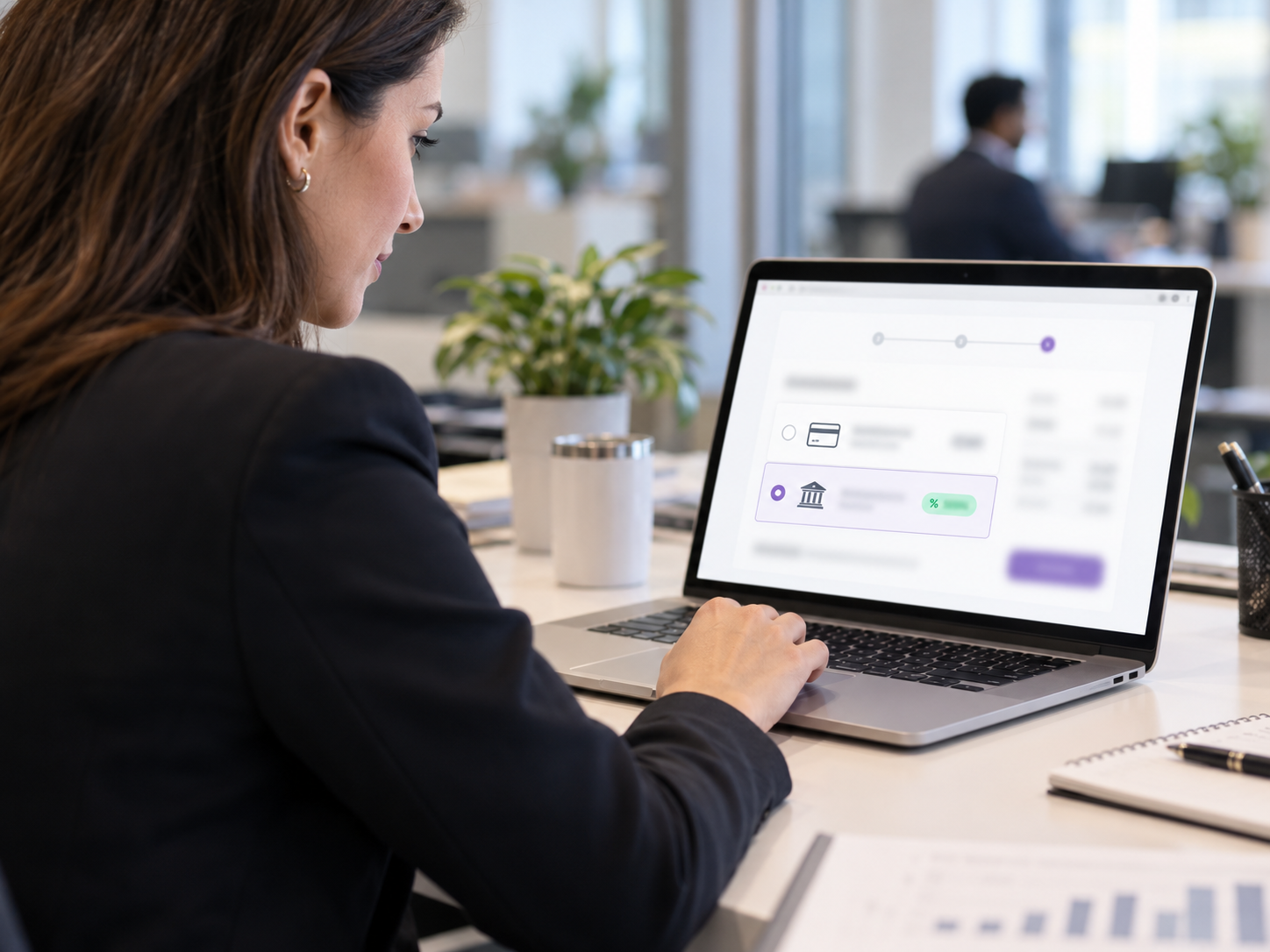
A Coastal Pay Quick Payment Link is a secure URL that you create in your Coastal Pay Gateway dashboard and share with any customer on any channel. When the customer clicks the link, they land on a Coastal Pay-hosted checkout page that is:
- Mobile-optimized – works perfectly on any iPhone, Android, tablet, or desktop
- Branded with your transaction description
- Loaded with all available payment methods automatically
- Secured with SSL encryption and PCI-compliant card tokenization
- Instant – the customer pays in under 60 seconds with Apple Pay or a tap of their saved wallet
Payment Methods Available on Every Link
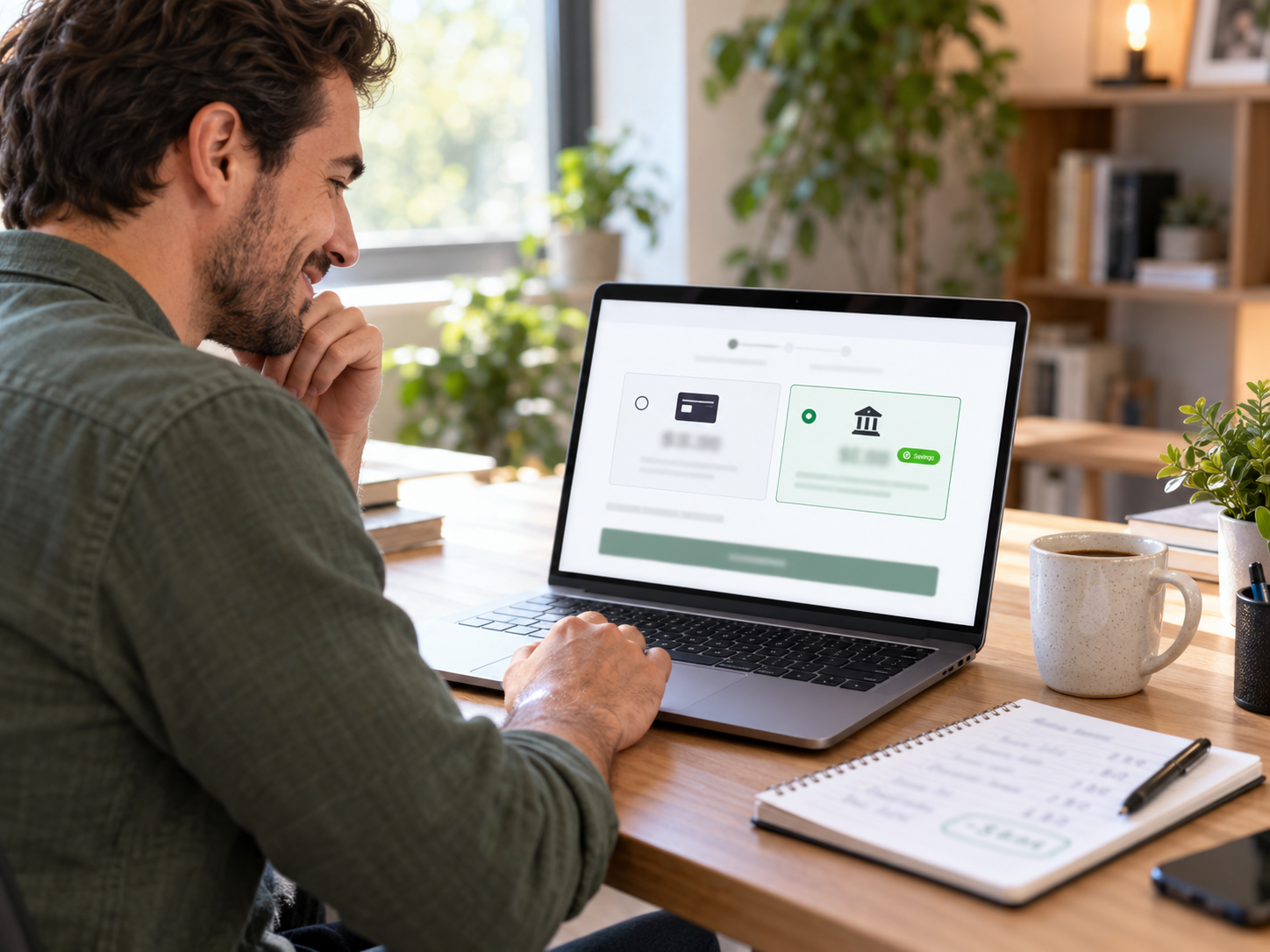
Every Coastal Pay payment link automatically presents the customer with every payment method enabled on your account:
- Credit and debit cards: Visa, Mastercard, American Express, Discover
- Apple Pay: One-tap biometric payment for iPhone and Apple Watch users – the customer never types a card number
- Google Pay: One-tap payment for Android users
- Venmo: For customers who prefer paying from their Venmo balance
- PayPal: For customers who prefer PayPal checkout
- Klarna: Buy now pay later – 4 interest-free installments for customers on eligible purchases
- Afterpay: Buy now pay later – 4 biweekly installments for customers on eligible purchases
- ACH bank debit: Direct bank transfer for customers who prefer bank-to-bank payment or for large invoices where card processing cost is material
All of the above settle into the same Coastal Pay merchant account at the same flat 2.5% + $0.15 rate.
Here’s How Fast It Actually Is
This is the complete process from deciding to create a link to your customer completing payment.
Creating and Sending a Payment Link (Under 60 Seconds)
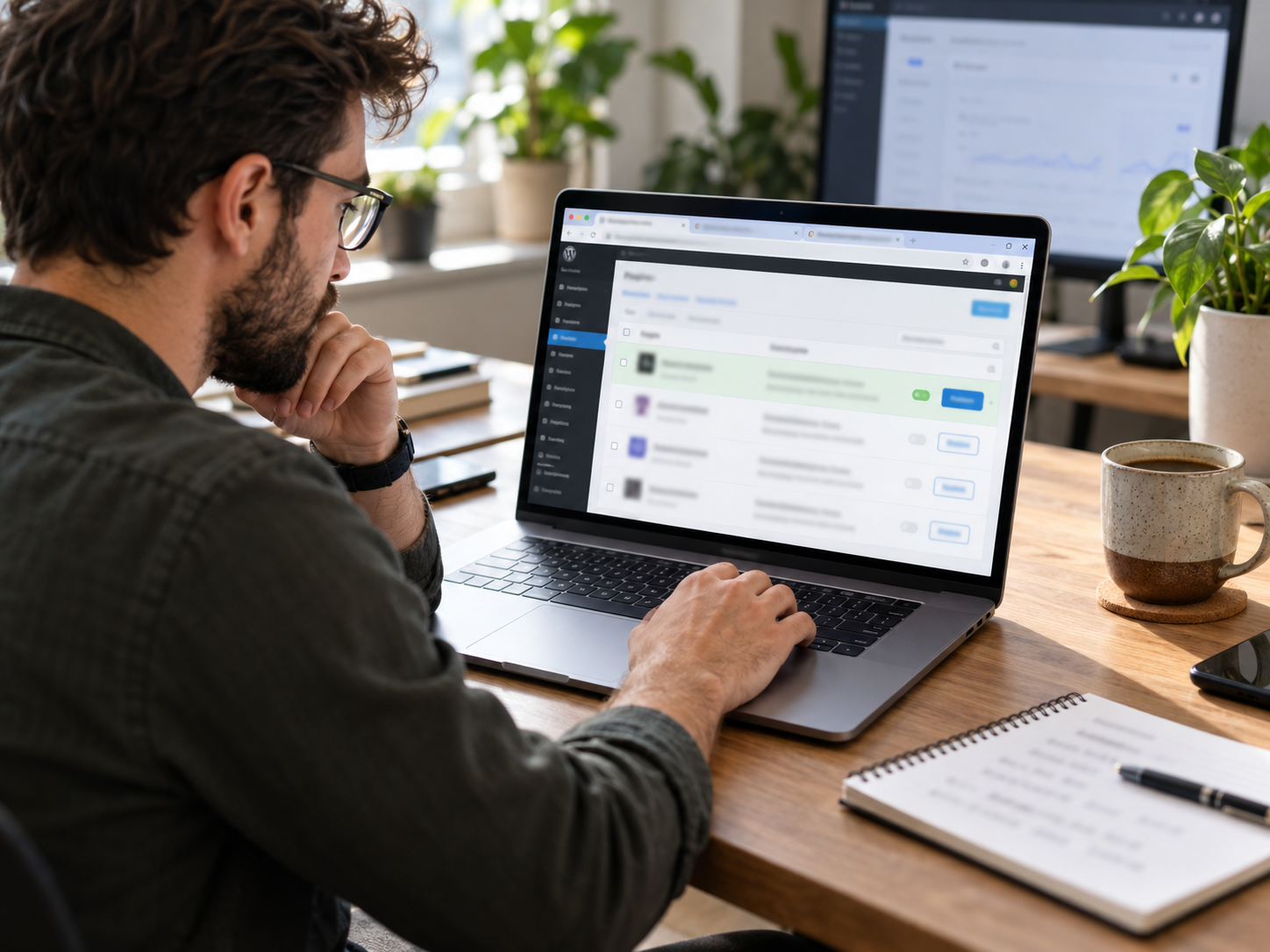
- Log into your Coastal Pay Gateway dashboard (any browser, any device)
- Click New Payment Link in the navigation
- Enter the payment amount (e.g., $750)
- Add a brief description (e.g., “Kitchen Renovation Deposit – Phase 1”)
- Click Create Link
- Copy the generated URL
- Paste it into a text, email, WhatsApp, or whatever channel your customer is on
That is it. The whole process takes 30 to 60 seconds. The link is immediately live and active the moment you create it.
What the Customer Experiences (Under 60 Seconds to Pay)
- Customer receives the link via text or email
- Customer taps the link on their phone
- The Coastal Pay checkout page loads in 1 to 2 seconds showing the amount, description, and payment options
- If the customer’s device has Apple Pay or Google Pay set up, the wallet button appears prominently at the top
- Customer taps Apple Pay, authenticates with Face ID, done – payment complete in under 5 seconds
- Customer receives an automatic receipt email
- You see the confirmed payment appear in your dashboard in real time
From creating the link to confirmed payment in your dashboard: typically under 3 minutes total, including the time your customer takes to tap and pay.
Where Can You Share a Coastal Pay Payment Link?
A payment link is just a URL. It goes anywhere a URL can go.
Share via Text or SMS
The fastest path for most businesses. Copy the link, paste it into a text message: “Here’s the payment link for your balance: [link]”. The customer taps, pays from their phone, done. No app required on their end. No account required. Works on any mobile number.
Share via Email
Paste the link into any email with a brief context line: “Clicking the link below will take you to secure payment for your order.” The link opens a full browser checkout experience on desktop or mobile. Alternatively, use Coastal Pay’s email invoicing feature to send a branded invoice with the Pay Now button built in.
Share on Social Media or Messaging Apps
Post the link in your Instagram bio, a Facebook post, a LinkedIn message, a WhatsApp conversation, or a Discord server. Anywhere you can share a URL, your customers can pay. Coaches, creators, and service providers use this to collect payment after a social media post or direct message conversation.
Embed in a Quote, Contract, or Proposal Document
Include the payment link directly in a PDF quote or proposal: “To accept this proposal and confirm your booking, click here to pay the deposit: [link].” The customer accepts the proposal and pays in one motion without a separate billing step.
Generate as a QR Code for In-Person Use
Any Coastal Pay payment link can be converted to a QR code using any standard QR code generator. Print it on an invoice, display it at a market booth, add it to a business card, or show it on a tablet at a pop-up event. Customer scans, taps Apple Pay, done. No terminal. No reader. No hardware.
Share During a Phone Call
For businesses that take phone orders or collect payment over the phone: create the link in your dashboard while the customer is still on the call, text or email it to them, and have them complete self-entry on the hosted page while you are still talking. This eliminates the need to enter card details through the virtual terminal and removes your staff from the card data flow entirely for that transaction.
What Types of Payment Links Can You Create?
Fixed-Amount Link
A link for a specific, pre-set dollar amount. The customer clicks and pays exactly that amount – they cannot change it. Best for: invoices, deposits, session fees, service bookings, product orders with a known price.
Example: “Pay Your $497 Strategy Session Deposit” – the link opens a checkout page showing $497.00, and that is the only amount available.
Custom-Amount Link
A link where the customer can enter the amount themselves before paying. Best for: tip jars, donation collections, variable deposits, pay-what-you-can pricing, and any situation where the exact amount varies per customer.
Example: A freelancer’s general payment page where clients enter the invoice amount they are paying.
Reusable Permanent Link
A link that stays active indefinitely and can be used by multiple customers or by the same customer repeatedly. Best for: service businesses that accept ongoing payments, checkout links added to email signatures or bios, and general payment collection pages that you share broadly.
Example: A graphic designer’s “Pay Invoice” link shared in every email signature – clients click and enter their invoice amount each time.
Product or Service-Specific Link
A link tied to a specific product description or service package that includes details the customer can see at checkout. Best for: course enrollment, event registration, specific service packages, and digital products where the description at checkout confirms what is being purchased.
Recurring Link for Subscription Enrollment
A link that enrolls the customer in recurring billing when they complete the first payment. The card-on-file is stored securely via tokenization and charged automatically on the configured schedule (monthly, quarterly, annual). Best for: coaching retainers, membership programs, maintenance contracts, and subscription services.
How Much Does a Payment Link Cost?
Coastal Pay payment links are included in every standard Coastal Pay merchant account at no additional monthly cost.
The Simple All-In Pricing
- Monthly platform fee: $0 – no monthly fee to create, manage, or send payment links
- Per-link creation fee: $0 – create as many links as you need
- Per-link send fee: $0 – share a link 1 time or 1,000 times, no charge until payment occurs
- Transaction fee: Flat 2.5% + $0.15 per completed payment through the link
- Apple Pay, Google Pay, Venmo, Klarna, Afterpay, ACH: All at the same 2.5% + $0.15 (ACH at flat per-item rate – contact for details)
Cost Comparison on Common Payment Link Amounts
| Payment Amount | Coastal Pay Fee (2.5% + $0.15) | Stripe (2.9% + $0.30) | PayPal (2.99% + $0.49) | You Keep More With Coastal Pay |
|---|
| $100 | $2.65 | $3.20 | $3.48 | $0.55 to $0.83 |
| $250 | $6.40 | $7.55 | $8.00 | $1.15 to $1.60 |
| $500 | $12.65 | $14.80 | $15.44 | $2.15 to $2.79 |
| $1,000 | $25.15 | $29.30 | $30.39 | $4.15 to $5.24 |
| $3,000 | $75.15 | $87.30 | $90.19 | $12.15 to $15.04 |
| $10,000 | $250.15 | $290.30 | $299.49 | $40.15 to $49.34 |
ACH Cost for Large Payment Links
For payment links above $500 where the customer can select ACH bank debit, the processing cost drops dramatically. A $2,000 invoice paid via ACH through a Coastal Pay payment link costs approximately $0.50 to $1.50 versus $50.15 on card. For businesses sending large payment links for deposits, retainers, or project invoices, enabling ACH as an option on those links is the single highest-ROI payment configuration available.
Who Uses Coastal Pay Payment Links?
Payment links work for any business that needs to collect payment outside of a traditional in-person or e-commerce checkout. Here are the most common use cases.
Service Businesses and Freelancers
Contractors, designers, writers, photographers, consultants, and other service providers send payment links in their invoices and proposals. The client clicks, pays, and the project moves forward. No chasing checks, no mailed invoice follow-up, no payment portal login required.
Coaches and Course Creators
Create a payment link for each coaching program or course enrollment. Share it in a discovery call follow-up, in an email, on a social media post, or in a direct message. Collect recurring retainer billing by enrolling clients in recurring billing through the first payment link. No course platform subscription required for the payment itself.
Healthcare and Professional Billing
Dental offices, medical practices, physical therapy clinics, and legal firms text or email payment links to clients and patients for balance billing, copay collection, and retainer deposits. The patient or client pays from their phone at their convenience. No phone tag, no mailed statement, no return visit to the front desk.
Event and Booking Businesses
Wedding photographers, caterers, event venues, and photographers use payment links for booking deposits and final balance collection. Send a deposit link at booking. Send the balance link 30 days before the event. Both settle into the same Coastal Pay account with centralized tracking.
Retail and Pop-Up Businesses
Pop-up retailers, farmers market vendors, and seasonal businesses use payment links converted to QR codes as their checkout. Customer scans the QR code, selects the item amount, pays via Apple Pay. No terminal, no reader, no monthly hardware lease. The QR code checkout works even when cell service is spotty – the customer completes payment when connectivity returns.
B2B Invoice Collection
Include a payment link in every B2B invoice. The accounts payable contact clicks Pay Now, enters the invoice number as a reference, and pays via card or ACH. The payment is tracked in the Coastal Pay dashboard with the invoice reference. Accounts receivable follow-up time drops significantly when payment requires a single tap rather than a check run.
How Do Payment Links Compare to a Website Checkout or Virtual Terminal?
| Scenario | Best Tool | Why |
|---|
| Sending payment request to a specific customer for a specific amount | Payment Link | Fastest to generate, customer self-enters, no card data handled by staff |
| Customer on your website ready to buy | Website checkout (Coastal Pay API or plugin) | Integrated checkout keeps customer on your site without a redirect |
| Customer calling to pay, cannot click a link | Virtual Terminal | Staff enters card details directly for immediate processing |
| Customer calling to pay, has phone or email access | Payment Link sent during call | Customer self-enters, safer for both parties, Apple Pay option eliminates card typing |
| Billing a recurring client monthly | Recurring billing (card-on-file or ACH) | Automated charge without requiring a new link or customer action each month |
| In-person checkout, no terminal available | Payment Link as QR code | Customer scans QR, pays from phone with Apple Pay – no hardware needed |
Getting Started With Coastal Pay Payment Links
Step 1: Get Approved
Apply at coastalpay.com. Most standard-risk U.S. businesses are approved in approximately 2 minutes. Have your legal business name, EIN or SSN, and business bank account details ready. Upon approval, your Coastal Pay Gateway dashboard is immediately accessible including the payment link generator.
Step 2: Create Your First Link
Log into the Coastal Pay Gateway. Click New Payment Link. Enter an amount and a brief description of what the payment is for. Select whether the link is fixed-amount or customer-enters-amount. Click Create. Copy the link. Send it to your first customer.
Step 3: Enable Alternative Payment Methods
Navigate to Alternative Payment Methods in the dashboard. Enable Apple Pay, Google Pay, Venmo, PayPal, Klarna, Afterpay, and ACH. These are presented automatically to customers on every payment link without requiring any per-link configuration after initial setup.
Step 4: Save Reusable Links for Common Amounts
Create permanent reusable links for your most common payment scenarios – your standard hourly rate, your package prices, your deposit amount. Save these in a notes document or your CRM so you can share them in seconds without recreating them for each customer.
Step 5: Set Up Recurring Billing for Repeat Clients
For clients who pay you monthly, send the first payment link for the first month’s payment. When the client completes payment, enroll them in recurring billing in the Coastal Pay dashboard. Subsequent months charge automatically without a new link or any customer action required.
Explore Coastal Pay’s full gateway features, all alternative payment methods, and integrations with CRM, accounting, and e-commerce platforms.
Get Approved in 2 Minutes – Create Your First Payment Link Today
Or call: 888-266-1715
Frequently Asked Questions
- What is a payment link and how does it work?
- A payment link is a secure URL you generate from your Coastal Pay Gateway and share with a customer via text, email, social, or anywhere else. When the customer clicks, they see a mobile-optimized hosted checkout page showing the amount and all available payment methods: card, Apple Pay, Google Pay, Venmo, PayPal, Klarna, Afterpay, and ACH. The customer pays in under 60 seconds and receives an automatic receipt. Funds settle in your business bank account within 1 to 2 business days.
- Can I use a payment link without a website?
- Yes. Coastal Pay payment links require no website, no e-commerce platform, and no code. The checkout page is hosted by Coastal Pay. You only need a Coastal Pay account, approved in approximately 2 minutes at coastalpay.com. Payment links can be shared anywhere: email, text, Instagram bio, LinkedIn, WhatsApp, or printed as a QR code.
- How much does a Coastal Pay payment link cost?
- Payment links are included in every Coastal Pay merchant account at $0 extra per month. No per-link creation fee, no fee for links that are not used. Transaction fee: flat 2.5% + $0.15 per completed payment. Apple Pay, Google Pay, Venmo, Klarna, and Afterpay are all at the same rate with no per-method activation fee.
- How fast can I create and send a payment link?
- Under 60 seconds from opening the Coastal Pay Gateway to sending the link. Most users complete it in 30 to 45 seconds: click New Payment Link, enter amount and description, copy URL, send. If you are on the phone with a customer, you can send the link during the call and they can complete payment on their phone while you are still talking.