



Coastal Pay | Payment Processor, Payment Gateway & 2000+ Software Integrations

WooCommerce Checkout Optimization: Increase Conversion With Coastal Pay’s Full Payment Suite (2026 Guide)

A WooCommerce store that gets customers to the checkout page and then loses them at the payment step is experiencing the most recoverable form of conversion loss. Unlike product page bounce (where the customer was not interested in the product), checkout abandonment at the payment step usually means the customer was ready to buy - and something about the payment experience prevented completion. Missing Apple Pay, no BNPL options, no Venmo, or slow card entry on mobile are direct, identifiable causes of this abandonment, all fixable through a single payment gateway configuration. This guide covers the specific payment-side optimizations that increase WooCommerce checkout conversion, all available through Coastal Pay's single WooCommerce plugin at a flat 2.5% + $0.15 rate.

Enable the Full Coastal Pay Payment Suite on WooCommerce | Call 888-266-1715

Share


Let’s Identify the Payment-Side Causes of WooCommerce Checkout Abandonment

Before optimizing, diagnose. WooCommerce checkout abandonment at the payment step is measurable through Google Analytics (checkout funnel abandonment at the “Payment” step specifically), through heat mapping tools (showing where customers click and stop on the checkout page), and through customer support data (customers who email asking “why isn’t Apple Pay working?” or “do you accept PayPal?”). The most common payment-side abandonment causes:

The Six Payment-Side Abandonment Causes

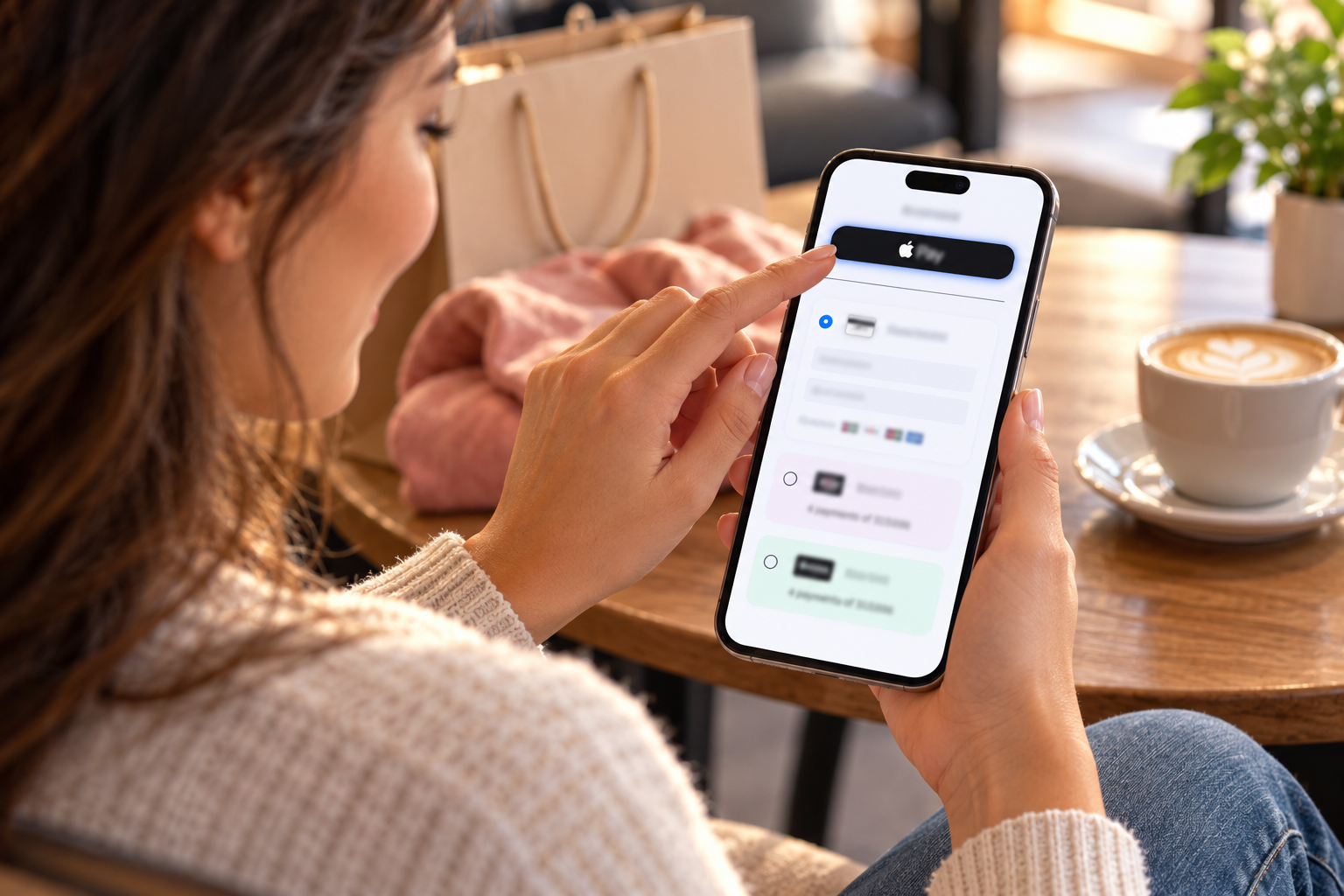
  • Missing Apple Pay or Google Pay on mobile: More than 60% of WooCommerce traffic is mobile. A customer who reaches the payment step on their iPhone and sees only a card entry form faces a 45 to 90 second data entry task on a phone keyboard. Many abandon rather than type. The same customer with an Apple Pay button completes payment in 3 to 5 seconds. This is the highest-impact single payment method gap for most WooCommerce stores with significant mobile traffic.
  • Missing BNPL for products above $75: A customer who has added a $140 item to their WooCommerce cart and reaches checkout hesitates at the full amount. If they see “4 payments of $35 with Afterpay,” many complete the purchase. If they see only a $140 total and a card form, some abandon. The BNPL abandonment gap is most pronounced for stores in fashion, home goods, fitness, and electronics categories.
  • Missing Venmo for under-35 demographics: A significant portion of the 18 to 35 age group has built their payment habits around Venmo and experiences friction when a WooCommerce checkout does not offer it. For DTC brands, fashion stores, and lifestyle product e-commerce targeting younger demographics, Venmo at checkout is a meaningful trust signal that the store “gets” how this demographic pays.
  • Forced account creation before checkout: Requiring account registration before payment is a consistent abandonment trigger in WooCommerce stores that have not enabled guest checkout. The customer who reaches checkout without a WooCommerce account and hits an account creation gate may not complete the purchase – particularly for a first-time visit. Enable WooCommerce guest checkout (WooCommerce – Settings – Accounts and Privacy – Guest checkout) if it is not already enabled.
  • Confusing or generic card decline error messages: A WooCommerce checkout that responds to a card decline with “Payment could not be processed” gives the customer no information about what to do next. A specific error message – “This card was declined by your bank. Try a different card or use Apple Pay” – guides the customer to a resolution rather than leaving them to abandon. Coastal Pay’s gateway returns specific decline reason codes that can be mapped to helpful customer-facing messages.
  • Missing preferred payment method for B2B buyers: WooCommerce stores serving business customers face a specific checkout gap: many B2B buyers prefer ACH bank transfer for company purchases, and a WooCommerce checkout that offers only credit card excludes the most cost-effective B2B payment method. Adding ACH to WooCommerce serves B2B buyers’ preferences while simultaneously reducing the merchant’s processing cost per transaction.

The Coastal Pay WooCommerce Payment Suite: Every Method in One Plugin

The unique advantage of Coastal Pay’s WooCommerce plugin is that every payment method that addresses the abandonment causes above is available in one plugin, at one flat rate, with one configuration step each. No separate plugin per method. No separate merchant agreement per BNPL provider. No different rate for wallet payments versus card payments. One plugin, one dashboard, one flat rate, complete payment method coverage.

Payment MethodWho It ConvertsConversion ImpactEnabled in Coastal Pay Plugin
Visa / Mastercard / Amex / DiscoverAll card-paying customers – universal baselineUniversal – requiredYes – default enabled
Apple PayiPhone/Mac/iPad users (60%+ of WooCommerce mobile traffic) – fastest checkoutHigh – reduces mobile abandonment mostYes – toggle on in plugin settings
Google PayAndroid users with saved Google payment methodHigh for Android users – same 3-5 sec checkoutYes – toggle on in plugin settings
Klarna (Pay in 4, Pay in 30, financing)Customers on products $75+ who want installment payment – 25-45 demographicHigh AOV increase – 15-30% uplift for eligible ordersYes – toggle on in plugin settings
Afterpay (Pay in 4)Younger demographic 18-35, fashion/beauty/fitnessHigh for target demographic – brand preferenceYes – toggle on in plugin settings
VenmoMillennial and Gen Z customers who default to Venmo for online purchasesModerate-high for under-35 customer baseYes – toggle on in plugin settings
PayPal balanceCustomers with strong PayPal loyalty – broad demographicModerate for PayPal-loyal customer segmentsYes – available via account configuration
ACH bank transferB2B buyers, high-value order customers, customers preferring bank paymentModerate for B2B – also reduces processing costYes – toggle on in plugin settings
Coinbase (crypto)Crypto-native customersNiche but high loyalty in crypto demographicYes – available via account configuration

Here’s What the Optimized WooCommerce Checkout Payment Section Looks Like

With Coastal Pay’s full payment suite enabled, the WooCommerce checkout payment section adapts dynamically to each customer’s device and browser:

Mobile WooCommerce Checkout – iPhone in Safari

  1. Apple Pay button (prominent, at top, auto-rendered) – “Pay with Apple Pay”
  2. “Or pay with card” separator
  3. Card number, expiry, CVV fields (Coastal Pay hosted fields – PCI compliant)
  4. Klarna option with installment preview (“4 payments of $X”) for eligible order amounts
  5. Afterpay option with installment preview (“4 payments of $X”) for eligible order amounts
  6. Venmo option
  7. ACH bank transfer option (for B2B stores or stores using dual pricing)

Mobile WooCommerce Checkout – Android in Chrome

  1. Google Pay button (prominent, at top, auto-rendered)
  2. “Or pay with card” separator
  3. Card entry and all other methods in the same order as iPhone

Desktop WooCommerce Checkout

On desktop, Apple Pay appears for Mac users in Safari (with Touch ID or with an iPhone nearby for authentication). Google Pay appears for Chrome users with Google Pay set up. The BNPL, Venmo, and ACH options appear below the card form for all desktop customers regardless of browser.

The Mobile Checkout Speed Comparison

The conversion impact of Apple Pay on WooCommerce comes down to checkout completion time on mobile – which directly correlates with completion rate:

  • Standard mobile card entry: 45 to 90 seconds (type 16-digit card, expiry, CVV, billing address)
  • Apple Pay on WooCommerce: 3 to 5 seconds (tap, Face ID, done)
  • Google Pay on WooCommerce: 3 to 5 seconds (tap, fingerprint, done)

A WooCommerce store where 60% of traffic is mobile and Apple Pay reduces checkout time from 60 seconds to 4 seconds for those mobile customers is providing a checkout experience that converts at a fundamentally different rate than a card-entry-only checkout. The customer who pays in 4 seconds had zero opportunity to reconsider. The customer who spends 60 seconds typing card details has many opportunities to be distracted, make an error, get frustrated, or simply decide the purchase is not worth the effort.

How to Enable Every Payment Method on WooCommerce in Under 30 Minutes

Step 1: Apply for Coastal Pay and Get Approved (2 Minutes)

Apply at coastalpay.com/contact-us or call 888-266-1715. Confirm which payment methods you want enabled at the time of application – note specifically if you want Klarna, Afterpay, and ACH, so the support team can confirm eligibility for your WooCommerce product category during approval.

Step 2: Install Coastal Pay WooCommerce Plugin (5 Minutes)

Plugins – Add New – search “Coastal Pay” – Install and Activate. Navigate to WooCommerce – Settings – Payments – Coastal Pay – Manage. Enter your API key and merchant ID.

Step 3: Enable Each Payment Method (10 Minutes)

In the Coastal Pay plugin payment methods section:

  • Cards: enabled by default (Visa, Mastercard, Amex, Discover)
  • Apple Pay: toggle on
  • Google Pay: toggle on
  • Klarna: toggle on; set minimum order amount ($50 to $75 recommended)
  • Afterpay: toggle on; set minimum order amount ($50 to $75 recommended)
  • Venmo: toggle on
  • ACH bank transfer: toggle on; set minimum order amount if appropriate ($100+ for B2B stores)

Step 4: Test Each Payment Method (15 Minutes)

In test mode, test:

  • Apple Pay on iPhone in Safari – confirm button appears and test checkout completes
  • Google Pay on Android in Chrome – confirm button appears
  • BNPL on a qualifying cart – confirm Klarna and Afterpay options appear with correct installment amounts
  • Standard card checkout – confirm successful and decline scenarios
  • Guest checkout – confirm guest checkout is enabled in WooCommerce Settings – Accounts and Privacy

Step 5: Switch to Live Mode and Monitor for 48 Hours

Switch to live mode. Place a $1.00 live verification transaction. Monitor WooCommerce orders and Coastal Pay dashboard for 48 hours. Review mobile checkout performance metrics in Google Analytics 7 to 14 days after enabling wallet methods to see measurable improvement in mobile checkout completion rate.

Explore all Coastal Pay payment methods for WooCommerce, WooCommerce plugin integration, and flat 2.5% + $0.15 all-methods pricing.

Enable the Full Payment Suite on Your WooCommerce Store

Call: 888-266-1715

Frequently Asked Questions

What payment methods should I enable on WooCommerce for best conversion?
For best conversion: Apple Pay (eliminates 60-second mobile card entry with 3-second one-tap), Google Pay (same for Android), Klarna + Afterpay (BNPL for products $75+ increases AOV 15-30%), Venmo (under-35 demographic), ACH (B2B buyers), and standard card entry as the universal baseline. All available through one Coastal Pay WooCommerce plugin at flat 2.5% + $0.15.
Does adding more payment methods really increase WooCommerce conversion?
Yes. Apple Pay on mobile is the highest-impact single addition – reduces checkout completion time from 60-90 seconds to 3-5 seconds for iPhone customers. BNPL (Klarna/Afterpay) measurably increases average order value for products above $75. Venmo increases conversion for the under-35 demographic. Each missing method is a potential abandonment for the customer who was going to use it.
How do I enable Apple Pay, Klarna, Afterpay, and Venmo on WooCommerce at the same time?
Install the Coastal Pay WooCommerce plugin and toggle each method to enabled in WooCommerce Settings – Payments – Coastal Pay – Manage. All methods are in the same plugin, same merchant account, same flat rate. No separate plugin per method, no separate BNPL agreements, no different rates for wallet versus card. Contact 888-266-1715 for setup assistance.

How to Switch From Stripe to Coastal Pay on WooCommerce Without Downtime (Complete Step-by-Step Guide)

If your WooCommerce store runs on Stripe and processes $30,000 or more per month, you are paying more than you need to. Stripe charges 2.9% + $0.30 per online transaction. Coastal Pay charges a flat 2.5% + $0.15 per transaction with $0 monthly gateway fee. At $50,000/month, that difference is $4,200/year. At $100,000/month it is $8,400/year. The switch takes 30 to 60 minutes, requires no store rebuild, no developer involvement for standard WooCommerce setups, and zero checkout downtime when done with the parallel-run method described in this guide. Everything about your WooCommerce store – your theme, products, cart, customer accounts, and SEO – remains completely unchanged.
WooCommerce Dual Pricing With Coastal Pay: Reduce Card Processing Fees to Near Zero (2026 Guide)

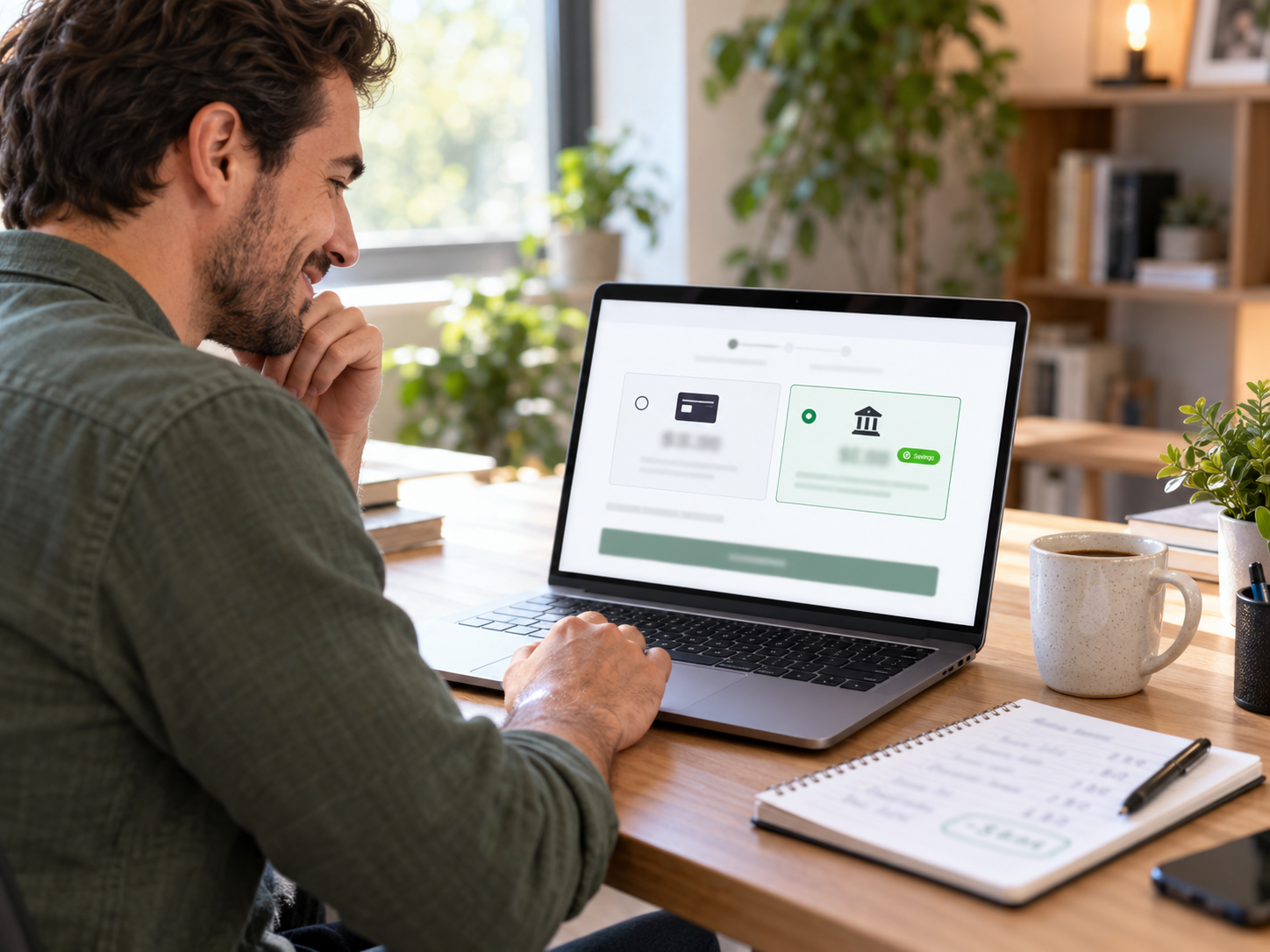
Of all the strategies available to reduce WooCommerce processing costs, dual pricing has the highest ceiling. While switching from Stripe to Coastal Pay saves $4,200 to $8,400/year depending on volume, implementing dual pricing on top of the rate switch can save $10,000 to $50,000+/year depending on volume and ACH adoption rate. This is not a marginal improvement – it is a cost structure transformation that changes the fundamental economics of card acceptance for a WooCommerce store. This guide covers exactly how dual pricing works on WooCommerce, why it is legal in all 50 states, how Coastal Pay deploys it at the gateway level, and what the real annual savings look like at three WooCommerce store sizes.
How to Add ACH Bank Payments to WooCommerce With Coastal Pay (B2B Cost Savings Guide 2026)

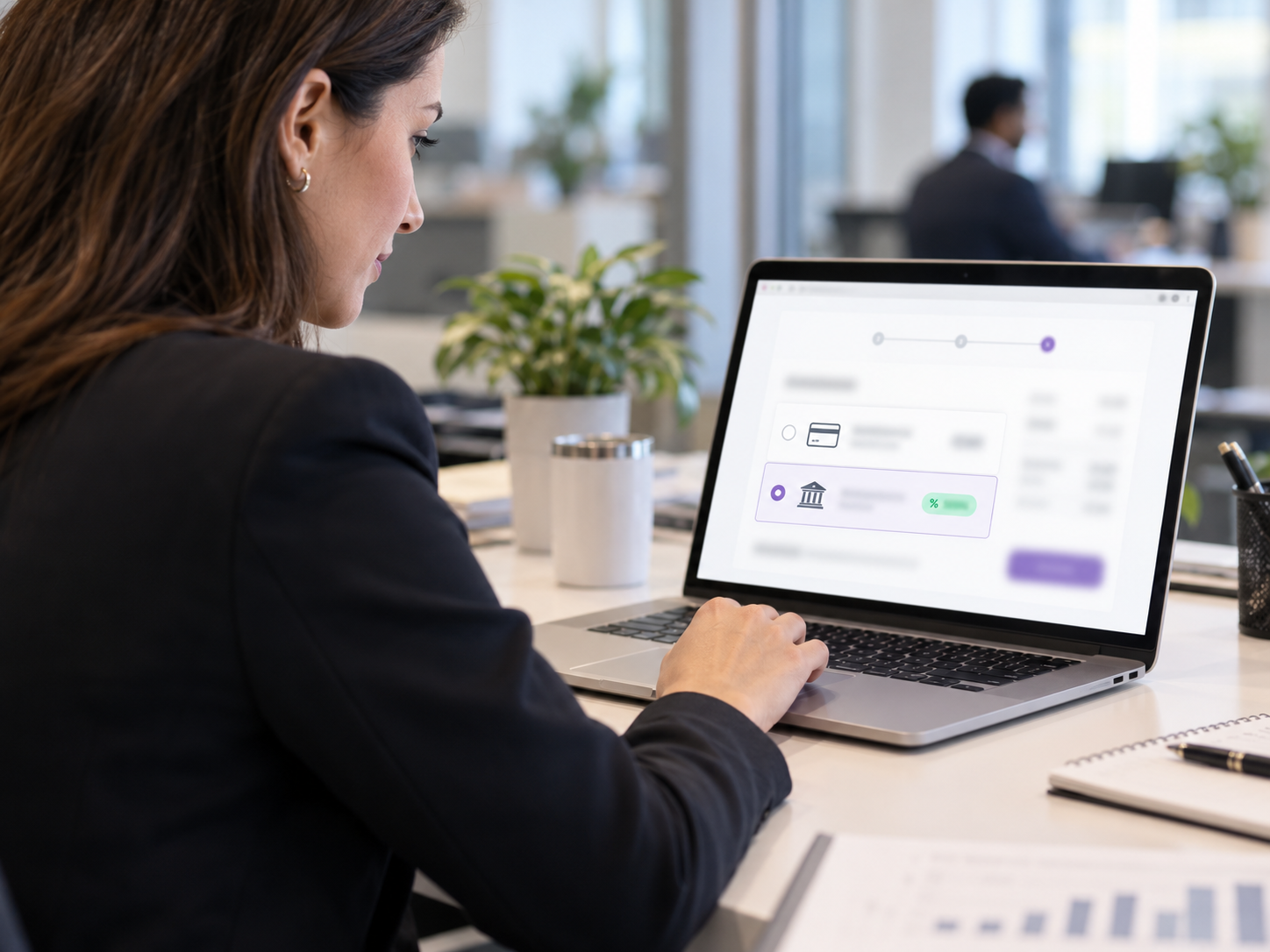
For WooCommerce stores that sell to business customers – B2B supply, wholesale, professional services, software licenses – ACH bank debit is the single highest-ROI payment method addition available. The cost difference between card processing and ACH processing at typical B2B WooCommerce order sizes is not incremental. At $2,000 per order, ACH at Coastal Pay’s flat per-item rate costs approximately $1.50. The same order by card at 2.5% + $0.15 costs $50.15. That $48.65 per-order difference adds up to real annual savings that compound with every B2B customer who adopts ACH payment. This guide covers exactly how to add ACH to your WooCommerce checkout using Coastal Pay, who benefits most, and how to encourage adoption.

WooCommerce Recurring Billing and Subscription Payments With Coastal Pay (2026 Complete Guide)

WooCommerce subscription stores have payment gateway requirements that go far beyond what a standard one-time transaction gateway provides. Card-on-file tokenization, configurable billing cycles, automated failed payment retry, card updater services, and ACH recurring billing are all critical infrastructure for a subscription WooCommerce store – because without them, involuntary churn from payment failures silently erodes MRR every month. This guide covers how Coastal Pay powers WooCommerce recurring billing at flat 2.5% + $0.15 with no separate subscription billing platform fee, and how the right dunning and card updater configuration can recover tens of thousands in annual MRR that would otherwise be lost to involuntary churn.

Search