Let’s Define What “Frictionless Checkout” Actually Means
Frictionless checkout is not a single feature – it is the cumulative result of eliminating every unnecessary step, decision, and delay between the moment a customer decides to buy and the moment the payment is confirmed.
The Seven Sources of Checkout Friction
- Too many form fields: Every additional field a customer must complete is an opportunity to abandon. A checkout form that asks for name, email, phone, billing address, shipping address, card number, expiry, CVV, and a coupon code is 9+ friction points before payment is approved.
- Mobile keyboard mismatch: A card number field that triggers an alphabetic keyboard instead of a numeric keypad forces the customer to switch modes. Small friction, large impact on mobile conversion.
- Redirect to a third-party page: Sending customers away from your site to complete payment breaks the trust chain and increases abandonment, particularly for first-time customers.
- Preferred payment method not available: A customer who wants to pay with Apple Pay, Klarna, or Venmo and cannot will often not switch to card – they will abandon instead.
- Forced account creation: Requiring a customer to create an account before purchase is one of the highest-impact abandonment triggers. Guest checkout eliminates this entirely.
- Slow authorization response: A checkout page that takes 5 to 8 seconds to return an authorization result feels broken. Sub-2-second response time is the standard customers expect.
- Intrusive 3D Secure challenges: Asking every customer to enter a one-time password or open a bank app creates enormous mobile friction. 3DS2’s risk-based approach eliminates the challenge for low-risk transactions invisibly.
What “Frictionless” Actually Looks Like in Practice
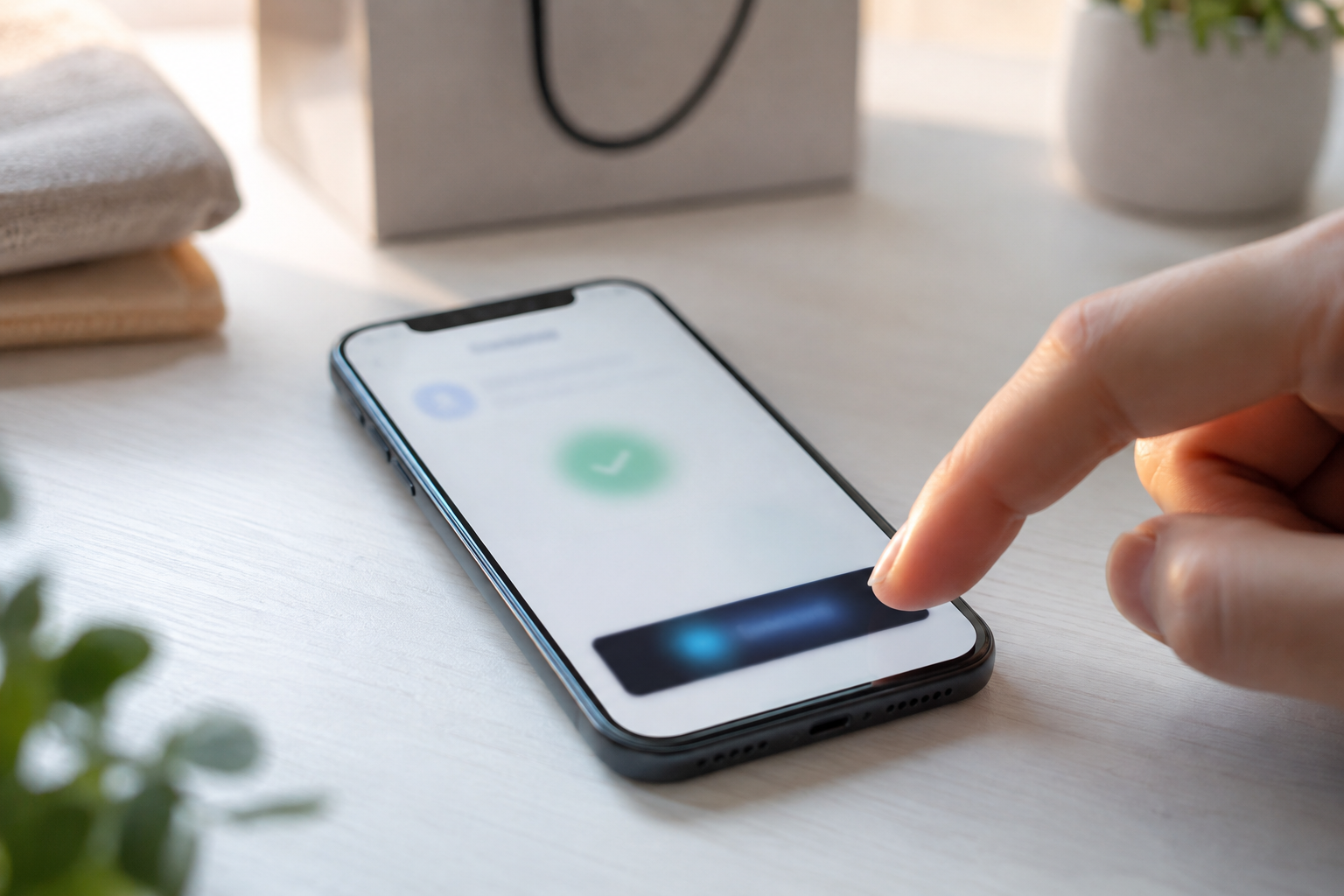
The gold standard frictionless checkout for a returning mobile customer in 2026: the customer taps “Buy Now,” a payment sheet appears showing their saved Apple Pay or Google Pay card, they authenticate with Face ID in one motion, and the confirmation screen appears. Total steps: 2. Total time: under 5 seconds. No form fields. No redirect. No keyboard.
For a new customer: a clean hosted checkout page that detects their device and shows Apple Pay at the top, followed by a minimal card form (card number, expiry, CVV – shipping pre-filled from delivery address at the cart). Auto-fill completes the card fields from the browser’s saved payment data. Single confirmation tap. Done.
Here’s What Gateway Features Actually Reduce Checkout Friction
Not all “frictionless checkout” claims are equal. These are the specific technical features that move the conversion rate needle, and how each one works.
Digital Wallet Support (Apple Pay and Google Pay)
Apple Pay on iOS and Google Pay on Android allow customers to complete payment using biometric authentication (Face ID, Touch ID, fingerprint) without entering any card details. The customer’s card data never passes through the merchant’s checkout form – it is tokenized by Apple or Google and passed to the payment gateway as a secure cryptogram. For mobile shoppers, this eliminates the single most abandoned step in mobile checkout: manual card entry.
Coastal Pay: Apple Pay and Google Pay supported on hosted payment pages, payment links, and API checkout. Displayed prominently on eligible devices before the card form. Same flat rate as all other payment methods.
Auto-Fill and Saved Card Support
Browser auto-fill completes card number, expiry, and CVV from the customer’s saved payment data without manual entry. For returning customers, a saved card token allows one-click purchase without re-entering any details. The customer selects their saved card and confirms – no typing required.
Coastal Pay: Hosted payment pages support browser auto-fill. Card-on-file tokenization available for merchants with repeat customers – the saved token is charged with a single confirmation step. API-based implementations support custom one-click checkout flows.
Optimized Mobile Checkout Layout
A mobile-optimized checkout form uses the full screen width, triggers the correct keyboard for each field, minimizes required fields, and never requires horizontal scrolling. The Apple Pay and Google Pay buttons appear prominently above the card form on mobile devices, giving wallet payers immediate access without scrolling past a card form they won’t use.
Coastal Pay: Payment links and hosted checkout pages are mobile-responsive by default. Wallet buttons display above the card form on eligible mobile devices.
Minimal Redirect Steps
Each redirect away from the merchant’s checkout page increases abandonment risk. Hosted checkout pages (iframes or overlays) that stay visually within the merchant’s site minimize this risk compared to full-page redirects to a third-party payment URL. API-based gateway integrations eliminate redirects entirely by handling card data in the customer’s browser without a page change.
Coastal Pay: Payment links open a Coastal Pay-hosted checkout page (minimal redirect). API integration available for merchants who want full in-page checkout without any redirect. Contact 888-266-1715 or visit coastalpay.com/api-links for developer documentation.
Buy Now Pay Later (BNPL) at Checkout
Klarna and Afterpay allow customers to split a purchase into installments without a separate credit check at the gateway level. For customers who prefer to spread payments, seeing BNPL as an option at checkout significantly increases conversion on higher-priced items. Without BNPL, the customer either uses a card (and accumulates interest separately) or abandons.
Coastal Pay: Klarna and Afterpay available in the same merchant account and on the same checkout page as card, Apple Pay, and ACH. No separate BNPL merchant agreement or monthly fee required.
3DS2 Risk-Based Authentication
3DS2 (3D Secure 2.0) is the updated authentication standard that uses passive data signals (device fingerprint, transaction history, behavioral data) to assess transaction risk and challenge only high-risk transactions – rather than challenging every transaction with a one-time password as the original 3DS did. For low-risk returning customers, 3DS2 authentication completes invisibly. For higher-risk transactions, it presents a seamless in-app challenge rather than an SMS redirect. This reduces false declines and authentication drop-off simultaneously.
Coastal Pay: 3DS2 authentication is available for merchants who need strong customer authentication compliance or additional fraud protection. Contact 888-266-1715 to configure 3DS2 for your checkout integration.
How Do Coastal Pay, Stripe, Braintree, and Adyen Compare for Frictionless Checkout?
Stripe
Stripe is the developer-default choice for checkout optimization and has invested heavily in frictionless checkout features. Stripe’s hosted checkout (Stripe Checkout) provides Apple Pay, Google Pay, Link (Stripe’s one-click checkout with autofill for returning Stripe customers), and BNPL in a single embeddable flow. The Stripe Payment Element is a fully customizable component that handles wallet detection, card form optimization, and payment method selection in one drop-in UI block.
Frictionless features: Apple Pay, Google Pay, Link one-click checkout, Klarna, Afterpay, 3DS2, mobile-optimized card form, auto-fill, saved cards.
Rate: 2.9% + $0.30 per transaction.
Best for: Development teams building highly customized checkout experiences who want Stripe’s ecosystem and developer tooling. Strong enterprise checkout optimization toolset.
Trade-off: Higher rate than Coastal Pay. At $50,000/month, Stripe costs approximately $4,200/month more per year than Coastal Pay’s 2.5% + $0.15.
Braintree (PayPal)
Braintree is PayPal’s developer-focused gateway, offering strong PayPal, Venmo, and Pay Later integration alongside card processing. The Drop-in UI provides a single embeddable checkout component with card, PayPal, Venmo, and Google Pay support. Strong for merchants where PayPal trust is a conversion factor with their customer base.
Frictionless features: PayPal one-click, Venmo, Google Pay, Apple Pay (with additional setup), Pay Later (BNPL), Drop-in UI, 3DS2.
Rate: 2.59% + $0.49 per transaction (standard online).
Best for: Merchants whose customer base has strong PayPal preference or who want a unified PayPal/Venmo/card checkout under one gateway.
Trade-off: The $0.49 flat fee is the highest in this comparison and disproportionately impacts lower-ticket transactions. On a $25 checkout: Braintree = $1.14. Coastal Pay = $0.775.
Adyen
Adyen is a global enterprise payment platform with sophisticated checkout optimization tools including its Web Drop-in, PayByLink, and Unified Commerce platform. Adyen’s network token optimization, machine learning decline recovery, and multi-acquirer routing are industry-leading for very high volume merchants. Adyen also supports the broadest range of local payment methods globally.
Frictionless features: Global local payment methods, network tokenization, ML-based decline recovery, multi-acquirer routing, Google Pay, Apple Pay, BNPL globally, 3DS2.
Rate: Interchange-plus pricing, no published flat rate. Setup typically requires a business review and enterprise contract. Not practical for merchants below $100K to $500K/month in card volume.
Best for: Global enterprise merchants processing millions of dollars monthly who need sophisticated routing, local payment methods in multiple countries, and dedicated account management.
Trade-off: Enterprise onboarding complexity and minimum volume requirements make Adyen impractical for businesses below $500K/month. Not a self-serve platform.
Coastal Pay
Coastal Pay is a full-service payment gateway and processor optimized for U.S. businesses that want broad payment method coverage, lowest flat-rate pricing, and frictionless checkout without requiring developer-intensive setup or enterprise contracts.
Frictionless features: Apple Pay, Google Pay, Venmo, PayPal, Klarna, Afterpay, ACH, contactless NFC tap-to-pay on terminals, mobile-optimized hosted payment pages, payment links for any device, card-on-file tokenization, browser auto-fill support, 3DS2 available.
Rate: Flat 2.5% + $0.15 per transaction. $0 monthly gateway fee.
Best for: U.S. businesses at any stage from startup to enterprise that want the lowest all-in processing rate with the broadest payment method coverage in a single merchant account. Particularly strong for businesses without a dedicated development team – payment links and hosted checkout require no code to deploy.
Here’s the Side-by-Side Gateway Comparison
| Feature |
Coastal Pay |
Stripe |
Braintree |
Adyen |
| Standard rate |
2.5% + $0.15 |
2.9% + $0.30 |
2.59% + $0.49 |
Interchange-plus (enterprise) |
| Gateway fee |
$0/month |
$0 (add-ons extra) |
$0 |
Variable (enterprise agreement) |
| Apple Pay |
Yes – included |
Yes |
Yes (extra setup) |
Yes |
| Google Pay |
Yes – included |
Yes |
Yes |
Yes |
| PayPal / Venmo |
Yes – same account |
Limited |
Yes (core feature) |
Limited direct |
| Klarna / Afterpay (BNPL) |
Yes – included |
Yes (config required) |
Pay Later only |
Yes (global) |
| ACH bank debit |
Bundled, flat per-item |
0.8%, capped $5 |
Available |
Available (enterprise) |
| One-click / saved card |
Card-on-file tokenization |
Yes (Stripe Link) |
Yes (Vault) |
Yes (network tokens) |
| Mobile-optimized checkout |
Yes – default |
Yes |
Yes (Drop-in UI) |
Yes (Web Drop-in) |
| 3DS2 |
Available |
Yes (Radar) |
Yes |
Yes (advanced) |
| No-code checkout (payment links) |
Yes – 2-minute setup |
Yes |
Limited |
Yes (PayByLink) |
| Approval speed |
~2 minutes (instant boarding) |
~15 min provisional |
~days (review required) |
Weeks (enterprise onboarding) |
Where Coastal Pay Has the Clearest Advantage
- Rate: Lowest flat rate in this comparison. On $100,000/month, Coastal Pay saves approximately $4,200/year vs Stripe and approximately $2,400/year vs Braintree.
- Payment method breadth without extra activation: Venmo, PayPal, Klarna, Afterpay, and ACH are all included at the same flat rate with no separate activation fee or monthly surcharge per method. Stripe requires configuration for each add-on method. Braintree’s Klarna requires separate setup. Adyen requires enterprise configuration for most local methods.
- No-code deployment speed: Coastal Pay payment links are live in 2 minutes with no developer. Stripe payment links are also fast but at a higher rate. Braintree and Adyen both require significant developer setup for production-ready checkout.
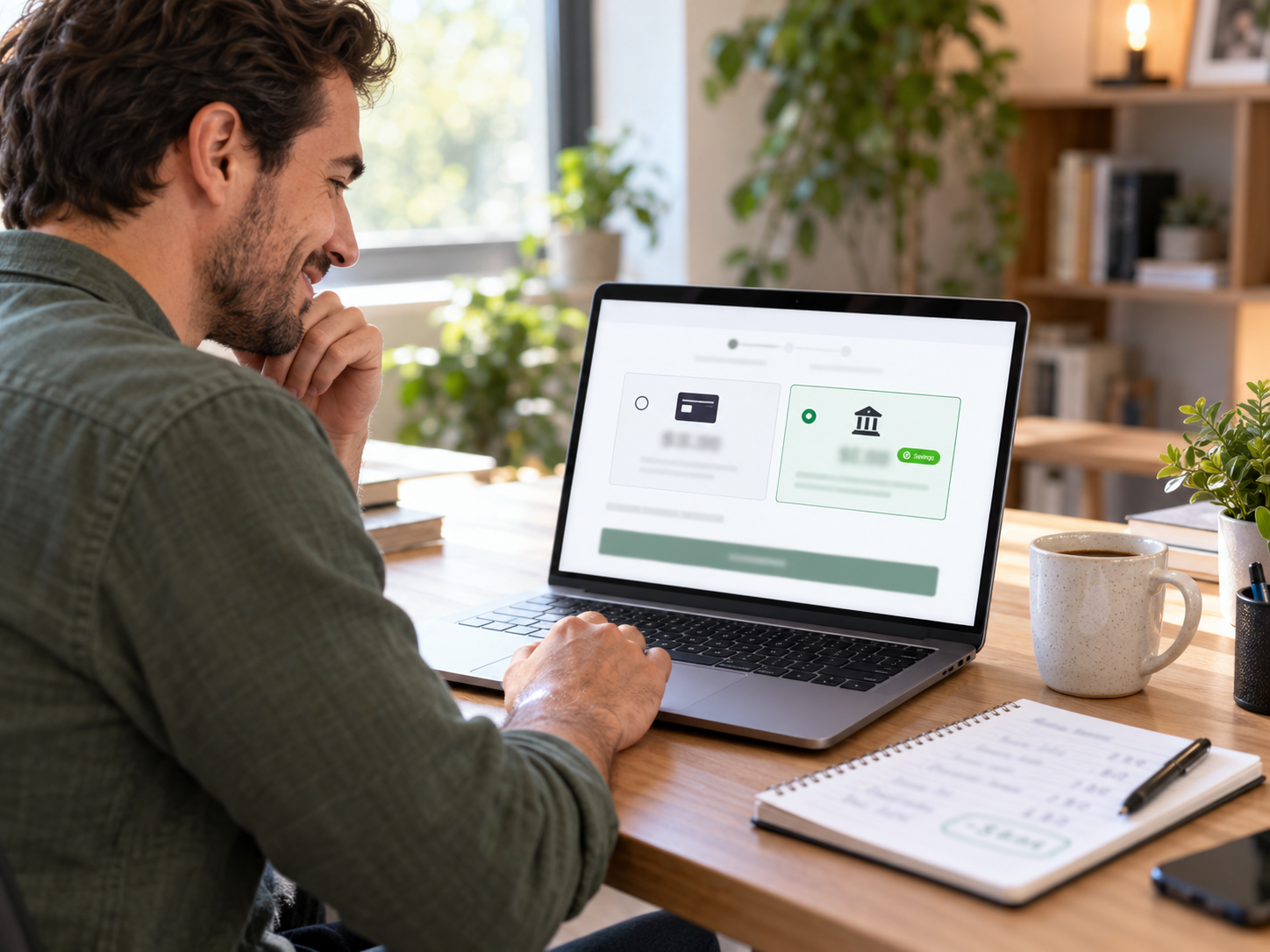
- ACH bundling: Coastal Pay bundles ACH at a flat per-item rate. Stripe charges 0.8% (capped $5) for ACH. Braintree and Adyen offer ACH but with enterprise pricing. For businesses with high-value orders where ACH is appropriate, Coastal Pay’s bundled ACH significantly lowers effective blended rate.
Here’s How to Design a Low-Friction Checkout With Coastal Pay
For No-Code Setups (Fastest Path)
Coastal Pay’s payment links are the fastest frictionless checkout you can deploy without a developer. A payment link opens a mobile-optimized hosted checkout page showing Apple Pay, Google Pay, and other wallet options above a minimal card form. The customer selects their preferred method and pays. The whole flow takes under 60 seconds for a returning Apple Pay user.
Best for: Service businesses, coaches, consultants, B2B invoicing, any business that sends payment requests individually. Setup time: 2 minutes after account approval.
For E-Commerce Checkout Integration
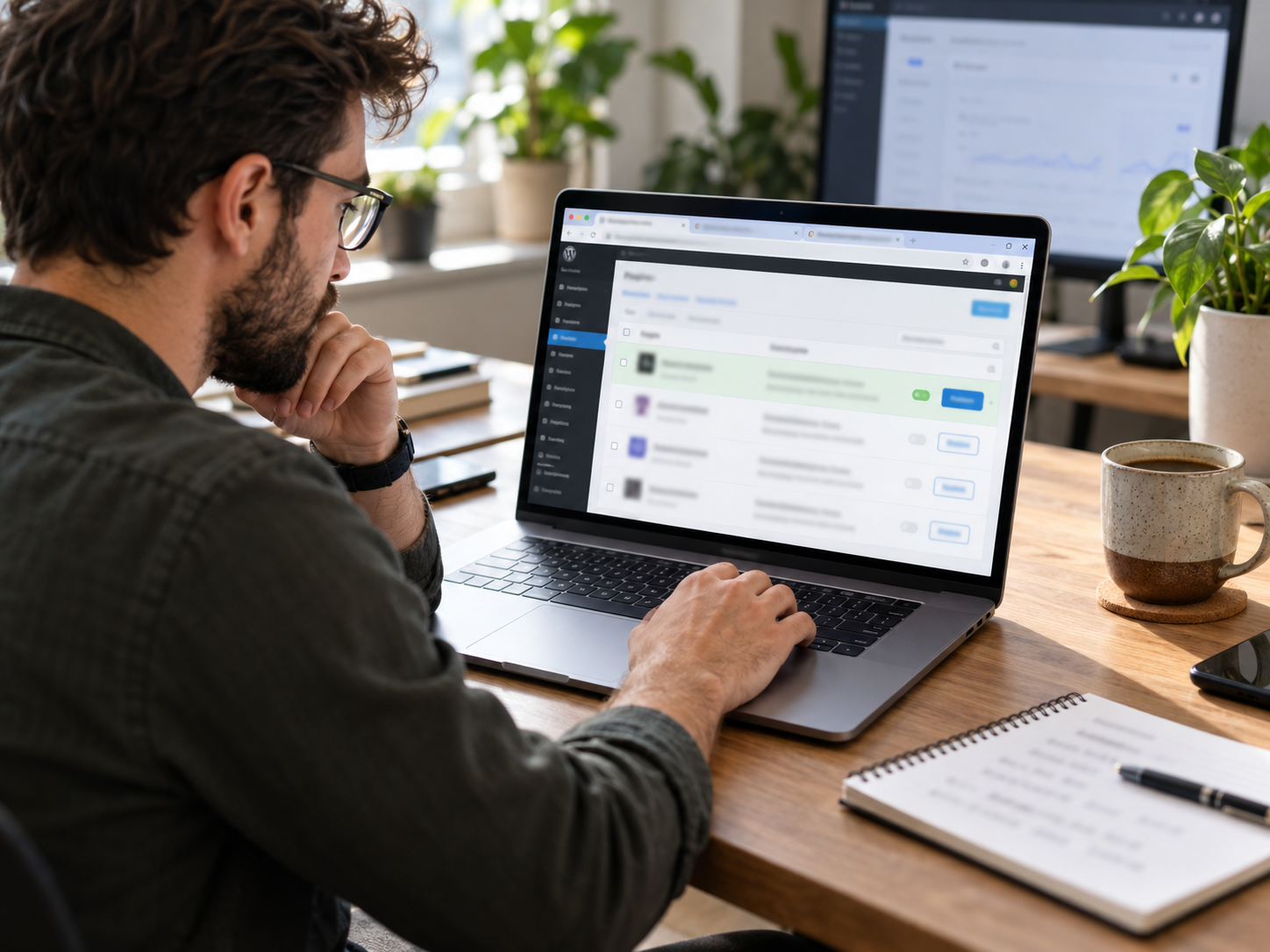
Coastal Pay’s gateway connects to WooCommerce, BigCommerce, Magento, and other major e-commerce platforms through its 2,000+ integration directory. On WooCommerce, for example, the Coastal Pay plugin adds Apple Pay, Google Pay, card, Klarna, and Afterpay to the native WooCommerce checkout without a separate checkout page redirect. The customer stays on your site throughout.
Best for: Online retailers who want wallet payment options added to their existing checkout without rebuilding their cart. Setup time: 1 to 4 hours depending on platform.
For Custom API Checkout
Development teams can use Coastal Pay’s REST API to build fully custom checkout experiences. The API handles tokenization (card data never touches your server), Apple Pay and Google Pay session management, 3DS2 authentication flows, and ACH mandate collection. Your checkout design, your URL, your brand – the Coastal Pay API handles all payment mechanics underneath.
Best for: Merchants with in-house development teams building custom checkout flows or headless commerce architectures. Developer documentation at coastalpay.com/api-links.
Frictionless checkout key insight: The checkout experience that converts best is one where the customer never touches a keyboard. Apple Pay and Google Pay make this possible for the majority of mobile shoppers. Adding these two wallet options alone – available in Coastal Pay at no extra fee – typically produces the largest single checkout conversion improvement available without a site redesign.
Get Approved in 2 Minutes and Build Your Frictionless Checkout
What Should You Ask Any Gateway Before Choosing for Checkout Optimization?
Payment Method Questions
- “Do Apple Pay and Google Pay display automatically on eligible devices, or does my developer need to configure each separately?”
- “Are Klarna, Afterpay, Venmo, and PayPal available in the same checkout as card, or do they require separate agreements and separate checkout implementations?”
- “Is ACH available in the same checkout for eligible transactions, and what is the per-transaction rate?”
Technical and UX Questions
- “Does your hosted checkout page render without a full-page redirect from my site? Can I embed it as an overlay or iframe?”
- “Is your checkout mobile-responsive out of the box, or does my team need to customize it for mobile?”
- “Do you support 3DS2 risk-based authentication to minimize authentication challenges on low-risk returning customers?”
- “What is your typical authorization response time on a production checkout?”
Cost and Integration Questions
- “What is the all-in monthly cost including processing rate, gateway fee, and any per-method surcharges for Apple Pay, Klarna, or ACH?”
- “Is there a no-code payment link option if I need to collect payment before my full checkout integration is complete?”
- “Do you have an integration for my specific e-commerce platform, and how long does implementation take?”
Coastal Pay’s team at 888-266-1715 answers all of these directly. For developer and API questions, documentation is available at coastalpay.com/api-links.
Next Steps for Building a Frictionless Checkout With Coastal Pay
Three Paths From Zero to Live
- Payment links (fastest): Apply at coastalpay.com (approximately 2 minutes). Create your first payment link. Share via email, text, or social. Fully frictionless mobile checkout live immediately. No developer needed.
- E-commerce platform integration: Apply, then install the Coastal Pay plugin for your platform (WooCommerce, BigCommerce, etc.) and configure. Apple Pay, Google Pay, Klarna, Afterpay, and ACH added to your existing checkout. Timeline: same day to a few hours.
- Custom API integration: Apply, access gateway credentials and developer documentation at coastalpay.com/api-links. Begin API integration. Coastal Pay developer support available at 888-266-1715. Timeline: days to weeks depending on checkout complexity.
Explore Coastal Pay’s gateway features, alternative payment methods, e-commerce platform integrations, and developer API documentation.
Get Approved in 2 Minutes
Or call: 888-266-1715
Frequently Asked Questions
- What makes a payment gateway truly frictionless at checkout?
- A frictionless gateway reduces steps, keystrokes, and decisions between purchase intent and payment confirmation. Key features: digital wallet support (Apple Pay, Google Pay) for biometric one-tap checkout; auto-fill and saved card for returning customers; optimized mobile checkout layout; minimal redirects; fast authorization response; and 3DS2 risk-based authentication that challenges only high-risk transactions invisibly. Coastal Pay’s gateway supports all of these through hosted checkout, payment links, and API, at flat 2.5% + $0.15 with $0 gateway fee.
- Does Apple Pay or Google Pay reduce cart abandonment?
- Yes. Apple Pay and Google Pay eliminate the manual card entry step – customers authenticate with Face ID or fingerprint and complete payment in a single tap. This is most impactful on mobile, where manual card entry is the most common source of checkout abandonment. Coastal Pay supports both Apple Pay and Google Pay at the same flat 2.5% + $0.15 rate with no wallet-specific fee or surcharge.
- Which payment gateway has the best mobile checkout experience?
- The best mobile checkout gateways show Apple Pay and Google Pay prominently above the card form on mobile, use a fully responsive card form, trigger the correct keyboard per field, and minimize required fields. Coastal Pay’s hosted payment pages and payment links are mobile-optimized by default. Stripe’s hosted checkout and Braintree’s Drop-in UI also deliver strong mobile experiences. Adyen’s Drop-in is highly configurable but requires more developer setup to achieve equivalent mobile optimization out of the box.
- Can I accept BNPL like Klarna and Afterpay without adding a separate gateway?
- Yes, with Coastal Pay. Klarna and Afterpay are available in the same Coastal Pay merchant account alongside card, Apple Pay, Google Pay, Venmo, PayPal, and ACH at the same flat 2.5% + $0.15 rate structure – no separate BNPL merchant agreement or additional monthly fees required. Stripe also offers Klarna and Afterpay with additional configuration. Braintree supports PayPal Pay Later. Adyen offers multiple BNPL options through its global network.