Let’s Define What a Virtual Terminal Is and When You Need One
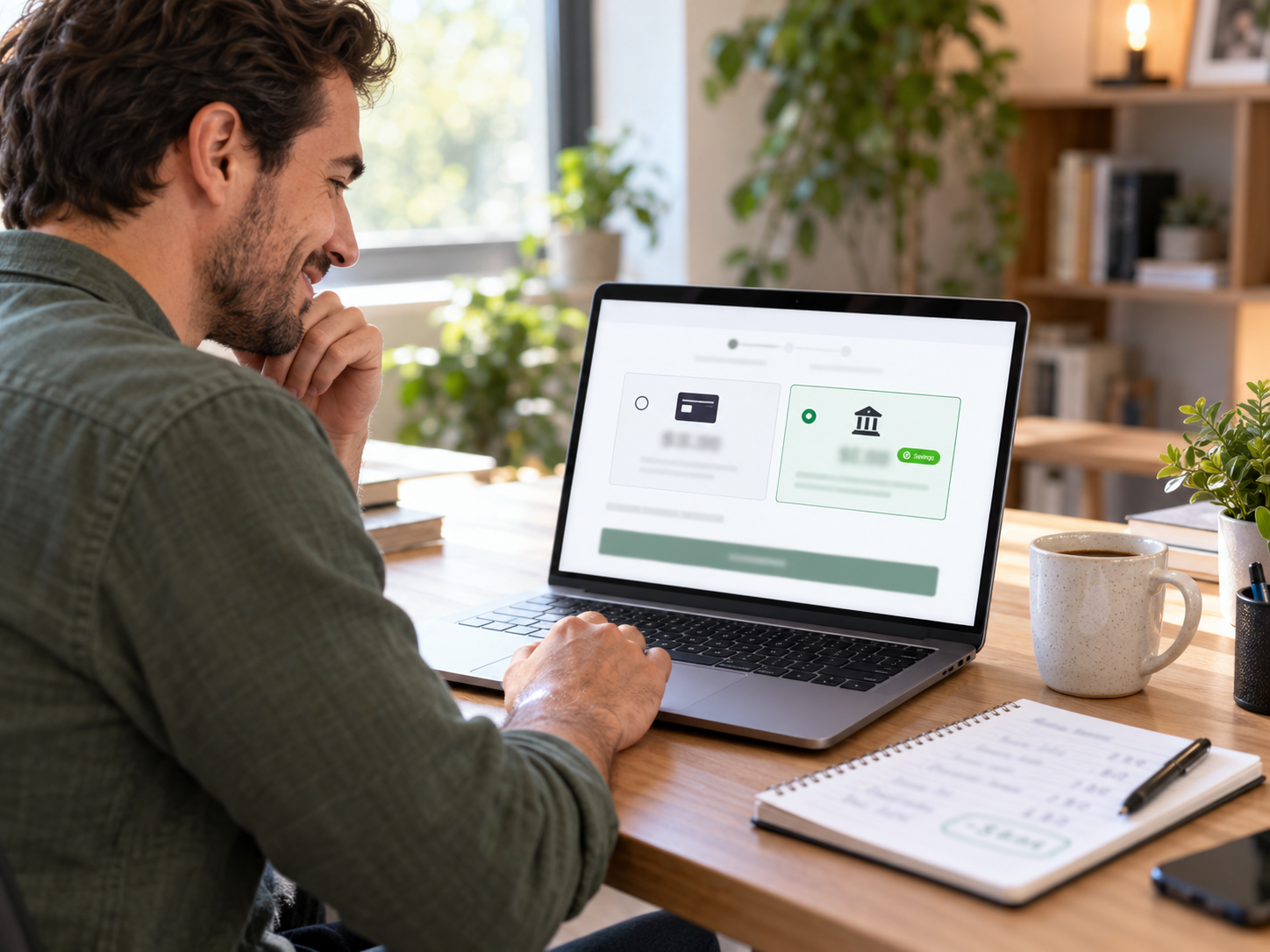
A virtual terminal is a browser-based payment form that allows a merchant to manually enter a customer’s card details received over the phone, by email, or by mail order – processing the transaction without a physical card reader or POS terminal. It works on any computer or tablet with a modern web browser and internet connection.
When a Business Needs a Virtual Terminal
- Phone orders: A customer calls to place an order or pay an invoice and reads their card details to a staff member, who enters them into the virtual terminal
- Mail order billing: Customers send physical or emailed order forms with card details; staff key the orders into the virtual terminal in batch
- Invoicing follow-up: A billing team member calls a client about an outstanding invoice and collects card payment directly over the phone
- Backup to a failed terminal: If the primary in-store terminal is offline, a virtual terminal on a tablet or laptop provides continuity
- Remote service businesses: Contractors, consultants, and service providers who never meet clients in person and have no physical checkout
- Healthcare and legal billing: Front desk staff collecting copays, retainers, or balances from patients or clients who call in to pay
Virtual Terminal vs Payment Link: When to Use Each
- Use virtual terminal: When the customer cannot or does not want to click a link during the call, when the transaction needs to happen immediately while the customer is on the phone, or when the staff member is reading the card details from a mailed order form
- Use payment link: When the customer has email or SMS access during the call – send the link while they are on the phone, have them complete self-entry on the Coastal Pay-hosted page. This eliminates staff handling raw card data entirely and reduces MOTO security risk.
Both are available through Coastal Pay’s Gateway in the same merchant account at the same flat rate.
Here’s How Square, Stripe, and Coastal Pay Compare on Virtual Terminal Rates
Virtual terminal (MOTO – Mail Order Telephone Order) transactions are card-not-present and priced accordingly. All three providers charge higher rates for keyed transactions than for card-present chip or tap, reflecting the higher fraud risk.
Keyed-Entry Transaction Rates in 2026
- Coastal Pay: Flat 2.5% + $0.15 per keyed transaction. $0 monthly virtual terminal fee. $0 gateway fee.
- Square: 3.5% + $0.15 per manually keyed transaction via Square Virtual Terminal. Square’s in-person swiped/tapped rate is 2.6% + $0.10, but the keyed rate is significantly higher.
- Stripe: 2.9% + $0.30 per manually keyed transaction via Stripe Dashboard (same as Stripe’s standard online rate). Stripe does not have a separate higher keyed rate – the online rate applies to manually entered transactions.
Fee Comparison on Common Phone Order Sizes
| Phone Order Amount | Coastal Pay (2.5% + $0.15) | Square (3.5% + $0.15) | Stripe (2.9% + $0.30) | You Keep More vs Square | You Keep More vs Stripe |
|---|
| $50 | $1.40 | $1.90 | $1.75 | $0.50 | $0.35 |
| $150 | $3.90 | $5.40 | $4.65 | $1.50 | $0.75 |
| $300 | $7.65 | $10.65 | $9.00 | $3.00 | $1.35 |
| $500 | $12.65 | $17.65 | $14.80 | $5.00 | $2.15 |
| $1,000 | $25.15 | $35.15 | $29.30 | $10.00 | $4.15 |
| $5,000 | $125.15 | $175.15 | $145.30 | $50.00 | $20.15 |
Annualized Rate Difference at Volume
For a business processing 200 phone orders/month at $300 average ticket ($60,000/month virtual terminal volume):
- Coastal Pay: 2.5% x $60,000 + $0.15 x 200 = $1,500 + $30 = $1,530/month, $18,360/year
- Square: 3.5% x $60,000 + $0.15 x 200 = $2,100 + $30 = $2,130/month, $25,560/year
- Stripe: 2.9% x $60,000 + $0.30 x 200 = $1,740 + $60 = $1,800/month, $21,600/year
- Annual savings vs Square: $7,200
- Annual savings vs Stripe: $3,240
Square’s 3.5% keyed rate is 1% above Coastal Pay’s 2.5% flat rate. At $60,000/month in virtual terminal volume, that 1% gap costs $600/month – $7,200/year – while the virtual terminal itself looks free.
Here’s a Full Feature Comparison of Each Virtual Terminal
Square Virtual Terminal
Square’s Virtual Terminal is accessible from any browser at squareup.com/dashboard. No additional software, no hardware required. Staff log into Square’s dashboard and process card payments from the Manual Entry section.
- Rate: 3.5% + $0.15 per manually keyed transaction
- Monthly fee: $0 (included in Square account)
- What’s included: Manual card entry, customer directory, email receipts, basic reporting, card-on-file storage
- ACH support: No native ACH through Square Virtual Terminal
- Recurring billing: Available through Square Subscriptions with card-on-file
- Approval speed: ~15 minutes provisional approval via Square signup
- PCI: Square handles PCI compliance for the terminal itself; merchant still responsible for own practices
Best for: Businesses already using Square for in-person sales who need an occasional keyed transaction capability without adding a second processor. Not cost-effective as the primary virtual terminal for businesses with significant phone order volume due to the 3.5% keyed rate.
Stripe Dashboard Manual Entry
Stripe does not market a standalone “virtual terminal” product but its Dashboard allows manual payment creation: navigate to Payments, create a new payment, enter card details manually. This is Stripe’s functional equivalent of a virtual terminal.
- Rate: 2.9% + $0.30 per manually entered payment (same as online rate)
- Monthly fee: $0 (included in Stripe account)
- What’s included: Manual card entry, email receipts, customer records, card-on-file via Stripe Customer objects
- ACH support: Available separately at 0.8%, capped $5 – not native to the manual entry flow
- Recurring billing: Yes – via Stripe Billing (subscriptions)
- Approval speed: ~15 minutes provisional; may require additional documentation review at higher volumes
- PCI: Stripe handles PCI for the input; merchant practices still require compliance
Best for: Businesses already using Stripe for online payments who occasionally need to enter a card manually from a phone call. The 2.9% + $0.30 rate is competitive with Coastal Pay at lower ticket sizes ($25 to $50 range) but exceeds Coastal Pay above that range.
Coastal Pay Virtual Terminal
Coastal Pay’s virtual terminal is built into the Coastal Pay Gateway dashboard – accessible from any browser on any device immediately after account approval. No separate software, subscription, or hardware required.
- Rate: Flat 2.5% + $0.15 per transaction. Same rate for keyed and card-present transactions.
- Monthly fee: $0 (included in Coastal Pay merchant account – no separate virtual terminal subscription)
- What’s included: Manual card entry, AVS and CVV verification, email receipts, customer records, card-on-file tokenization, payment link generator (for sending secure self-entry links during calls), email invoicing
- ACH support: Yes – bundled in the same account at flat per-item rate. ACH available via payment link sent during call or via direct bank debit enrollment.
- Recurring billing: Yes – card-on-file and ACH recurring with configurable billing cycles, retry logic, and card updater
- Approval speed: ~2 minutes for most standard-risk U.S. businesses via instant boarding at coastalpay.com
- PCI: Coastal Pay provides PCI survey assistance via Helpdesk ticket or phone at 888-266-1715. SAQ C-VT is the standard questionnaire for virtual terminal users.
- Payment link option: Generate a secure payment link in 30 seconds during a call, send via text or email so the customer self-enters their card – eliminating staff handling of raw card data for that transaction
Best for: Any business where virtual terminal is a regular workflow rather than an occasional convenience. Service businesses, healthcare billing, legal collections, B2B order taking, travel and hospitality deposits, and any phone-forward business where keyed transaction volume is above $5,000/month.
What Makes Coastal Pay’s Virtual Terminal Different?
The Payment Link Alternative Within the Same Workflow
The single most impactful security and compliance improvement available to any business with regular phone orders is to stop having staff enter raw card numbers and instead send customers a payment link during the call. With Coastal Pay, generating that link takes under 30 seconds from the same dashboard tab as the virtual terminal.
The operational flow: customer calls to pay, staff confirms the amount, opens the Coastal Pay Gateway, clicks “New Payment Link,” enters the amount, copies the URL, and texts or emails it to the customer – all while still on the call. The customer clicks the link, enters their own card details or uses Apple Pay, and payment completes. Staff receive an instant notification. This eliminates MOTO exposure and PCI scope for that transaction without requiring the customer to hang up and call back.
ACH as a Built-In Alternative for Large Phone Orders
For businesses with regular large phone orders above $500 – legal retainers, contractor deposits, medical balances, B2B invoices – ACH bank debit is dramatically more cost-effective than card. Through the same Coastal Pay payment link sent during the call, customers can choose ACH as their payment method and enter their routing and account number directly. The merchant never handles bank details; the customer self-enters on the secure Coastal Pay page.
On a $2,000 phone order: Coastal Pay card at 2.5% = $50.15. Coastal Pay ACH at flat per-item = $0.50 to $1.50. ACH saves $48.65 to $49.65 on a single transaction.
Centralized Reporting Across Keyed, Linked, and Physical Transactions
Businesses that take payments across multiple channels – virtual terminal for phone orders, payment links for invoicing, and physical terminals for walk-in customers – benefit from all channels appearing in a single Coastal Pay dashboard. No separate system for each channel, no manual consolidation of three reports at end of day.
What You Need to Know About PCI Compliance for Virtual Terminals
Using a PCI-certified virtual terminal does not automatically make your business PCI compliant – it makes the virtual terminal itself compliant. The merchant’s own practices and systems must also meet PCI requirements.
PCI SAQ for Virtual Terminal Users
Businesses using a virtual terminal as their only or primary card acceptance method typically complete a PCI SAQ C-VT (Self-Assessment Questionnaire for Virtual Terminal). This is a simpler questionnaire than the full SAQ D. Key requirements:
- The computer used to access the virtual terminal must not be used for general internet browsing or store cardholder data outside the virtual terminal
- The computer must have current antivirus and anti-malware software installed and active
- Only authorized staff should have login credentials to the virtual terminal dashboard
- No raw card numbers should be written down, stored in notes fields, emailed, or shared in any format outside the virtual terminal submission form
- If call recording is in use, the portion of the call where the customer reads card details must not be recorded in a way that stores the audible card number
Coastal Pay PCI Support
Coastal Pay sends all new merchants a PCI compliance survey invitation by email after account approval. Merchants who need assistance completing the SAQ C-VT questionnaire can submit a Helpdesk ticket or call 888-266-1715. Coastal Pay’s team walks through the questionnaire requirements and helps confirm that the merchant’s virtual terminal practices meet the applicable controls.
Which Virtual Terminal Is Right for Your Business?
Use Coastal Pay Virtual Terminal if:
- Your virtual terminal volume is above $5,000/month and the rate difference produces meaningful annual savings
- You want ACH available alongside card for large phone orders (single most impactful cost reduction for high-ticket phone businesses)
- You want the payment link option for increased security on phone payments
- You need recurring billing for customers who pay monthly by phone
- You want all payment channels (virtual terminal, payment links, email invoicing, physical terminal if applicable) in one dashboard
- You are starting fresh and want instant 2-minute approval with no provisional period
Use Square Virtual Terminal if:
- You are already using Square for in-person sales and need only occasional phone payment capability
- Your keyed transaction volume is very low (under $3,000/month) where the rate premium over Coastal Pay is under $30/month
- You specifically want Square’s bundled POS and virtual terminal in one platform without a second merchant account
Use Stripe Dashboard Manual Entry if:
- You already use Stripe for online payments and need occasional manual entry capability within the Stripe ecosystem
- Your team is developer-comfortable and you want to build custom phone payment workflows using Stripe’s API
- Your average phone order ticket is under $30 where Stripe’s $0.30 flat fee is comparably impactful to Coastal Pay’s $0.15
For High-Ticket Phone Orders: A Special Case for ACH
For businesses where average phone order ticket is above $500 – attorneys collecting retainers, contractors collecting deposits, medical practices billing balances, B2B companies processing large invoices by phone – ACH via payment link is often the most impactful single change available. No virtual terminal comparison matters as much as routing these high-ticket transactions to ACH through Coastal Pay’s bundled ACH capability. At $2,000 average phone ticket, ACH saves $48+ per transaction versus card processing with any provider.
How to Set Up Coastal Pay’s Virtual Terminal in Under 10 Minutes
Step 1: Apply at coastalpay.com
Navigate to coastalpay.com and click the Get Started button. Complete the instant boarding form with your business name, EIN or SSN, and business bank account details. Most standard-risk U.S. businesses are approved in approximately 2 minutes. Upon approval, your Coastal Pay Gateway dashboard is immediately accessible.
Step 2: Access the Virtual Terminal
Log into the Coastal Pay Gateway dashboard. Navigate to the Virtual Terminal section. You will see a clean entry form: transaction amount, card number, expiry date, CVV, and billing details. No plugin to install, no download required. Works in any modern browser on any device including tablets and laptops.
Step 3: Set Up Payment Links for the Safer Alternative
Navigate to Payment Links in the dashboard. Create a fixed or flexible payment link for common transaction types. When a customer calls, send the link via text or email while still on the call. This is the recommended default approach for any business where customers have mobile access.
Step 4: Enable ACH for Large Orders
Navigate to Alternative Payment Methods in the dashboard. Enable ACH bank debit. For phone orders above $500, include both card and ACH as payment options in the payment link sent during the call. ACH costs the customer nothing extra but saves the business the majority of the card processing fee.
Step 5: Set Up Recurring Billing for Returning Customers
For customers who call to pay monthly retainers, recurring invoices, or maintenance contracts, enroll them in card-on-file or ACH recurring billing after the first phone payment. Subsequent billing cycles charge automatically without requiring another phone call for payment.
Step 6: Complete PCI Compliance Survey
Watch for the PCI compliance survey invitation from Coastal Pay after account approval. Complete the SAQ C-VT questionnaire or contact 888-266-1715 for walk-through assistance. Annual completion keeps your account in good standing.
Get Approved in 2 Minutes
Or call: 888-266-1715
Frequently Asked Questions
- What is the best virtual terminal for taking payments over the phone?
- The best virtual terminals for phone payments in 2026 are: Coastal Pay (flat 2.5% + $0.15, $0 gateway fee, included in every account, instant 2-minute approval, ACH available), Square Virtual Terminal (3.5% + $0.15 keyed, $0/month), and Stripe Dashboard manual entry (2.9% + $0.30, $0/month). Coastal Pay is the lowest all-in cost at typical phone order ticket sizes above $25 and includes ACH for large phone orders at near-zero processing cost.
- How much does a virtual terminal cost?
- Monthly virtual terminal fees: Coastal Pay $0/month (included in merchant account), Square $0/month, Stripe $0/month (Invoicing add-on separate). Traditional processors may charge $10 to $30/month separately. Transaction rates for keyed-entry: Coastal Pay 2.5% + $0.15, Square 3.5% + $0.15, Stripe 2.9% + $0.30. Coastal Pay at 2.5% + $0.15 is the lowest combined rate and fee among these three for most MOTO transaction sizes.
- Is a virtual terminal PCI compliant?
- A virtual terminal from a certified PCI-compliant provider (Coastal Pay, Square, Stripe) encrypts card data immediately upon entry. However, merchants must also maintain their own PCI compliance: never store raw card numbers outside the virtual terminal, keep the access computer malware-free, restrict login access to authorized staff, and complete the SAQ C-VT questionnaire annually. Coastal Pay provides PCI survey assistance via Helpdesk or 888-266-1715.
- Can I use a virtual terminal to set up recurring billing?
- Yes, with Coastal Pay. Card-on-file storage via tokenization at first entry allows the stored card to be charged automatically on recurring schedules. ACH recurring debit is also available. Square supports card-on-file through its customer directory. Stripe supports recurring payments through Stripe Billing. Coastal Pay’s recurring billing includes configurable billing cycles, automatic retry logic, and card updater service – all from the same gateway dashboard as the virtual terminal.