Let’s Define What Buy-Now-Pay-Later Actually Does for WooCommerce Conversion
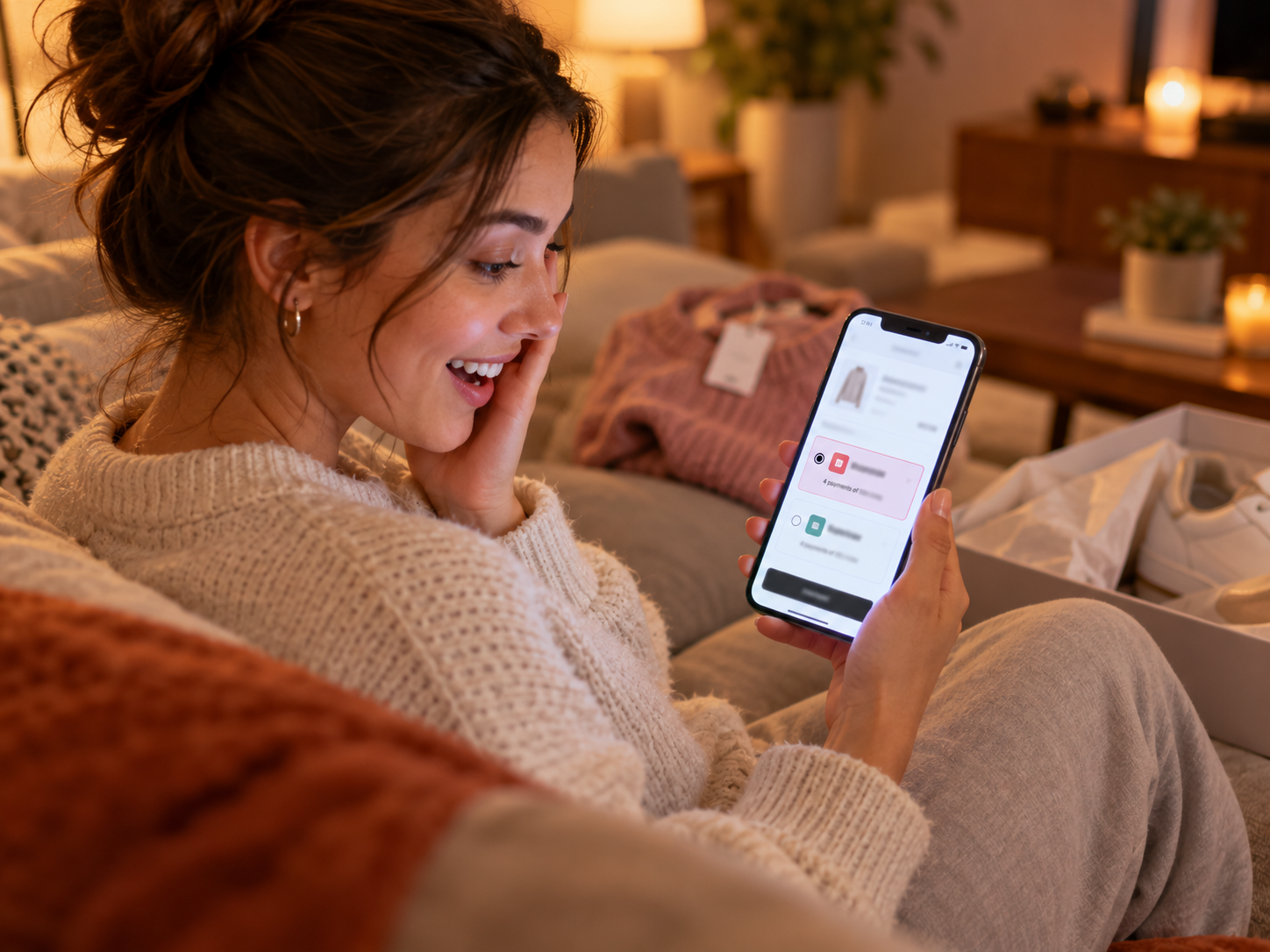
Buy-now-pay-later splits a purchase into equal installments – typically four payments made every two weeks – with no interest charged to the customer. The BNPL provider pays the merchant the full purchase amount at the time of sale and then collects the installments directly from the customer. For the merchant, it functions like accepting any other payment method: you complete the order, ship the product, and receive settlement. The customer’s payment schedule is entirely the BNPL provider’s relationship to manage.
The Psychology of BNPL Conversion
The conversion mechanism is well-documented in consumer psychology: installment framing shifts the customer’s mental comparison from “Is this purchase worth $180 today?” to “Is this purchase worth $45 today?” The answer to the second question is almost always yes for customers who found the product compelling enough to reach checkout. BNPL does not make an unwanted product desirable – it removes a price barrier for customers who already want the product but are hesitating at the single-payment amount.
Three specific conversion scenarios where BNPL produces the most measurable impact:
- Cart abandonment recovery: A customer who abandons a WooCommerce cart containing a $160 item and receives an abandonment email with a Klarna badge (“Pay in 4 installments of $40”) is more likely to return and complete the purchase than a customer who receives the same email without the BNPL reference.
- Average order value increase: A customer who would have bought one item at $85 buys two items at $170 because the installment amount ($42.50) feels comparable to what they were going to spend anyway. The customer’s actual spending feels unchanged; the merchant’s revenue per order increases by 100%.
- First-time purchaser conversion: A new customer who has not bought from the WooCommerce store before faces more hesitation about committing to a large purchase from an unfamiliar brand. BNPL lowers the risk perception – if the product disappoints, they have only committed to $45 rather than $180.
Which WooCommerce Product Categories Benefit Most From BNPL
- Fashion and apparel: The highest BNPL adoption category. Klarna is particularly dominant in fashion, with adoption rates often exceeding 30% of eligible orders at stores where it is prominently displayed. Average order value: $80 to $300. BNPL sweet spot.
- Home goods, furniture, and decor: Average orders frequently $150 to $600. BNPL reduces the psychological barrier on considered home purchase decisions. Customers are more willing to upgrade to a better product when installment payment is available.
- Electronics and gadgets: Higher price points ($100 to $800 for mid-market consumer electronics) where installment payment is a natural mental model from retail electronics financing programs that consumers already understand.
- Fitness and wellness equipment: Equipment purchases above $150 where BNPL makes a $400 exercise bike feel like a $100/month investment.
- Beauty, skincare, and personal care: Bundle and premium product purchases above $75 where BNPL drives larger basket sizes from customers who would otherwise buy only one item from a kit.
- Pet products and supplies: Premium pet products (orthopedic beds, specialized nutrition, veterinary-grade products) where BNPL makes premium options accessible to pet owners with budget constraints.
What BNPL Does NOT Help With
- Products below $30 to $50: The installment amount is small enough that BNPL does not meaningfully change the purchase decision
- Commodity products with strong price competition: BNPL does not overcome a competitive price disadvantage
- Products with high return rates: BNPL can increase purchase volume but returns from BNPL-facilitated impulse purchases may offset the revenue gain if return rates are high
Klarna vs Afterpay for WooCommerce: Which to Offer and Why Both?
Klarna and Afterpay are the two most widely recognized BNPL brands in U.S. e-commerce. They are not interchangeable – they have different product structures, different customer demographics, and different approval processes. Offering both through Coastal Pay’s WooCommerce plugin maximizes BNPL coverage across the full range of your customer base.
| Feature | Klarna | Afterpay |
|---|
| Payment structure options | Pay in 4 (bi-weekly), Pay in 30 days, 6-12 month financing | Pay in 4 (bi-weekly installments) |
| Primary age demographic | 25 to 45 (broader range) | 18 to 35 (younger demographic) |
| Strong product categories | Fashion, home, beauty, electronics | Fashion, beauty, accessories, fitness |
| Typical order value range | $10 to $10,000+ depending on product and approval | $35 to $2,000 typical range |
| When merchant gets paid | Immediately at purchase | Immediately at purchase |
| Merchant bears customer non-payment risk | No – Klarna bears it | No – Afterpay bears it |
| Customer credit check | Soft credit check (does not affect credit score) | Soft credit check (does not affect credit score) |
| Brand recognition in U.S. | Very high – “Shop with Klarna” marketing | Very high – strong social media presence |
| Available via Coastal Pay WooCommerce | Yes | Yes |
Why Offering Both Maximizes BNPL Conversion
A significant portion of the 18 to 25 age group that shops fashion and beauty on WooCommerce has a strong preference for Afterpay specifically – they have used it at other retailers, trust the brand, and look for the Afterpay badge before committing to a purchase at a new store. A different segment of the 30 to 45 age group, particularly for home goods and electronics, has built their shopping behavior around Klarna’s “Pay in 30” option. Offering only Afterpay excludes the Klarna-loyal segment; offering only Klarna excludes the Afterpay-loyal segment. Coastal Pay’s WooCommerce plugin enables both in one configuration with no separate agreements per provider.
Here’s How Klarna and Afterpay Display at WooCommerce Checkout
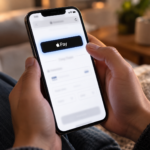
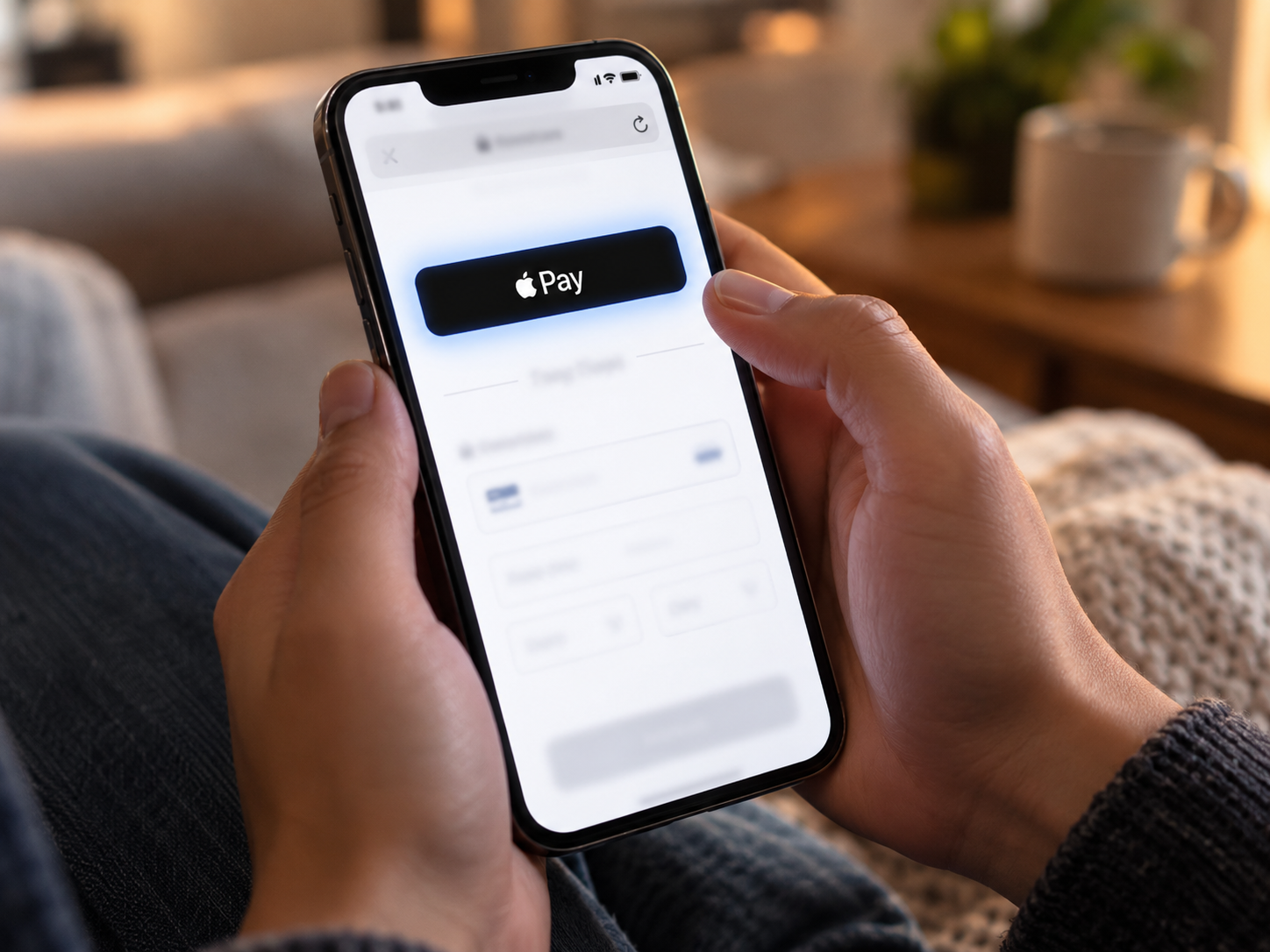
With Coastal Pay’s plugin configured for both BNPL methods, the WooCommerce checkout payment section for an eligible order (above your configured minimum amount) displays:
- Apple Pay button (on iPhone/Safari) or Google Pay button (on Android/Chrome) at the very top
- “Or pay with card” separator
- Card entry fields (Coastal Pay hosted fields)
- Klarna option with installment preview: “4 payments of $[X] – No interest with Klarna”
- Afterpay option with installment preview: “4 payments of $[X] with Afterpay”
- Venmo, ACH, and any other enabled payment methods below
The installment preview amount (“4 payments of $45”) is automatically calculated from the WooCommerce cart total and displayed before the customer clicks anything. This display – showing the installment amount rather than the full total – is the primary conversion driver. It changes the customer’s framing of the purchase decision before they have selected a payment method.
Setting the Right Minimum Order Amount for BNPL Display
Configuring a minimum order amount ensures BNPL options only appear for orders where the installment framing is genuinely compelling. Recommended settings:
- $50 minimum (most stores): BNPL appears for orders above $50 where the four-payment amount ($12.50+) is meaningful enough to influence the purchase decision
- $75 minimum (fashion/lifestyle stores): Aligns with typical fashion purchase thresholds where BNPL has the highest conversion impact
- $100 minimum (home goods / electronics stores): Appropriate for stores where the typical cart that benefits from BNPL is already above $100
Setting no minimum (BNPL appears on all orders including $10 purchases) is not recommended – it dilutes the BNPL brand value and creates unnecessary complexity for low-value orders where BNPL provides no meaningful conversion benefit.
Step-by-Step: Adding Klarna and Afterpay to WooCommerce With Coastal Pay
Step 1: Confirm BNPL Eligibility Before Applying (5 Minutes)
Call 888-266-1715 before applying to confirm that Klarna and Afterpay are available for your WooCommerce product category. Most standard retail product categories (fashion, home goods, electronics, beauty) are eligible. Some categories require additional review: CBD products, firearms and accessories, adult content, gambling, certain financial services, and subscription-only products. Confirming eligibility before setup saves time and ensures your account approval includes BNPL from day one.
Step 2: Get Your Coastal Pay Merchant Account (2 Minutes)
Apply at coastalpay.com/contact-us. Most standard-risk U.S. WooCommerce stores are approved in approximately 2 minutes. Upon approval, log into the Coastal Pay Gateway dashboard and retrieve your API key and merchant ID from API Settings.
Step 3: Install and Configure the Coastal Pay WooCommerce Plugin
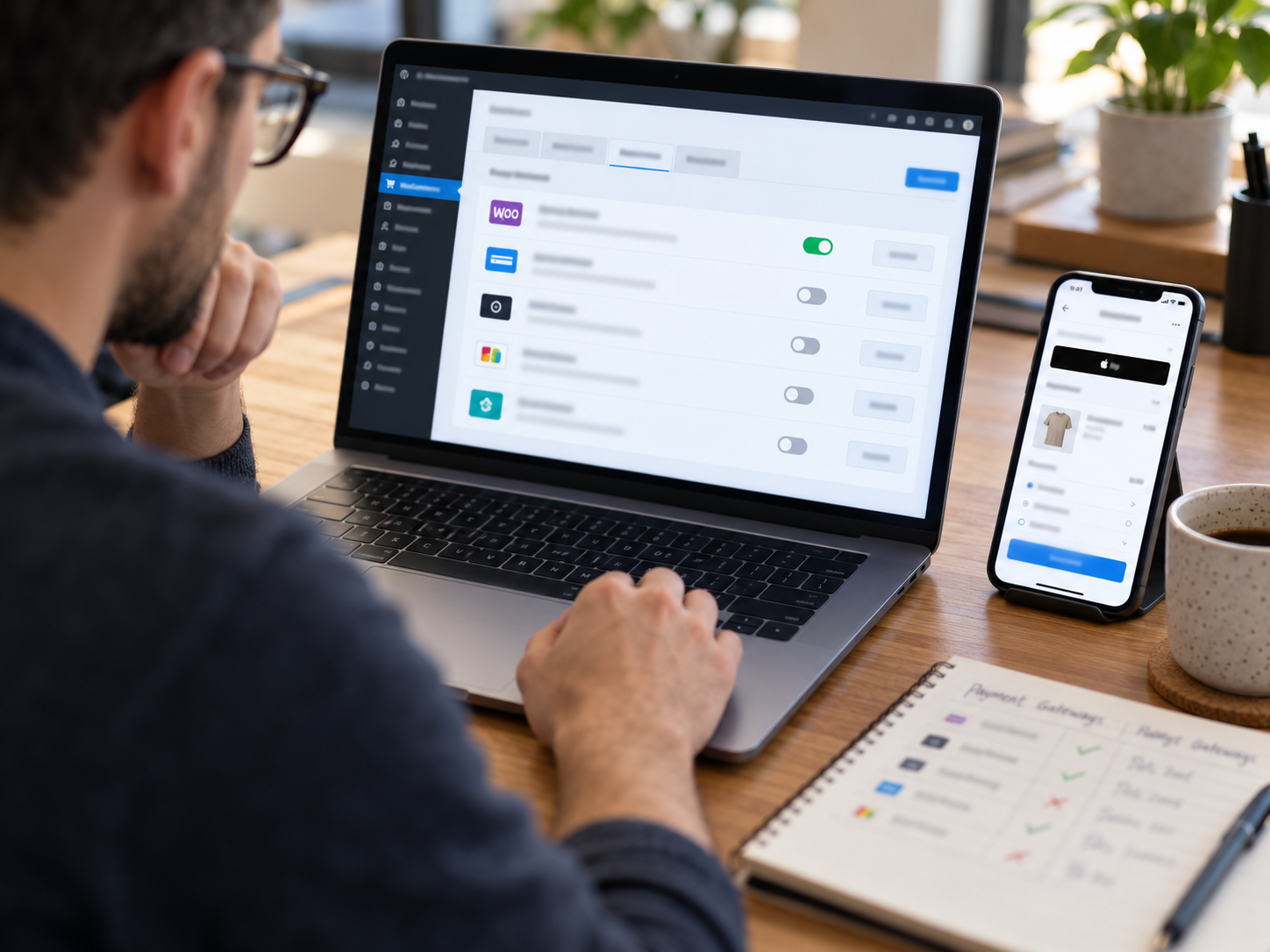
In WordPress admin, go to Plugins – Add New – search “Coastal Pay” – Install and Activate. Navigate to WooCommerce – Settings – Payments – Coastal Pay. Enter your API key and merchant ID. In the payment methods section, toggle Klarna to enabled. Toggle Afterpay to enabled. Set the minimum order amount for BNPL display.
Step 4: Configure the BNPL Display Settings
Within the Klarna and Afterpay settings in the Coastal Pay plugin:
- Set the minimum eligible order amount (recommended: $50)
- Set the maximum eligible order amount if appropriate for your product range
- Enable on-site messaging (where Klarna and Afterpay logos with installment previews appear on product pages, not just at checkout) – this drives BNPL awareness earlier in the purchase journey
- Confirm the installment preview text displays in the checkout payment section
Step 5: Enable BNPL On-Site Messaging on WooCommerce Product Pages
Klarna and Afterpay both provide on-site messaging widgets that can appear on WooCommerce product pages (below the price or near the Add to Cart button) showing the installment preview before the customer reaches checkout: “4 payments of $X with Klarna” displayed directly on the product page. This on-site messaging significantly increases BNPL adoption because customers enter the checkout experience already planning to use installment payment, rather than discovering it as an option after they have already committed to paying the full amount mentally.
Contact 888-266-1715 to configure on-site messaging widgets for your WooCommerce product and shop pages.
Step 6: Test the BNPL Checkout Flow
Set the Coastal Pay plugin to Test mode. Add a product above your BNPL minimum to a WooCommerce test cart. Navigate to checkout. Confirm:
- Klarna option appears in the payment methods section with the correct installment preview amount
- Afterpay option appears with the correct installment preview amount
- Selecting Klarna opens the appropriate Klarna checkout flow (hosted by Klarna, not by your WordPress site)
- A test BNPL transaction completes and creates a WooCommerce order correctly
- The order status updates appropriately and the payment is recorded in the Coastal Pay dashboard
Step 7: Switch to Live Mode and Monitor Adoption
Switch the Coastal Pay plugin to Live mode. Monitor your WooCommerce orders by payment method for the first 30 days. Look for:
- BNPL adoption rate (percentage of eligible orders using Klarna or Afterpay)
- Average order value for BNPL orders vs non-BNPL orders (typically 15% to 40% higher for BNPL-selected orders)
- Checkout completion rate for customers who select BNPL vs those who complete with card
If BNPL adoption is lower than expected after 30 days, the most likely causes are: BNPL options are not displaying prominently enough at checkout, the minimum order amount is set too high, or on-site messaging is not enabled on product pages. Call 888-266-1715 for a BNPL display optimization review.
Explore Klarna, Afterpay, and all Coastal Pay payment methods, WooCommerce integration details, and flat 2.5% + $0.15 all-methods pricing.
Add Klarna and Afterpay to Your WooCommerce Store Today
Call to confirm BNPL eligibility and setup: 888-266-1715