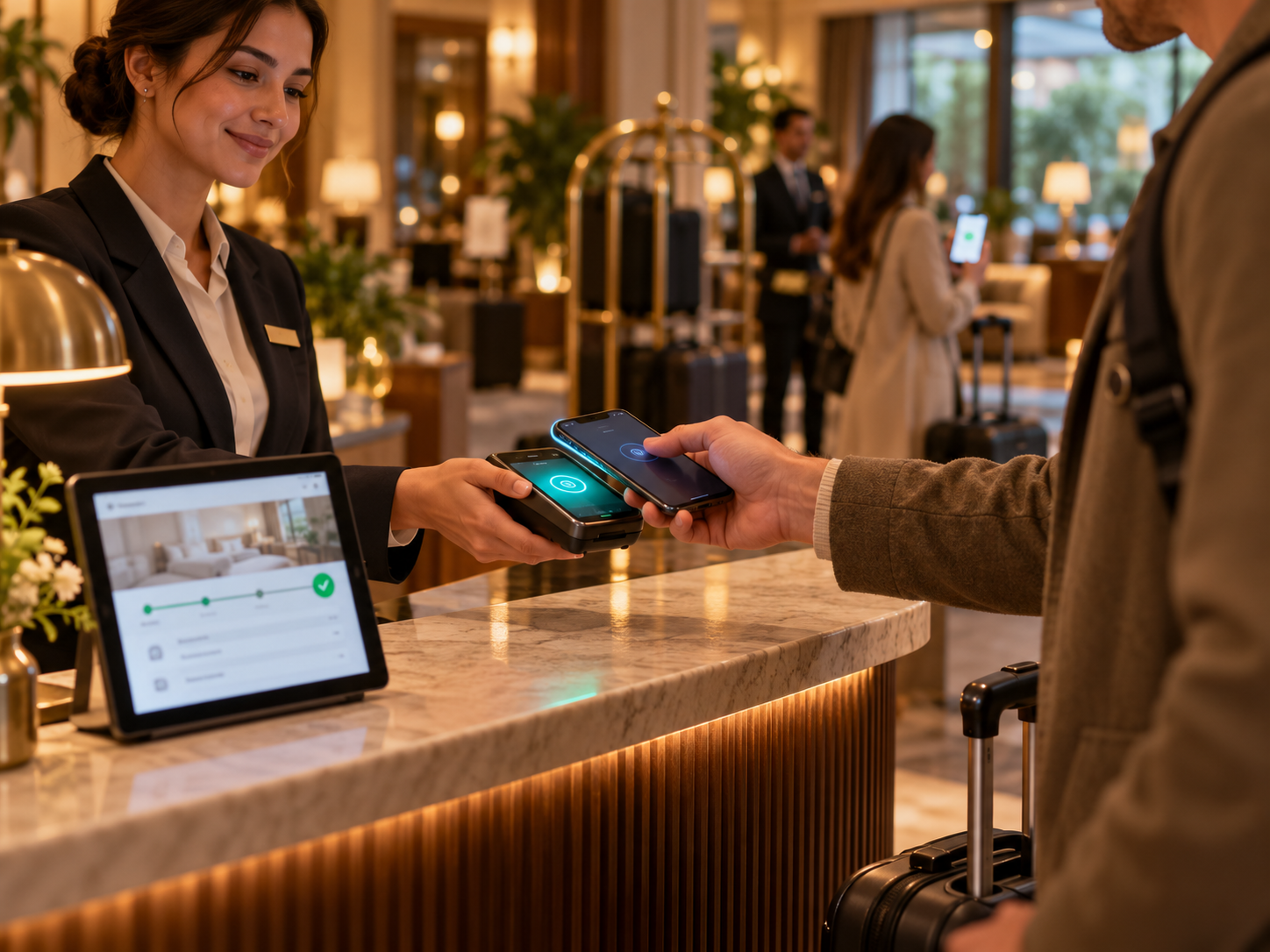
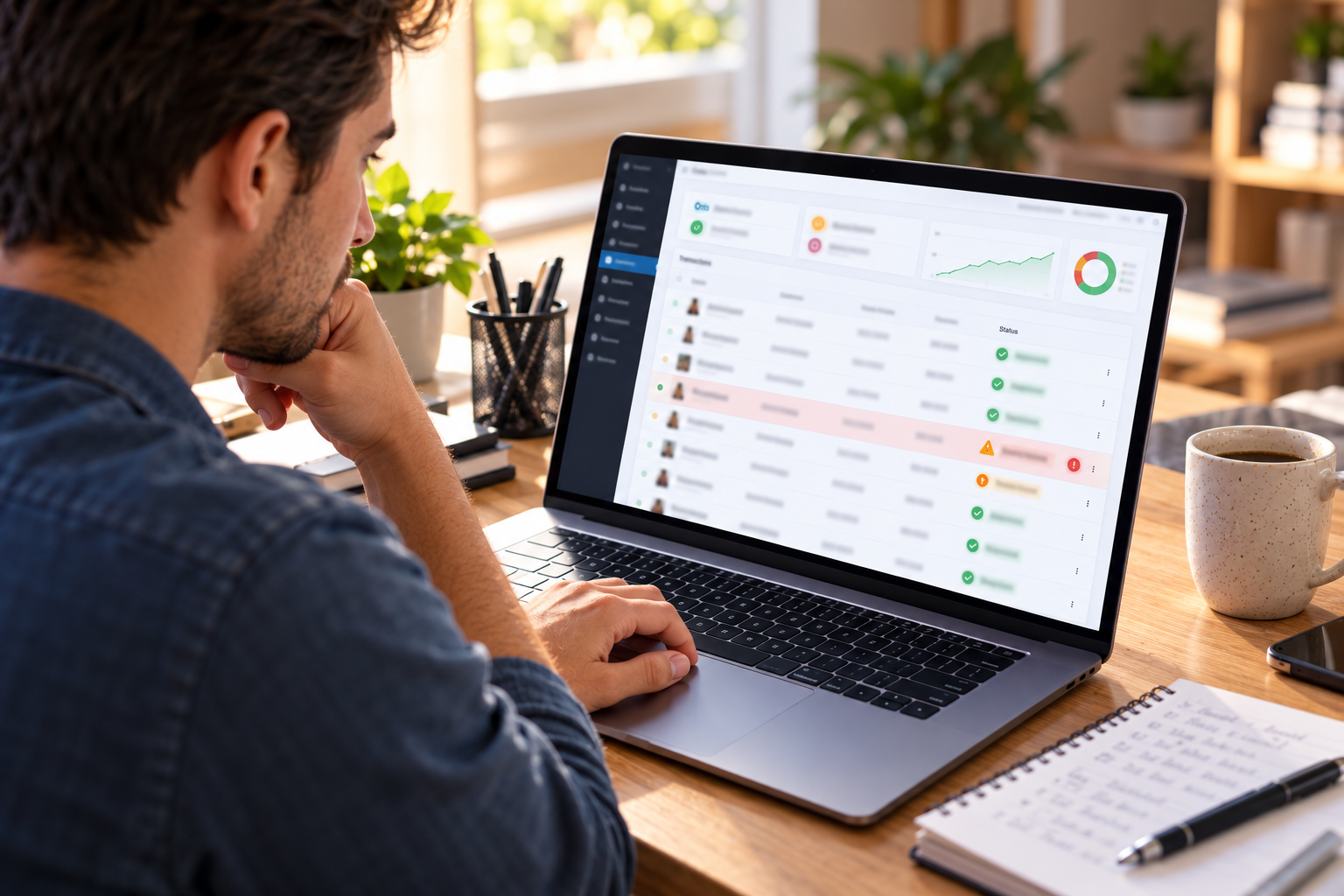
The Four-Step Path From Application to Live Payments
- Apply online: Complete the short application with basic business details, owner information, and the bank account where you want funds deposited. Most merchants finish in a few minutes.
- Get instant approval: Coastal Pay’s instant boarding gives most standard-risk U.S. businesses a decision in about 2 minutes. Your Coastal Pay gateway login is ready the same day.
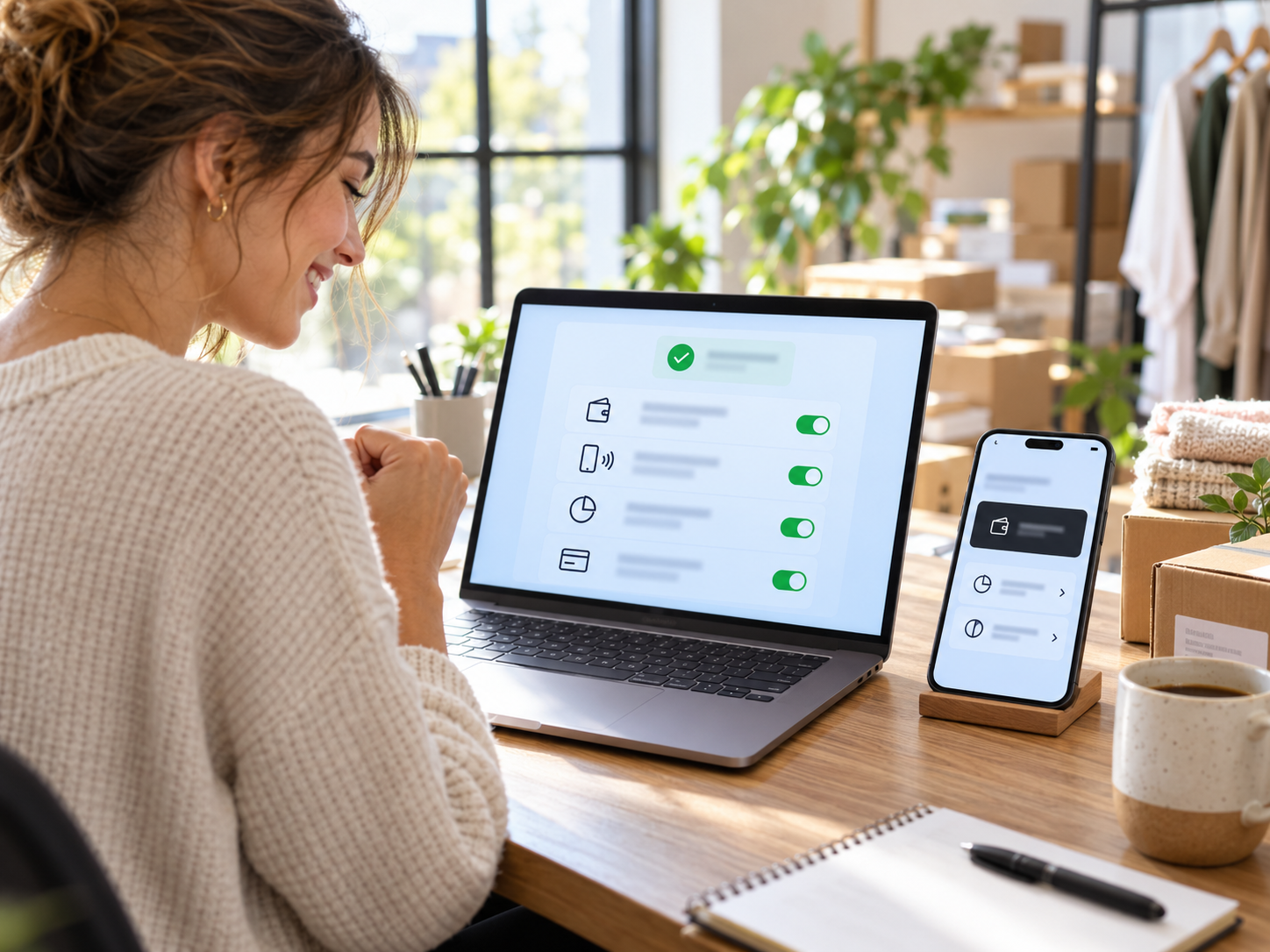
- Turn on Klarna, Apple Pay, and Google Pay: Open the gateway dashboard and enable the methods you want. Apple Pay and Google Pay, along with Venmo, PayPal, Afterpay, and ACH, are enabled from the same place. Klarna is enabled once your product category is confirmed as eligible.
- Start accepting payments: Connect your checkout, send a payment link, or take a payment on your phone. You can be processing the same day you apply.
What You Need Ready Before You Apply
- Legal business name, business address, and business type
- Owner or principal details for identity verification
- A business bank account (a voided check or bank letter may be requested)
- Your website or a description of how you sell, so the right payment methods can be confirmed
- Estimated monthly card volume and average ticket size
Having these on hand is the difference between a two-minute application and a back-and-forth. If you are missing something, call 888-266-1715 while you apply and the team can tell you exactly what is needed.
What “No Separate Gateway Account” Means
Some providers sell you a merchant account and then require a second relationship for the gateway, plus individual setup for each wallet. Coastal Pay combines the merchant account and the gateway. You get one login, one statement, one support number, and one flat rate. When you want to add a new payment method later, you toggle it on instead of starting a new application.
What About Unusual or Higher-Risk Business Models?
Instant approval applies to most standard-risk businesses. If your business model is unusual, involves long delivery windows, or carries higher chargeback exposure, a quick manual review may be needed. In that case, the Coastal Pay team tells you what is needed up front rather than leaving you waiting. Call 888-266-1715 before applying if you are unsure.
All Your Favorite Ways to Pay, Already Switched On
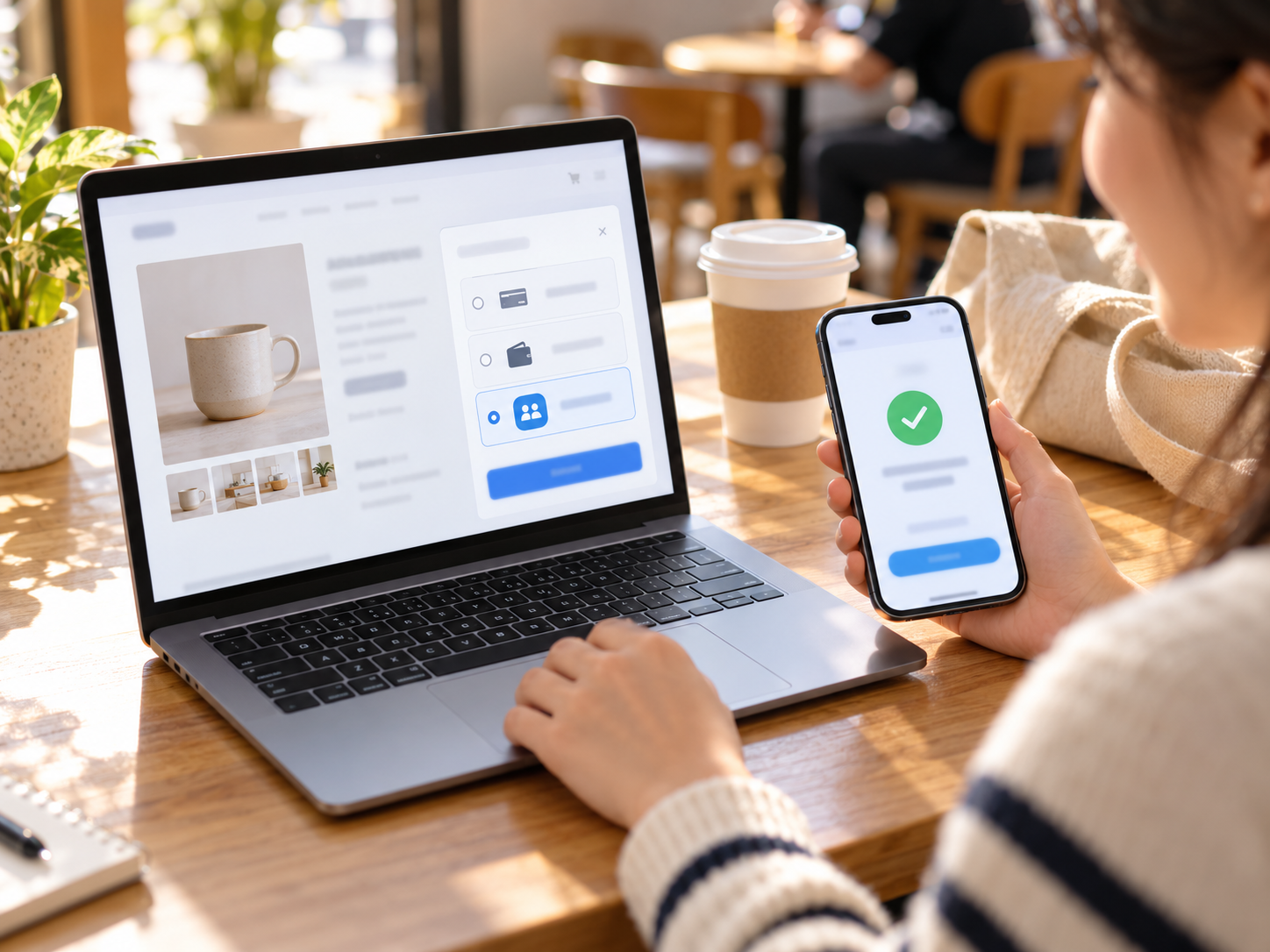
Customers do not all pay the same way. A shopper on an iPhone wants Apple Pay. An Android user wants Google Pay. A younger customer may prefer Venmo or an installment option. A business buyer may prefer a bank transfer. Offering all of these through one merchant account means no one hits a checkout that does not fit how they want to pay.
The Methods Available Through Your Coastal Pay Account
- Klarna: Buy now, pay later installment options at checkout, with the merchant paid at the time of sale and Klarna managing the customer’s installment schedule. Subject to eligibility for your product category.
- Apple Pay: One-tap checkout with Face ID or Touch ID on iPhone, iPad, Apple Watch and Mac, in store with NFC and online in Safari.
- Google Pay: One-tap checkout for Android and Chrome users with a saved payment method.
- Afterpay: A second buy now, pay later option that is popular with younger shoppers in fashion, beauty, and lifestyle categories.
- Venmo and PayPal: Familiar consumer payment options that build checkout trust with customers who already use them.
- ACH bank transfer: Bank debit at a flat per-item rate, ideal for larger invoices, B2B orders, and recurring billing.
- Major cards: Visa, Mastercard, American Express, and Discover.
- Coinbase: Crypto payment acceptance available through account configuration.
Why Offering Wallets and BNPL Changes Checkout Results
- Speed on mobile: Typing a card number on a phone can take 45 to 90 seconds. Apple Pay and Google Pay shorten that to a few seconds, which matters because a large share of online traffic is mobile.
- Higher order value: When a $180 cart is shown as four smaller installments, customers who hesitated at the full price are more likely to complete the purchase or add another item.
- Fewer disputes: Wallet payments use device-level authentication, which reduces unauthorized-use disputes compared with manually keyed cards.
- Fewer abandoned carts: Every missing payment method is a customer who may leave because their preferred option is not there.
Klarna vs Afterpay: Why Many Merchants Offer Both
| Feature | Klarna | Afterpay |
|---|
| Payment structures | Pay in 4, pay later, and longer financing options | Pay in 4 installments |
| Typical shopper | Broad range, strong in fashion, home, and electronics | Younger shoppers, strong in fashion, beauty, and fitness |
| Merchant payout | Paid at time of sale | Paid at time of sale |
| Customer non-payment risk | Handled by the BNPL provider | Handled by the BNPL provider |
Different customers trust different brands. Offering both through one Coastal Pay account covers more shoppers without managing two separate provider relationships.
Where These Methods Work
- E-commerce: WooCommerce, BigCommerce, Magento and custom carts, with wallet buttons that appear automatically on compatible devices.
- Subscriptions and recurring billing: Customers authenticate once, and the card or bank account is stored securely for future charges.
- Retail and in-person: Contactless Apple Pay and Google Pay at NFC terminals, plus Tap to Pay on iPhone with no card reader hardware.
- Services and invoicing: Payment links by text or email so customers can pay with a wallet from their own phone.
Flat-Rate Pricing with No Extra Gateway Fees
Coastal Pay charges a flat 2.5% + $0.15 per transaction. That rate covers the gateway. You are not paying a separate monthly gateway subscription on top of a merchant account, and you are not paying extra to switch on a wallet.
What You Do Not Pay
- No monthly gateway fee
- No setup fee
- No per-method activation fee for wallets
- No statement fee or batch fee
- No surprise wallet surcharge for Apple Pay or Google Pay
One Rate Across Channels
Cards, Apple Pay, and Google Pay process at the same flat rate whether the sale happens in store, online, through a payment link, or in the virtual terminal. ACH is billed at a flat per-item rate. Buy now, pay later terms for Klarna and Afterpay depend on provider eligibility for your account, so ask for current BNPL terms when you apply. High-volume and enterprise accounts can request custom pricing through the Coastal Pay sales team.
What This Looks Like in Real Numbers
| Monthly Volume | Transactions | Coastal Pay (2.5% + $0.15) | 2.9% + $0.30 Provider | Annual Difference |
|---|
| $20,000 | 400 | $560/month | $700/month | $1,680/year |
| $50,000 | 1,000 | $1,400/month | $1,750/month | $4,200/year |
| $100,000 | 2,000 | $2,800/month | $3,500/month | $8,400/year |
These figures compare per-transaction processing only. If a competitor also adds a separate gateway subscription, statement fee, or per-method fee, the gap is larger. Stop paying a separate gateway fee on top of your merchant account. If your current statement shows a gateway line, a wallet line, or a per-method fee, Coastal Pay can run a side-by-side comparison using your actual statement.
Built to Plug Into Your Existing Stack
You should not have to rebuild your store or your software to add Klarna, Apple Pay, and Google Pay. Coastal Pay connects to more than 2,000 software and POS platforms, so most merchants keep the tools they already use and simply change the payment gateway behind them.
How Integration Usually Works
- Plugin or built-in connection: For platforms such as WooCommerce, BigCommerce and Magento, select Coastal Pay, enter your API credentials, and enable your payment methods. Most standard setups take 30 to 60 minutes.
- Hosted payment links: No website or code needed. Create a link in the dashboard and share it by text, email, or social media. Apple Pay and Google Pay appear automatically on compatible devices.
- POS and software integrations: Retail, restaurant, hospitality, invoicing, and accounting tools connect through the Coastal Pay integration directory.
- REST API: Developers and SaaS companies can build custom checkouts using the Coastal Pay REST API, sandbox credentials, and gateway documentation.
Apple Pay Setup Requirements to Know About
- Your checkout page must be served over HTTPS
- Apple Pay on the web appears in Safari on Apple devices with a card in Apple Wallet
- Your domain must be verified for Apple Pay, which the Coastal Pay plugin and support team handle during setup
- Google Pay appears in Chrome for customers with a saved payment method
One Setup for In-Store and Online
Because the same gateway handles both channels, you can unify wallet and card payments across your store and your website. Customers who pay with Apple Pay at the counter can use it online too, and your reporting shows both in one dashboard.
Help Wiring Wallets Into Checkout
If you are not sure how to place Klarna, Apple Pay, and Google Pay in your checkout flow, the Coastal Pay support team can help map the options, confirm HTTPS and domain requirements for Apple Pay, and test each method before you go live. Call 888-266-1715 or open a helpdesk ticket for setup help.
How Coastal Pay Compares for Klarna, Apple Pay and Google Pay
If you are searching for a single online account that includes all three, here is how common options differ for a U.S. merchant. Details can change, so confirm current terms with each provider.
| Question | Coastal Pay | Stripe | Shopify Payments | Adyen |
|---|
| Apple Pay and Google Pay | Yes – one gateway | Yes | Yes (Shopify stores) | Yes |
| Klarna for U.S. merchants | Yes – subject to category eligibility | Yes – subject to eligibility | Limited by market | Yes |
| Separate gateway account | Not required | Not required | Not required | Not required |
| Headline pricing | Flat 2.5% + $0.15 | 2.9% + $0.30 online | Depends on plan | Negotiated |
| Onboarding style | Instant approval in about 2 minutes (standard risk) | Self-serve signup | Store-based signup | Application and approval |
| Works with existing POS and software | 2,000+ integrations | Stripe ecosystem | Shopify ecosystem | Enterprise integrations |
| Account type | Merchant account with 13 acquiring bank relationships | Payment facilitator sub-account | Platform account | Enterprise acquiring |
The short version: if you want Klarna, Apple Pay, and Google Pay in one account, with a flat rate, fast approval, and the freedom to keep your existing software, Coastal Pay is built for that. If you need a global enterprise acquiring setup across many countries, a larger platform may suit you better.
Trust, Support, and How to Get Started Today
Coastal Pay is a registered ISO/MSP with Wells Fargo and Axiom Bank, with 6,144+ customers, more than $2.49 billion in processed volume, over 37.8 million transactions, and 13 acquiring bank relationships behind the platform. You get U.S.-based customer service, PCI compliance guidance, and chargeback support at 888-266-1715.
Quick Answers Before You Apply
- Who is eligible?
- Most standard-risk U.S. businesses, including e-commerce stores, retailers, service businesses, and software companies. Higher-risk models may need a quick manual review. Klarna availability depends on your product category.
- How fast are payouts?
- Standard settlement for most standard-risk merchants is 1 to 2 business days to your business bank account.
- Do I need separate contracts for Klarna, Apple Pay, or Google Pay?
- No. Coastal Pay manages them through your single merchant account. You enable each method from the gateway dashboard.
- Are there long underwriting delays?
- Not for most standard merchants. Instant approval means a decision in about 2 minutes, so you can begin processing the same day.
- Do I have to complete a PCI survey?
- Yes, all card-accepting businesses do. After approval you receive an email from support@coastalpay.com with instructions, and the team can help you complete it through a helpdesk ticket.
- Can I use this for in-person sales too?
- Yes. The same account supports NFC terminals, Tap to Pay on iPhone, payment links, and your online checkout under one flat rate.
Ready to Open Your Account?
Open your Coastal Pay merchant account online in minutes and start accepting Klarna, Apple Pay, Google Pay, and more today.
Open Your Merchant Account Online
Prefer to talk first? Call 888-266-1715 | info@coastalpay.com
Explore alternative payment methods, the Coastal Pay gateway, 2,000+ software integrations, dual pricing, and flat-rate pricing.