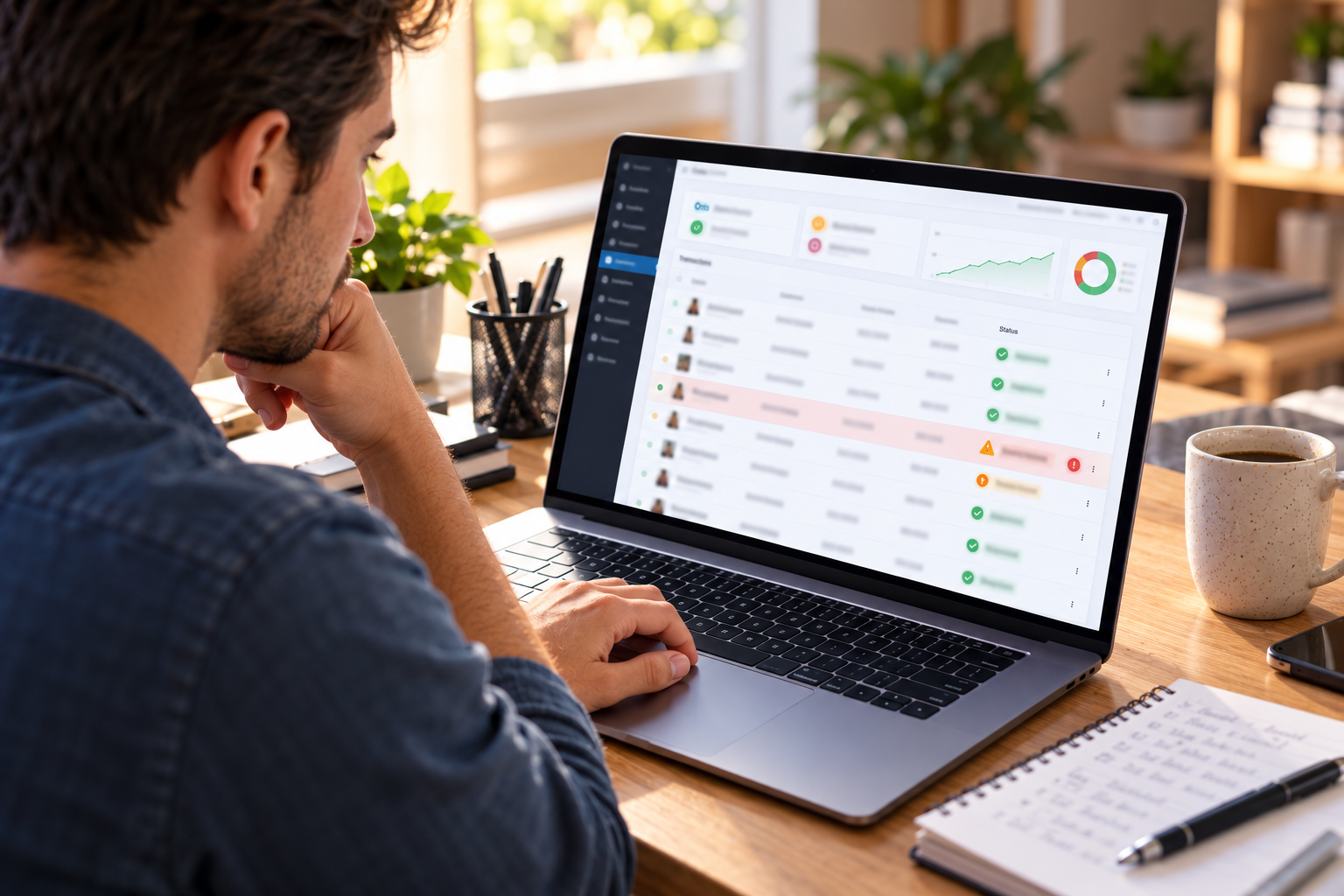
Let’s Understand Why WooCommerce Stores Face Elevated Fraud Risk
Every WooCommerce transaction is card-not-present (CNP) – the card is not physically present and the cardholder is not authenticating in person. CNP transactions carry structurally higher interchange rates than card-present transactions for exactly this reason – the higher cost reflects the higher fraud and dispute risk. Common WooCommerce fraud patterns that every online store needs to defend against:
The Four WooCommerce Fraud Patterns
- Card testing attacks: Automated scripts attempt hundreds of small WooCommerce transactions in rapid succession using lists of stolen card numbers, trying to identify which numbers are active (will produce an authorization) before using them for large fraudulent purchases. Signs: many small (often $1 to $10) failed and occasionally successful transactions appearing rapidly from the same IP address, device, or email address. Impact: chargeback fees on each successful test, card network fees for excessive declines, and processor risk flags from the unusual transaction pattern.
- Friendly fraud (unauthorized chargeback on received orders): The customer receives the WooCommerce order and then disputes the charge with their bank, claiming they never received it or claiming it was unauthorized. The customer keeps both the product and the refunded amount. This is the most common WooCommerce chargeback type and the hardest to prevent without strong shipping documentation and order tracking.
- Stolen card purchases: A fraudster who has stolen card numbers uses them for WooCommerce purchases – often shipping to an address different from the card’s billing address. The legitimate cardholder disputes the charge when they see it on their statement. Preventable with AVS verification that compares the billing address entered at WooCommerce checkout with the address on file at the issuing bank.
- Account takeover fraud: A fraudster who gains access to a WooCommerce customer account uses the saved payment method to place orders, typically to a new shipping address. Preventable with new-address alerts, strong customer authentication requirements, and velocity rules on address changes with order placement.
What Elevates WooCommerce Chargeback Risk Beyond Average
- Digital goods (software, downloads, streaming) – delivered immediately with no shipping confirmation, making “item not received” claims harder to counter
- Luxury goods and high-ticket electronics – higher individual transaction values make each chargeback more costly and attract fraud targeting
- International shipping to high-fraud-risk countries or regions
- WooCommerce stores with high social media traffic spikes (viral products attract professional fraud operations)
- Subscription products with recurring billing (common dispute: “I already cancelled but was still charged”)
Strategy 1: Enable AVS Verification on WooCommerce
Address Verification Service (AVS) compares the billing address (specifically the numeric street number and postal code) entered at WooCommerce checkout with the billing address the cardholder has registered with their card issuer. When they match, the transaction is more likely legitimate. When they do not match, the transaction should be flagged or declined depending on the mismatch severity.
AVS Match Levels and Recommended Actions
- Full match (street number and zip both match): Proceed with transaction – strong legitimacy signal
- Partial match (zip matches, street number does not – or vice versa): Proceed with caution – common when a customer recently moved or entered their billing address slightly differently. Consider requiring CVV match to proceed.
- No match: Decline or flag for manual review – significantly elevated fraud risk for card-not-present WooCommerce transactions. Many fraudsters steal card numbers without knowing the associated billing address.
- No AVS data available (common for international cards): Consider additional verification requirements (CVV must match, order value below a threshold) for international WooCommerce orders where AVS data is unavailable.
Contact 888-266-1715 to configure AVS rules for your Coastal Pay WooCommerce account. The optimal configuration depends on your store’s customer geography, product type, and current dispute rate – what works for a domestic fashion store may differ from what works for a WooCommerce store serving international B2B customers.
Strategy 2: Require CVV Verification on All WooCommerce Transactions
CVV (Card Verification Value) is the 3-digit code on the back of Visa, Mastercard, and Discover cards (4-digit on the front of Amex). It is not stored in the card’s magnetic stripe or chip data, and card networks explicitly prohibit merchants from storing it. This means: a fraudster who has stolen only the card number and expiry date from a data breach does not have the CVV. Requiring CVV match at WooCommerce checkout creates a meaningful barrier against card-number-only fraud.
Configure in the Coastal Pay WooCommerce plugin: CVV mismatch action should be a hard decline for most WooCommerce stores. A CVV mismatch means either the customer is entering the wrong card, the card is stolen and the fraudster does not have the physical card to read the CVV, or the customer is mistakenly entering information for a different card. Any of these scenarios warrants declining the transaction.
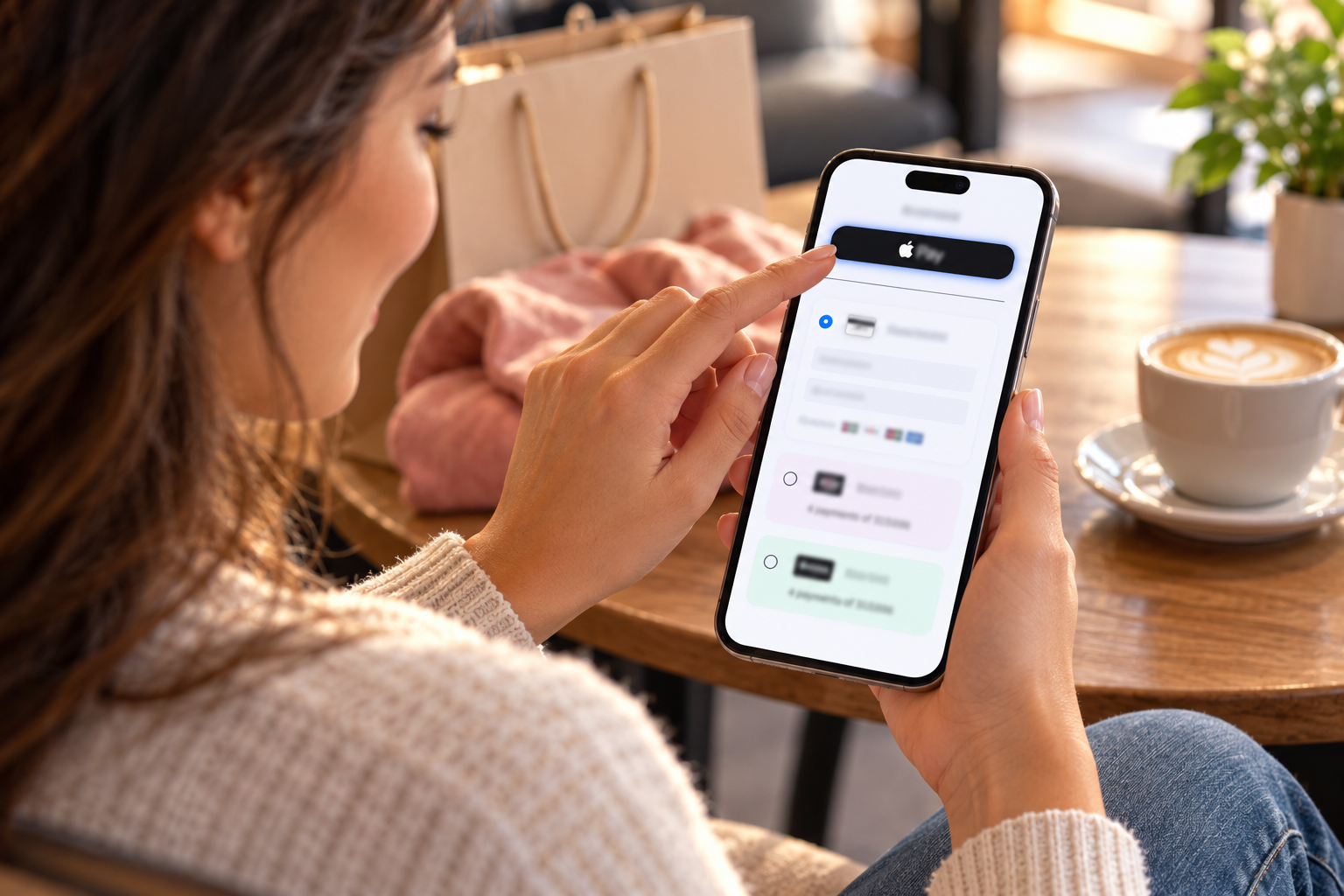
Note: Apple Pay and Google Pay provide an equivalent or stronger authentication to CVV – biometric authentication confirms the user has the physical device. WooCommerce transactions completed via Apple Pay or Google Pay should be treated as having passed equivalent CVV-level verification.
Strategy 3: Enable 3D Secure for High-Risk WooCommerce Orders
3D Secure (3DS) is the card network’s additional authentication protocol for card-not-present transactions. When a WooCommerce order triggers 3DS, the customer’s card issuer presents an additional authentication step – a one-time password sent by SMS, biometric authentication in the issuer’s banking app, or an automated risk assessment that passes without customer friction on low-risk orders. The key benefit for WooCommerce merchants: when 3D Secure authentication succeeds, liability for any resulting chargeback shifts from the merchant to the card issuer. Even if the cardholder later disputes the charge, the merchant wins because the card issuer authenticated the transaction.
When to Trigger 3D Secure on WooCommerce
- Always for orders above a defined amount: Set a threshold (e.g., $200) above which all WooCommerce orders require 3DS authentication. The additional friction at checkout is justified by the chargeback liability protection on high-value orders.
- When billing and shipping addresses differ: A WooCommerce order shipping to a different address than the billing address is a common indicator of third-party or fraudulent purchase. Trigger 3DS when these differ significantly (different city or state, not just apartment vs. no apartment).
- For new customers placing unusually large orders: A WooCommerce customer whose first order is significantly above the store’s average order value warrants additional authentication.
- For international WooCommerce orders without AVS data: When AVS is unavailable (common for non-U.S. cards), 3DS provides an alternative authentication layer.
Coastal Pay supports 3D Secure for WooCommerce. Contact 888-266-1715 to configure 3DS thresholds appropriate for your product category, customer geography, and current dispute rate.
Strategy 4: Set a Clear WooCommerce Payment Descriptor
The payment descriptor is the business name that appears on the customer’s credit card or bank statement after a WooCommerce purchase. It is the single most preventable cause of chargebacks – “I did not recognize this charge” – and fixing it requires one account configuration change that takes 5 minutes.
What Makes a Good WooCommerce Payment Descriptor
- It exactly matches the brand name your WooCommerce store is known by. If your store is “The Green Candle Co.” but your legal entity is “TGCC Enterprises LLC,” the descriptor should say “THE GREEN CANDLE CO” – not “TGCC ENTERPRISES LLC.”
- It is as recognizable as possible within the character limit (22 characters for Visa/Mastercard soft descriptors). Abbreviations that are obvious (“GREENCANDLE”) are fine; abbreviations that are opaque are not.
- If you run multiple WooCommerce stores or product brands, use a clear descriptor per store/brand so customers know which of their purchases the charge refers to.
Contact 888-266-1715 to update your Coastal Pay payment descriptor. This is a free account configuration change that can be done in a single call. The impact on “unrecognized charge” chargebacks is typically visible within 30 to 60 days of the descriptor update.
Strategy 5: Send WooCommerce Order Confirmation Emails Immediately and Completely
Your WooCommerce order confirmation email is the primary chargeback prevention tool for “I do not recognize this charge” disputes. A customer who receives an immediate, detailed order confirmation email when they purchase has a reference point when they see the charge on their card statement days later. Customers who recognize the order do not dispute it.
What the WooCommerce Order Confirmation Email Must Include
- Your business name (matching the payment descriptor) prominently at the top
- The exact items purchased with product names, images if possible, and prices
- The total amount charged – matching exactly what the customer will see on their statement
- The WooCommerce order number (for customer service reference)
- Your customer service contact information (email and phone)
- Expected delivery date or delivery window
- A link to track the order or check order status
Ensure WooCommerce is configured to send the order confirmation email immediately on payment completion, not on order fulfillment or shipment. The email should arrive in the customer’s inbox within minutes of purchase – while they are still at their computer or phone and will clearly remember the purchase they just made.
Send Order Confirmation Email Delivery Check
Place a test order on your WooCommerce store and time how quickly the confirmation email arrives. If it arrives in more than 5 to 10 minutes, check your WordPress email delivery configuration. Consider a transactional email service (Mailgun, SendGrid, Postmark) to ensure reliable, fast delivery – standard WordPress PHP mail is unreliable and often delayed or blocked.
Strategy 6: Implement Velocity Rules to Block Card Testing
Card testing attacks place many transactions rapidly from the same source. Velocity rules set limits that automatically block or flag suspicious patterns before significant damage occurs:
- IP velocity limit: No more than 3 to 5 transactions per hour from the same IP address. Flag for review or temporarily block the IP after the limit is reached.
- Email velocity limit: No more than 2 to 3 orders per day from the same email address. Legitimate customers rarely place that many orders in a day; automated card testing scripts frequently do.
- Card decline velocity: After 2 consecutive declines from the same IP, device, or session, block further attempts for a defined period (1 hour to 24 hours). Legitimate customers who enter the wrong card number once will try again correctly; automated testing scripts will hit the limit quickly.
- New card on established account: When a WooCommerce customer account adds a new card and immediately places an order above a threshold, trigger an additional verification step. Legitimate customers occasionally update their card; account takeover fraud immediately places a high-value order with the new card.
Contact 888-266-1715 to configure velocity rules for your Coastal Pay WooCommerce account. The optimal rule thresholds depend on your store’s typical order frequency and customer behavior – overly aggressive velocity rules can block legitimate customers.
Strategy 7: Use Kount AI Fraud Detection for Higher-Risk WooCommerce Categories
For WooCommerce stores in categories with elevated fraud risk – digital goods, software, electronics, luxury goods, health and beauty with high resale value – Coastal Pay integrates with Kount, an AI-based fraud detection platform that scores every WooCommerce transaction in real time. Kount’s model evaluates device fingerprinting, behavioral biometrics, and a global network of more than 32 billion customer interactions to assign each WooCommerce order a risk score before authorization.
What Kount Detects That Standard AVS and CVV Miss
- Devices that have been associated with previous fraud across any Kount-connected merchant (a device used for fraud at another WooCommerce store is flagged when it visits yours)
- Behavioral anomalies suggesting bot activity (checkout completion speed faster than any human could type, mouse movement patterns consistent with automated scripts)
- Email addresses associated with known fraud patterns across Kount’s network
- Geographic anomalies (billing address in California, IP address in Eastern Europe, shipping to a freight forwarder in New Jersey – a pattern consistent with professional fraud operations)
- Device network characteristics associated with VPN or anonymizer use (not always fraud, but combined with other signals becomes a strong fraud indicator)
Contact 888-266-1715 to discuss Kount integration for your WooCommerce store. The cost and configuration of Kount integration are discussed during the consultation – appropriate for stores processing $50,000+/month in WooCommerce orders in elevated-risk categories.
Strategy 8: Respond to WooCommerce Chargebacks Immediately With Maximum Evidence
Even with all prevention strategies in place, some WooCommerce chargebacks will occur. When they do, the quality of your dispute response determines whether you win or lose. Coastal Pay notifies you in the Gateway dashboard and by email when a dispute is filed, with the specific reason code and response deadline. Time is critical – most dispute response windows are 7 to 14 days from notification.
The Evidence Package for Each WooCommerce Chargeback Reason
For “I Did Not Authorize This Transaction” (Visa Reason Code 10.4, Mastercard 4853)
- WooCommerce order confirmation email with timestamp
- IP address and device data from the WooCommerce order (check WooCommerce order details or your analytics)
- AVS and CVV match confirmation from the Coastal Pay transaction record
- If 3D Secure was used: the 3DS authentication reference number (shifts liability automatically)
- Shipping confirmation showing delivery to the billing address
- Any customer communication (email, chat) after the purchase acknowledging receipt
For “I Did Not Receive the Item” (Visa 13.1, Mastercard 4855)
- Shipping carrier confirmation with tracking number and delivery date
- Delivery confirmation (carrier’s delivery scan at the address)
- For high-value WooCommerce orders: signature confirmation from the carrier
- For digital products: access logs showing the customer downloaded or accessed the digital content after purchase
For “Item Not as Described” (Visa 13.3, Mastercard 4853)
- Screenshot of your WooCommerce product page as it appeared at the time of purchase
- Your WooCommerce terms and conditions and return policy as displayed at checkout
- Any customer communication showing the customer received and used the product
- Photos or evidence showing the product matches the description
For Subscription Disputes “Already Cancelled” (Common for WooCommerce Subscriptions)
- Timestamped cancellation confirmation email (if you sent one) showing the cancellation date
- Your WooCommerce Subscriptions account log showing the subscription was still active on the billing date
- Access logs showing the subscriber used the subscription content/service after the claimed cancellation date
- Renewal reminder email you sent before the disputed billing date
Contact 888-266-1715 immediately when a WooCommerce dispute arrives. Coastal Pay’s team advises on the optimal evidence package for your specific dispute reason code and helps you organize the submission before the deadline.
Explore Coastal Pay’s fraud prevention gateway features, WooCommerce integration, and flat 2.5% + $0.15 pricing with true merchant account stability.
Set Up WooCommerce Fraud Prevention With Coastal Pay
Call for chargeback and fraud prevention support: 888-266-1715
Frequently Asked Questions
- What causes most WooCommerce chargebacks?
- Four primary causes: (1) Unrecognized charge – customer does not recognize the payment descriptor; fix by updating your descriptor to match your brand name. (2) Item not received – no shipping tracking evidence; fix with carrier tracking and delivery confirmation. (3) Friendly fraud – customer disputes a received order; fix with strong order documentation and return policy enforcement. (4) Stolen card use – fraud at checkout; fix with AVS, CVV, and 3D Secure. Contact 888-266-1715 to configure all four prevention measures on your Coastal Pay WooCommerce account.
- What is 3D Secure and should I enable it on WooCommerce?
- 3D Secure adds an authentication step where the customer’s card issuer verifies the transaction. When 3DS succeeds, chargeback liability shifts from the WooCommerce merchant to the card issuer – you win the dispute automatically. Yes, enable 3D Secure on WooCommerce for orders above a threshold and for orders with risk indicators (billing/shipping mismatch, new customer high-value order, international). Contact 888-266-1715 to configure 3DS thresholds for your product category.
- How do I win a WooCommerce chargeback dispute?
- Match your evidence to the specific dispute reason code: unauthorized transaction requires IP/device data, AVS/CVV confirmation, and shipping to billing address. Item not received requires carrier tracking and delivery confirmation. Item not as described requires product page screenshot at purchase time and communication records. Contact 888-266-1715 immediately when a dispute arrives – Coastal Pay’s team advises on the optimal evidence package before the response deadline.
- What is a good WooCommerce chargeback rate?
- Keep your WooCommerce dispute rate below 0.9% – a buffer below the 1% Visa/Mastercard monitoring program threshold. Above 0.9%, proactive reduction actions are warranted. Above 1.0%, rate surcharges and account review are likely from most processors. The eight strategies in this guide – particularly clear descriptors, order confirmation emails, AVS, CVV, and 3D Secure – keep most WooCommerce stores well below 0.9% when implemented consistently.