What Surcharging Actually Does for Your Retail Business
Every card transaction your store processes generates a fee paid by you. At 2.5% per transaction, a retail business processing $50,000/month pays $1,250/month – $15,000/year – in card processing fees before wages, rent, or inventory. Surcharging shifts that cost to card-paying customers by adding the processing fee to card transactions while offering the original price to cash or ACH payers.
The Simple Math
- Without surcharging: $50,000/month in sales, $1,250/month in processing fees, merchant nets $48,750
- With surcharging: $50,000/month in card sales (at card price), processing fees covered by price differential, merchant nets approximately $50,000
- Annual difference: up to $15,000/year returned to the business
At $200,000/month: up to $60,000/year. At $500,000/month: up to $150,000/year. The scale is linear – every dollar of card volume converted to surcharging-eligible processing returns the fee to the bottom line.
How Customers Experience Surcharging at Your Store
Under a properly configured Coastal Pay surcharging program:
- Signage at your store entrance discloses that a credit card surcharge applies
- Signage at the POS counter shows the surcharge percentage
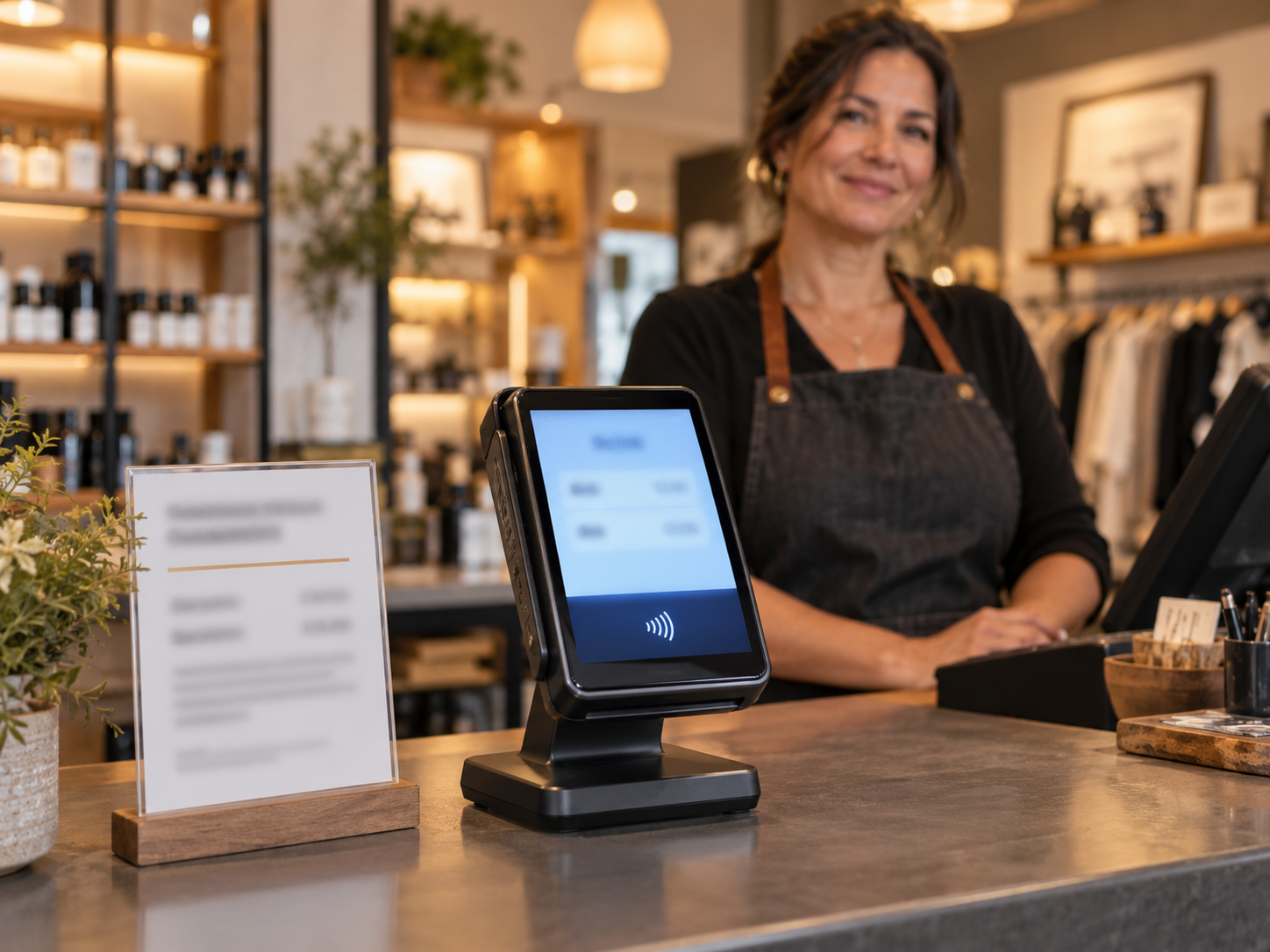
- When a customer presents a credit card at checkout, the terminal adds the surcharge amount and shows the total before the customer approves
- The receipt shows the item price, the surcharge as a separate line item, and the total charged
- Customers paying with cash, debit, or ACH pay the original price with no surcharge
Transparency is the core compliance requirement – and it is also the best customer experience approach. Customers who see the surcharge before approving are not surprised on their statement. Customers who understand they can avoid it by using cash or debit have a genuine choice.
Surcharging vs Dual Pricing: Which Is Right for Your Store?
Coastal Pay supports both surcharging and dual pricing. The right program depends on your state, your product mix, and how you want to present pricing to customers.
Surcharging
- How it works: One price is posted. A credit card surcharge is added at checkout when the customer selects credit card.
- Legal in: 47 U.S. states and Washington D.C. Restricted in Connecticut, Massachusetts, and Oklahoma.
- Applies to: Credit cards only. Cannot surcharge debit cards under Visa and Mastercard rules. Terminal must detect credit vs debit in real time.
- Card brand maximum: 3% surcharge cap on Visa and Mastercard transactions.
- Registration required: Yes – Coastal Pay manages card network registration for merchants as part of setup.
- Best for: Stores in surcharging-eligible states where product pricing is already established and adding a disclosed credit card fee at checkout is operationally simple.
Dual Pricing
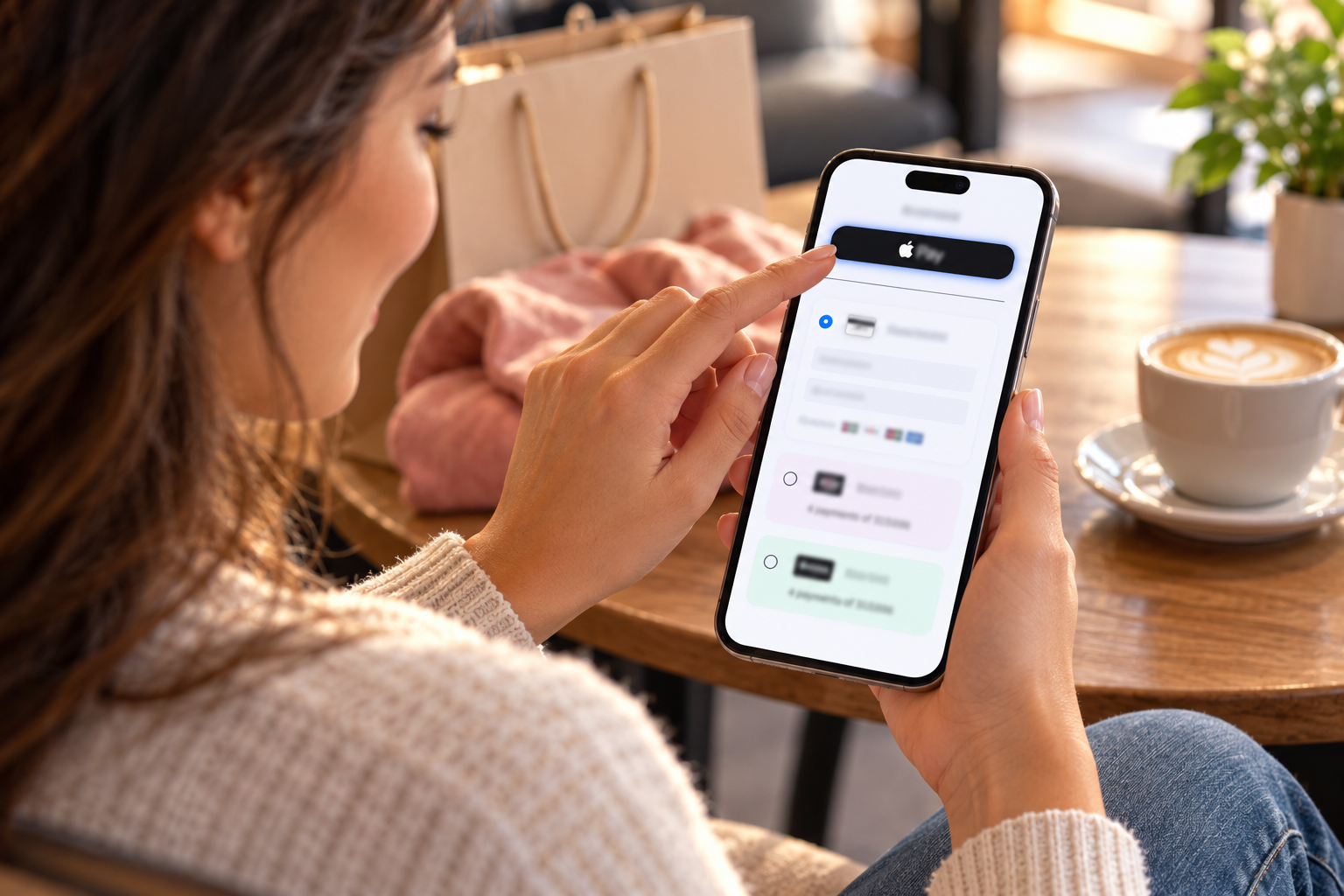
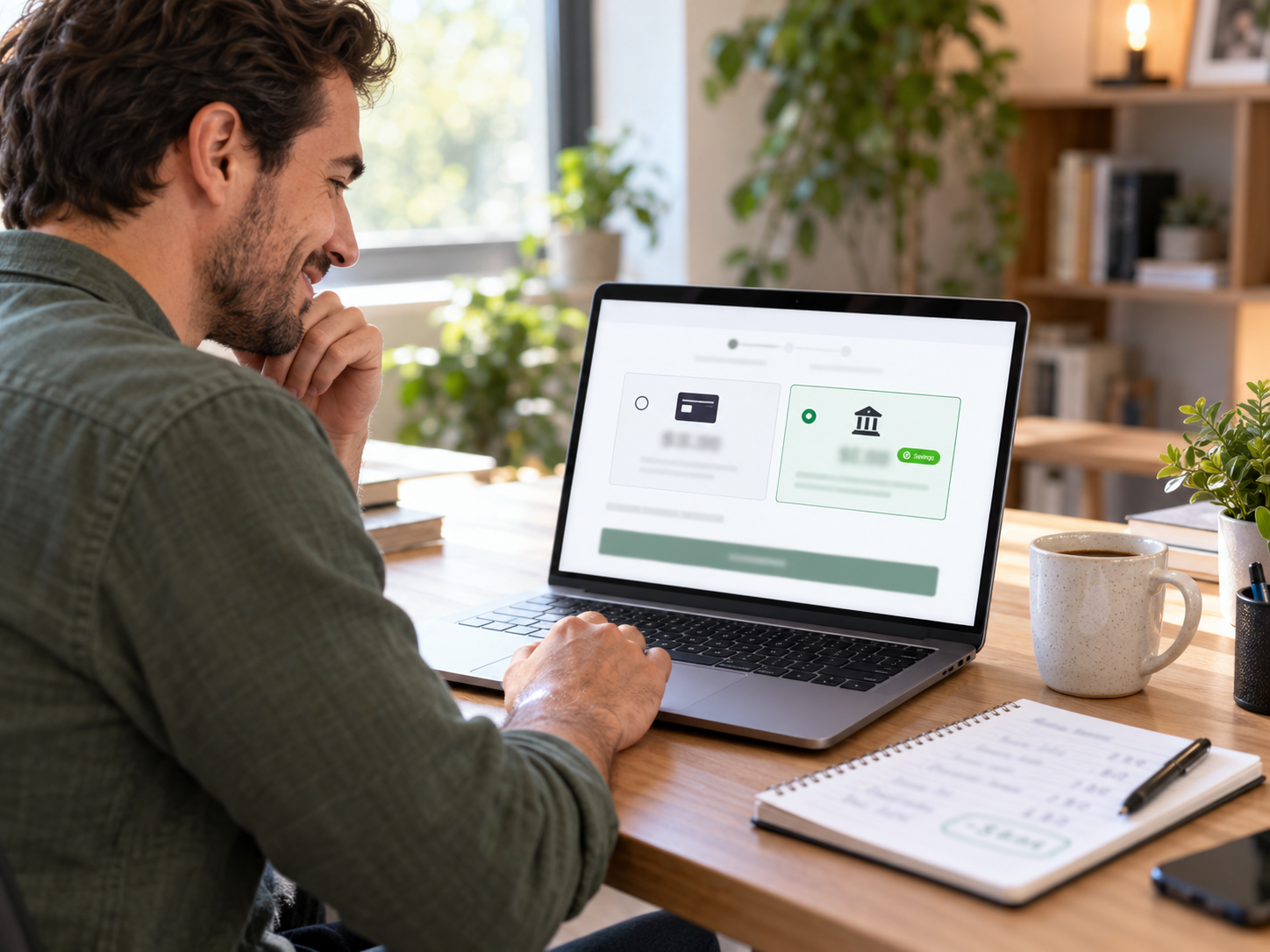
- How it works: Two prices are displayed before payment selection: a card price and a lower cash/ACH price. Customer selects their method knowing both totals upfront.
- Legal in: All 50 U.S. states with required signage.
- Applies to: All payment methods. No debit card restriction since the program is framed as a cash discount rather than a card surcharge.
- Card brand maximum: Card price may not exceed 4% above the cash price.
- Registration required: No separate card network registration for dual pricing.
- Best for: Stores in all states who want the broadest legal coverage, stores where debit card payers represent a large share of volume, and stores that prefer the customer-facing framing of “cash discount” over “card surcharge.”
Coastal Pay’s Recommendation
If you operate in Connecticut, Massachusetts, or Oklahoma, or if you want to avoid the debit card complexity of surcharging, dual pricing is the better program. If you are in an eligible state with an established pricing structure and want a simple fee-add at checkout for credit cards only, surcharging is operationally straightforward. Contact 888-266-1715 and the Coastal Pay team will recommend the right program for your state, business type, and POS setup.
Both programs can bring your effective card processing cost to near 0%. The right choice is the one that fits your legal context and customer base – Coastal Pay helps you determine that in a 15-minute call.
Does Coastal Pay’s Surcharging Work With Your Existing POS?
The most common barrier to implementing surcharging is the assumption that a new POS or new hardware is required. For most merchants with processor-agnostic POS systems, this is not the case.
How Surcharging Connects to Your POS
Coastal Pay’s surcharging and dual pricing programs are configured at the gateway level, not within the POS software itself. The POS rings up the sale at the base price. The Coastal Pay gateway and connected terminal handle the credit/debit detection, surcharge calculation, customer-facing display, and receipt formatting. This means:
- Your POS software does not need to be updated to support surcharging
- Your inventory, reporting, and floor management features are unchanged
- The surcharge appears transparently at the terminal before customer approval
- The POS receives the confirmed charge amount (including surcharge where applicable) after terminal authorization
POS Platforms Compatible With Coastal Pay Surcharging
The following categories of POS systems are commonly compatible with Coastal Pay’s surcharging and dual pricing programs:
- Processor-agnostic retail POS: Lightspeed Retail, Revel Systems, NCR Counterpoint, and most other cloud-based or on-premise retail POS platforms that accept third-party payment gateway credentials
- Standalone NFC terminals: PAX A920 series, Verifone V400 series, Ingenico Move series – any processor-agnostic NFC terminal can be programmed with Coastal Pay’s surcharging configuration
- Semi-integrated setups: Any POS system can run alongside a standalone Coastal Pay-programmed terminal for the payment step without a full software integration
POS Platforms That May Require an Alternative Approach
- Square POS: Square’s proprietary hardware and processing do not support third-party surcharging configurations. A standalone Coastal Pay terminal beside the Square POS for the payment step is the alternative path.
- Shopify POS: Shopify’s payment hardware is designed for Shopify Payments. A Coastal Pay payment link or standalone terminal is the alternative for Shopify merchants wanting surcharging.
- Some Clover configurations: Clover hardware tied to Fiserv-adjacent processing may require a reseller confirmation for surcharging compatibility with Coastal Pay. Contact 888-266-1715 for Clover-specific guidance.
The Fastest Way to Confirm
Call 888-266-1715 with your POS platform name and version. The Coastal Pay team confirms compatibility in the same call and advises on the integration path – direct gateway, reprogrammed terminal, or semi-integrated setup. This 10-minute call eliminates setup surprises and lets you plan the installation accurately.
What Compliance Does Coastal Pay Handle for You?
Surcharging compliance is a genuine operational requirement – not a formality. Card brand rule violations can result in fines, program termination, or merchant account restrictions. Coastal Pay manages the compliance infrastructure so merchants can implement surcharging correctly without building their own compliance expertise.
What Coastal Pay Manages on Your Behalf
- Visa and Mastercard registration: Merchants are required to register their intent to surcharge with Visa and Mastercard before implementing. Coastal Pay submits this registration for merchants as part of the surcharging setup process.
- Surcharge cap compliance: Coastal Pay configures the surcharge at or below the card brand maximum (currently 3% for Visa and Mastercard) and monitors for rule changes that affect the maximum.
- Credit vs debit detection: Coastal Pay’s certified terminal and gateway configuration handles the real-time credit/debit card type detection required to apply the surcharge only to credit card transactions.
- Receipt language: The receipt wording is configured by Coastal Pay to display the surcharge as a separate labeled line item per card brand disclosure requirements.
- Signage templates: Coastal Pay provides compliant physical signage templates for your store entrance and POS counter as part of setup. Merchants post the signage before going live.
- Ongoing rule monitoring: When card brand rules for surcharging change (as they periodically do), Coastal Pay updates merchant configurations proactively.
What the Merchant Is Responsible For
- Posting the provided signage at store entrance and POS counter before accepting the first surcharged transaction
- Not applying surcharging if the store is located in Connecticut, Massachusetts, or Oklahoma
- Notifying Coastal Pay if opening a location in a restricted state so the program can be configured correctly for that location
- Updating signage if Coastal Pay provides updated templates following rule changes
For Dual Pricing (Which Coastal Pay Also Supports)
Dual pricing has similar signage and display requirements without the state restrictions or card network registration step. All 50 states are eligible, no registration required, and the same Coastal Pay compliance infrastructure (signage templates, receipt language, terminal configuration) applies.
Here’s the Coastal Pay Instant Surcharging Approval Process
Step 1: Apply at coastalpay.com (Approximately 2 Minutes)
Navigate to coastalpay.com and click Get Started or Apply Now. Complete the instant boarding form with your legal business name, EIN or SSN, owner information, and business bank account details. Include your estimated monthly card volume and average transaction size. Most standard-risk U.S. retail merchants receive approval immediately after submission.
Step 2: Confirm Your Surcharging or Dual Pricing Program
After approval, contact Coastal Pay at 888-266-1715 or submit a Helpdesk ticket indicating you want surcharging or dual pricing configured. Specify your state, your POS platform, and your preferred program type. The team confirms the appropriate program and begins configuration.
Step 3: Coastal Pay Configures the Gateway
Coastal Pay configures the surcharging or dual pricing program in your gateway: surcharge percentage or dual price differential, credit/debit detection rules, customer-facing terminal display settings, and receipt language. If applicable, Coastal Pay submits the card network registration for surcharging on your behalf.
Step 4: Connect Your POS or Terminal
If your POS is in the Coastal Pay integration directory, gateway credentials are entered in your POS payment settings. If you have standalone terminals, they are programmed (or reprogrammed) with the Coastal Pay surcharging configuration. If you need new hardware, Coastal Pay advises on compatible NFC terminal models.
Step 5: Post Signage and Run a Test Transaction
Post the Coastal Pay-provided compliant signage at your store entrance and POS counter. Run a test transaction with a credit card to confirm the surcharge displays correctly at the terminal before customer approval, appears as a separate line item on the receipt, and the total amount charged matches the expected calculation. Run a second test with a debit card to confirm no surcharge is applied.
Step 6: Go Live
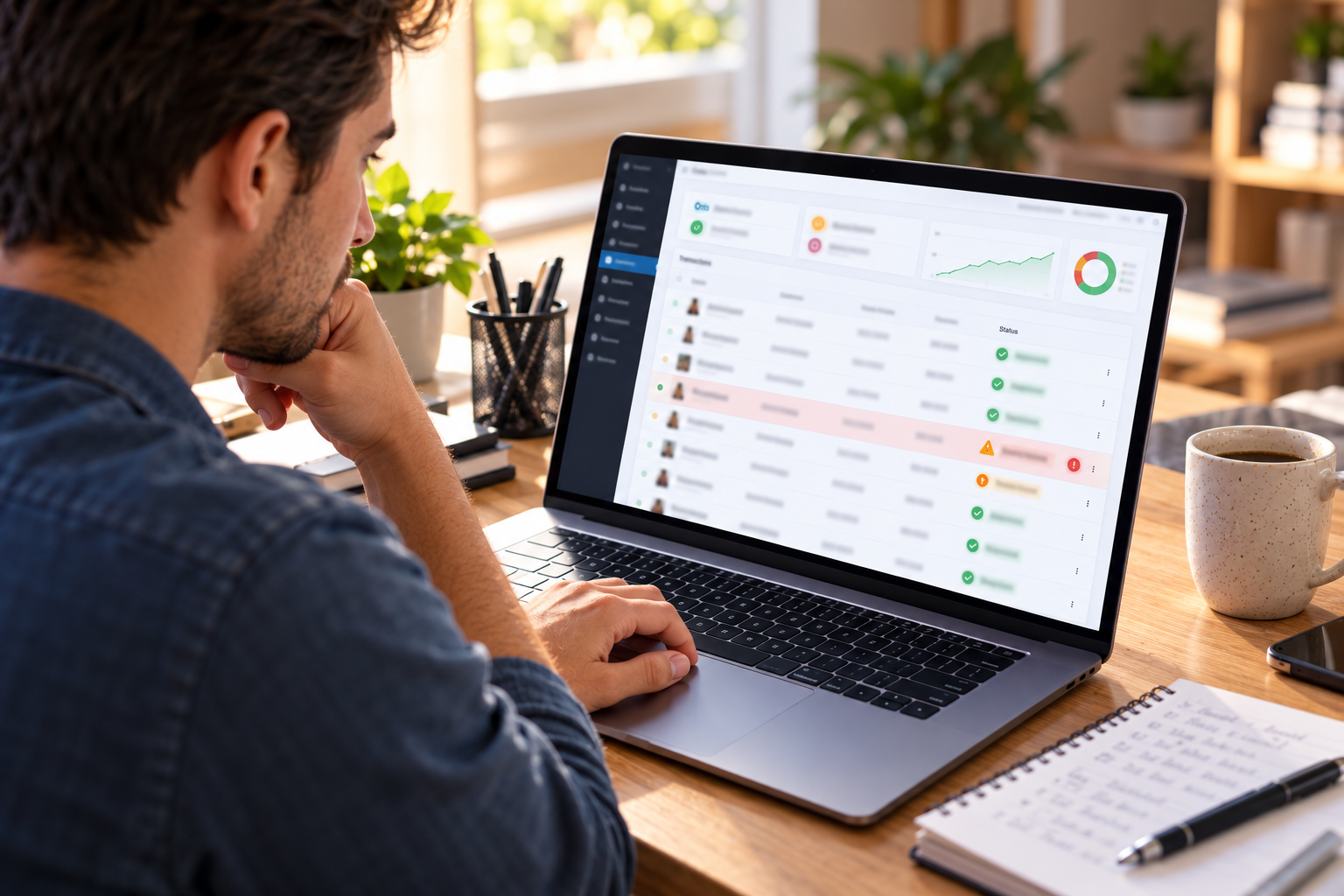
Begin accepting surcharged credit card transactions. Monitor the Coastal Pay Gateway dashboard to track your card vs cash payment mix, effective processing rate, and monthly processing cost compared to your pre-surcharging baseline. Most merchants see their effective processing rate approach near 0% within the first billing cycle.
Timeline Summary
- Merchant account approval: approximately 2 minutes
- Surcharging program configuration call: 15 to 30 minutes
- Gateway and terminal setup: same day for compatible existing setups
- New terminal delivery and programming: 2 to 5 business days if new hardware is needed
- Live with surcharging: same business day for compatible existing POS, up to 5 business days for new hardware setups
Apply Now – Start Your Surcharging Program Today
What Does Coastal Pay’s Retail Surcharging Include?
| Feature |
Included With Coastal Pay Surcharging |
| Base processing rate (before surcharge offset) |
Flat 2.5% + $0.15 per transaction |
| Monthly gateway fee |
$0 – no gateway overhead |
| Surcharging program type |
Credit card surcharging or dual pricing (merchant selects) |
| Gateway-level surcharge configuration |
Included – Coastal Pay configures at setup |
| Visa and Mastercard registration |
Managed by Coastal Pay on merchant’s behalf |
| Credit vs debit card detection |
Configured at terminal and gateway level |
| Customer-facing terminal display |
Surcharge shown before customer approval |
| Compliant receipt language |
Pre-configured – surcharge as separate line item |
| Signage templates |
Entrance and POS counter compliant signage provided |
| Card network rule monitoring |
Ongoing – Coastal Pay updates configurations proactively |
| POS integrations |
2,000+ compatible POS and software systems |
| Multi-location deployment |
Single gateway configuration applies to all connected locations |
| Switch to dual pricing |
Configurable – contact 888-266-1715 to switch programs |
| Acquiring bank relationships |
13 banks for authorization routing stability |
| Phone support |
888-266-1715 – direct line for setup and ongoing questions |
Which Retail Businesses Benefit Most From Surcharging?
High Card Volume, Low Cash Mix
Retail businesses where the vast majority of customers pay by card benefit most from surcharging because almost every transaction generates processing fee savings. A specialty retailer processing 95% card volume sees near-total elimination of processing cost with surcharging.
Low Average Ticket, High Transaction Count
Coffee shops, bakeries, convenience stores, and other low-ticket, high-frequency retailers pay a disproportionate amount in per-transaction flat fees. At a $7 average ticket, the flat fee component of processing cost is significant as a percentage of revenue. Surcharging recovers both the percentage component and the flat fee component.
High Average Ticket, High Card Volume
Furniture stores, electronics retailers, appliance stores, and jewelry boutiques processing $500 to $5,000+ average transactions pay meaningful dollar amounts per transaction. A $2,000 furniture purchase at 2.5% costs $50.15. With surcharging, that $50.15 is recovered from the card-paying customer. At 50 such transactions per month: $2,507.50/month recovered, $30,090/year.
Retail Chains Across Multiple Locations
The compounding effect of surcharging is most dramatic for chains. A 10-location retail chain processing $500,000/month total at 2.5% + $0.15 pays approximately $14,000/month in processing fees. With surcharging implemented at all 10 locations via Coastal Pay’s single gateway configuration: effective processing cost approaches near $0/month. Annual savings: up to $168,000.
Service-Retail Hybrids
Auto parts stores, hardware stores, pet supplies, and other service-adjacent retailers where cash payments remain culturally common – and where presenting a dual price (card price vs cash price) resonates naturally with the customer base. These businesses often see cash payment adoption increase meaningfully after dual pricing signage is posted, further reducing card volume and processing cost.
Frequently Asked Questions
- Can I get instant approval for a retail POS with surcharging?
- Yes. Coastal Pay’s instant boarding approves most standard-risk U.S. retail merchants in approximately 2 minutes. The surcharging or dual pricing program is configured after account approval – not as a separate approval process. Most compatible retail setups can be fully live with surcharging within the same business day.
- What is the difference between surcharging and dual pricing for retail stores?
- Surcharging adds a fee when a customer selects a credit card at checkout. Legal in 47 states; restricted in Connecticut, Massachusetts, and Oklahoma. Applies to credit cards only – not debit. Dual pricing displays two prices before payment selection: a card price and a lower cash/ACH price. Legal in all 50 states. No debit card restriction. Both can bring the merchant’s effective processing cost to near 0%. Coastal Pay supports both programs and recommends the right one for your state and business.
- Does Coastal Pay’s surcharging work with my existing POS?
- In many cases yes. Coastal Pay’s surcharging program is configured at the gateway level and deploys to any compatible processor-agnostic POS in Coastal Pay’s 2,000+ integration directory without POS software replacement. Contact 888-266-1715 with your POS platform name and version to confirm compatibility before applying.
- Do I need to register with Visa and Mastercard to surcharge?
- Yes, but Coastal Pay handles this for you. Visa and Mastercard require merchants to register their intent to surcharge before implementing. Coastal Pay submits this registration on behalf of merchants as part of the surcharging setup process, along with ensuring surcharge configurations comply with current card brand rules including the 3% maximum cap and required disclosure language.