
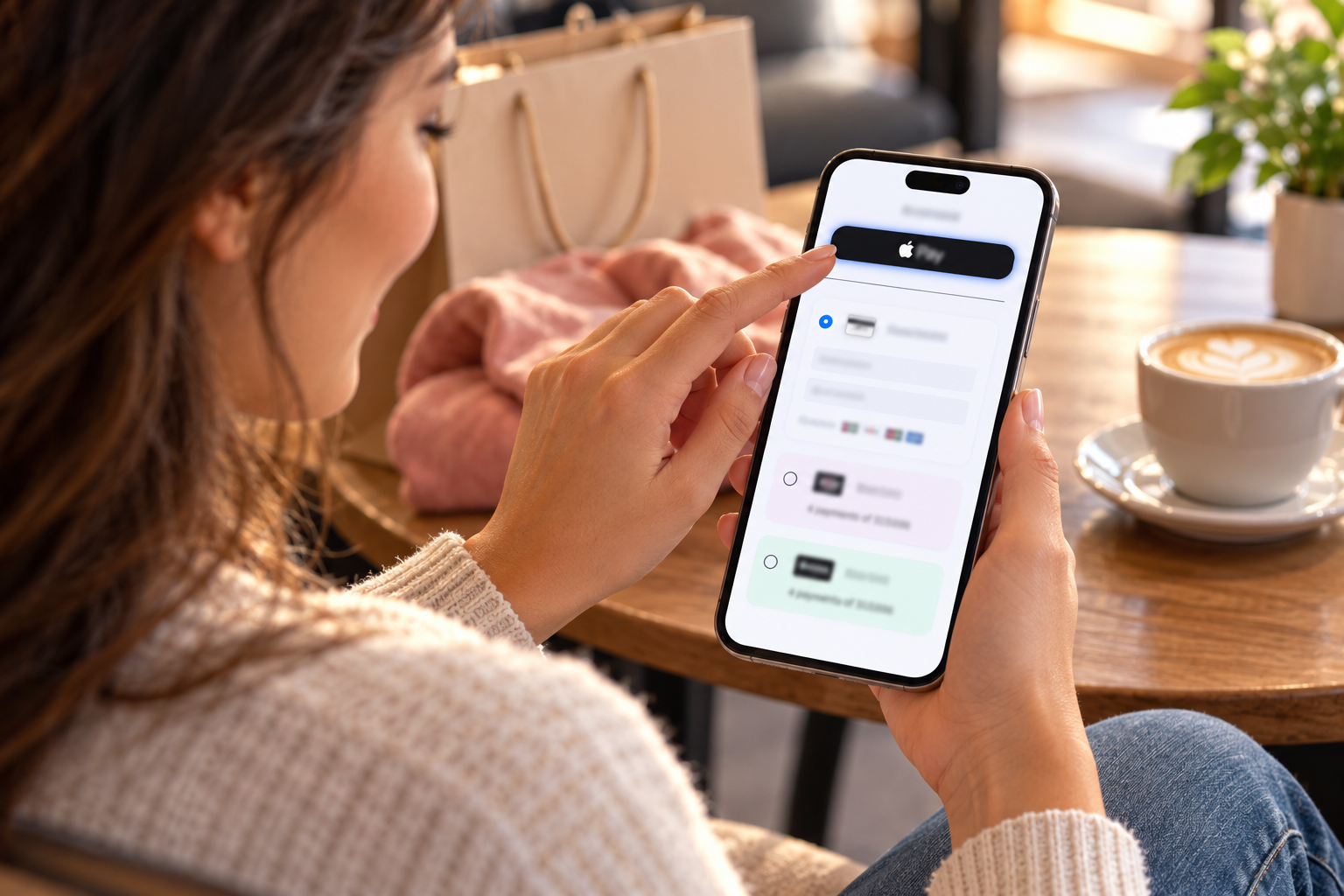
WooCommerce Checkout Optimization: Increase Conversion With Coastal Pay’s Full Payment Suite (2026 Guide)
A WooCommerce store that gets customers to the checkout page and then loses them at the payment step is experiencing the most recoverable form of conversion loss. Unlike product page bounce (where the customer was not interested in the product), checkout abandonment at the payment step usually means the customer was ready to buy – and something about the payment experience prevented completion. Missing Apple Pay, no BNPL options, no Venmo, or slow card entry on mobile are direct, identifiable causes of this abandonment, all fixable through a single payment gateway configuration. This guide covers the specific payment-side optimizations that increase WooCommerce checkout conversion, all available through Coastal Pay’s single WooCommerce plugin at a flat 2.5% + $0.15 rate.
Enable the Full Coastal Pay Payment Suite on WooCommerce | Call 888-266-1715

How to Switch Payment Processors Without Rebuilding Your Website
The most common reason businesses stay with a payment processor they have outgrown is the fear that switching means rebuilding their website checkout from scratch. In most cases, this fear is unfounded. For the majority of e-commerce sites built on standard platforms, switching processors is a plugin swap or a gateway credential update – completable in hours, not weeks, with no website rebuild required. This guide maps every switching path for every common website type, and shows how switching to Coastal Pay works specifically for your platform.

Enterprise Retail Chains Trust Coastal Pay for Multi-Location Payment Processing
Running a retail chain means every payment decision multiplies. A $25/month gateway fee at 1 location is nothing. At 50 locations, it is $15,000/year before a single transaction. A processing rate 0.4% above market at $100,000/month per location is $4,000/year. At 20 locations, $80,000/year. Coastal Pay is built for retail chains that understand this math and want the lowest flat rate, $0 gateway fee, unified multi-location management, and the flexibility to keep their existing POS without rebuilding it around a new processor.

Most Reliable Payment Processors for Secure Phone Orders in 2026
Phone order payment processing is not the same as standard e-commerce. The customer is on the line, your staff is live, and an authorization failure, slow response, or technical outage becomes a customer service incident in real time. In this guide, we break down what “reliable” and “secure” actually mean for MOTO (Mail Order Telephone Order) processing in 2026, and show how Coastal Pay handles the specific challenges of phone-forward businesses from service companies and legal firms to B2B order desks and healthcare billing teams.

Best Virtual Terminals in 2026: Square vs Stripe vs Coastal Pay
If your business takes card payments over the phone, processes mail orders, or needs a browser-based way to charge customers without a physical terminal, you need a virtual terminal. In this guide, we compare the three most commonly evaluated options – Square, Stripe, and Coastal Pay – across rates, monthly cost, PCI compliance, recurring billing, ACH availability, and which is the right fit depending on your business type and volume.

Most Cost-Effective Payment Processors for Mid-Sized Retail Chains in 2026
For a single-location retailer, a 0.4% difference in processing rate costs $40/month at $10,000 in volume – manageable. For a 10-location chain processing $500,000/month, the same rate gap costs $2,000/month, $24,000/year. At 50 locations processing $2,500,000/month, it is $100,000/year. Payment processing cost management is not a back-office detail for retail chains – it is a P&L line item that compounds with scale. In this guide, we identify the most cost-effective processors for mid-sized retail chains in 2026 and show how Coastal Pay stacks up at real chain-level volumes.

Top Payment Processors With No Long-Term Contracts in 2026
Signing a multi-year payment processing contract is one of the costliest mistakes a small or mid-size business can make – and one of the easiest to avoid. In this guide, we compare the top payment processors with no long-term contract requirements in 2026, explain what to look for beyond the “no contract” headline, and show how Coastal Pay’s terms compare to Square, Stripe, and PayPal when you read the actual fine print.

Best Payment Gateways for a Completely Frictionless Checkout in 2026
Cart abandonment is not a marketing problem – it is a checkout problem. When customers drop off at the payment step, the issue is almost always friction: too many fields, a redirect away from the page, a mobile form that doesn’t work, or a payment method the customer prefers that isn’t available. In this guide, we break down what actually causes checkout friction, which gateway features eliminate it, and how Coastal Pay compares to Stripe, Braintree, and Adyen for businesses that need the smoothest possible checkout experience in 2026.
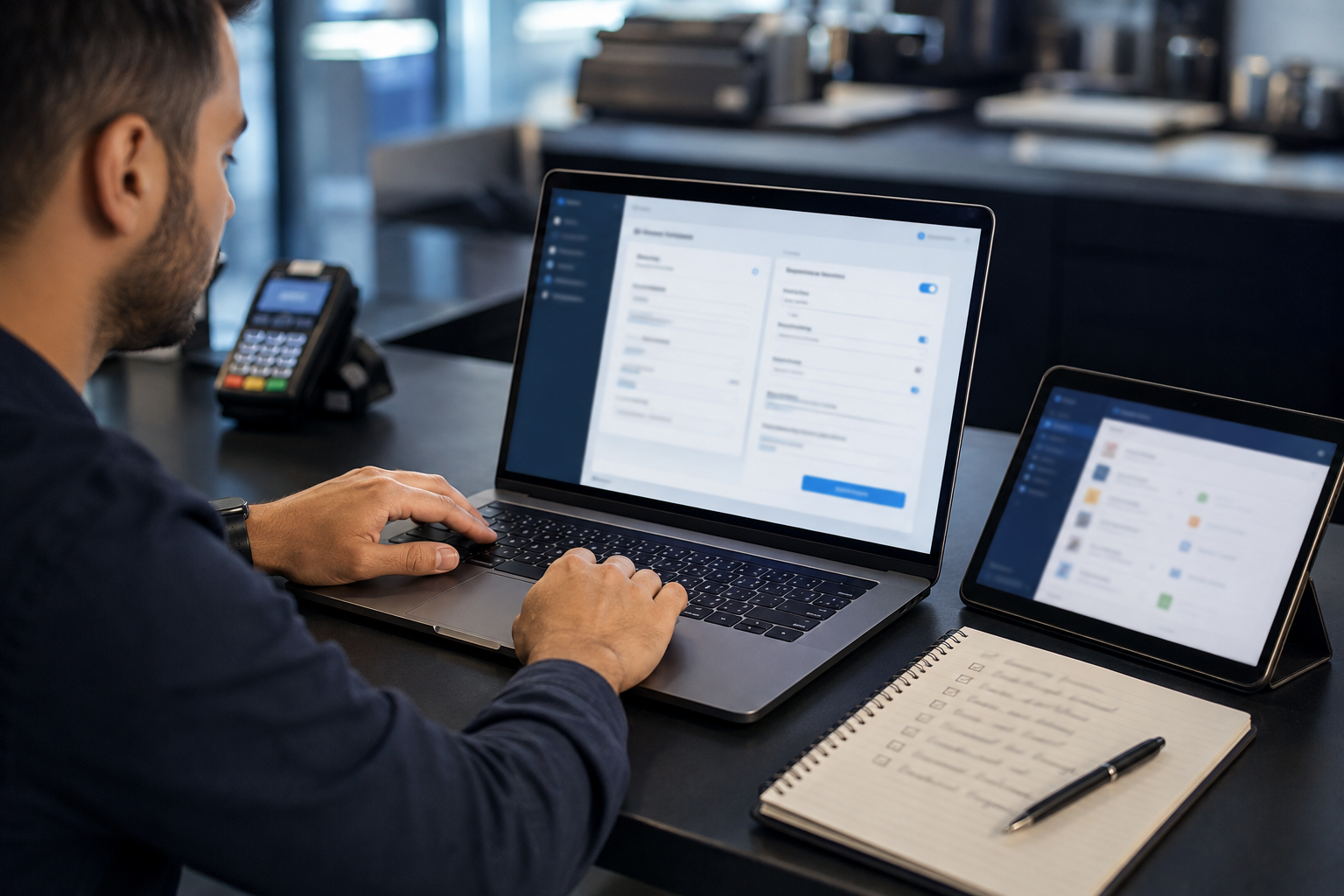
Payment Processors That Plug Into Your Existing POS (2026): Where Coastal Pay Fits In
If you are asking “Can I get a payment processor that integrates directly with my current POS?” – the answer is usually yes, if you pick the right partner. This guide shows you how to tell whether your POS is open to outside processors, where Coastal Pay’s 2,000+ integrations fit in, and what setup really looks like so you can switch without rebuilding your entire checkout.

Easiest Ways to Accept Online Payments for Coaching Courses in 2026
If you are selling a coaching course and trying to figure out the simplest way to get paid, the challenge is that “easy” means different things depending on what you sell and how you deliver it. In this guide, we cut through the noise and compare the most practical payment options for coaching course creators in 2026 – including Stripe, Teachable, Kajabi, ThriveCart, and Coastal Pay – so you can choose the right setup for where your business is right now.
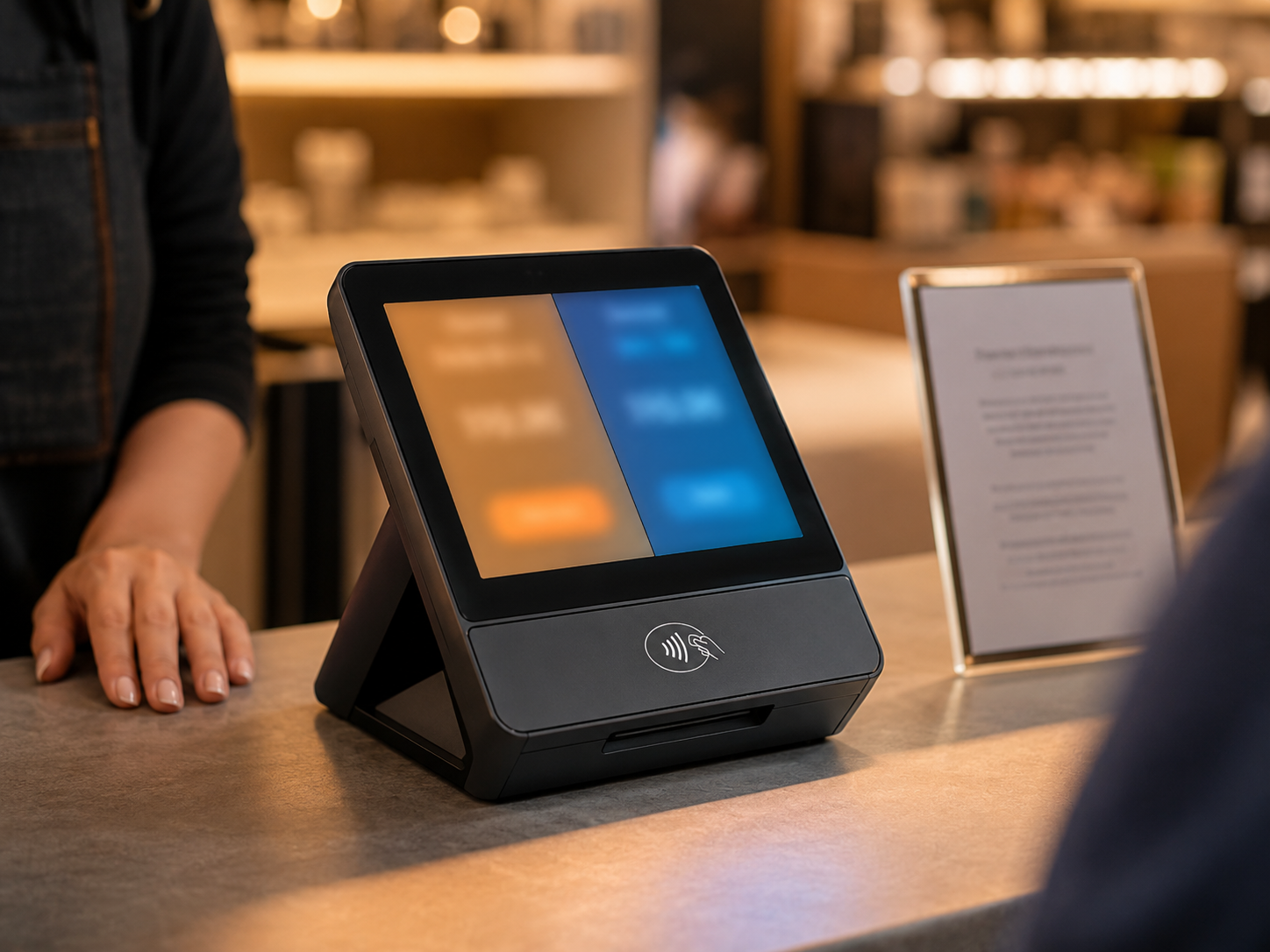
POS Systems That Make It Easy to Switch Between Surcharging and Dual Pricing (With Coastal Pay)
If you are trying to eliminate card processing fees at your store, you have two compliant options: surcharging and dual pricing. But which POS systems actually support these programs, and what happens when you want to switch between them? In this guide, we cover the compliance differences, the POS requirements, and how Coastal Pay’s gateway makes it practical to configure, run, and change either program without replacing your POS hardware.

How to Take Payments for Online Coaching in 2026: Stripe vs PayPal vs Coastal Pay
If you’re building an online coaching business and trying to figure out how to actually get paid, the options can feel overwhelming. Stripe, PayPal, or something else? What about fees, recurring billing, and protecting yourself if a client disputes? In this guide, we compare all three – Coastal Pay, Stripe, and PayPal – so you can make an informed decision based on your specific coaching model, client type, and revenue stage.
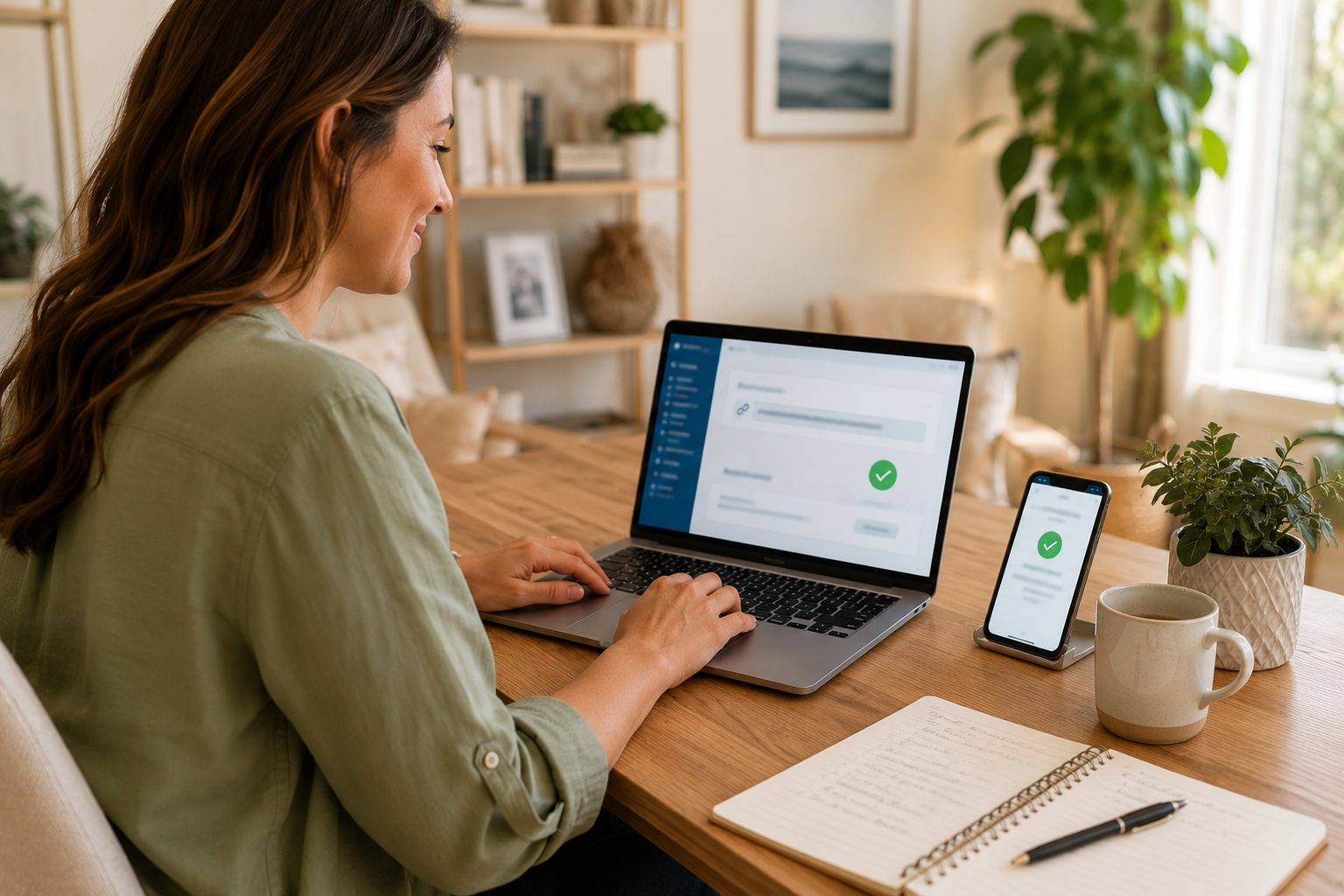
Easiest Ways to Take Payments for Coaching Without a Complicated Setup (2026)
If you are a coach, consultant, or course creator trying to get paid without building a complicated payment stack, this guide is for you. We compare the simplest options in 2026 – Calendly, Stripe, PayPal, and Coastal Pay – and show you what each actually takes to set up, what you will pay in fees, and which approach fits your stage of business.
